
AI for Room Measurement from Photos for Painting Contractors: Tools, Accuracy and Costs
If you don’t want to read the whole guide or have difficulty reading, you can listen to this guide instead.
Used well, ai for room measurement from photos for painting contractors replaces the slowest part of a site visit. Instead of a tape, a notebook and a calculator, you walk the room with a phone and leave with the numbers your quote needs.
This guide explains the two ways these tools measure a room, how the AI turns photos into square feet, and which tools contractors are actually using. It also covers the part the sales pages skip: how far you should trust the numbers before a quote goes out.
At AI Holic, we explain AI tools in plain words. Tool details and prices below come from the vendors’ own pages, and accuracy claims are labeled as claims, not promises.
The Two Ways These Tools Measure a Room
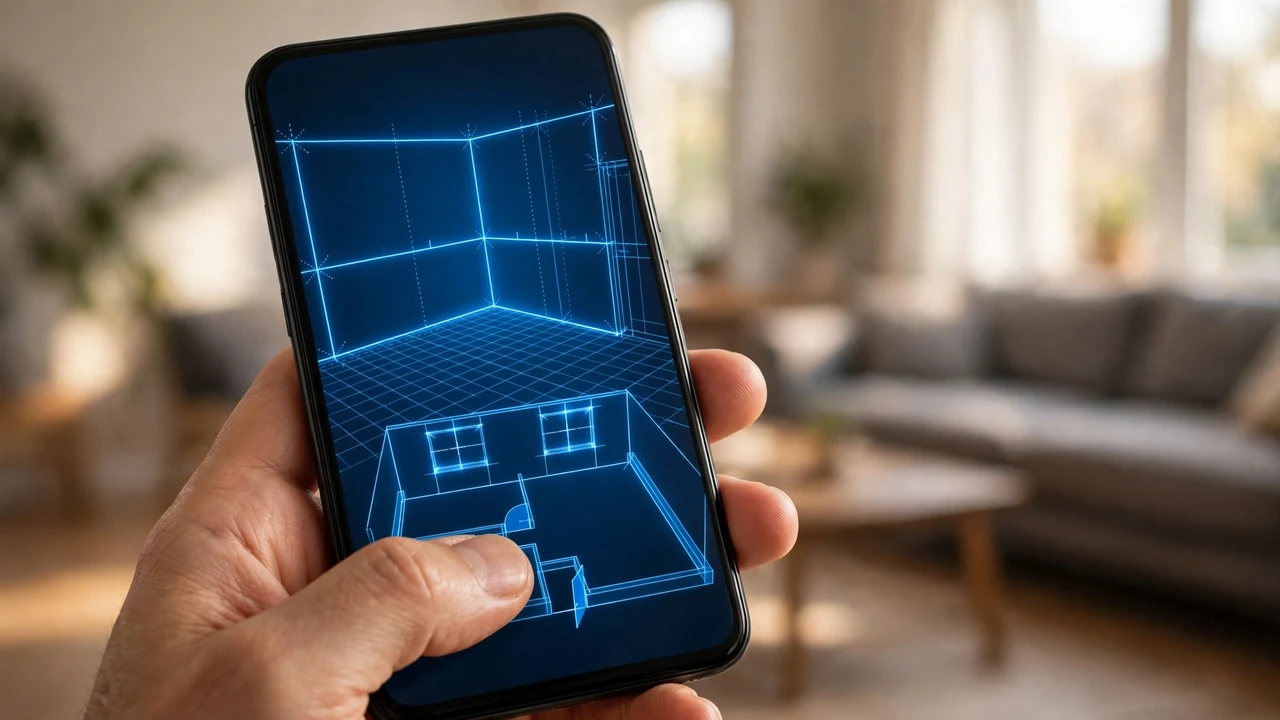
The first route is the room scan. You walk the space with your phone, and the app builds a floor plan with wall lengths and surface areas as you move.
The second route starts with a floor plan you already have. You upload the plan as a PDF or an image, and the AI detects the rooms, doors and windows, then measures them.
One warning before you shop. Some tools in search results work from construction blueprints for new-build commercial jobs. That is a different trade problem, and those tools will not help you measure a lived-in bedroom from photos.
How the AI Turns Photos Into Square Feet
The software starts by finding the room’s planes. It separates walls from the floor and the ceiling, then measures each wall’s length and height.
Next it finds the openings. Doors, windows and cased openings are marked and subtracted, because you do not paint them. Trim is measured separately, in linear feet.
Scale comes from the capture method. A LiDAR scan measures real distances directly. A photo-based tool infers scale from perspective and from objects with known sizes, such as a standard door.
The output that matters is net paintable area. Gross wall area flatters your paint order. Net area, with the openings removed, is the number a quote should be built on.
LiDAR Scans vs Plain Photos
LiDAR measures distance by timing laser pulses. On iPhone Pro and iPad Pro models, the sensor builds the room’s geometry as you scan, and it does not care whether the room is bright or dim.
Plain photo tools use photogrammetry instead. They stitch overlapping photos or video frames into a model, which works on almost any phone. The weak spots are blank white walls, low light and repeating patterns, where the software has little visual texture to hold on to.
The practical takeaway is simple. If your crew already carries Pro iPhones, the scan route gives you the cleanest numbers. If not, the plan-upload route works today with the phone in your pocket.
The Tools Contractors Are Using
Here is the current field for ai for room measurement from photos for painting contractors, with prices only where the vendor prints one.
| Tool | How it measures | What you get | Price |
|---|---|---|---|
| JobTrac | Room scan (iPhone) | Paintable square feet, trim linear feet, ceiling size, damage flags, line-item estimate | $50/month |
| Metaroom | LiDAR scan (iPhone 12 Pro or newer) | 2D floor plans with wall lengths and surface areas, exports to PDF and CAD formats | Not listed |
| Measurely Pro | Floor plan upload (PDF, JPEG, PNG, HEIC) | Room, door and window detection, estimate built from the plan | Not listed |
| Visit OS | LiDAR scan (iPhone) | Square footage, ceiling height and perimeter, field notes and photos | $19.97 per user/month |
| FIELDVUE | Job photos | Detects service items, measures walls, ceilings, trim and openings, works out material needs | Not listed |
| QuoteIQ | Photos plus a job description | AI estimate drafts priced from your photos | Plans from $29.99/month |
JobTrac is the most painting-specific of the group. It goes from the scan to a line-item estimate with labor, materials, prep and repair in one flow.
Metaroom is a general measuring tool that painters also use. It stops at the plan and the numbers, so your estimating still happens in your usual system.
Measurely Pro suits a different workflow. If builders or clients already send you plans, uploading them is faster than driving out to scan.
From Square Feet to a Real Quote
The basic math is the same one you already know. Perimeter times ceiling height gives gross wall area. Then the openings come off.
A standard interior door works out to about 21 square feet, and a standard window to about 15. Good measuring tools deduct the real openings they see instead of these averages, which is where their accuracy edge comes from.
Vaulted ceilings are where flat floor plans quietly cost you money. Take a 12 by 16 foot room with a centered ridge that rises 4 feet. The true ceiling area is about 231 square feet, not the 192 the floor footprint suggests, and a 3D scan sees that slope while a flat plan cannot.
Paint math comes last. Cans typically promise 350 to 400 square feet per gallon on smooth, primed walls, and rough texture lowers that coverage. Most painters then add a waste allowance of about 15 percent for roller retention, spills and touch-ups.
How Much Should You Trust the Numbers?
Start by treating every accuracy figure as a vendor claim. Metaroom, for example, claims 99 percent accuracy, typically within 1 to 2 centimeters of a manual measurement. That is a claim to test on your own jobs, not a guarantee.
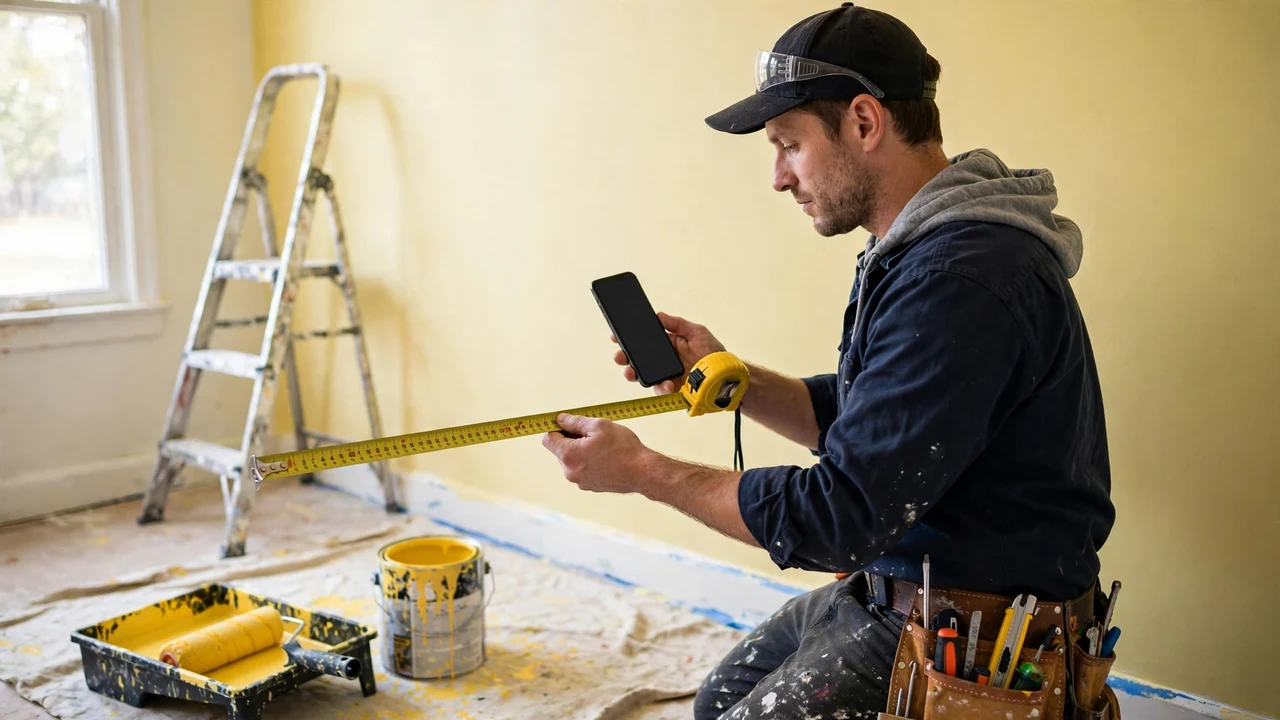
The test is cheap. On your first few jobs, tape one long wall and the ceiling height by hand and compare them with the app’s numbers. Two or three rooms will teach you how your tool behaves in real houses.
Plan uploads have their own limits. Measurely Pro’s own FAQ says clean architect drawings work best, a photo of a plan needs to be clear and well lit, and hand-drawn sketches are hit or miss.
Every tool in the table lets you adjust the numbers before the estimate goes out. Keep that habit. The AI should do the measuring, and you should stay the estimator.
Getting a Clean Scan: Field Habits That Matter
The tool only measures what the camera gives it. Walk slowly, keep each wall in frame as you turn, and let the app finish a wall before you move to the next one.
Open the doors you want deducted. A closed door can read as wall, and an opening the software never sees stays in your paintable area.
Photograph condition while you are there. Cracks, stains and peeling paint change the prep work, not the square feet, and the estimate still needs them. This is where ai for room measurement from photos for painting contractors stops and your judgment takes over.
A Simple Way to Start
Pick the route that matches the phone already in your pocket. Run the app alongside your tape for two weeks of real quotes, and compare the outcomes job by job.
When the numbers keep matching, let the app lead and keep the tape for spot checks. This guide sits in our AI for Design & Gaming coverage, and our AI for Business guides cover the office side of running the company.
Frequently Asked Questions
Can AI measure a room from a single photo?
Only roughly. A single photo lets the software guess scale from known objects, which is fine for a ballpark figure. The tools in this guide use a full scan or a floor plan when the numbers need to hold up in a quote.
Do I need an iPhone Pro to use these tools?
Only for the LiDAR scanning tools, which need the Pro sensor. Plan-upload tools and photo estimators run on regular phones, because the measuring happens from the plan or the photos on a server.
How accurate is ai for room measurement from photos for painting contractors?
Accuracy claims are set by each vendor, and they are not measured the same way. The honest answer is that a good scan is close enough for estimating, provided you verify it against a tape on your first jobs.
What does this software cost?
Of the tools that print prices, JobTrac lists $50 a month and Visit OS lists $19.97 per user a month. QuoteIQ plans start at $29.99 a month.
The scanning and plan tools that do not print a price quote it on request.
Does it replace the site visit?
No. It replaces the measuring part of the visit. Wall condition, prep work, repairs and access still need your eyes, even when a tool like FIELDVUE flags damage from photos.
Conclusion
The value of ai for room measurement from photos for painting contractors is not the scan itself. It is leaving the visit with numbers you can quote from, instead of homework. Start with one tool, test it against your tape, and let the results decide.

