AI Sizzle Reel Creator: What It Does, the Main Tools and the Honest Limits
If you don’t want to read the whole guide or have difficulty reading, you can listen to this guide instead.
An ai sizzle reel creator builds the shortest video in marketing: a fast, loud, one-to-two-minute pitch that makes a product, a film or an event feel exciting before anyone has seen the real thing.
The search results for these tools are a mix of video editors, prompt generators and one film-pitch service, and the pages rarely explain which is which. That mix-up is where most buyers waste their first hour.
At AI Holic we sort video tools by the job they actually do. This guide explains what a sizzle reel is, the three ways AI tools build one, and what the word free means on their pages.
What Is a Sizzle Reel?
A sizzle reel is a short highlight video built to sell. It strings together the strongest moments, images and lines about one thing, a product, a company, a film project or a person, and sets them to music.
Length guidance on the tool pages puts most reels between 60 and 120 seconds, with filmmaker showreels running up to about three minutes. FinalBit, a tool covered below, describes the pairing with a pitch deck neatly: the deck makes the argument, and the reel makes the feeling.
Two nearby terms cause confusion. A showreel is a portfolio that proves a creator’s past work. A social media reel is a vertical clip for Instagram or TikTok. A sizzle reel borrows shots from both worlds, but its job is different: it pitches something that needs a yes.
What an AI Sizzle Reel Creator Actually Does
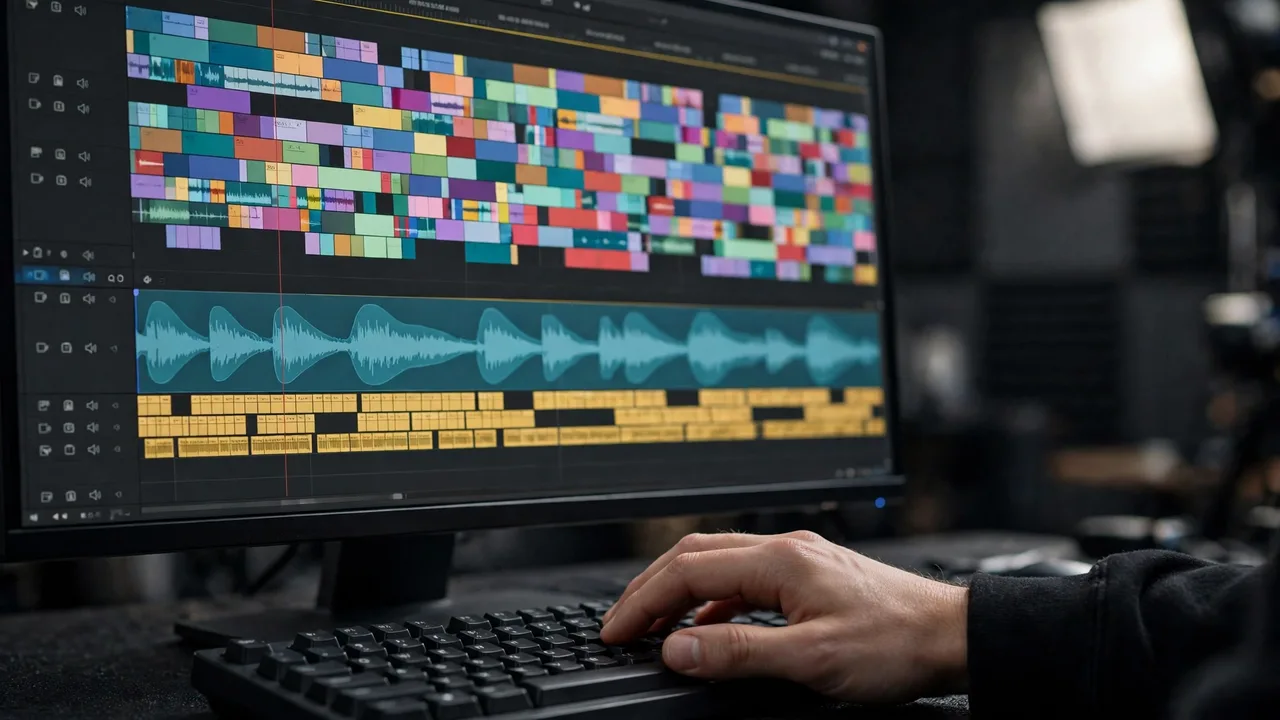
The AI does three jobs that used to take an editor an afternoon. It builds or assembles the shots, it cuts them into a fast sequence, and it adds the sound layer of music, captions and, in some tools, a generated voiceover.
How much of that it does for you depends on the route you pick. Some tools start from your own footage and photos. Others generate every shot from a written prompt, so there is no footage at all.
That split is the most important thing to understand before choosing a tool, because the two routes produce different reels and suit different jobs.
Three Ways These Tools Build Your Reel
The first route starts with your own media. FlexClip is the clearest example in the search results: you add videos or photos from your computer or its stock library, customize with text, music and voiceover, then export in the ratio you need. Templates carry the pacing, and its AI features generate music from a text prompt and voiceovers from a pasted script.
The second route generates the shots. Morphic builds a reel from a description in the browser, producing what it calls hype beats, dramatic reveals, crowd-energy shots and slow-motion payoffs that share one color grade, then lets you score it with music and cut it shot by shot. Canva’s AI reel maker and Vmaker work the same way at the social end: describe the idea, get a generated reel with script, visuals, captions and audio, then edit and post.
The third route is built for film pitches. FinalBit takes a screenplay and generates storyboards from it, turns the panels into video, and cuts them into a reel in its own editor, with characters and settings defined once so they stay consistent across shots. At the far end of this route sits SizzleMaker.io, which is not software at all: a director makes custom pitch reels to order, by contact.
The Shape of a Reel That Works
Whatever tool you use, strong reels share a shape. They open with the best two or three shots, not a logo or a title card, because the first seconds decide whether anyone keeps watching.
The middle builds pace: shorter cuts, rising music, and the widest range of material the project has. If the middle sags, the fix is almost always to cut shots, not to add them.
The end peaks and stops. The last seconds carry the strongest image, then a title card or a clear call to action. A reel that fades out quietly has spent its energy in the wrong place.
Free Starts and the Missing Price Tags
Every tool in the search results advertises a free way to start. Canva calls its reel maker free, although the Magic Design feature behind it is labeled Pro. FlexClip, FinalBit, Krikey and Vmaker all lead with free starts or free first videos.
What none of the landing pages do is print a dollar price. Paid tiers exist behind those free starts, and the limits that matter, such as exports, resolution and commercial use, sit on each tool’s own pricing page.
So test the workflow on the free start, by all means. Just read the pricing page before you build a client project inside a tool whose paid tier you have not seen.
This guide sits in our AI Image & Video coverage. If your footage work is stills rather than video, see our guide on how to use AI to grow a photography business.
Frequently Asked Questions
Is there an AI that can create reels?
Yes, several. Tools such as FlexClip, Morphic, Canva and Vmaker all create reels with AI, and FinalBit does it from a film script. They differ in what you feed them: your own clips, a text prompt, or a screenplay.
How to create a sizzle reel?
Pick the route that matches your material: your own clips into a template tool, a written prompt into a generator, or a script into a film-pitch tool. Then shape the result so it opens with your strongest shots, builds pace in the middle, and ends on a title card or call to action.
Can ChatGPT make a reel?
Not by itself. ChatGPT does not edit or render video. What it can do is write the script, the shot list and the caption text, which you then feed into a reel creator that handles the pictures and sound.
What is the best free reel creator?
There is no single best, because free means a free start on all of them. For your own footage, FlexClip’s free start is the natural test. For generated shots, try Morphic or Canva. For a film pitch, FinalBit starts free. Check each pricing page before relying on one.
Conclusion
An ai sizzle reel creator is worth using when you know which of the three routes your project needs. Give it strong material or a clear prompt, shape the reel so it peaks at the end, and check the pricing page before the free start runs out.