AI Learning App Kids: Five Apps Compared by Age, Price and Safety
If you don’t want to read the whole guide or have difficulty reading, you can listen to this guide instead.
Type ai learning app kids into an app store and you get hundreds of results that all promise the same thing. A friendly character, bright buttons, and learning that feels like play. The hard part is telling them apart, because the apps behind that one phrase do very different jobs.
Some of these apps are chat companions that answer any question your child asks. Others run a fixed set of lessons and games, with no open chat at all. This guide compares five of them by age range, stated price, platform, and the safety controls each company describes.
One honesty note before the details. No independent test compares these apps, so every safety and quality claim below is the company’s own claim, labelled as such. AI Holic covers tools like these across our AI in Education section.
Two Kinds of Apps Behind One Search
The ai learning app kids results split into two families. The first is the AI chat companion, built to answer a child’s questions out loud or in text. Askie, Kumilo, and CurioKids all sit in this family.
The second family is the structured curriculum app, which teaches a set course through games and activities. Buddy.ai belongs here, and it keeps open conversation inside one small mode. Cocoon Kids is the odd one out, because it teaches children how AI itself works.
The Five Apps at a Glance
The table below uses only what each company states on its own store listing or product page. It is the fastest way to compare every ai learning app kids meet here on age and price. Where a company states no price, the table says so instead of guessing.
| App | Type | Ages | Price as stated | Platforms |
|---|---|---|---|---|
| Askie | Chat companion | 4 to 15 | Free, with in-app purchases | iPhone, iPad, Mac |
| Kumilo | Chat companion | 4 to 16 | Not stated | iPhone, iPad, Android |
| CurioKids | Chat companion | 5 to 13 | Free tier, Premium $3.99 a month | iPhone, iPad only |
| Buddy.ai | Structured curriculum | 3 to 8 | Free download, plan price not stated | Android |
| Cocoon Kids | Teaches AI itself | 8 to 12 | Not stated | Browser levels and cohorts |
Age ranges also come straight from each company. They describe who the app is built for, not a rating from any outside body.
Askie: The Voice-First Companion
Askie is built for children who cannot type yet, or who would rather talk. A child asks a question out loud and gets an answer in simple words, and the app also tells bedtime stories and turns spoken descriptions into pictures. Its App Store listing says the conversation runs on Google Gemini, and the answers change with the child’s age.
The price picture needs care. The app is a free download with in-app purchases listed from $14.99 up to $249.99 for a yearly Max plan. The free tier includes weekly voice conversations, a trial of the art feature, and full parental controls.
On safety, the company claims a kidSAFE seal and COPPA compliance, with real-time filtering of topics and no adverts. Parents get a dashboard with conversation transcripts and the artwork their child made, behind PIN-protected settings. Those are the company’s claims, and the dashboard at least lets a parent check them.
Kumilo: Profiles Instead of Child Accounts
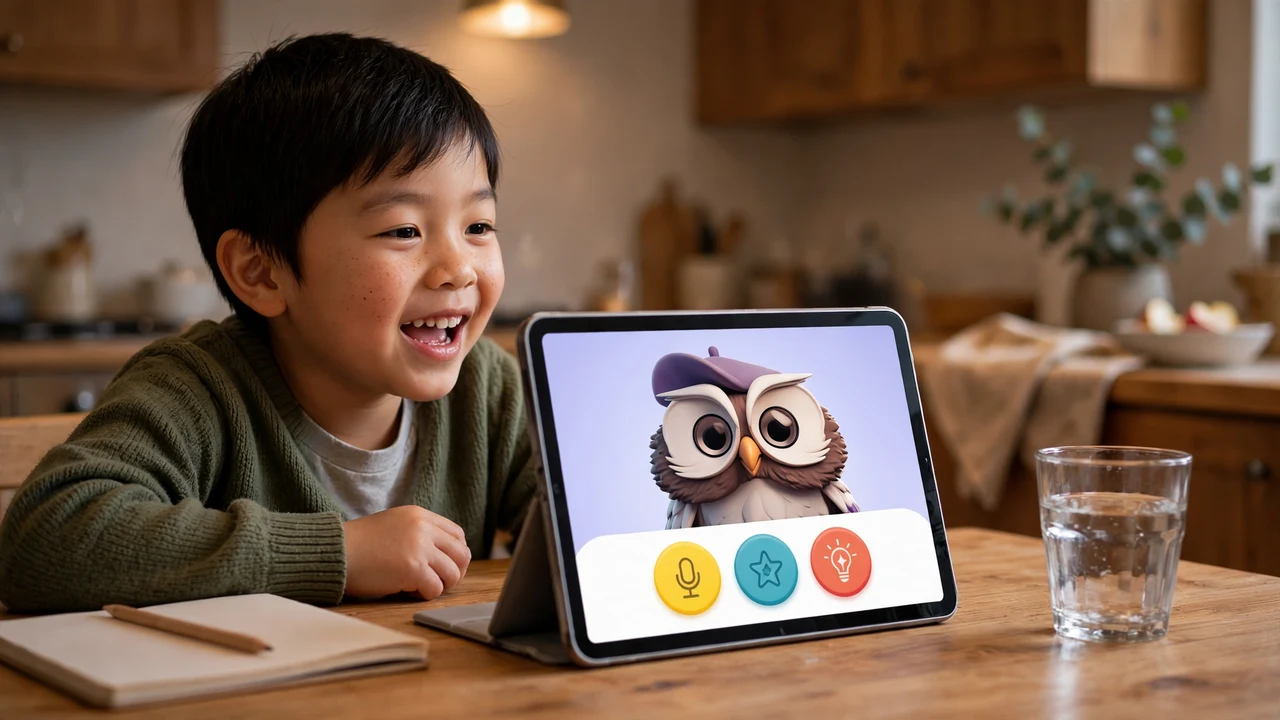
Kumilo turns a written question, a photo of an object, or a topic your child picks into a short lesson with pictures, a quiz, and follow-up questions. Parents choose one of five levels, running from read-aloud pictures at ages 4 to 6 up to a tutor tone at 14 to 16. The levels are product settings, not assessments of your child.
Its account design is the clearest difference from Askie. Children get profiles, not accounts, so a child needs no email address or login. The parent account holds the settings, and separate permissions cover voice input and image input.
The company says it stores no raw voice recordings and no transcripts, and that photos get a privacy scan with metadata removed. It also says plainly that no system is error-free, which is a rare note of honesty in this market. Kumilo states no price on its homepage, so treat any cost as unconfirmed until the store listing shows it.
CurioKids: A Homework Checker With a Real Free Tier
CurioKids is a chat app with six modes, covering general questions, math, reading, science, history, and a Mandarin tutor for beginners. A child can tap any highlighted word for a plain definition and save it for later practice. Quizzes, badges, and daily streaks keep the habit going.
The feature parents ask about most is the homework checker, part of the paid plan. Your child photographs a worksheet, and the app points to the step that went wrong instead of handing over the finished answer. Parent controls choose hints only, which is the default, or full explanations.
Pricing is the clearest in this group. The free plan allows 5 questions a day across all six modes, and a welcome week doubles that as a limited-time offer. Premium costs $3.99 a month or $39.99 a year, with unlimited questions and camera input.
The catch is the platform, because CurioKids is iPhone and iPad only. The company warns that any Android app using its name is not theirs.
Buddy.ai: A Fixed Curriculum for Ages 3 to 8
Buddy.ai shows the structured side of the ai learning app kids market. It is a voice-based tutor character who leads preschool and kindergarten lessons through cartoons, games, and activities. The content covers first words, letters, colours, numbers, and shapes, plus speech practice and simple logic games.
One mode, called ChiChat, does answer spontaneous questions and tell stories. The rest of the app follows a personal plan set for each child. Parents receive weekly progress reports, and the company claims KidSafe+ COPPA certification for the app.
The listing offers the app as a free download and says its plans cost about as much as one live tutoring session a month. It states no dollar figure, so this guide prints none. The listing also claims the app carries no adverts and no micro-transactions.

Cocoon Kids: The One That Teaches AI Itself
Cocoon Kids is the exception in the ai learning app kids line-up, because it teaches a different subject from the other four. Its 12 levels show children aged 8 to 12 how AI sees, learns, and talks, and each level takes about one 45-minute session. Children train a small model of their own and plug it into a game built with Scratch blocks.
Later levels cover spotting fakes, fixing an unfair machine, and the rules and costs of AI. A studio adds image making, a movie maker, and a voice lab that includes fake-voice safety. The company says camera and microphone levels run inside the browser, so nothing is uploaded.
For families, the route in is a Saturday cohort of 12 children with one coach, held online or in person in Colombo. Schools can buy class keys that open every level on every device. The page states no price for either route.
Safety Claims and What COPPA Actually Means
Almost every app in this guide claims COPPA compliance, so the term is worth one plain explanation. The Children’s Online Privacy Protection Act is the US law that governs collecting personal information from children under 13 online. It sets rules on parental consent and privacy notices, and the Federal Trade Commission enforces it.
Compliance is a legal floor, not a quality score. It says nothing about whether an app’s answers are accurate or its lessons are good. No independent body in this guide’s research has tested any of these five apps for accuracy.
An ai learning app kids use every day sits inside your home, so run your own checks before you hand over a device. Ask where chats are stored, whether questions are used to train models, and what the parent dashboard actually shows. The answers differ sharply across these five, from Kumilo’s no-transcript claim to Askie’s full chat logging for parents.
How to Choose Between Them
Start with the job, not the brand. A child who asks endless questions needs a companion with strong parent controls, while a preschooler needs a fixed curriculum with no open chat. Match the app to the age band first, because the teaching style changes completely between age 4 and age 12.
Then check the two things marketing pages push last. The first is the real price after any free tier ends, and the second is where your child’s words and photos are stored. An ai learning app kids use daily deserves the same care you would give any service that listens to your child.
If your child’s school is the one choosing the software, our school ai chatbot guide covers the questions to ask a school vendor. For older learners, our roundup of free multimodal ai learning resources 2026 lists courses that cost nothing.
Frequently Asked Questions
What age can a child start with one of these apps?
Buddy.ai starts the youngest, at age 3, with a fixed preschool curriculum. Askie and Kumilo both start at 4, and Askie needs no typing at all. CurioKids starts at 5, and Cocoon Kids is built for ages 8 to 12.
Are these apps free?
Two of the five state real prices. CurioKids has a free plan with 5 questions a day and a Premium plan at $3.99 a month, while Askie is a free download with paid items inside. Kumilo, Buddy.ai, and Cocoon Kids state no price on their pages, so check the store listing before you commit.
Do these apps store what my child says?
It depends on the app, and every answer here is the company’s own claim. Kumilo says it stores no raw voice recordings or transcripts, and CurioKids says chat history stays on the device. Askie does the opposite on purpose, logging chats so parents can read them in a dashboard.
Which app teaches children how AI works?
Cocoon Kids is the only one of the five built for that job. Its levels cover how AI sees and learns, training a small model, and spotting fake content. The other four use AI to teach school subjects instead.
Which of these apps work on Android?
Kumilo is on both app stores, and Buddy.ai was listed on Google Play for this guide. CurioKids is iPhone and iPad only, and its maker warns that Android apps using the CurioKids name are not the real product. Askie covers iPhone, iPad, and Mac.
Conclusion
The right ai learning app kids will actually use depends on the job you need done. Pick a chat companion for questions, a fixed curriculum for preschool skills, and Cocoon Kids to teach AI itself. Check the stated price and the storage policy first, and treat every safety claim as a claim until you have seen the parent controls yourself.