AI Virtual Try On Wedding Veil Photo: Where the Veil Actually Lives
If you don’t want to read the whole guide or have difficulty reading, you can listen to this guide instead.
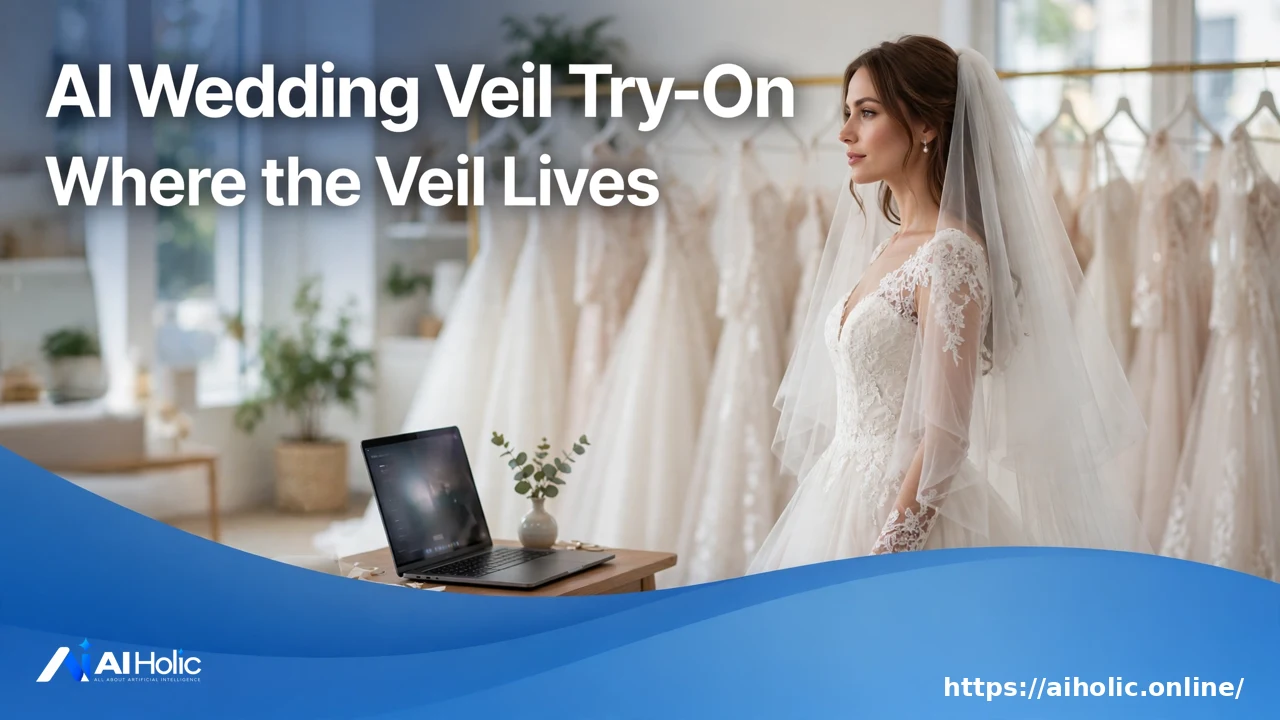
An ai virtual try on wedding veil photo search leads somewhere slightly different than you expect. No veil-only tool exists. The veil lives inside wedding dress try-on tools, and each one handles it a different way.
This guide maps the four tools that rank for the job. It explains where the veil enters each workflow, what the free tiers allow, and what these previews can and cannot tell you before a fitting.
AI Holic tests tools like these across our AI Image & Video section. Everything below comes from the tools’ own pages, and their quality claims are labelled as claims.
Three Ways These Tools Work
| Workflow | What you upload | Tools | How the veil enters |
|---|---|---|---|
| Two-photo overlay | Your photo plus a dress photo | VizStudio, Pokecut | Written description, or part of the full look |
| One-photo transformation | One photo of you | ClipTrend | Upper-body mode frames the veil area |
| Catalog pick | Your photo, then choose a gown | Trybridal | Part of the catalog gown’s styled look |
The distinction matters for veil shoppers. In no tool do you upload a photo of a specific veil by itself. You either describe the veil in words, or it arrives as part of a composed bridal look.
VizStudio: Describe the Veil in Words
VizStudio is the closest match to the search. You upload a full-body or half-body photo of yourself, then a photo of any wedding dress. Its FAQ says you can describe veil style, accessories, and other details in a custom instructions field, and the AI works your description into the portrait.
The page lists veil integration among the hard rendering cases it handles, alongside cathedral trains and illusion necklines. Results arrive in under 60 seconds, with downloads up to 4K. Free credits at signup cover previews of several gowns at lower resolution, and sign-in is required.
Its photo guidance is practical: a full-body or waist-up shot in good light, with your arms slightly away from your torso. The wedding dress styles it names run from A-line and ball gown to mermaid and boho, in lace, tulle, satin, and chiffon.
ClipTrend: The Close-Up Route, as Video
ClipTrend takes one photo and returns a short video instead of a still. The output is a 6-second vertical MP4 with soft motion, made for Reels, Shorts, and save-the-date posts. It carries no watermark, per the page.
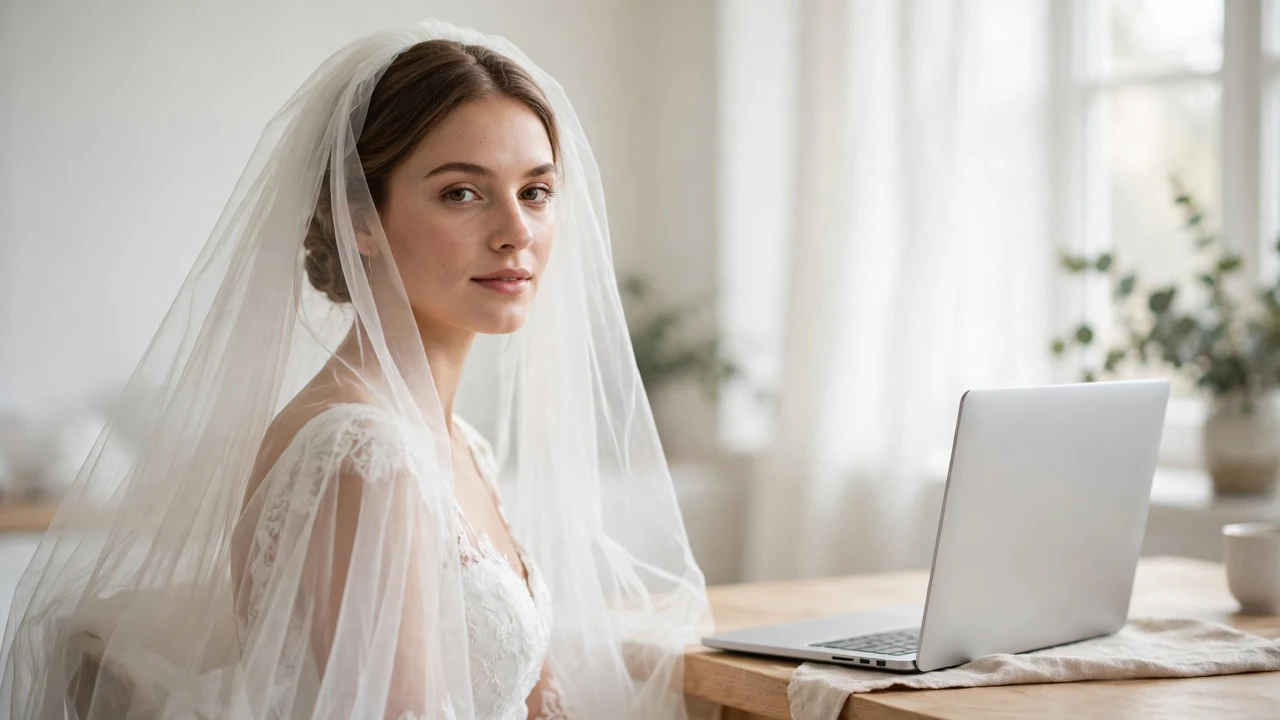
Its upper-body mode is the veil route. The page says that mode suits necklines, veils, lapels, and ties, because an upper-body shot frames exactly that area. ClipTrend claims your face, hairstyle, and skin tone stay unchanged, with only the outfit replaced.
You start free with no card, and each video costs a fixed number of credits shown beside the generate button. The model is pay-as-you-go after that, with no subscription. The page states no dollar prices, so none are printed here.
Pokecut and Trybridal: The Full Look and the Real Catalog
Pokecut overlays a dress photo onto yours and adjusts its angle to your pose. The veil appears inside its hair and makeup preview, where neckline, shoulder line, veil, and skirt shape guide the styling choices. That framing suits one job: judging whether a veil length fights your neckline.
Trybridal works from a catalog of real gowns that link back to designers and retailers. You upload your photo, pick a dress or upload a screenshot of one, and compare with a slider. If you have no photo, it previews gowns on AI-generated models across body types.
Its pricing is the clearest here, in credits rather than dollars. The first try-on is free with no card. After that, one credit buys one dress: packs hold 5, 20, or 50 credits, higher packs add saving, sharing, and priority rendering, and credits never expire.
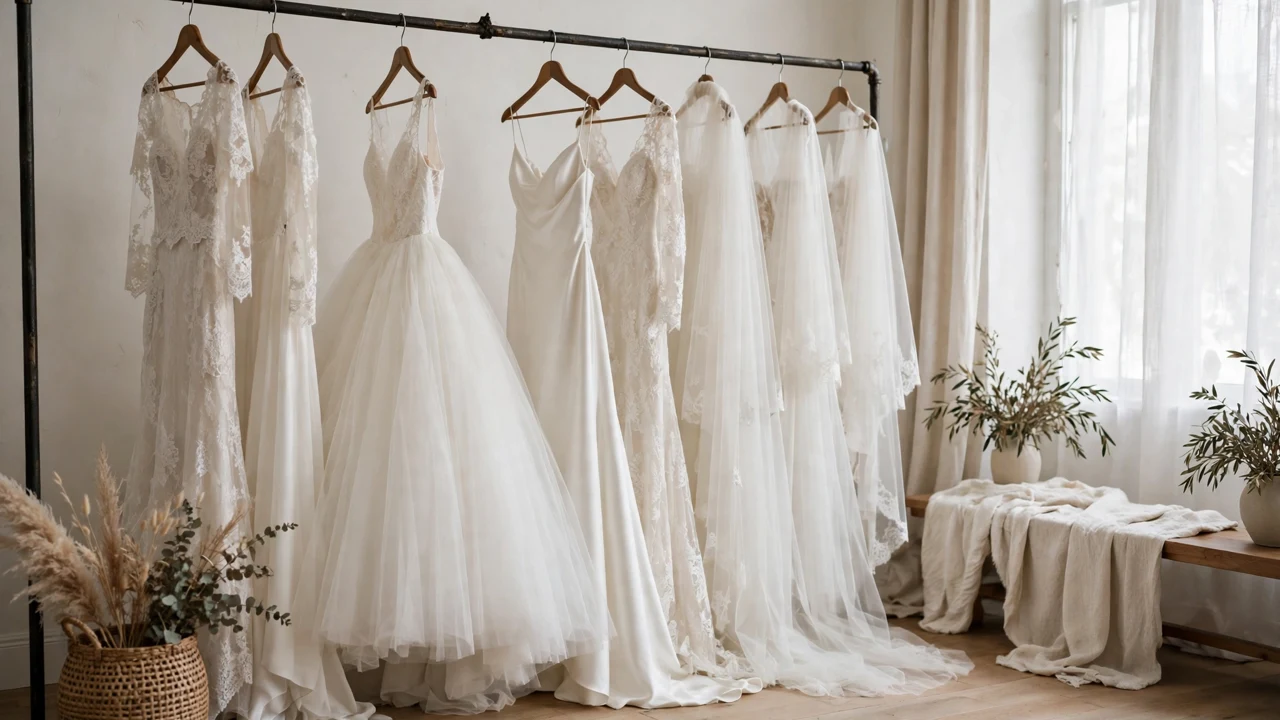
What These Previews Cannot Tell You
A try-on preview shows drape and proportion on your photo. It does not show fit, fabric weight, or how a veil sits on your actual hair. No independent testing of these tools’ realism exists, so treat words like photorealistic on their pages as marketing.
Use the previews to narrow a shortlist, not to skip the fitting. The strongest use is comparison: the same portrait against several veil lengths and dress shapes, judged side by side. Pokecut’s own FAQ gives that advice for dresses, and it applies to veils too.
For a different kind of AI photo tool, our free AI headshot generator guide covers portrait tools for work. Our AI Pokémon generator guide shows the playful end of image generation.
Frequently Asked Questions
Can I try on a specific veil I found online?
Not by uploading the veil alone, in any tool reviewed here. VizStudio comes closest: you describe the veil style in its instructions field next to a dress photo. Elsewhere, the veil arrives as part of a composed look or a catalog gown’s styling.
Are these try-on tools free?
Each one starts free. VizStudio grants signup credits, ClipTrend starts you with free credits and no card, Pokecut offers a free start, and Trybridal’s first try-on is free. Every one of them charges after the free allowance, mostly in credits.
How much does it cost after the free tier?
In credits, where pages state terms: Trybridal sells packs of 5, 20, and 50 credits, one credit per dress, and ClipTrend charges a fixed credit count per video. No tool’s page in this research states dollar prices, so this guide prints none.
What photo works best?
The tools agree: a clear, front-facing photo in good light. VizStudio asks for full-body or waist-up with arms slightly away from your torso. Trybridal adds a plain background, and ClipTrend warns that blurry or heavily filtered shots lower the result quality.
Conclusion
For an ai virtual try on wedding veil photo, start with VizStudio if you have a veil style in mind, and ClipTrend for a close-up video. Use the previews to shortlist, then try the real veil at your fitting.