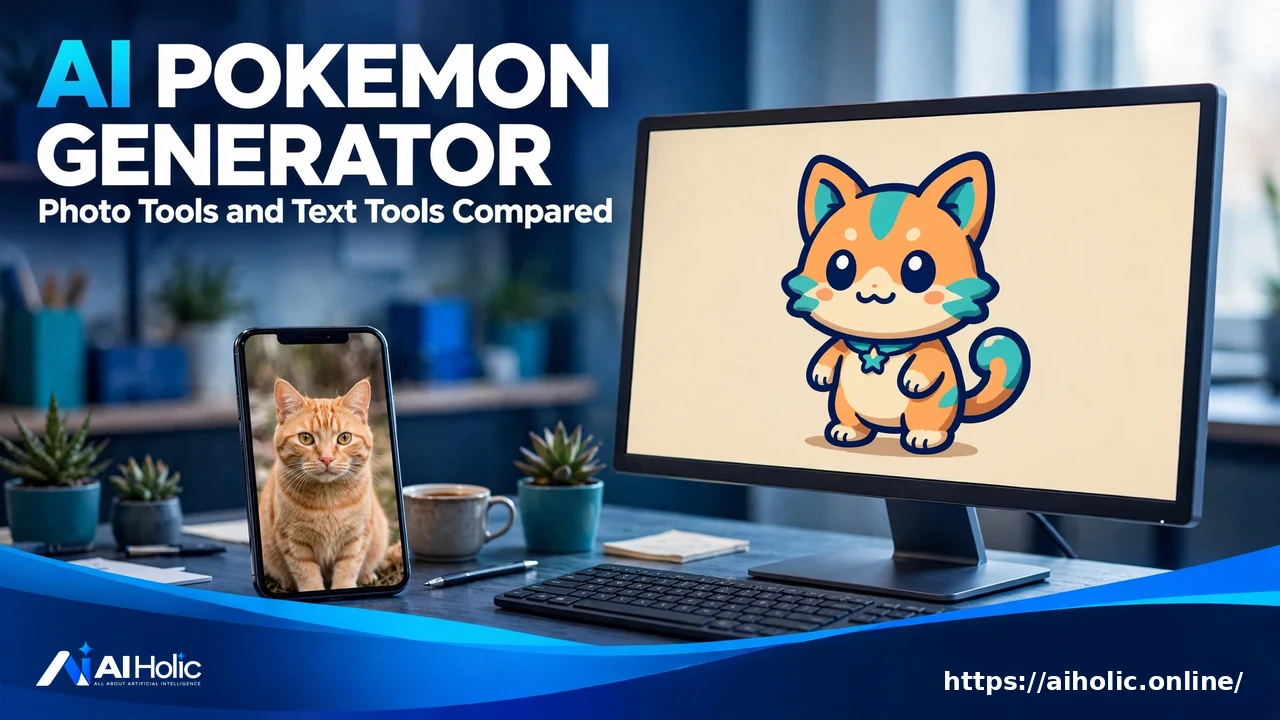
AI Pokemon Generator: Turn a Photo or Idea into a Creature
If you don’t want to read the whole guide or have difficulty reading, you can listen to this guide instead.
Type this search into Google and you get five results, and every one of them is a tool. There is no guide, no comparison, and no explanation of how the tools differ, even though they differ a lot.
This guide compares the main ai pokemon generator options: two that turn your photo into a creature, and two that invent an original creature from your words.
At AI Holic we read each tool’s own page for this guide. One thing to know before you start: every tool here is fan-made. None of them is an official Pokémon product, and the honest ones say so on their own pages.
Two Ways In: A Photo or a Sentence
The ai pokemon generator market splits by input. Photo tools start from something real: your face, your dog, a favorite toy. The AI redraws that subject as a creature, keeping its colors and features so the result still reads as yours.
Text tools start from nothing. You describe an idea, pick a type and a style, and the tool invents a creature that never existed, name and all. Fans call these original creations fakemon, and they are the starting point for fan games, stories and art projects.
| Tool | Input | What you control | Free use |
|---|---|---|---|
| Dreamega | One photo | Only the AI model | Free credits on signup, daily check-in bonus |
| VicSee | One photo | 9 preset styles or a custom style | Free credits on signup, 6 credits per generation |
| BasedLabs | Text prompt or sketch | Model, colors, accessories, edits after generation | Free tier with limited credits |
| AI Pokemon Generator (aipokemongenerator.com) | Text description | Type, style and evolution stage | 3 free generations a day, no signup |
Dreamega: One Photo, No Settings
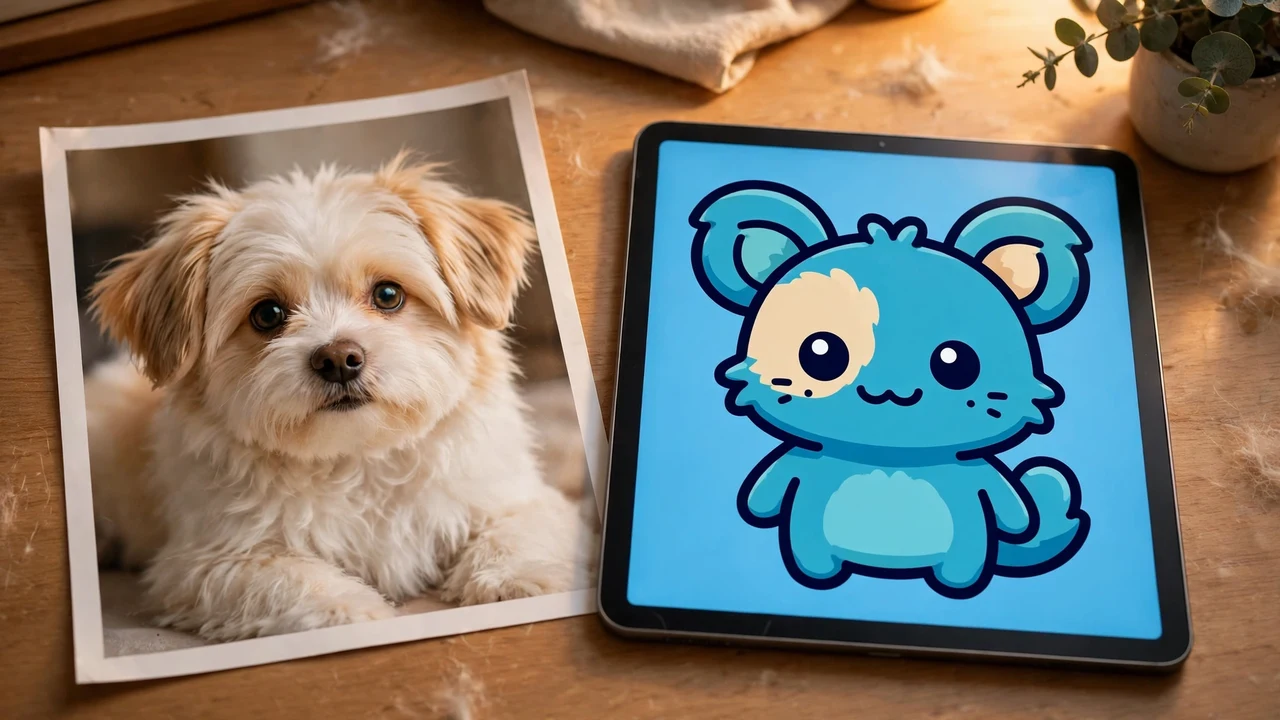
Dreamega is the simplest tool here. Upload one photo, a person, a pet, a toy or an object, in JPG or PNG. The AI redraws the subject from scratch as a creature with bold outlines and flat colors, then adds an element type label and a Poke Ball icon on a beige backdrop.
There is no prompt to write and no style menu. Your only choice is the model: GPT Image 2.5 at 8 credits per image, or Nano Banana 2.1 at 4 credits. There is no type selector either, because the AI infers the type from the look of your photo.
New accounts start with free credits and a daily check-in bonus. Paid plans on its page run from a Lite plan at $19.99 a month for 300 credits to a Pro plan at $29.99 a month for 800 credits. Its page states plainly that it is an independent fan-made tool with no link to Nintendo, Game Freak, Creatures Inc. or The Pokemon Company.
VicSee: One Photo, Nine Styles
VicSee also starts from a photo, but it hands you the style choice Dreamega keeps. There are nine presets: Classic, in the official art style, a Pokemon Card with HP and attacks, Trainer portrait, Pixel Sprite, Chibi, Watercolor, 3D Render, Neon glow and Sticker. A Custom tab lets you describe your own style instead.
One upload can be restyled across all nine without uploading again, which makes it the best tool here for comparing looks side by side. Downloads are high resolution with no watermark. Its FAQ puts generation time at 15 to 30 seconds.
It is free to start, with sign-in required and free credits on signup. Each generation costs 6 credits, so your free allowance is a handful of creatures, and trying all nine styles on one photo spends it quickly.
BasedLabs: Build a Creature, Then Edit It
BasedLabs is the text route with the most control after generation. Type a prompt or upload a sketch, and the tool creates creature art you can then refine in a built-in editor: colors, accessories, and blending one design into another.
You also choose the model, Imagen 4, Flux or Seedream 4, and the platform adds batch generation and upscaling. Exports come as PNG, including transparent backgrounds, or JPG, and its FAQ describes turning images into short video clips as well.
An account is needed to start, and the free tier carries limited credits. Upgrades add higher resolutions, bigger batches and the advanced editing tools. Of the four, this is the one aimed at people building a set of creatures rather than making a single fun image.
AI Pokemon Generator: No Signup, Three a Day
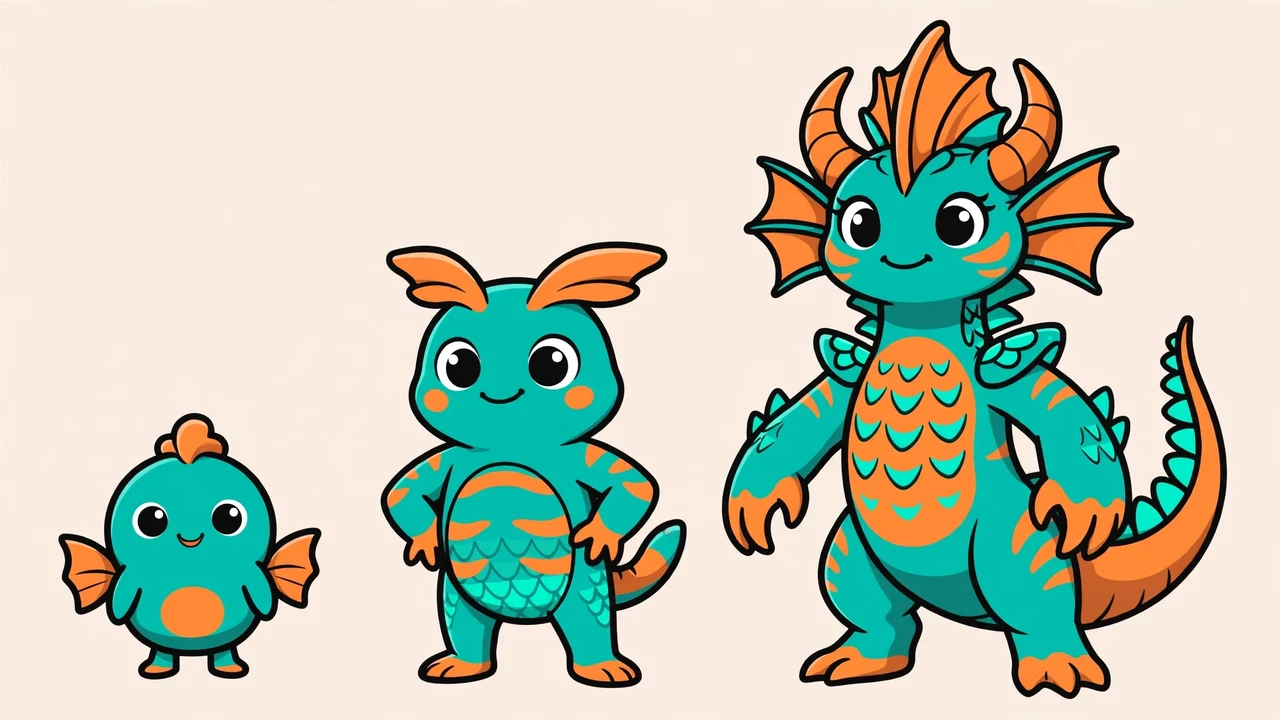
The site at aipokemongenerator.com takes the opposite approach to accounts: there are none. Describe a creature idea, choose one of 18 types, one of five visual styles, and an evolution stage, Baby, Base or Final Evolution.
Each generation makes one stage, so a full evolution line is built one creature at a time. The output is a full-body creature with an original name, its types and a short concept description, ready to download. Generation takes about 20 to 45 seconds, per its page.
The free allowance is three successful generations per day. Sharing a result publicly with its one-time code unlocks three more at your third and sixth use, up to a hard limit of nine a day, and failed attempts do not reduce the quota. Its separate random generator is unlimited.
The site also states it is fan-made and not endorsed by Nintendo, Game Freak, Creatures Inc. or The Pokemon Company.
The Free Question, Answered Honestly
Every ai pokemon generator in this guide calls itself free, and none of them is free without limits. What differs is the shape of the limit.
One gives you a daily quota and no account. Two give you signup credits that each generation spends. One puts a small free tier in front of a larger art platform.
So compare allowances, not labels. If you want one creature of your cat today, the daily quota tool costs you nothing and asks for nothing. If you want to test nine styles on the same photo, budget your signup credits before you start clicking.
The Fan-Made Line You Should Not Cross
These tools borrow the look of the world’s biggest media franchise, and their own pages draw the line clearly. Dreamega advises keeping images for personal fun rather than selling them or printing them as real trading cards, and the text generator states it is not endorsed by the franchise owners.
Follow that line. Profile pictures, gifts, fan projects and your own creature collections are the intended use. Selling prints, cards or merchandise built on this style is where fan fun turns into a trademark problem.
For more AI image tools, see our AI Image and Video coverage, including the free AI headshot generator guide and the AI sizzle reel creator comparison.
Frequently Asked Questions
Is an AI Pokemon generator free to use?
Partly. The text generator at aipokemongenerator.com gives three free generations a day with no signup, and more if you share results. Dreamega and VicSee give free credits when you sign up, then charge credits per image, and BasedLabs has a limited free tier before its paid plans.
Can I turn my pet into a Pokemon?
Yes, that is exactly what the photo tools are built for. Upload a clear photo of your pet to Dreamega or VicSee, and the AI redraws it as a creature, keeping its colors and markings. VicSee can also render the same pet photo in nine different styles.
Can I choose my creature’s type and evolution stage?
On the text generator, yes: you pick from 18 types and choose Baby, Base or Final Evolution for each generation. On Dreamega, no: the AI infers the type from your photo, and the surprise is part of the design.
Can I make a Pokemon card from my photo?
VicSee has a dedicated Card preset that renders your photo subject as a trading card with HP and attacks, and Dreamega frames its output with a type label in a card-like layout. Keep any card you make for personal fun. The tools’ own pages advise against printing them as real cards or selling them.
Are these generators official Pokemon products?
No. Every ai pokemon generator covered here is a fan-made tool. Dreamega and aipokemongenerator.com both state on their own pages that they are not affiliated with or endorsed by Nintendo, Game Freak, Creatures Inc. or The Pokemon Company.
Conclusion
Start from what you have: a photo points you to Dreamega for simplicity or VicSee for styles, and an idea points you to BasedLabs for editing control or the no-signup text generator for a free daily trio. All four are fan-made, so keep the results personal.