
Adesso iMouse Wireless Mouse with AI Copilot Button: Real Button or Driver Trick?
If you don’t want to read the whole guide or have difficulty reading, you can listen to this guide instead.
An adesso imouse wireless mouse with ai copilot button sounds like one product. It is not. Adesso sells a whole family of iMouse models with Copilot branding, and they split into two very different groups.
Four models carry a real, dedicated Copilot button in the hardware. Two others only let you assign a Copilot hotkey through driver software. This guide separates the two groups, compares prices and specs, and explains the Windows 11 condition that decides whether the button works at all.
AI Holic checked the datasheets, manuals, and retailer listings behind every model below. More device guides live in our AI Hardware & Devices section.
The Catch: Two Kinds of Copilot Button
On the A30, A40, A50, and A60, the Copilot control is built into the mouse. Press it and the native Microsoft Copilot window launches, per the A30 user guide. BetaNews, covering the A60, describes the button sitting just below the scroll wheel.
The E30 vertical mouse and the T40 trackball work differently. Their retailer listings say the programmable driver lets you assign one of the regular buttons as a Copilot AI hotkey. There is no separate Copilot key on the hardware itself.
That difference matters for two reasons. A driver-assigned hotkey needs Adesso’s software installed and one of your normal buttons given up. A dedicated button works as a fixed shortcut and leaves every other button free.
Adesso iMouse Copilot Models Compared
| Model | Copilot control | Connection | DPI levels | Price |
|---|---|---|---|---|
| iMouse A30 | Dedicated button | 2.4 GHz, USB-A receiver | 800 to 2400 | No US list price found |
| iMouse A40 | Dedicated hotkey | Bluetooth or 2.4 GHz | 1000 / 1600 / 2400 | $19.99 MSRP |
| iMouse A50 | Dedicated hotkey | Bluetooth or 2.4 GHz | 800 / 1200 / 1600 | $24.99 MSRP |
| iMouse A60 | Dedicated button | Bluetooth or 2.4 GHz | Adjustable | $29.99 MSRP |
| iMouse E30 | Driver-assigned hotkey | 2.4 GHz | 800 / 1600 / 2400 | $49.99 at COLAMCO |
| iMouse T40 | Driver-assigned hotkey | 2.4 GHz trackball | 400 to 4800 | $49.99 at COLAMCO |
The A-series prices are the manufacturer’s suggested prices from its launch releases. The E30 and T40 prices are live retailer listings at COLAMCO, checked in late October 2026. No US retailer price for the A30 appeared in the listings checked, so none is printed here.
What the Copilot Button Actually Does
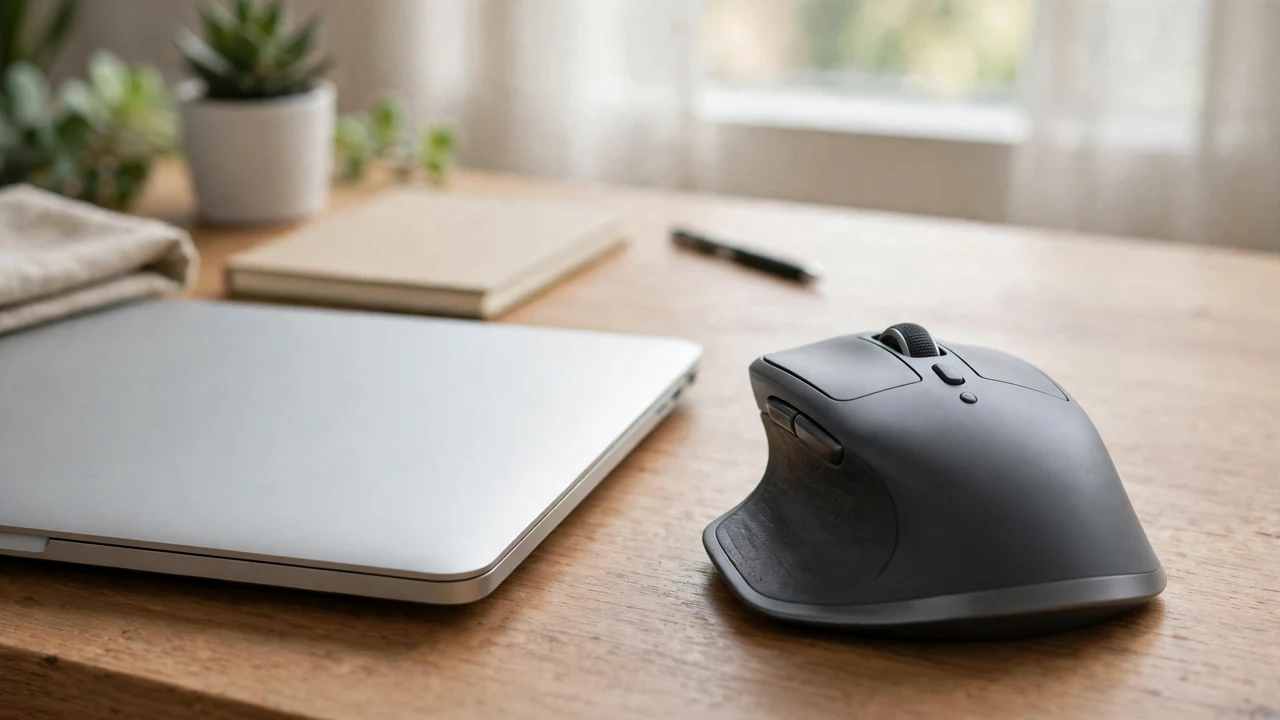
The button is a launcher, not an AI chip. It opens Microsoft Copilot on your PC, and the PC and Microsoft’s cloud do the work. The A30 guide lists the jobs it assists with: generating text, summaries, managing emails, code snippets, and reminders.
The A60 launch release adds voice-to-text dictation to that list. BetaNews describes the same flow: press the button, and Copilot opens for text generation, analysis, or dictation without switching windows. Nothing is processed inside the mouse.
That also means the mouse adds no AI of its own. If Copilot changes or your account tier limits a feature, the button still just opens the app. Judge these mice as mice first, and the button as a shortcut.
The Windows 11 Condition
Here is the condition buried in the documents. The A30 user guide states that Windows Copilot only works with Windows 11 version 23H2 and later. The A30 datasheet says it plainly: Copilot is only compatible with Windows 11.
The mice themselves work on older systems. The A40 datasheet lists Windows 7, 8, 10, and 11, plus macOS 10.6 and later. On anything except Windows 11, though, the Copilot button has nothing to launch.
So the buying rule is simple. If your PC runs Windows 11, the button earns its place. If it runs Windows 10 or macOS, buy the mouse for its shape and specs instead.
Quick Notes on Each Model
The A30 is the basic ambidextrous option. It runs on one AA battery, the USB receiver stores inside the battery compartment, and it weighs about 2 ounces. Its range is up to 30 feet, per the datasheet.
The A40 adds quiet switches and dual-mode wireless, with a USB-C receiver listed on its datasheet. The A50 is the ergonomic step up, with customizable buttons. The A60 tops the A range with an ergonomic shell, a thumb rest, and side buttons, per BetaNews.
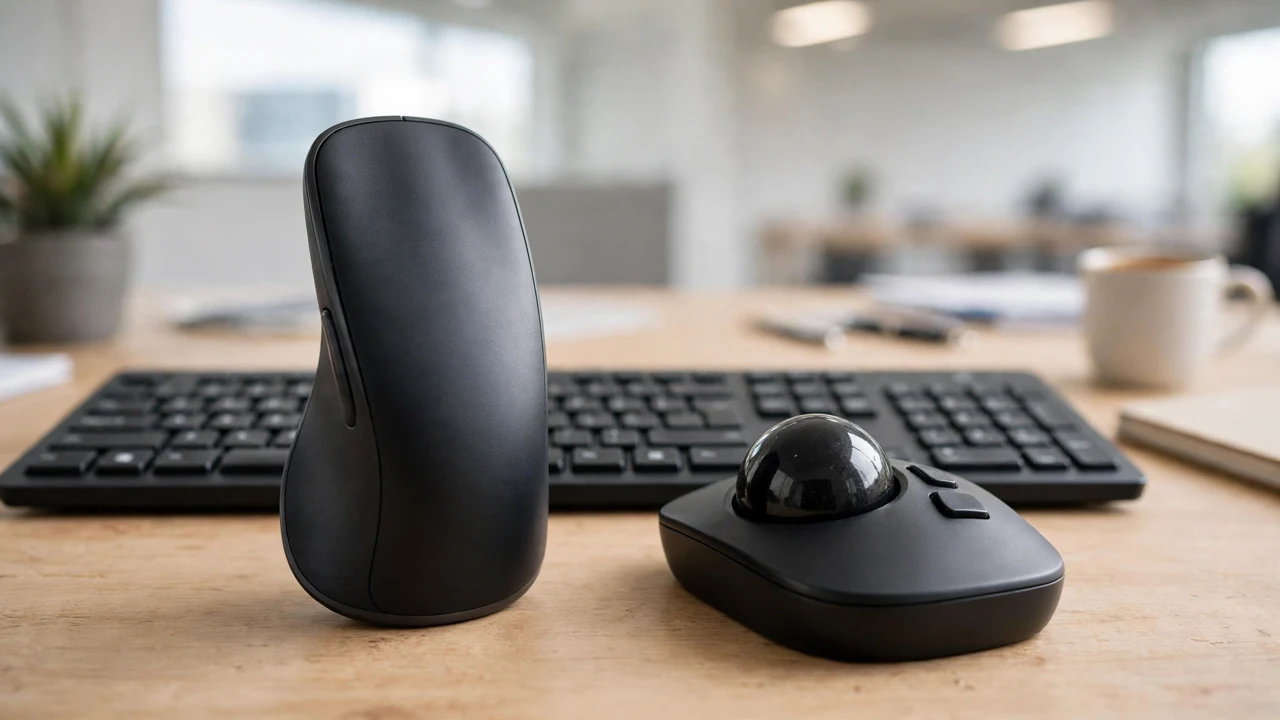
The E30 is a right-handed vertical mouse for wrist comfort, and it is not rechargeable. Its driver extends sensitivity to 4800 DPI and adds macros and lighting controls. The T40 is the trackball option, with a removable 1.5-inch ball, auto sleep, and 12 wireless channels.
For a different kind of AI hardware, our X-Origin AIPI-Lite guide covers a $22 voice companion device. The turnkey AI server guide sits at the other end of the price range.
Frequently Asked Questions
Does the Copilot button work on a Mac?
No. The datasheets list macOS support for the mouse functions, but Copilot itself is only compatible with Windows 11. On a Mac, an adesso imouse wireless mouse with ai copilot button works as a normal wireless mouse.
Do the E30 and T40 have a real Copilot button?
Not a dedicated one. Their listings say the programmable driver lets you assign a button as the Copilot AI hotkey. The function is the same once assigned, but it costs you one of the regular buttons.
Does the A30 connect by Bluetooth?
No. The A30 datasheet lists 2.4 GHz wireless through a USB-A receiver only. Bluetooth starts with the A40, which offers Bluetooth or 2.4 GHz with a USB-C receiver.
Do I need a subscription for the Copilot button?
No source for these mice mentions a mouse subscription. The button launches Microsoft Copilot, which runs on Microsoft’s own free and paid tiers. What you get depends on your Microsoft account, not on the mouse.
Conclusion
Pick from the A series if you want a true adesso imouse wireless mouse with ai copilot button, and from the E30 or T40 if shape matters more than the shortcut. On Windows 11, the A40 at $19.99 is the value pick.