
Turnkey AI Server: What It Is, What It Costs and Where to Buy
If you don’t want to read the whole guide or have difficulty reading, you can listen to this guide instead.
Running AI in the cloud is easy to start and hard to control. Your data travels to someone else’s computers, the bill changes every month, and some workloads are not allowed to leave your building at all. A turnkey ai server is the other route: a machine that arrives built, loaded with software and ready to run AI models on your own premises.
At AI Holic, this guide explains what a private AI server is, what a turnkey system includes, where you can buy one, and what it really costs. It also covers the honest alternative, building your own, and the checks to run before any money moves.
What Is a Private AI Server?
A private AI server is a computer built to run AI models inside your own premises or private data space, instead of in a public cloud. Your data stays in your building, your team controls who can use it, and it can even run with no internet connection at all.
The word turnkey describes how it is sold. A normal server arrives as hardware, and your team spends weeks installing drivers, frameworks and tools before the first model runs. A turnkey ai server arrives with that work done: tested hardware, the operating system, the AI software stack and often the first setup and training included.
Think of it as the difference between buying an engine and buying a car. Both can move you. Only one of them starts the day it is delivered.
What Is in the Box: Hardware and Software Included
The hardware side starts with graphics processors, called GPUs. AI models do their heavy maths on GPUs, and the memory on those chips decides how large a model you can run. An NVIDIA H100 carries 80 GB of GPU memory, and an H200 carries 141 GB, which is why those chips anchor most serious systems.
Around the GPUs you get multi core processors, large system memory and fast NVMe storage. The storage matters more than buyers expect. If the drives cannot feed data to the GPUs fast enough, the most expensive part of the machine sits waiting.
The software side is what makes it turnkey. Expect the operating system and GPU drivers, an inference engine such as vLLM or TensorRT-LLM that serves models to your applications, and management tools for users, access and updates.
Bigger systems add orchestration software that shares the GPUs across teams. The tools that run on top are covered in our AI Tools and Software section.
Good vendors also factory test the whole system under load before it ships. That testing, plus setup help and a support contract, is most of what you pay the turnkey premium for.
How to Size a System: GPU Memory Decides
Buyers often shop by GPU count. The number that actually decides your purchase is GPU memory, because a model has to fit into that memory before it can run at all. A small chat model fits comfortably on a desktop unit with room to spare.
A large model in the 70 billion parameter class needs a big GPU or several working together. Serving many users at once needs memory on top of that, because each active conversation holds its own working space. This is why two buyers can both need an AI server and end up four price classes apart.
The job type matters too. Inference, which means running a trained model to answer questions, is the lighter job. Training or fine tuning a model on your own data is far heavier, and it is the job that pushes buyers toward multi GPU rack systems with fast links between the chips.
A good vendor sizes the system from your model list and user count, then shows the maths. When you compare turnkey ai servers with software included, ask each seller to state the largest model the quoted system can serve, and how many users it can serve at once.
Why Companies Run AI on Their Own Premises
The first reason is data control. Hospitals, law firms, factories and finance teams hold records that cannot be pasted into a public cloud service. An on prem ai server keeps those records inside the building, and air gapped systems remove the network risk entirely.
The second reason is cost shape. Cloud GPUs are rented by the hour, and heavy users watch that meter run all month.
Owned hardware is a fixed cost spread over years, which finance teams can plan around. For steady, heavy workloads, ownership usually wins on total cost.
The third reason is independence. A private ai system to run entirely on premises keeps working when the internet does not, answers to your access rules, and runs the model versions you chose. Nothing changes under you because a provider updated its platform.
Rules play a part too. Health, finance and legal work all carry duties about where records sit and who can see them. A server in your own room, with your own access log, is a much simpler answer in an audit than a chain of cloud services.
The Range: From a Desktop Box to an AI Factory
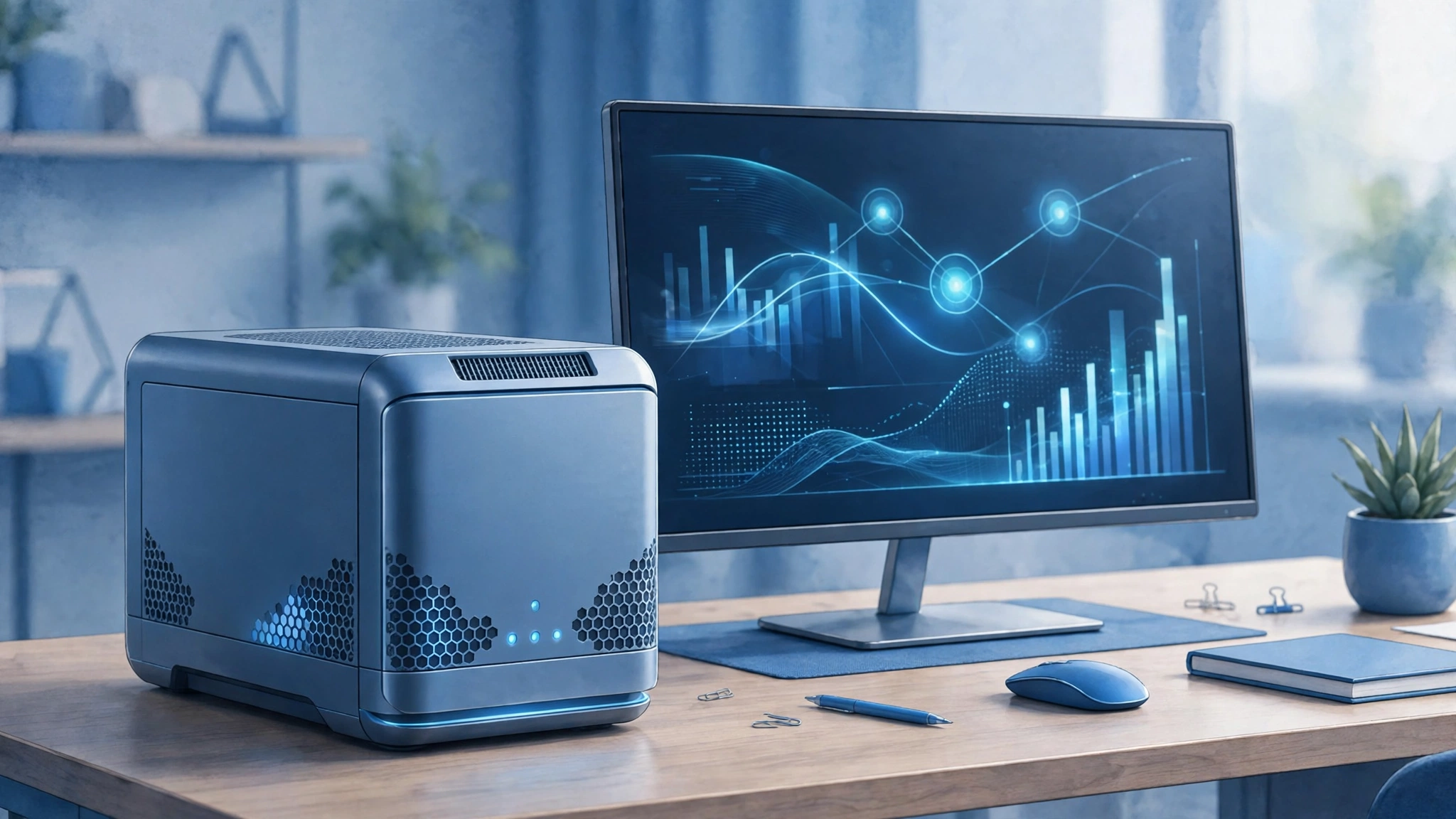
Turnkey systems come in four rough sizes. Prices below are the shapes reported across vendor pages and buyer guides in late 2025 and 2026, not quotes. Almost every seller in this market prices by configuration, so treat the table as a map.
| Class | Examples | Who it suits | Typical cost shape |
|---|---|---|---|
| Desktop unit | NVIDIA DGX Spark | Developers, small teams, prototyping and light inference | Around $4,699 at reported launch pricing |
| Workstation or single server | Single GPU or dual GPU tower and rack servers from Dell, Lenovo, Supermicro and others | Small companies serving one or two models to their own staff | Tens of thousands of dollars, by configuration |
| Rack AI server | NVIDIA DGX B200 class systems, Dell AI Factory systems | Companies training models or serving many users at once | Reported in the $300,000 to $500,000 range per system |
| AI factory | HPE Private Cloud AI, Supermicro SuperCluster, Cisco Secure AI Factory | Large firms and governments building many racks as one system | Custom quote, usually seven figures and up |
Most first time buyers land in the first two rows. The jump to rack systems is a jump in everything: power, cooling, networking and the team needed to run it.
Where to Buy a Private AI Server
There are four buying routes, and each fits a different buyer. The first is the makers themselves. NVIDIA sells the DGX line, and Dell, HPE, Lenovo, Supermicro and Cisco all sell AI server systems built on the same GPU families, usually through their enterprise sales teams.
The second route is appliance vendors, who sell the software and the hardware as one product. Iternal is one example that ranks for this search, with an air gapped appliance aimed at document work. Nutanix takes a software first route with its Enterprise AI stack on approved hardware.
The third route is integrators and cluster builders, such as Arc Compute and 10n Tech, who design, build and support a system around your workload. This route suits buyers who know the job but not the hardware market.
The fourth route is your existing IT supplier. If a company already buys servers from a Dell or Lenovo partner, that partner can usually quote AI systems too. Whichever route you take, get the software list, the support terms and the delivery timeline in writing before you compare prices.
What a Turnkey AI Server Really Costs
Buyers ask for a price list, and this market mostly refuses to give one. The reason is simple: two systems with the same name can differ by GPU count, memory, storage, networking and support years, and each change moves the price a lot. Quotes are the norm above the desktop class.
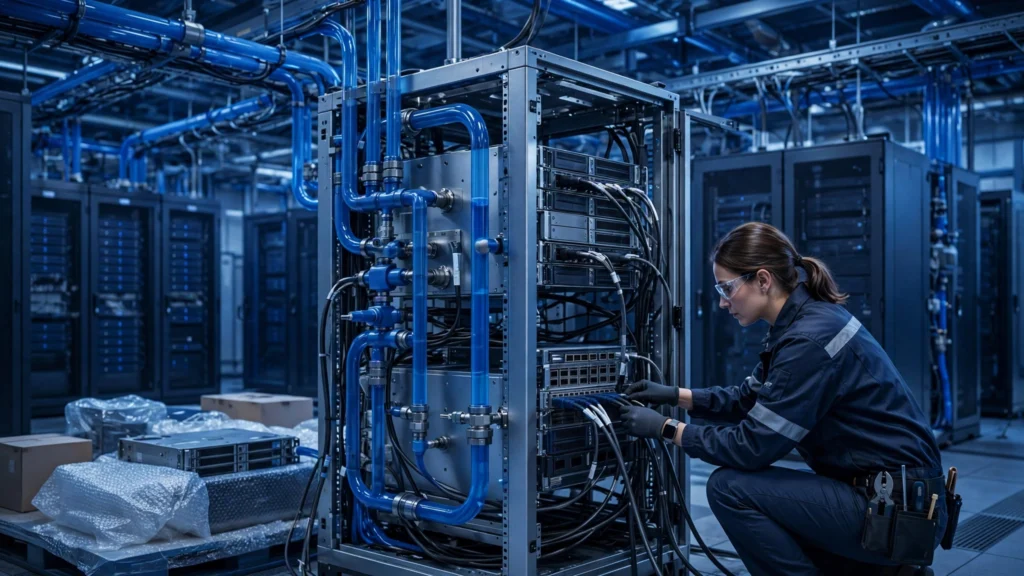
The box is also not the whole cost. A rack class turnkey ai server can draw more power than several houses, and big liquid cooled racks need plumbing, not just a socket. Budget for power, cooling, rack space, networking and the support contract, or the cheap quote becomes expensive later.
Set against that, owned hardware stops the hourly meter. A team that serves models all day, every day, often finds a bought system cheaper than cloud rental inside two to three years. A team with light, spiky use usually finds the opposite, which is why the next section matters.
Turnkey or Build Your Own?
Yes, you can create your own AI server, and many technical teams do. The recipe is a workstation or server with a GPU that has enough memory for your models, plus free serving software such as Ollama for simple use or vLLM for heavier work.
Building wins on price and learning. You choose every part, you can start with one GPU, and small systems for internal tools can cost less than any appliance. For a developer machine or a pilot, building is often the smart move.
Turnkey wins on time and risk. The vendor has already matched the parts, tested the stack and agreed to answer the phone when it breaks.
For a production system that staff depend on, that support is the product. The honest rule: build to learn and to pilot, buy turnkey when the system becomes part of the business.
| Point | Turnkey system | Build your own |
|---|---|---|
| Time to first model running | Days to a few weeks, including delivery | Weeks to months of your own time |
| Who matches the parts | The vendor, tested as one system | You, part by part |
| Software stack | Installed, configured and updated under support | You install and maintain it |
| When it breaks | Support contract and spare parts route | Your team diagnoses and orders parts |
| Cost shape | Higher price, predictable | Lower parts cost, your hours on top |
What Happens After Delivery
Turnkey also describes the delivery, not just the box. The normal pattern is a site check first, covering power, cooling, network and access. The system then arrives racked or ready to rack, and the vendor team connects it to your network under your rules.
Next comes loading: your models, your document stores and your user accounts, with access set per team. Industrial buyers add links to plant systems, such as cameras and controllers. Office buyers usually connect document folders and internal tools instead.
Training and handover close the job. Staff learn the console, the update path and what to do when something fails. From there, the vendor support contract carries the machine, and your team carries the models and the data.
Who Should Not Buy One
Honest guides need this section. If your AI use is light or rare, cloud services will cost you less and ask nothing of your building. A server that runs one afternoon a week is an expensive ornament.
If your team is still testing ideas, stay flexible. Model sizes and tools are changing fast, and rented capacity lets you change with them. Owning hardware makes the most sense once the workload has settled into a pattern.
And if nobody on staff can look after a server at all, price the support contract into every quote. A turnkey ai server lowers the skill bar a lot, but it does not remove the need for an owner inside your team.
Before You Buy: A Short Checklist
- Name the workload first. Which models, how large, and how many users at once. GPU memory follows from those answers, not the other way round.
- Check your room before the machine. Power supply, cooling and floor or rack space stop more installations than any software issue.
- Get the software list in writing. Which inference engine, which management tools, and how updates arrive.
- Read the support terms. Response times, spare parts, and what happens when a GPU fails in year two.
- Plan the data path. How your documents and records get into the system, and how access is controlled once they are there.
- Compare total cost over three years. Box, power, cooling, support and staff time, against the cloud bill for the same workload.
Frequently Asked Questions
How much does an AI server cost?
It depends on the class. A desktop unit such as the NVIDIA DGX Spark was reported around $4,699 at launch. Workstations and single servers usually run into the tens of thousands, and rack class systems are reported in the $300,000 to $500,000 range.
Full AI factories are custom quoted, usually seven figures and up. Most sellers price by configuration, so any figure is a starting point for a quote, not a shelf price.
Can I create my own AI server?
Yes. A workstation or server with a GPU that has enough memory for your models, running free serving software such as Ollama or vLLM, is an AI server you built yourself. It costs less and teaches you a lot.
What you give up is the matched parts, the factory testing and the support contract that come with a turnkey ai server. Most companies build for pilots and buy for production.
What is the biggest AI server?
There is no single biggest box, because the largest systems are built as clusters of many servers acting as one machine. Full rack systems such as NVIDIA GB200 NVL72 join dozens of GPUs in a single rack, and AI factories join many racks into one system with thousands of GPUs. At that level the server is really a small data center, which is why those systems are sold as projects, not products.
What is an AI server used for?
It runs AI models for an organization: answering questions over private documents, serving chat assistants to staff, analyzing images or sensor data, and training or fine tuning models on company data. A private server does that work on premises, so sensitive records never leave the building. Factories use them for inspection and prediction, hospitals for imaging support, and offices for document search and drafting.
Conclusion
Choose a turnkey ai server when the workload is steady, the data must stay home, and your team would rather run models than build infrastructure. More hardware guides live in our AI Hardware and Devices section.