AI Card Grading: How Apps and Machines Score Your Cards Before PSA Does
If you don’t want to read the whole guide or have difficulty reading, you can listen to this guide instead.
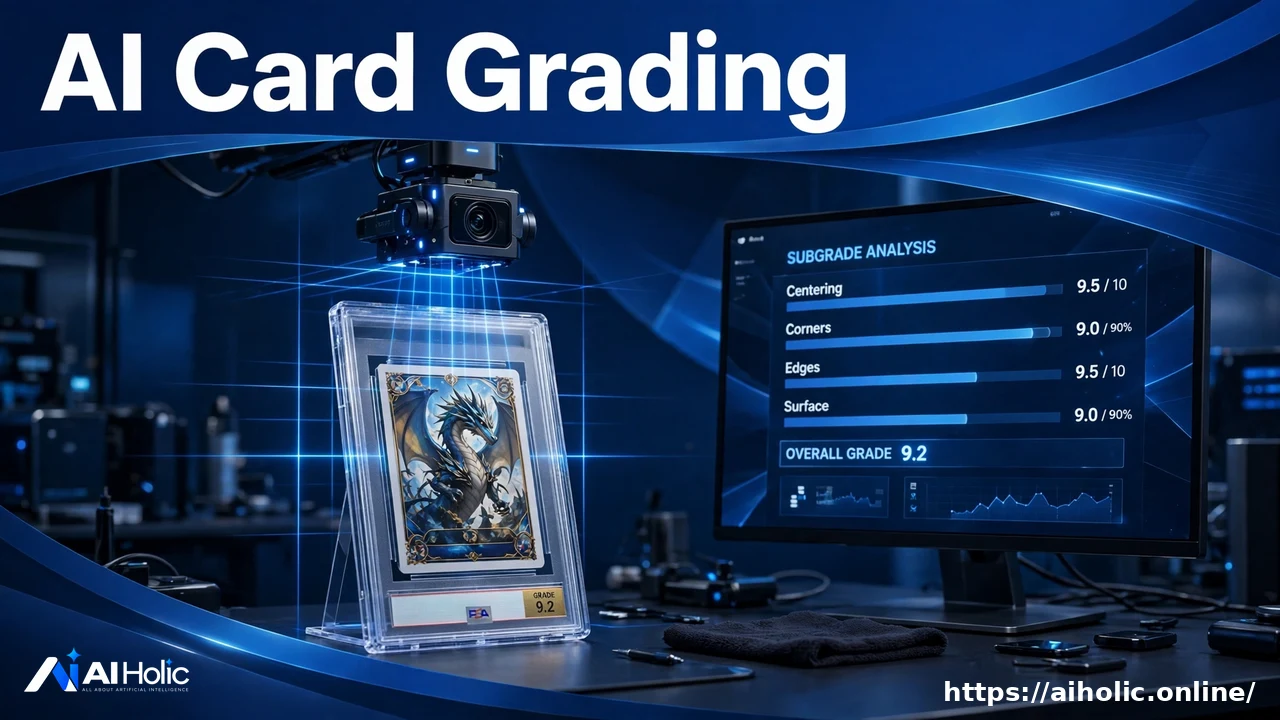
You photograph a card, and software scores its centering, corners, edges and surface in about a minute. That is ai card grading in its simplest form, and a second form now exists where machines grade and seal the real card. This guide separates the two, lists what each one costs, and shows where the scores hold up.
At AI Holic, we compared what these tools promise with what collectors actually report. You will see the four checks every grader runs, the main apps and services with their prices, and a simple way to screen your cards before you pay for professional grading.
What AI Card Grading Actually Does
AI card grading uses computer vision to judge a card’s condition from images. The software finds the card’s borders, measures how the artwork sits inside them, and scans the surface for wear. It scores each area on its own, then combines the scores into one grade.
The results map onto the same 1 to 10 scale used by PSA, BGS and CGC. An app result is still an estimate, not an official grade, and CardGrade.io says so plainly on its own site. The same vision methods count parts and stock in warehouses, as our guide to object detection for industrial inventory shows.
The scan itself runs in a fixed order: the software first separates the card from its background and straightens the image. Then it measures the borders, zooms into the corners and edges, and reads the surface under the light in your photo. Each step feeds a score, and the weakest scores pull the final grade down, much as a human grader would weigh them.
The Four Checks Every Grader Runs
Every tool in this guide, free or paid, judges the same four areas. Graders call them centering, corners, edges and surface, and each one gets its own subgrade.
- Centering. The borders are measured as ratios, such as 55/45, for the front and the back. The centering tool Edge Grading notes that a PSA Gem Mint 10 needs 55/45 or better on the front and 75/25 on the back, while a BGS 10 needs 50/50.
- Corners. The software looks for wear, dings and whitening at the four tips. Corner damage is the easiest flaw to see in a photo and the hardest to argue with.
- Edges. The sides are checked for chipping and rough factory cuts. Dark borders show edge wear first, so they get marked down faster.
- Surface. The face is scanned for print lines, scratches and creases. This is the hardest check to run from a phone photo, because shallow dents hide under flat light.
That last point matters more than most app pages admit. Collectors on Reddit warn that photo tools can miss subtle indentations and small edge flaws. A clean app score is a good sign, but it is not proof.
Two Ways to Grade: Apps and Mail-In Services
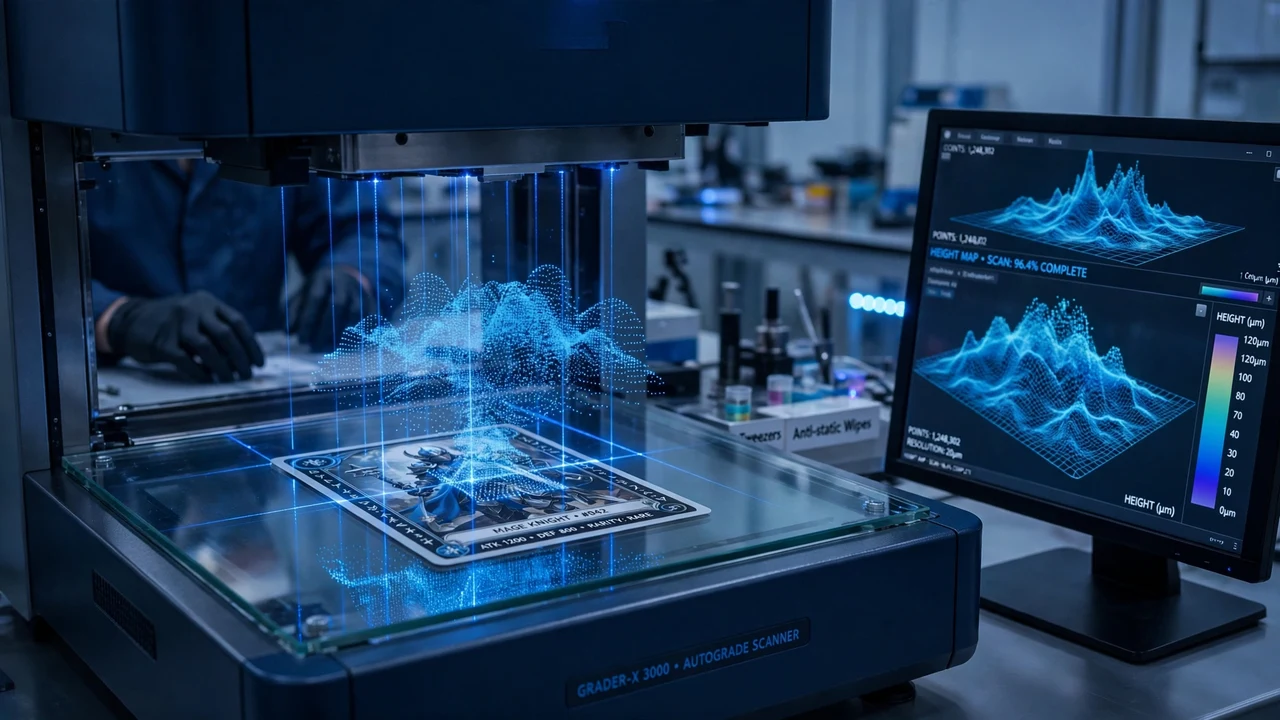
Both routes count as ai card grading, but they solve different problems. Apps give you a fast estimate at home, so you can decide what is worth paying to grade. Mail-in services grade the physical card with machines and seal it in a holder, called a slab.
| Option | What you get | Cost | Turnaround |
|---|---|---|---|
| CardGrade.io (app) | Estimated grade from photos | Plans from $4.99 a month | About 60 seconds |
| Card Grading AI app (CGA) | Estimated grade from photos | Free | Seconds |
| Advanced Grading PreGrader | Estimated grade from photos | Free, still in beta | Seconds |
| AGS RoboGrading | Physical grade and slab | $18 per card, bulk from $15 | 20 days or less |
| TAG | Physical grade, slab and digital report | From $29.95 per card | Varies by tier |
AGS builds its grade from 3D machine vision and says it reads about 30 million data points on each card. TAG adds a digital report for every graded card and scores on a 1000 point scale that converts to the usual 1 to 10. AiGrading takes a different extra step, pairing its slab with an NFC smart label and a digital certificate.
Turnaround is the other gap between the two routes. AGS promises cards back in 20 days or less, and its own comparison table puts PSA at 100 business days for a standard tier. That table is a rival’s framing, but the direction matches what collectors report: the machine services move faster, and the legacy services carry the longer queues.
One caution on the marketing. AGS promotes its system as free of human error, but no independent test has checked that claim. Treat it as a sales line, and weigh the price and turnaround instead.
The App Side: AI Card Grading on Your Phone
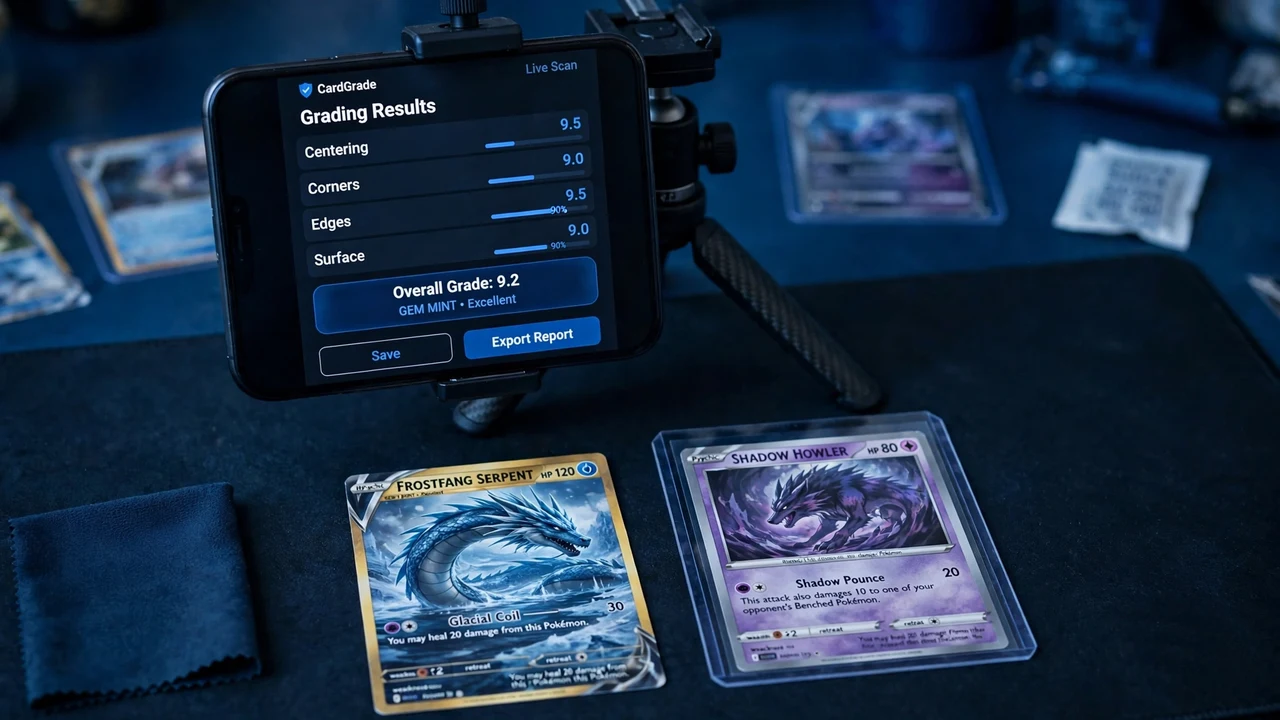
CardGrade.io is the most detailed of the phone tools. It checks 16 inspection zones across the front and back, and its forensic mode asks for eight close up photos instead of one. Plans run from $4.99 a month for the Hobby tier with 10 credits to $74.99 a month for Business, and credit packs start at $9.99.
The free options are better than you might expect. CardGrader.AI gives your first live grade free and takes about a second per card, and the Card Grading AI app is free with a 4.7 star rating on Google Play. Advanced Grading’s PreGrader is also free while it stays in beta, and it warns you in plain words that its results may not match your final grade.
How Accurate Is It, and What Can It Miss?
Google’s AI Overview summary puts these tools within about one grade point of a PSA grade roughly 70 to 90 percent of the time. That figure comes from an unnamed summary, so treat it as a rough guide rather than a tested result. The honest reading is simpler: the tools are usually close, and sometimes wrong.
Collector opinion online splits along the same line. Threads on Reddit call the apps genuinely useful for screening a stack before PSA fees, then warn in the next breath that a photo cannot feel a shallow dent. Both halves are right, and together they explain why the tools work best as a first pass.
There are also hard limits. A photo based tool cannot physically authenticate a card, catch a high quality counterfeit, or judge an in person autograph from a flat image. Those checks still need the card in a grader’s hands.
Resale value adds one more limit. The record prices on Wikipedia’s list of the most expensive cards from collectible card games sit with the long established graders. Collectors often pay less for the same grade from a newer AI service, a gap sometimes called the liquidity premium, so a strong AI score does not always mean a strong sale price.
How to Pre-Screen a Card Before You Pay for Grading
Professional grading fees are charged per card, win or lose. A card that comes back an 8 still cost you the full fee, the shipping and the weeks of waiting. Screening first flips that math: the free tools take the losses, and only the likely winners travel.
- Take the card out of its sleeve. Plastic adds glare and reflections that confuse the scan.
- Use a flat, dark background. A plain dark surface helps the software find the card’s true borders.
- Shoot front and back, straight overhead. Work in even light and keep flash off, so no corner hides in shadow.
- Run one free app first. PreGrader or CGA costs nothing, so start there before any paid plan.
- Read the four subgrades, not just the headline. Weak centering on its own can cap a card below a 10.
- Send only strong cards onward. If the estimate sits at 8 or below, keep the card raw and save the grading fee.
The whole check takes about five minutes per card. On a stack of raw cards, it can save you the full grading fee on every card that never had a real shot at a top grade.
Frequently Asked Questions
Are AI graded cards worth anything?
Yes, but the label decides how much. A slab from an AI grading service sells, yet usually for less than the same grade from PSA, because buyers trust the older label more. An app estimate on its own adds no resale value, since anyone can rerun the same photo.
How much does ai card grading cost?
At the app end, nothing to $74.99 a month, with several solid tools free. At the service end, AGS charges $18 per card with bulk rates from $15, and TAG starts at $29.95 per card. For comparison, AGS’s own table puts PSA at $60 per card, so the AI services compete on price and speed.
What is the best AI trading card grading app?
It depends on what you need. CardGrade.io goes deepest, with 16 inspection zones and a forensic photo mode. If you want a free first look, the Card Grading AI app and PreGrader both do the job, and PreGrader is open about being in beta.
Does PSA use AI grading?
PSA still has humans make the final call. Its parent company, Collectors, bought Genamint, a firm that built automated card diagnostics, back in 2021. So software assists the process, but a person signs off on the grade you receive.
Can ai card grading spot a fake card?
Only partly. The software can flag borders, print patterns or surfaces that look wrong for a known card. It cannot run the physical checks that catch a high quality counterfeit, so a clean app result never proves that a card is real.
You can browse more tool guides like this one in our AI Tools and Software section.
Conclusion
AI card grading works best as a filter, not a verdict. Use a free app to screen your cards, trust the four subgrades more than the headline number, and send only strong cards to a paid grader. For resale, the established labels still lead, while for a fast, honest read on condition, the apps already earn their place.