Bolt AI: Build a Full Web App From One Prompt
If you don’t want to read the whole guide or have difficulty reading, you can listen to this guide instead.
You type one sentence and get a working web app back. That is the promise of bolt ai, the name most people use for Bolt.new, the browser-based app builder from StackBlitz. You describe the app you want in plain English, and the tool writes the code, runs it, and shows you a live preview in the same tab.
At AI Holic, we test AI tools so you can tell hype from help. This guide explains what Bolt.new does, how it works, what it costs, where it falls short, and which alternatives fit better. You will also learn how to build your first app and keep token costs under control.
What Is Bolt AI?
Bolt AI is the name most people use for Bolt.new, a browser-based app builder from StackBlitz. You type a plain English prompt, and it builds a full web app with a front end, a back end, and a database. The app runs in your browser tab, so you need no setup and no local install.
The product launched in October 2024 and grew fast. Growth reports say Bolt.new passed 5 million users and reached $40 million in yearly revenue within five months of launch. It also hit $4 million in yearly revenue in its first four weeks.
Those numbers come from third-party reports, not from an official audit, so treat them as reported figures.
Bolt.new is part of a wider style of building called vibe coding. Wikipedia defines vibe coding as software work where you describe a task in a prompt and a large language model writes the code. The term was coined by Andrej Karpathy in February 2025, and it fits Bolt.new well, since you guide the build with words and fix it with follow-up prompts.
How It Works
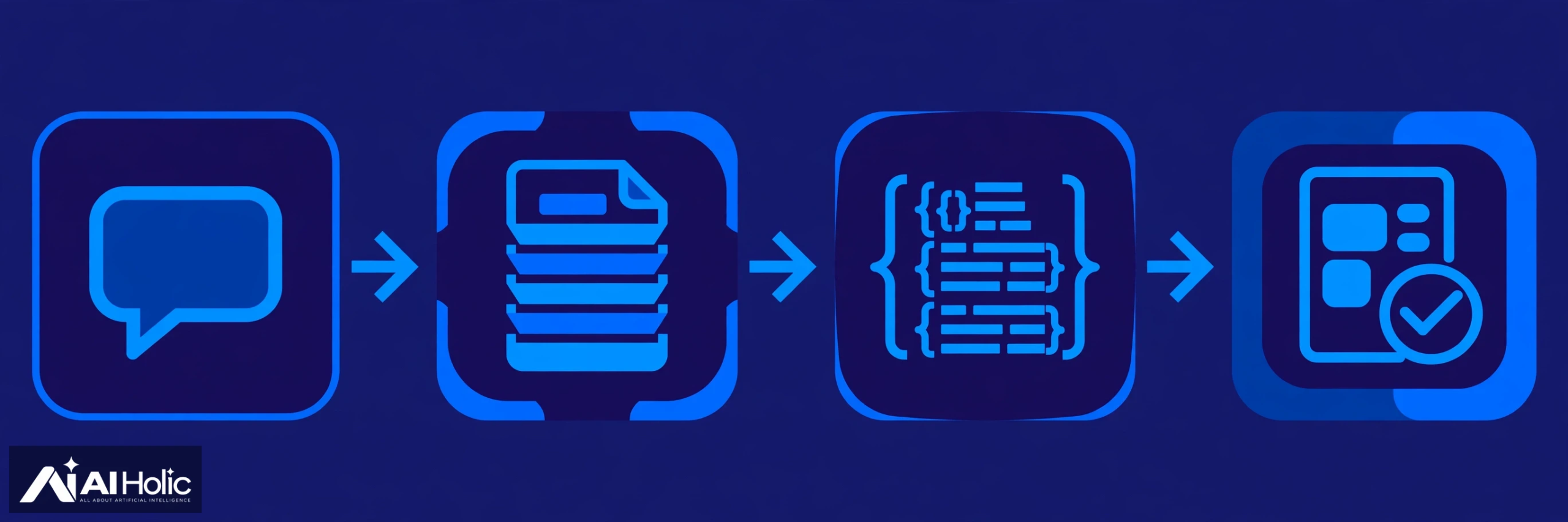
Bolt.new works in three steps, and it hides most of the hard work behind a chat box. First, you write a prompt that describes the app you want. Second, the AI writes the code and installs the packages it needs.
Third, it starts a live server and shows you a working preview next to the chat.
The key part is the runtime. Bolt.new runs on StackBlitz WebContainers, a system that runs a real Node.js environment inside your browser tab.
That means the code runs on your own machine, not on a remote server, so feedback is fast. You can click around the app, spot a bug, and ask the AI to fix it in the same window.
The code it writes follows a common stack. The front end is usually React with Tailwind CSS, the back end is Node.js with Express, and the database is PostgreSQL with Prisma. You can open every file, read the code, and change it by hand when you want more control.
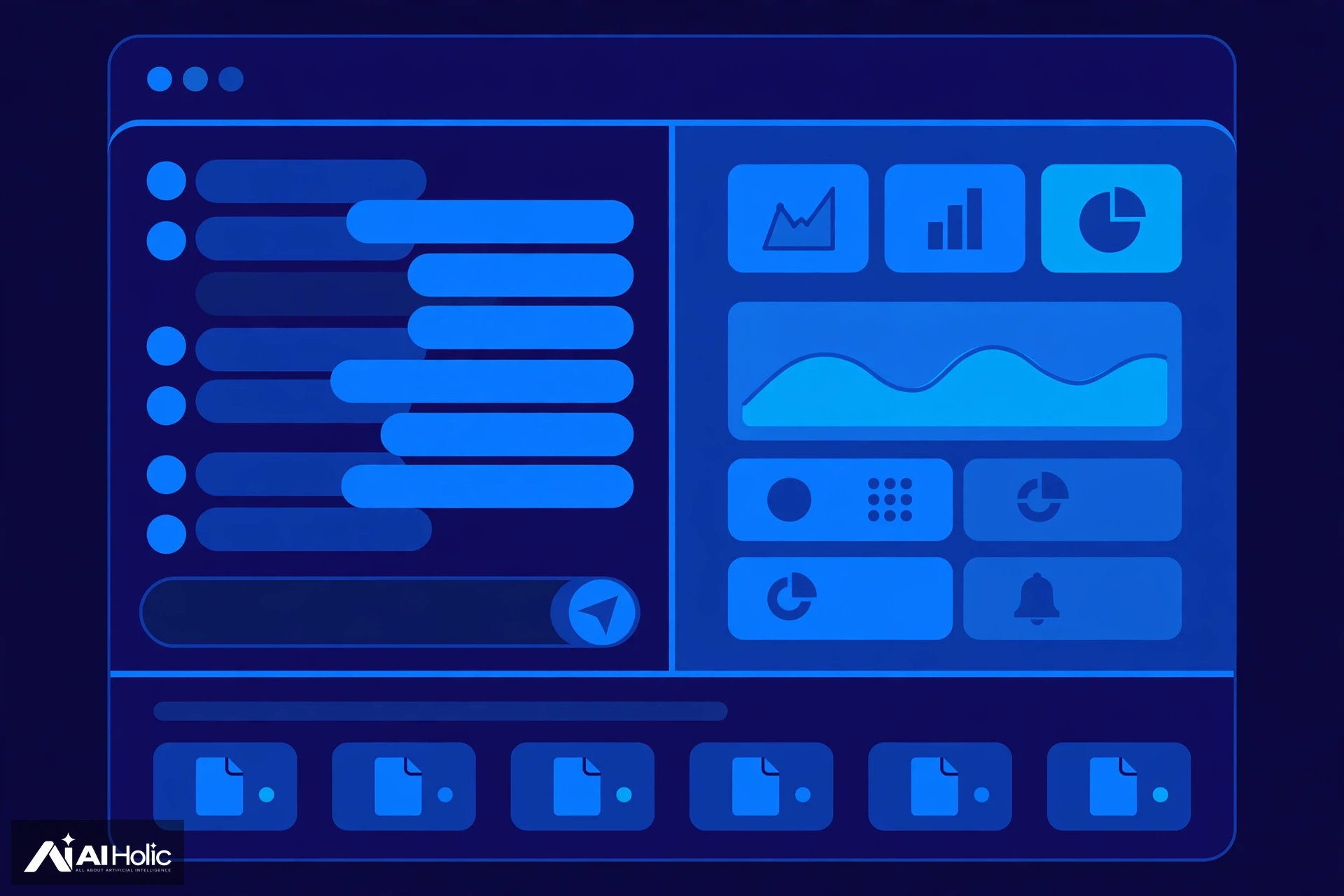
- Write a prompt: describe the app, its pages, and its main features in plain words.
- Review the plan: Bolt.new shows what it will build before it starts writing code.
- Watch it build: the tool writes files, installs packages, and starts the server.
- Test the preview: click through the live app and check that each feature works.
- Ask for fixes: describe what is wrong in the chat and let the AI patch the code.
Key Features
Bolt.new started as a simple prompt box, but it has grown into a full build and hosting platform. The code editor, file tree, terminal, and live preview all sit in one window. You can tweak layouts with a visual editor or edit the code by hand.
The tool also handles the parts that usually slow a first build. Bolt Cloud adds a database, user login, custom domains, hosting, and analytics in the same sidebar. One-click links connect Supabase for data, Stripe for payments, GitHub for version control, Netlify for hosting, Figma for design import, and Expo for mobile apps.
The model behind the build matters too. Claude Code is the default model in the dropdown, with OpenAI Codex as a second option.
Gemini was listed as coming soon at the last test reported by one reviewer, so check the current dropdown before you count on it. The full codebase is open source, and a self-hosted fork called bolt.diy lets you run it on your own server with more than 19 model providers.
If you are comparing it with other tools on our list of the best AI tools, Bolt.new stands out for speed. It is the fastest of the prompt-to-app builders at turning a first idea into something you can click. That speed is its main strength, and it shapes everything else in this guide.
Pricing
Bolt AI pricing is token-based, so each plan works like a monthly credit budget. Every prompt you send uses part of your token budget, and long fixes use more than short ones. The table below shows the plans as listed by most 2026 sources.
| Plan | Price | Tokens | Best for |
|---|---|---|---|
| Free | $0 | 1M per month, 300K per day | Testing and small prototypes |
| Pro | $25 per month | 10M per month | Regular builders and founders |
| Teams | $30 per member per month | Per-member token budget | Small teams |
| Enterprise | Custom | Custom | Large companies |
Some pages still list the older Pro price of $20 per month, and one page mentions plans from $9 per month. Those figures conflict with the newer $25 Pro price shown by most 2026 sources. Check the official pricing page before you pay, since token limits change often.
Unused Pro tokens roll over for up to two months before they expire, according to one review. That helps if you build in bursts. The free plan is the right place to start, since it shows you how fast you burn tokens before you spend anything.
Bolt AI vs BoltAI for Mac
The names are close, and search results mix the two, so this split matters. BoltAI for Mac is a separate native macOS app from another company.
It works as a chat client that connects to more than 300 models with your own API keys. It does not build web apps.
When people search for a tool to build an app from a prompt, they mean Bolt.new. This guide covers that product only. If you land on a page about a Mac chat app with model switching and API keys, you have found the other product.
How to Build Your First App
Start small. Pick one job your app must do, such as taking bookings or tracking habits.
A single clear job keeps the first build short and keeps token use low. Write the job down in one or two sentences before you open Bolt.new.
Good prompts name the users, the pages, and the main workflow. A weak prompt says “build me a shop.” A strong prompt says “build a shop for handmade soap with a home page, a product page, a cart, and checkout, for buyers on phones.” Our guide to the AI writing tool can help you shape clear prompts like that before you paste them in.
Use the plan mode first when it is offered. It talks through the idea with you and turns it into a build plan before any code is written.
That step catches missing details early, when fixes are cheap. Then let the tool build, test the preview, and fix one issue at a time with short follow-up prompts.
Deploy only when the core job works end to end. Bolt.new can publish the app to its own hosting with a custom domain, or you can export the code and host it elsewhere. Test the login, the main form, and the payment step yourself before you share the link with anyone else.
Limits and Risks to Know
Token cost is the first limit. One review found that a single debugging session can burn 7 to 12 million tokens, which can drain a Pro plan inside a week. Heavy builders often pay $50 to $75 per month in practice once fix cycles pile up, even though the Pro plan starts at $25.
Context loss is the second limit. Reviewers report that the AI loses the thread once an app grows past about a dozen components.
At that point it starts to repeat mistakes or break working parts. That is why Bolt.new fits prototypes and small apps better than large products.
Review scores split sharply by site. Bolt.new scores 4.3 out of 5 on G2 from more than 70 reviews, while Trustpilot sits at 1.4 out of 5 across more than 197 reviews, according to one review roundup. The gap points to billing and support friction as much as to the tool itself, so read recent reviews before you commit to a paid plan.
Security is the last risk, and it applies to all AI-generated coding. Code nobody has read can hide flaws, so never ship an app that handles real user data or money without a human review of the code. Treat the first build as a draft, not a finished product.
Alternatives
Bolt.new is not the only prompt-to-app builder, and the right pick depends on what you are building. Lovable is the closest rival for polished MVPs, Replit Agent covers the full path from build to hosting, and Cursor suits developers who want an AI editor inside a real project. Our comparison of AI coding agents covers the editor side of this market in more depth.
| Tool | Best for | Key difference |
|---|---|---|
| Bolt.new | Speed and rapid prototyping | Fastest prompt-to-preview time, runs Node.js in the browser |
| Lovable | Polished MVPs and SaaS | Credit-based billing, strong UI quality out of the box |
| Replit Agent | Full lifecycle from build to deploy | Hosting built in, checkpoints you can roll back to |
| Cursor | Developers who read code | AI inside a real editor and project folder |
Try Lovable when the look of the app matters most, since its first output tends to need less visual cleanup. Pick Replit Agent when you want hosting, database, and deploy in one place without wiring services together. Pick Cursor when you already code and want the AI to work inside your own project files.
Who Should Use It
Bolt.new fits developers and technical founders who ship prototypes fast. If you can read code and fix a bug when the AI gets stuck, you will get the most from it. It also fits founders who need a clickable demo for investors or early users, since a first version can be ready in an afternoon.
It is a poor fit for non-technical users who want a finished product without touching code. The tool hands you code to debug, and that is a real job once the app grows. It is also a poor fit for large apps with many parts, for teams that need strict access control, and for apps that handle payments or health data without a code review.
Students and hobby builders sit in the middle. The free plan is a good way to learn how apps are put together, and small projects stay inside the free token budget. Just keep the scope small and treat each build as practice.
Frequently Asked Questions
Is Bolt AI free to use?
Yes. Bolt.new has a free plan with 1 million tokens per month and a 300K daily cap.
Paid plans start at $25 per month for the Pro plan with 10 million tokens. Start free to learn how fast you use tokens before you pay.
Who owns Bolt.new?
StackBlitz owns and runs Bolt.new. StackBlitz is the company behind WebContainers, the browser runtime that lets Bolt.new run Node.js inside a tab. The company launched Bolt.new in October 2024.
What is the difference between Bolt.new and BoltAI for Mac?
They are separate products from different companies. Bolt.new is a browser app builder from StackBlitz that turns prompts into working web apps. BoltAI for Mac is a native macOS chat app that connects to many AI models with your own API keys and does not build apps.
Do I need to know how to code to use it?
No, you can start without coding skills and build a first app from plain prompts. But you will get stuck once the app grows or breaks, since fixes often need you to read the code. People who can read code get far more value from the tool.
Can I export the code and host it myself?
Yes. You can download the full source code or sync it to GitHub, and you own the code. You can also deploy from Bolt.new with its built-in hosting and custom domains, or move the code to Netlify or another host of your choice.
Conclusion
Bolt AI is the fastest way to turn an idea into a working app, as long as you know its limits. Start free, build a small project, and watch your token use before you pay.
If the first app works, you have found a fast way to test ideas. If it fights you, try Lovable or Replit instead.