Granola AI vs Tactiq Key Differences in Workflow: Which Meeting Notes Tool Fits Your Team
If you don’t want to read the whole guide or have difficulty reading, you can listen to this guide instead.
Two tools promise meeting notes with no bot in the call. The granola ai vs tactiq key differences in workflow start with what each tool gives you first. Granola gives you polished notes after the call, built from your own typed notes and the full transcript.
Tactiq gives you a live transcript while people are still talking, and the summary comes later. Both skip the bot, and both stop at the edge of the laptop or the browser tab.
At AI Holic, we test AI tools side by side so you can see the trade-offs before you pay. This guide walks through a normal meeting day with each tool, compares prices, and shows where each one falls short. By the end, you will know which one fits how your team actually meets.
The Short Answer: Granola AI vs Tactiq Key Differences in Workflow
Pick Granola if you already take notes and want a clean summary that reads like your own writing. Pick Tactiq if you want the exact words on screen during the call and you can wait for the summary. The granola ai vs tactiq key differences in workflow come down to timing: Granola works hardest after the meeting, while Tactiq works hardest during it.
That timing gap shapes everything else. It decides what you see on screen, what the free plan rations, and which meetings each tool can even reach. The table below puts the two side by side.
| Point | Granola | Tactiq |
|---|---|---|
| Core idea | Note-first: your typed notes plus the transcript become a polished summary | Transcript-first: live text during the call, summary after |
| How it captures | Desktop app that listens to your computer audio | Chrome or Edge extension that reads the meeting platform captions |
| Where it runs | Mac, Windows, iOS. No Android, no web app | Chrome only, in Google Meet, Zoom Web, and Teams Web |
| Live transcript | No | Yes, in a side panel |
| Bot in the call | No | No |
| Audio kept | No | No, captions only |
| Free plan limit | Unlimited meetings, limited history | 10 transcripts and 5 AI credits a month |
| Entry paid price | Business, $14 per user a month | Pro, $12 a month, or $8 a month billed yearly |
Both tools are honest about one thing: they cover online meetings on a computer. Phone calls and in-person talks sit mostly outside what either one can do. That gap matters more than any feature list, and we cover it in its own section below.
How Granola Works in Your Meeting Day
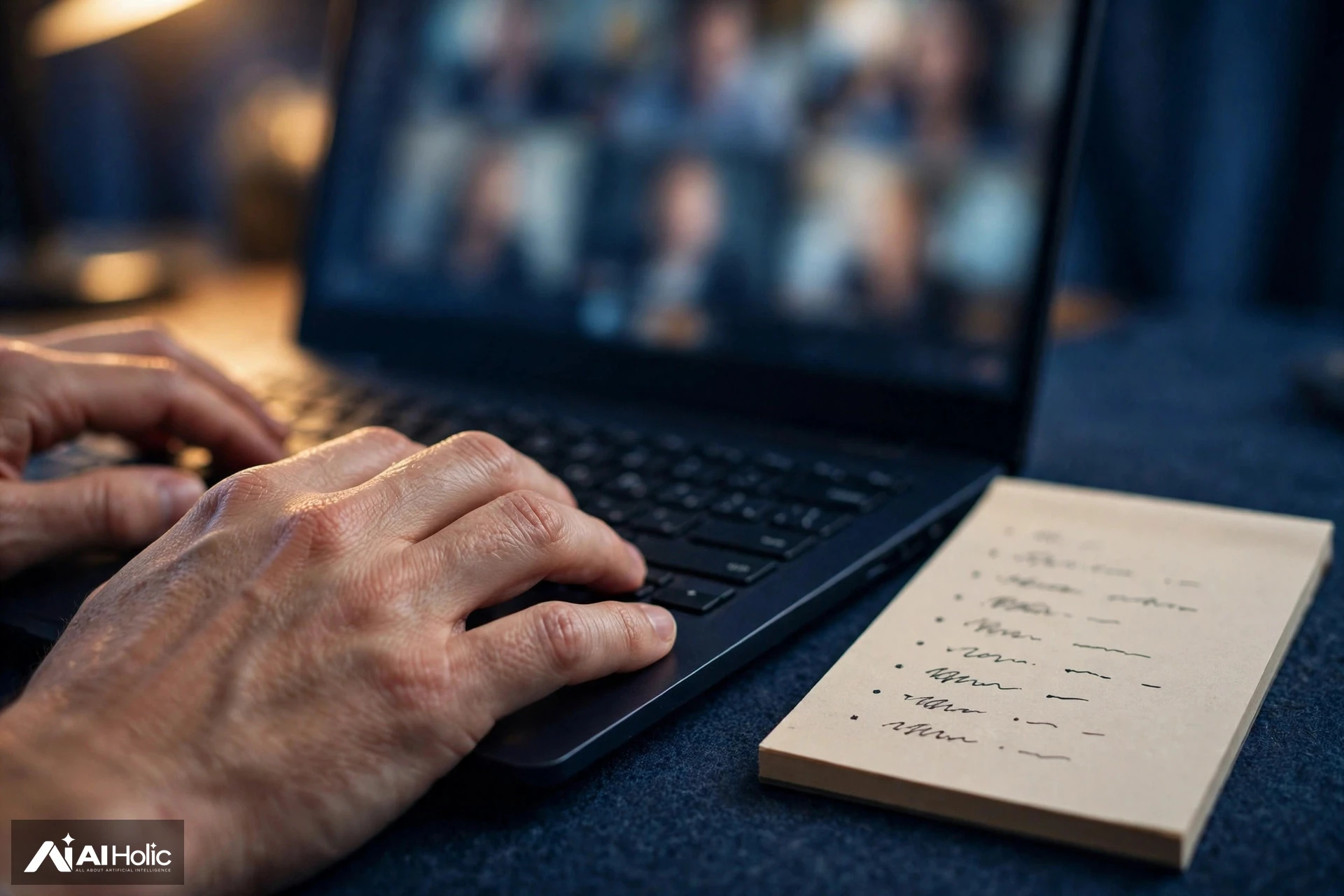
Granola starts before the call. You pick a template for the meeting type, and the app can show a short brief with context on the people you are about to meet. You open the app, join the call as usual, and type short notes while people talk.
During the call, Granola listens to the audio your computer plays. There is no bot name in the participant list, which helps in sensitive one-to-one talks and job interviews. You stay in the conversation instead of typing full sentences.
After the call, the AI merges your shorthand with the full transcript. The result is a structured note with highlights, decisions, and action items in the format your template sets. You can edit it, share it, and search across past meetings with Granola Chat.
That merge step is the whole point of Granola. If you type nothing, you still get a transcript-based note, but the output is at its best when your own notes steer it. People who already take notes tend to like this flow, because the final note sounds like their own work.
How Tactiq Works in Your Meeting Day
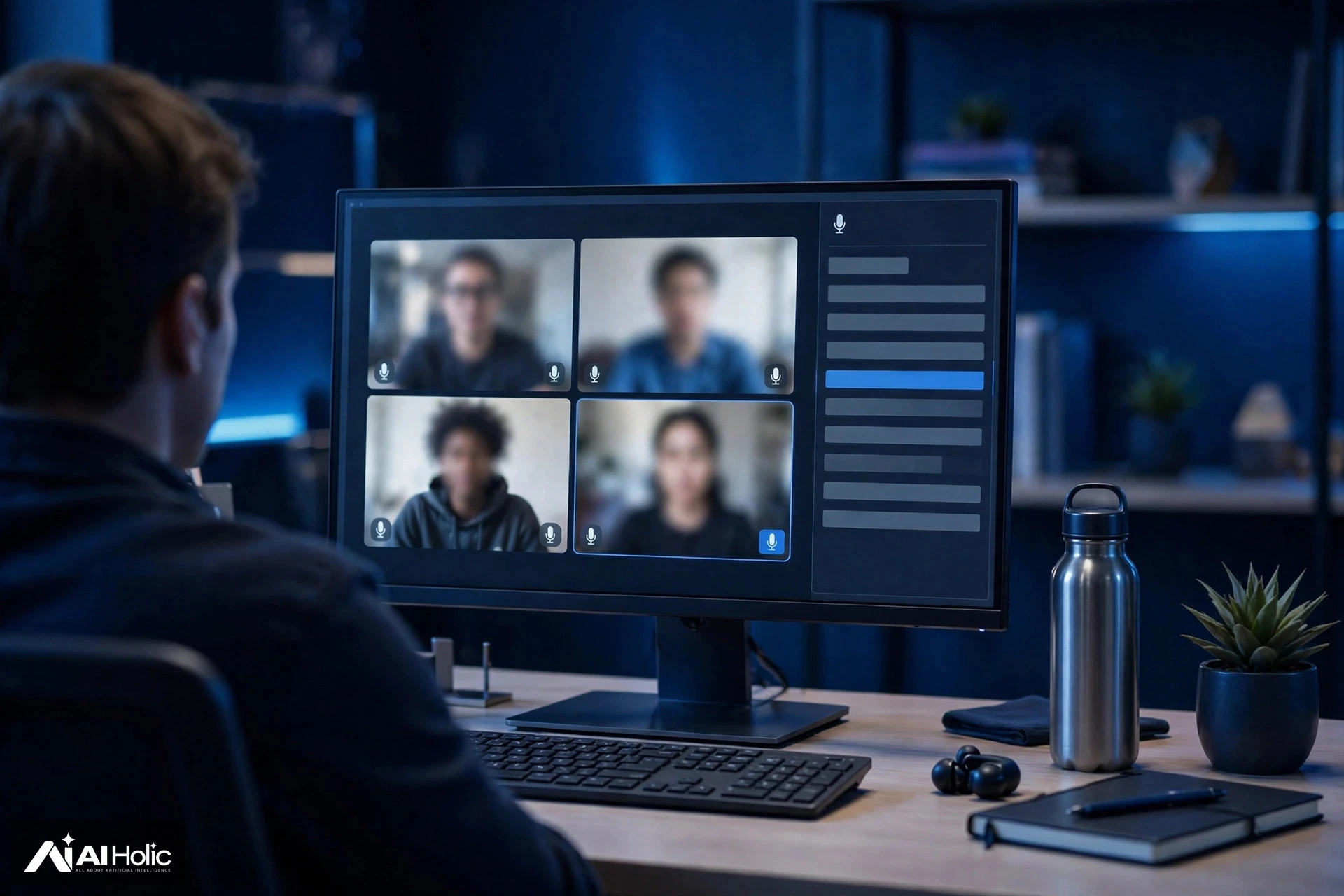
Tactiq starts inside the browser. You open Chrome, join the meeting in Google Meet, Zoom Web, or Teams Web, and the extension shows a live transcript in a side panel. You can highlight key moments, tag action items, and take screenshots while the call runs.
During the call, the transcript is the product. You can scroll back and read what someone said thirty seconds ago without asking them to repeat it. That helps in interviews and sales calls, where the exact wording matters more than a clean summary.
After the call, Tactiq turns the transcript into a summary, a list of action items, or a follow-up email. Each summary or AI question costs one AI credit. You can also ask the AI questions about the meeting, and the notes can save to Google Drive, Notion, HubSpot, Pipedrive, or Linear.
The credit meter shapes how you use Tactiq. The free plan gives five AI credits a month, and the Pro plan gives ten, so a single busy meeting can eat the month. Unlimited credits arrive only on the Team plan, which changes the real price for anyone who wants a summary on every call.
What Changes Between the Call and the Notes
With Granola, the call itself is quiet. You type a few words, listen, and do the real work after the call ends, when you read and fix the merged note. With Tactiq, the call itself is busy, because you read, highlight, and tag while people talk, and the summary is a short step at the end.
That is the heart of the granola ai vs tactiq key differences in workflow. Granola asks for your attention after the meeting. Tactiq asks for it during the meeting.
If you like to stay fully present and clean up notes later, Granola fits. If you need exact quotes while the call runs, Tactiq fits.
Sharing differs too. Granola leans on shared folders and team spaces, plus Slack, Notion, HubSpot, and Zapier on the Business plan.
Tactiq leans on auto-saving transcripts to the tools your team already uses, with team spaces for shared notes. Both cover the common case, and neither replaces a proper project tracker.
Pricing Compared
The granola ai vs tactiq key differences in workflow also show up in what each free plan rations. Granola lets you record everything and then limits your history.
Tactiq lets you keep what you capture and then rations the AI that makes it useful. Read both free plans with care, because they fail in opposite directions.
| Plan | Granola | Tactiq |
|---|---|---|
| Free | Basic: AI notes, AI chat, custom templates, shared folders, unlimited meetings, limited history | Free: 10 transcripts and 5 AI credits a month, no card needed |
| Entry paid | Business, $14 per user a month: unlimited history, advanced models, Slack, Notion, HubSpot, Zapier, API access | Pro, $12 a month or $8 a month billed yearly: unlimited transcripts, 10 AI credits a month |
| Team tier | Enterprise, $35 per user a month: single sign-on, priority support, org-wide controls | Team, $20 a month or $16.67 billed yearly: unlimited transcripts and AI credits |
| Top tier | Enterprise is the top tier | Business, $40 a month or $29.17 billed yearly: SAML SSO, retention controls, success manager. Enterprise is custom priced |
All prices above are vendor claims as reported in comparison guides in November 2026. Granola restructured its pricing in 2026 and retired the older Individual and Pro plans, so reviews that quote about $18 a month are out of date. Check the vendor pricing page before you pay, because plans change.
The Granola free plan hides one trap. Its own pricing page calls the history limit “limited” only, and other sources disagree on the real number, with some reporting a 25-note cap and others a 30-day window. Check inside the app before you rely on it, because losing old notes is the most common reason people upgrade.
For most solo users, the honest budget is the entry paid plan on either side. Granola Business at $14 a month buys unlimited history. Tactiq Pro at $8 a month on yearly billing buys unlimited transcripts, but the 10-credit cap stays, so heavy users should price the Team plan at about $17 a month instead.
Accuracy and Speaker Names
Both tools handle clean audio from a headset well. Both get worse in the same places: crosstalk, strong accents, and rooms full of people. Neither one suits a conference room with several people at a table, because both capture from one laptop or one platform audio stream.
Granola has one clear weak spot. Its speaker identification becomes unreliable in group calls with more than four or five people, which matters when notes must show who owns an action item. There is no audio to fall back on, so a wrong name stays wrong unless you catch it.
Tactiq has a different weak spot. It reads the meeting platform captions, so its accuracy tracks the platform caption quality. If the host turns captions off, the transcript breaks with no fallback.
Transcription software turns speech into text, and AI transcription can still produce errors, so check names, numbers, and dates in every note before you share it.
The fix is the same for both tools. Read the note right after the meeting, while the talk is still fresh in your mind. Fix names and figures at once, and treat the AI note as a draft, not a record you can defend later.
Privacy, Training, and Consent
Granola trains its AI on your meeting data by default. You can opt out in settings on any plan, including the free plan, but the opt-out is per user. Only the Enterprise plan lets an admin enforce it across a team, so every person has to change the setting themselves.
Granola holds SOC 2 certification, earned as SOC 2 Type 2 in July 2025 according to one comparison guide. It does not offer HIPAA support, and org-level retention controls are limited. Tactiq keeps no audio at all, since it works from captions, and one comparison lists it as SOC 2, ISO 27001, GDPR, and HIPAA compliant, which is a vendor claim we could not verify on an independent page.
For regulated work, both tools ask you to accept gaps. If your org runs a vendor security review, start there rather than with the feature list. A tool that fits your workflow can still fail your compliance check.
Consent matters more here than with a bot tool, because nothing in the call signals to others that notes are being taken. Tell people at the start of the meeting and get their okay.
Most US states require only one party to know about a recording, while twelve states require all parties to be aware, according to telephone call recording laws. This is general information, not legal advice, and cross-state calls are safest handled under the stricter rule.
Which Meetings Neither Tool Covers
Phone calls are invisible to both tools in most cases. Take a client call on your mobile and there is no capture at all, unless you use the Granola iOS app, which one comparison says can record phone calls and in-person meetings. Tactiq has no phone option.
In-person meetings work only in a narrow way. Granola can listen through a laptop microphone if you bring the machine and leave it running, though it was built for calls rather than rooms. Tactiq needs a browser meeting and cannot capture an in-person talk at all.
Platform rules cut Tactiq off in a common case. If your team uses the Zoom desktop client instead of Zoom Web, Tactiq does not capture. The same goes for the Teams desktop client.
Granola has no such wall, because it listens to system audio on any platform that runs on your laptop.
Granola has its own wall. There is no Android app and no web app, so Android-first teams are out.
One comparison claims Granola has Android apps, but two others say it does not, and this guide follows the two that say no. Check the current app list before you commit a team.
Count last week meetings first. Open your calendar and mark every talk that mattered.
If nearly all of them were video calls with your laptop open, this choice is simple. If a real share were phone calls, client visits, or talks in a room, neither tool covers your week, and you need a different kind of capture.
Which Tool Fits Your Week
The granola ai vs tactiq key differences in workflow point to different people. A consultant who writes decision records wants Granola. A recruiter who checks exactly how a candidate phrased an answer wants Tactiq.
A sales lead who lives in Google Meet inside Chrome wants Tactiq, while a manager who runs back-to-back calls on a Mac wants Granola.
- Choose Granola if your meetings are video calls on a Mac or Windows machine, you already take notes by hand, and you want a summary that reads like your own writing. Budget for Business at $14 a user a month, since the free plan history limit will find you.
- Choose Tactiq if you live in Google Meet inside Chrome, want the transcript visible during the call, and mainly need searchable text rather than polished summaries. Treat the free tier as a trial and expect to pay for AI credits.
- Choose neither if your week mixes phone calls, site visits, and in-person talks. No browser extension or desktop app covers that week, and the right question shifts from Granola versus Tactiq to whether you need a tool that hears the room.
If you like head-to-head guides like this one, our Nexlev vs VidIQ comparison uses the same side-by-side method for video tools. Our OpenHands vs Devin vs Manus comparison does the same for AI coding agents. Once your notes are clean, our AI for writing guide shows how to turn meeting notes into drafts, emails, and follow-ups.
How to Test Both in One Week
Run both free plans on the same week of meetings. Use Granola for half your calls and Tactiq for the other half. At the end of the week, compare three things: which notes you actually opened again, which summaries needed the least fixing, and which free limit you hit first.
That small test beats any feature list. The granola ai vs tactiq key differences in workflow only matter in your own calendar, with your own calls, your own accents, and your own team. Pick the tool whose notes you trust enough to share without re-reading them twice.
Frequently Asked Questions
What are the granola ai vs tactiq key differences in workflow?
Granola is note-first: you type short notes during the call, and the AI merges them with the transcript into a polished summary after the call. Tactiq is transcript-first: you get a live transcript in Chrome during the call, and each summary costs an AI credit after it. Granola runs as a desktop app on Mac, Windows, and iOS, while Tactiq runs as a browser extension in Google Meet, Zoom Web, and Teams Web.
Does Granola or Tactiq record audio?
Neither tool keeps an audio recording. Granola transcribes your computer audio without saving it, and Tactiq reads the meeting platform captions in the browser. If a transcript is wrong, there is no recording to check it against, so fix names and numbers right after the meeting.
Can I use Tactiq outside Chrome?
No, not in a useful way. Tactiq works in Chrome and Edge, inside Google Meet, Zoom Web, and Teams Web. It does not capture the Zoom or Teams desktop clients, and it cannot capture phone calls or in-person meetings at all.
How much does Granola cost in 2026?
Granola offers a free Basic plan with limited history, Business at $14 per user per month, and Enterprise at $35 per user per month. The older Individual and Pro plans were retired in 2026, so quotes near $18 a month are out of date. Check the vendor pricing page before you pay.
Does Granola work on Windows and Android?
Granola works on Mac and Windows desktop apps plus iOS. There is no web app, and there is no Android app according to the two most recent comparisons we read. One older comparison lists Android apps, so check the current app list if your team uses Android phones.
Do I need to tell people the meeting is being transcribed?
Yes, tell people at the start of the meeting. Bot-free capture gives no visible signal that notes are being taken, so a short note at the start keeps everyone informed.
Most US states need only one party to know, while twelve states need all parties to agree, so use the stricter rule on cross-state calls. This is general information, not legal advice.
Conclusion
The granola ai vs tactiq key differences in workflow are simple: Granola gives you polished notes after the call, Tactiq gives you live text during it. Match the tool to your meeting day, test both free plans for a week, and pick the one whose notes you trust.