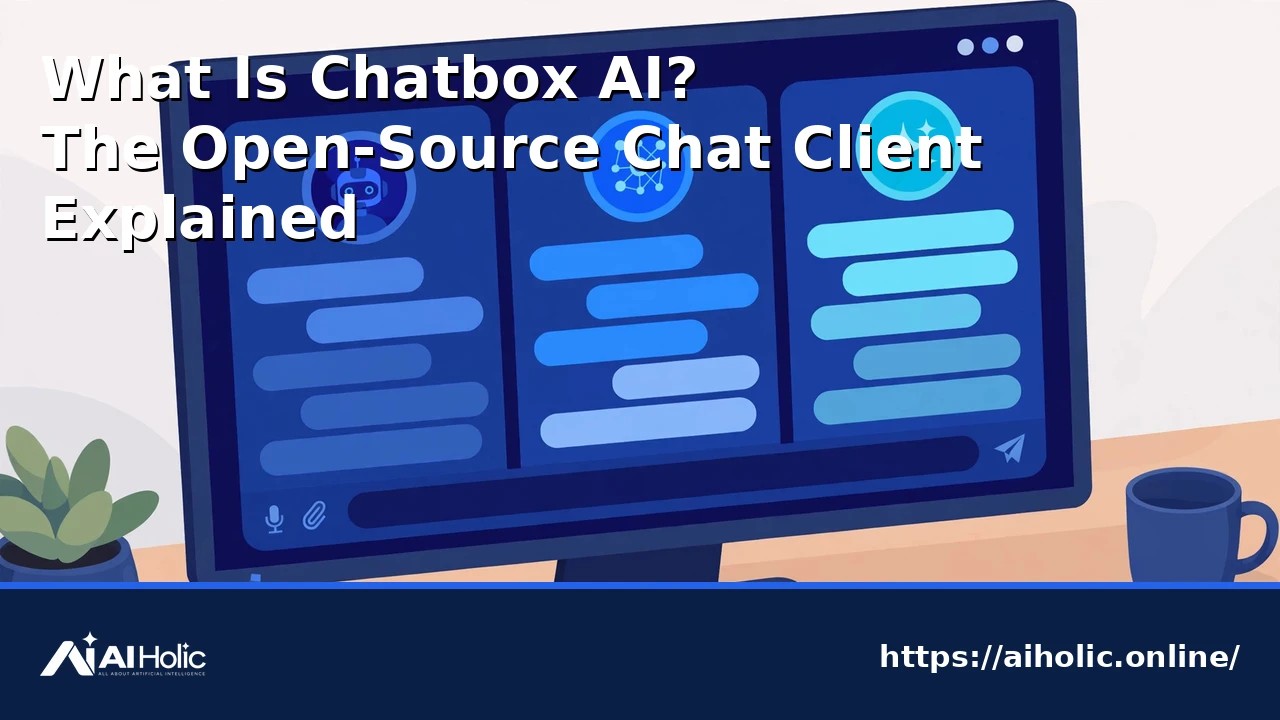
What Is Chatbox AI? The Open-Source Chat Client Explained
If you don’t want to read the whole guide or have difficulty reading, you can listen to this guide instead.
You have probably seen the name in search results and wondered what it means. chatbox ai is an open-source chat client that puts several AI models in one window. You can talk to GPT, Claude, Gemini, Grok and DeepSeek without opening five tabs or paying for five apps.
At AI Holic, we read the official site, the help pages and the app store listings so you do not have to guess. This guide covers what the client does, what it costs, and where it runs. It also clears up the mix-up with a second app that shares the name.
By the end, you will know if this client fits your work and how to set it up.
At a Glance
The table below gives the core facts in one place.
| Detail | What we found |
|---|---|
| What it is | An open-source chat client for several AI models in one app |
| Maker | An open-source project with public code on GitHub |
| Models | GPT, Claude, Gemini, Grok, DeepSeek and more |
| Platforms | Windows, macOS, Linux, iOS, Android and web |
| Price | Free with your own API keys, hosted plans from $3.99 a month |
| Free tier | A free daily quota for new users of the hosted service |
| Privacy | Chat history stays on your own device |
| Key feature | Work Mode, an agent mode that can use files, web search and tools |
Two facts matter most for new users. The client itself is free when you bring your own API keys, and the paid part is the hosted service that runs models for you.
What Is Chatbox AI?
This app is a desktop-first client that lets you chat with many AI models from one place. It is not a model itself. It is a shell that connects to models built by other firms, and it also works with models you run on your own machine.
A chatbot is software built to hold a text or voice talk with a person. This client takes that idea one step further by giving you a model switcher inside the same chat window. You can ask two models the same question and compare their answers side by side.
The open-source part matters. Anyone can read the code, and the project lives in public on GitHub. That openness is rare among chat apps, and it is one reason privacy-minded users pick this client over a closed app.
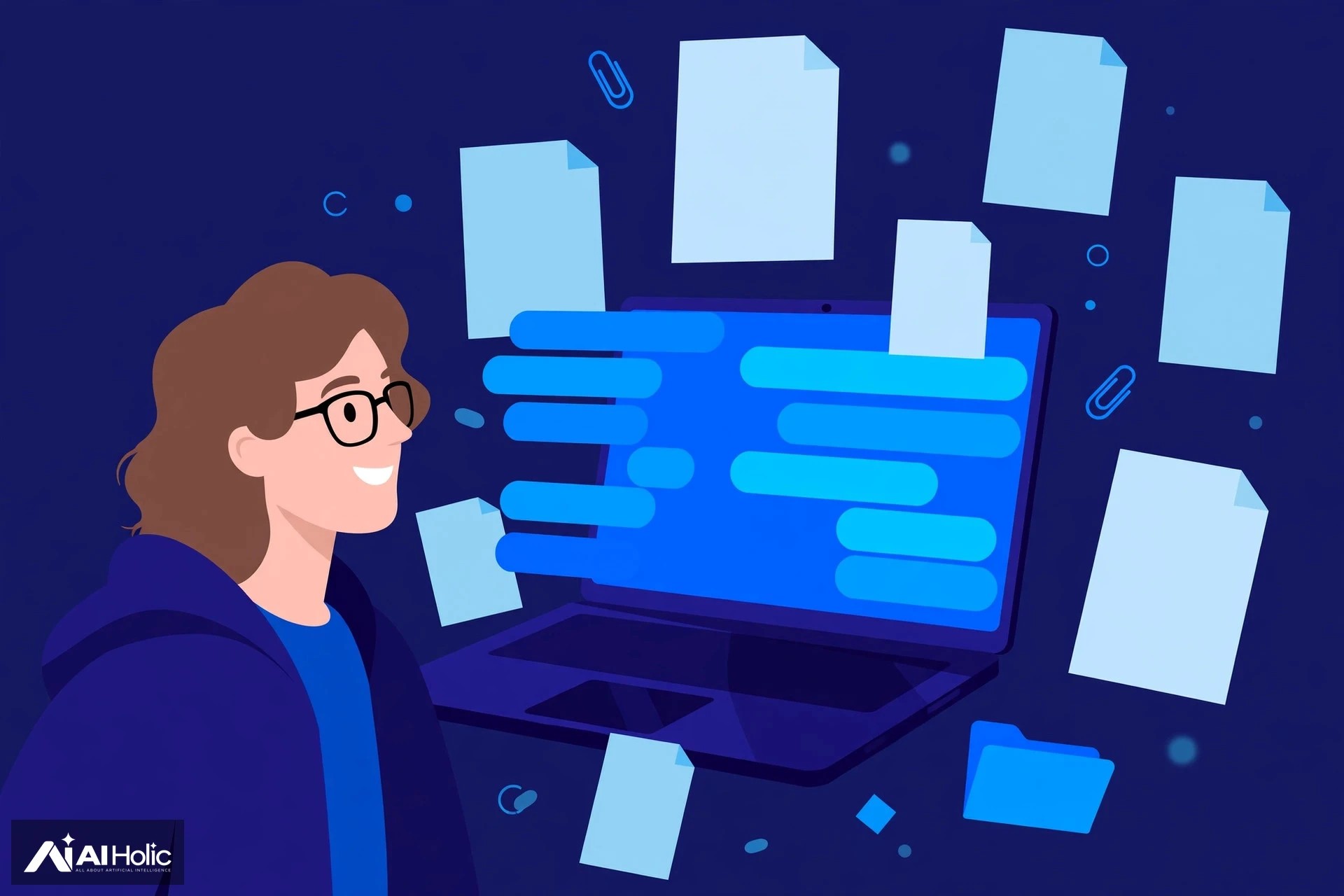
Local models are the other half of the story. If you have a model file on your own computer, the client can run it without sending your chats to a cloud server. That setup suits people who work with private notes or client files.
Key Features
The client packs a lot into one window. Five features do most of the work, from reading files to searching the web.
- Model switching: pick a model per chat or per message, and compare answers in one place.
- File chat: drop in PDFs, Word files, images or code and ask questions about them.
- Web search: get fresh facts with real-time search instead of old training data.
- Local knowledge base: store your own files on your device and let the app search them.
- Work Mode: an agent mode that can build chatbots, write code and use tools on your behalf.
- Image and code tools: make images from a prompt and preview code as you write it.
File chat deserves a closer look, since it changes how you use your own notes. You can load a long report, ask for a short summary, then ask follow-up questions without re-reading the whole file. If you mainly want open-ended talk instead of file work, our guide to an AI dialogue generator shows what a single-purpose chat tool can do.
Work Mode is the feature that turns the client from a chat box into a helper. You state a goal, and the agent takes steps toward it, such as searching the web or working through your files.
Models You Can Use
The client does not train its own models. It connects to large language models from the big AI firms, and each one has its own strengths. The table below lists the main families you will see in the model picker.
| Model family | Good for | How you reach it |
|---|---|---|
| GPT | Everyday writing, coding help and fast answers | Your own API key or the hosted service |
| Claude | Long texts, careful edits and step-by-step work | Your own API key or the hosted service |
| Gemini | Web-linked answers and Google-style tasks | Your own API key or the hosted service |
| Grok | Fresh takes and real-time topics | Your own API key or the hosted service |
| DeepSeek | Open-weight models and strong reasoning | Your own API key or the hosted service |
| Local models | Private work with no cloud involved | Run on your own machine |
Model names change fast, so treat this list as a starting point. The client adds new models as providers release them, and the picker always shows what is live. Check the model list inside the app before you plan a task around one name.
Your own API keys are the key point here. You create a key with each provider, paste it into the client, and pay that provider for what you use.
Platforms and Downloads
The client runs almost everywhere you work. Desktop apps cover Windows, macOS and Linux, and mobile apps cover iOS and Android. A web version runs in your browser when you do not want to install anything.
Mac users should check which chip their machine uses before they pick a download. The site offers a build for each chip type, and the Apple menu shows yours under About This Mac. Pick the wrong build and the app will not run.
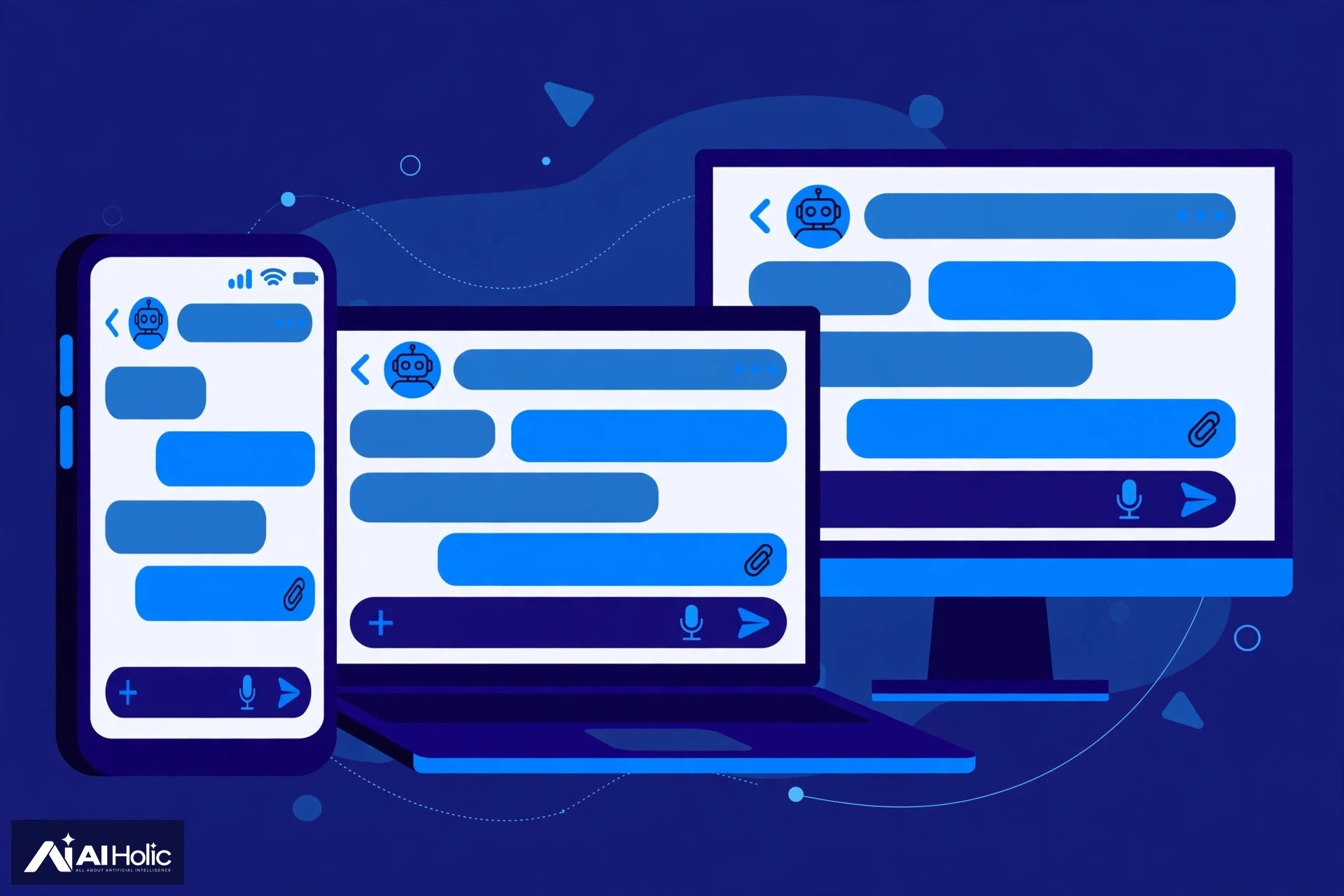
Android users get one more choice. The app is on Google Play, and a direct APK download is also listed for phones without the store. The iPhone app is on the App Store as a multi-model chat and productivity hub.
Pricing and Free Tier
Pricing for chatbox ai splits into two parts, and the split trips up new users. The client itself costs nothing when you use your own API keys. The hosted service, which runs models for you without keys, is where the paid plans sit.
New users who have not bought a plan can try the hosted service free. The free trial runs on a daily quota that refreshes each day, so you get a small free amount to test with. Paid hosted plans start at $3.99 a month, and you should check the pricing page before you buy, since plans change.
The fair way to judge cost is to add up both sides. With your own keys, you pay each model provider for the tokens you use, which suits light users. With the hosted plan, you pay one flat fee and skip the key setup, which suits people who want a simple start.
Chatbox AI vs ChatBox by Florate
This is the part that causes the most confusion, so here it is plainly. Two different products share almost the same name. One is the open-source client this guide covers, and the other is a separate workspace app from Florate.
The Florate app is a model-agnostic workspace built around one long chat that keeps your messages, files and task context together. You can switch models mid-task without losing your place, and it offers prompt packs, task helpers and voice input.
The quick test is the spelling and the site. The open-source client spells its name as one word with a small b, and it offers downloads for Windows, Mac and Linux. The Florate app spells its name with a capital B and puts workspace tools front and center.
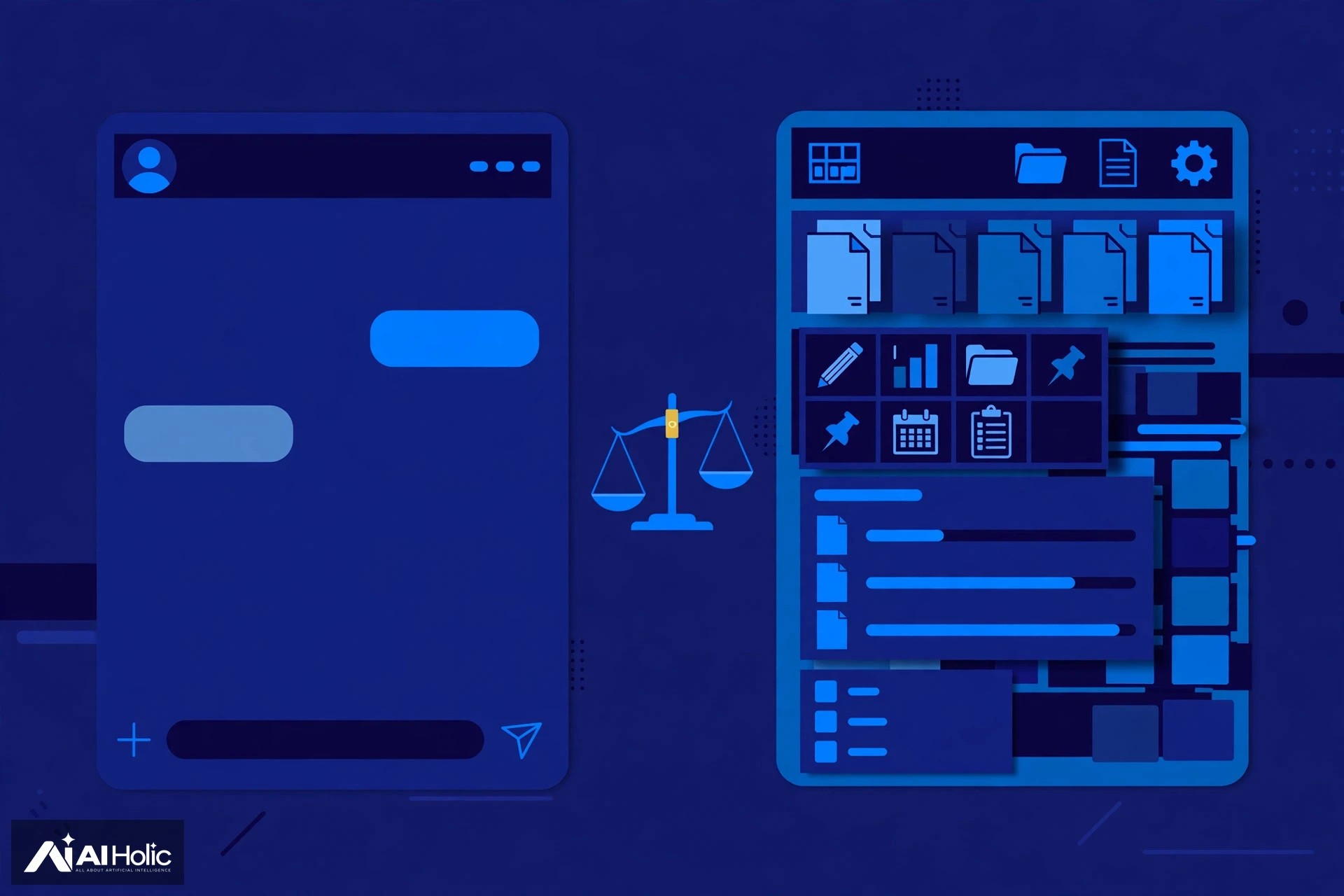
- Open-source client: free with your own keys, code in public, chat history on your device.
- Florate workspace: free plan with daily limits, Pro upgrade, chats sync across devices.
- Shared ground: both put several models in one place and both handle files and images.
- Main split: one is a privacy-first client you run yourself, the other is a hosted workspace.
Search engines mix the two up, and the AI overviews do too, so do not trust a result at face value. Open the page, read the domain, and match it to the product you want. That ten-second check saves you from installing the wrong app.
How to Get Started
Setup takes only a few minutes once you know the path. Follow the steps below in order, and test with a short question before you load in real work.
- Download the app for your system from the official download page.
- Install it, open it, and pick Chat or Work Mode for your first test.
- Add your API key for the model you want to use, or sign in for the hosted free trial.
- Ask a short test question and check that the answer comes back clean.
- Add a file or a knowledge base only after the basic chat works.
Keep your API keys safe while you set up. Treat a key like a password, and never paste it into a public chat or a shared screen. If a key leaks, revoke it with the provider and make a new one.
Start with one model and one use case, and add more only after the first one works well. A slow start beats a tangled setup that you have to undo later.
Who It Suits Best
The people who gain most from chatbox ai are those who juggle more than one model each day. Writers, coders and researchers switch models to compare drafts, check facts and test ideas. One window saves them from five open tabs and five logins.
Students and teachers gain too, since file chat turns long notes into short answers. Teachers who want a classroom helper can read our guide to a school AI chatbot, and readers who want chat for fun can look at our guide to AI talk tools instead.
It suits privacy-minded users as well. Local history, local files and your own keys mean less of your work sits on someone else’s server. If that matters to you, the open-source client is a strong pick among chat apps.
Limits to Know
No tool fits every job, and this client has real limits. You need API keys for the full service, and keys mean accounts, billing and setup.
The knowledge base only works on desktop, so phone users miss that feature. Each file must stay under 50 MB, so check the format list before you build a base.
Answers can still be wrong, even with web search switched on. The client passes your question to a model, and models can state false facts with confidence. Check key facts against the source before you act on them.
Frequently Asked Questions
Is Chatbox AI free?
Yes, in two ways. The open-source client costs nothing when you use your own API keys, and you only pay the model providers for what you use. The hosted service also has a free trial with a daily quota that refreshes each day, and paid hosted plans start at $3.99 a month.
Is it the same as ChatBox by Florate?
No. They are two different products that share almost the same name. The open-source client is a privacy-first app you run with your own keys, while the Florate app is a hosted workspace with a free plan and a Pro upgrade.
Do I need my own API keys?
Only if you want to use the client without the hosted service. You can start with the free daily quota and add keys later, since keys give you more control over cost and model choice. Each provider has its own key page, and the client keeps your keys on your own device.
Which devices does it run on?
Windows, macOS and Linux on desktop, plus iOS and Android on mobile, and a web version in your browser. The knowledge base feature works on desktop only, so that is the one gap to note. Mac users should pick the build that matches their chip, and the phone apps cover chat, files and images for daily tasks on mobile.
Is my chat history private?
Your chat history stays on your own device, and the client stores your files in a local knowledge base. Order details sit with the payment provider and the service backend, which is normal for paid plans. If you use your own keys with a local model, your chats need not leave your machine at all.
Conclusion
Chatbox AI gives you many models, your own keys and local files in one honest client. Start free, test one model, and check the domain so you land on the right app. If it fits, it can replace five tabs with one window.