AI Dialogue Generator Guide: Write Real Conversations for Scripts, Games, and Videos
If you don’t want to read the whole guide or have difficulty reading, you can listen to this guide instead.
A blank script page gets easier when two characters start talking. An ai dialogue generator writes that back-and-forth conversation for you, from a short film scene to a game character who answers the player. You describe the speakers, the setting, and the mood, and the tool drafts the exchange in seconds.
At AI Holic, this guide explains what these tools do, which ones fit scripts, games, and videos, and how to prompt them so the lines sound like real people. You will also see free and paid options, ready-made prompt templates, and a short example you can judge for yourself.
What Is an AI Dialogue Generator?
It is software that writes conversation between two or more characters. You give it names, traits, a setting, and a goal for the scene, and it writes both sides of the exchange. Most tools build on large language models, the same models behind common chatbots, with extra structure for speakers, tone, and turn-taking.
The phrase covers three different tool types, and mixing them up wastes time. A text writer produces lines you can paste into a script or a story.
A voice tool reads those lines aloud with a different voice for each speaker. A sound tool makes short retro blips for game text boxes, not real speech.
| Type | What It Makes | Best For |
|---|---|---|
| Text dialogue writer | Written conversation between characters | Scripts, stories, and game lines |
| Voiced dialogue tool | Spoken lines with a voice per speaker | Videos, podcasts, and audiobooks |
| RPG dialogue sound tool | Short blips and text sounds | Retro games and Undertale-style scenes |
Screenwriters were early users of this kind of help. AI for cinema now covers script analysis and story structure as well as dialogue, so the tools keep improving for film work. The same ideas now reach game writers, teachers, and video makers too.
If you already use AI to draft articles or stories, the same prompting skills carry over. Our guide to the best AI writing tool covers the general tools that also write dialogue when you prompt them well. The difference here is focus: a dialogue tool thinks in speakers and turns, not in paragraphs.

How an AI Dialogue Generator Works
An ai dialogue generator works in four simple steps. First, you describe the speakers and the scene. Then the tool turns that brief into a prompt for a language model.
The model writes the exchange turn by turn, keeping track of who speaks next. Better tools add a memory layer, so a character can refer back to an earlier line without breaking character. Google built LaMDA, a model made for dialogue applications, and that idea now sits inside many chat products.
The quality gap between tools comes down to three things. Memory decides whether a character stays in voice across a long scene.
Format control decides whether you get screenplay lines, chat bubbles, or plain prose. Model choice decides the tone, since one model may write punchy lines while another writes softer, slower exchanges.
Best AI Dialogue Generator Tools in 2026
No single tool wins for every job. The right pick depends on what you make: a script, a game, a video, or a support flow. These six cover the main needs, and each one is strong in one lane.
General Chatbots: ChatGPT, Claude, and Gemini
General chatbots are the fastest way to start. You can paste a character brief into ChatGPT, Claude, or Gemini and get a usable scene in under a minute. They suit short scenes and quick tests, and all three offer free tiers with limits. If you want one app that puts several of those chat models in one window, our guide to Chatbox AI explains how that open-source client works.
Quillbot: Best Free Option
Quillbot offers a free dialogue tool for short scenes. You type a situation, a theme, or a setting, and it writes a back-and-forth exchange from each character’s point of view. You can export the result to PDF or Word, which suits students and casual writers.
Inworld AI: Best for Game NPCs
Inworld AI builds full character brains for game characters, with memory, goals, and emotions. Its characters can react in a new way when a player returns, instead of repeating the same three lines. It connects with Unity, Unreal Engine, and a REST API, so it fits real game projects.
Before you prompt, it helps to pin down each character on paper. AI character cards give you a simple way to fix traits, goals, and speech habits for every speaker. That short step keeps voices apart when the scene gets long.
NovelAI: Best for Long Fiction
NovelAI suits novelists and screenwriters who work with the same characters for months. Its memory system and lorebook keep backstory and voice steady across long scenes. It is less useful for short marketing lines or chatbot flows.
ChatMapper: Best for Branching Dialogue
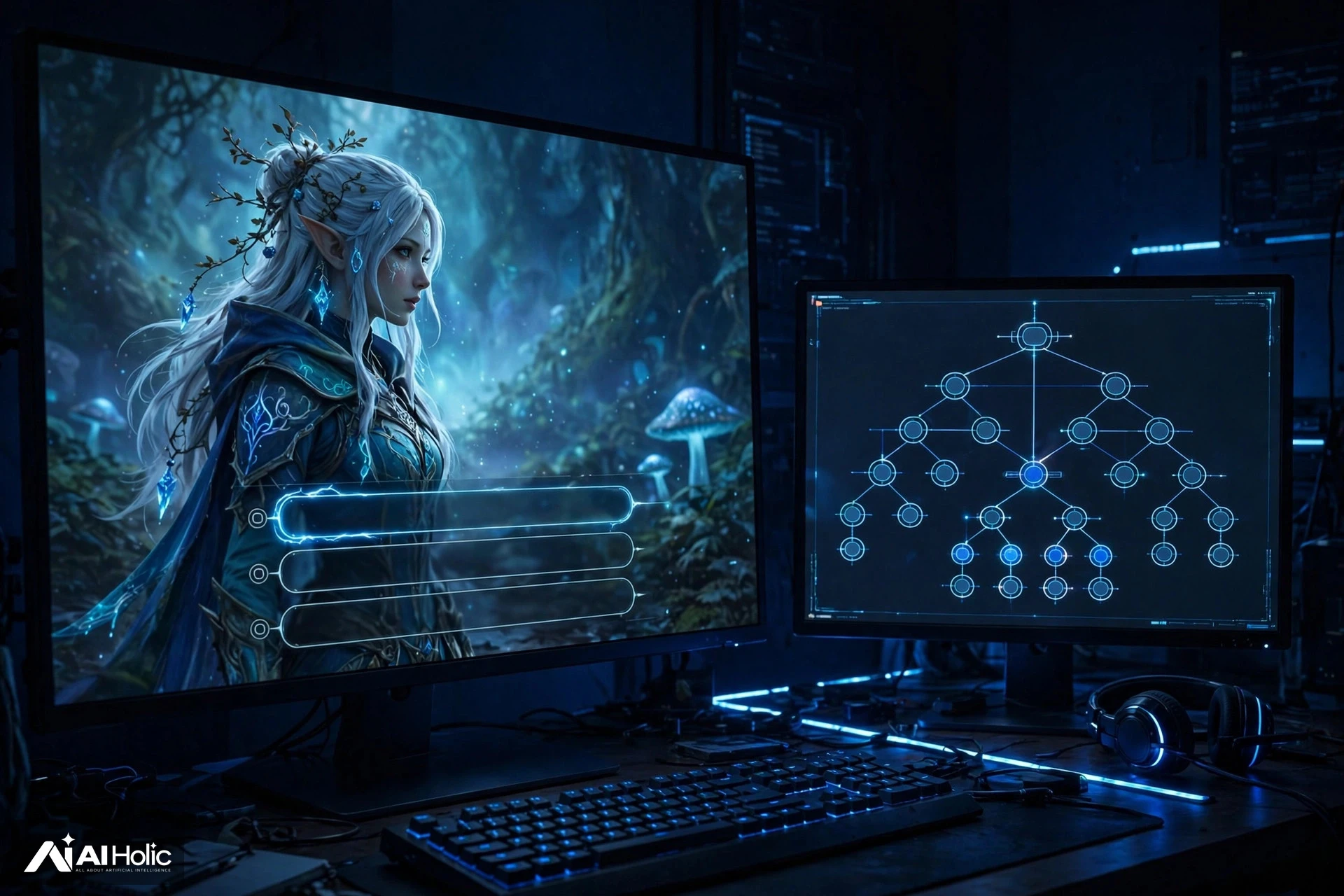
ChatMapper maps conversation trees instead of writing flat text. You can plan every player choice and see where each branch leads before you write the lines. It works best paired with a language model that writes the actual text for each branch.
ElevenLabs and Two-Voice Tools: Best for Spoken Dialogue
ElevenLabs turns a finished script into speech with realistic character voices. Its newer voices accept typed stage directions such as whispering or laughing, which shapes the delivery line by line. Two-voice tools such as Speechma Pro take a script with lines marked A and B and join them into one MP3, with up to 10,000 characters per conversion.
| Tool | Best For | Free Option | Voice |
|---|---|---|---|
| ChatGPT, Claude, Gemini | Quick drafts in any style | Yes, with limits | No |
| Quillbot | Short free scenes | Yes | No |
| Inworld AI | Game NPCs with memory | Trial access | Through game engines |
| NovelAI | Long fiction and screenplays | Limited trial | No |
| ChatMapper | Branching conversation trees | Trial | No |
| ElevenLabs | Turning scripts into speech | Limited free tier | Yes |
| Speechma Pro | Two-voice MP3 from a script | Paid tool | Yes |
How to Use an AI Dialogue Generator
Good output starts before you press generate. These seven steps turn a vague idea into lines you can use.
- Name each speaker and give each one a want in the scene.
- Set the place, the time, and what just happened before the first line.
- Pick a format: screenplay, prose, or chat bubbles.
- Add limits, such as a word count per line or facts a character must not reveal yet.
- Generate two or three versions of the same scene.
- Keep the best lines from each version and cut the rest.
- Read the result out loud to catch lines that look fine but sound stiff.
The read-aloud test catches more problems than any other step. Lines that look smooth on the page often sound flat or wordy when spoken. If a line trips you up, rewrite it in shorter words and try again.
Prompt Templates That Work
Generic prompts give generic lines. These three templates add the detail that makes a scene feel real, and you can reuse them by swapping the names and the setting.
The character-first template starts with people, not plot. It works best for scripts and stories where voice matters most.
- Characters: Sara, a tired nurse who hides worry with jokes, and Omar, a new patient who asks too many questions
- Setting: a hospital waiting room at night
- Goal: Sara wants to end her shift, and Omar wants answers
- Rules: keep each line under 15 words and use screenplay format
The conflict template works when two speakers disagree. It keeps the tension rising without letting either side turn into a cartoon.
- Topic: two shop owners disagree about raising prices
- Positions: one wants higher prices, and the other fears losing regulars
- Rules: write 10 exchanges, and neither speaker backs down easily
- Tone: tense but polite, with short lines and no speeches
The subtext template works when a character hides what they feel. It suits goodbyes, confessions, and scenes where the real point stays unsaid.
- Scene: one friend tries to say goodbye without admitting it
- Signals: the other friend senses something is wrong but never asks outright
- Rules: no character states feelings directly, and keep it understated
- Length: 8 exchanges, with pauses where words fail
The same rules apply to other kinds of AI writing. Our guide to AI for writing explains how clear briefs and short limits improve any AI draft. Dialogue only makes the need sharper, since a weak brief shows up in every line.
A Short Example
Here is a short exchange made with a character-first prompt. Two speakers, one small conflict, and no line over 15 words.
Mara: You said the shop opens at eight.
Jon: It does, but the baker called in sick.
Mara: So we have no bread and a full queue.
Jon: We have muffins, and I can explain that.
Mara: Muffins will not calm a Monday crowd.
Jon: Then help me sell them like they will.
Six lines carry the whole scene: a problem, a weak fix, and a push to act. Notice how each line answers the one before it, and how no one explains the backstory out loud. That is the test to run on your own output.
Free vs Paid: Which One Fits You
A free ai dialogue generator is enough for short scenes, social posts, and first tests. Free tools cap scene length, limit character detail, and give you one model with no choice. That is fine when you write once in a while.
Paid tools earn their price when you write dialogue every week. Longer memory, more than one model, and export formats for scripts or game engines save real revision time. If you run a studio, a serialized story, or client work, the paid tier pays for itself in saved hours.
Start free and upgrade only when you hit a limit twice. If the free cap blocks the same scene two weeks in a row, you have found your reason to pay. Until then, the free tier is the honest test.
Limits to Know Before You Trust the Output
These tools draft well, and they still fail in the same ways. Characters can drift out of voice across a long scene.
Lines can state feelings outright instead of showing them through action. Models can repeat the same sentence shape for both speakers, which flattens the exchange.
The tool also knows nothing about your story beyond what you feed it. It cannot keep a secret, a timeline, or a world rule unless you write it into the prompt or the memory. Treat every output as a first draft, and keep a human edit pass in your workflow.
Common Mistakes to Avoid
- Accepting the first draft: generate two or three versions and keep the best lines from each one.
- Writing vague prompts: a tired ex-cop who over-explains when nervous beats a plain tough guy every time.
- Skipping the read-aloud test: text that reads fine can sound stiff when spoken.
- Letting one model do everything: different models write with different tones, so test more than one.
- Forgetting format: ask for screenplay, prose, or chat style up front, or you will reformat by hand.
Frequently Asked Questions
What is the best free AI dialogue generator?
Quillbot is a solid free pick for short scenes and quick drafts. It needs no sign-up wall for basic use, and it exports to PDF or Word. It will not match paid tools on long-form memory, but for one scene or a social post it is enough.
Can it write NPC dialogue for games?
Yes, and that is one of its strongest uses. Tools such as Inworld AI and ChatMapper build memory and branching trees for game characters, with links into Unity and Unreal Engine. A general chatbot can draft single lines, but it will not track player history on its own.
Is AI-generated dialogue good enough to use without editing?
Rarely, and you should plan for an edit pass. The first draft often over-explains feelings and repeats the same sentence shapes. A short human pass fixes voice, pacing, and the lines that sound almost right but not quite human.
Can I turn AI dialogue into spoken audio?
Yes, with a second tool. Write the script first, then send it to a voice tool such as ElevenLabs or a two-voice tool such as Speechma Pro. That pair covers the full path from a written scene to a finished audio file.
How do I stop AI dialogue from sounding robotic?
Give each speaker a distinct speech pattern, and give each one something to hide. Ask the model to cut backstory and keep lines short, then read the result out loud. Short lines, interruptions, and uneven pacing do more than any setting tweak.
Conclusion
An ai dialogue generator is a fast first-draft tool for scripts, games, and videos. Pick the tool that fits your project, prompt it with real character detail, and edit every line out loud. Start with one scene today, and compare two tools on the same prompt before you commit.