
Merlin Artificial Intelligence: What the Browser Assistant Does and When to Use It
If you don’t want to read the whole guide or have difficulty reading, you can listen to this guide instead.
If you search for Merlin AI, you meet five different products with one name. This guide clears up that mix, and it explains merlin artificial intelligence as the browser assistant at getmerlin.in, what it can do for you, and what it costs.
You will learn which models it offers, how the free tier works, where its limits sit, and how it compares with a plain chatbot tab. Short on time? The short answer below gives you the core facts in under a minute.
At AI Holic, we test AI tools in plain language so you can pick the right one without reading ten sales pages. Keep reading to see if this assistant fits the way you work.
The Short Answer
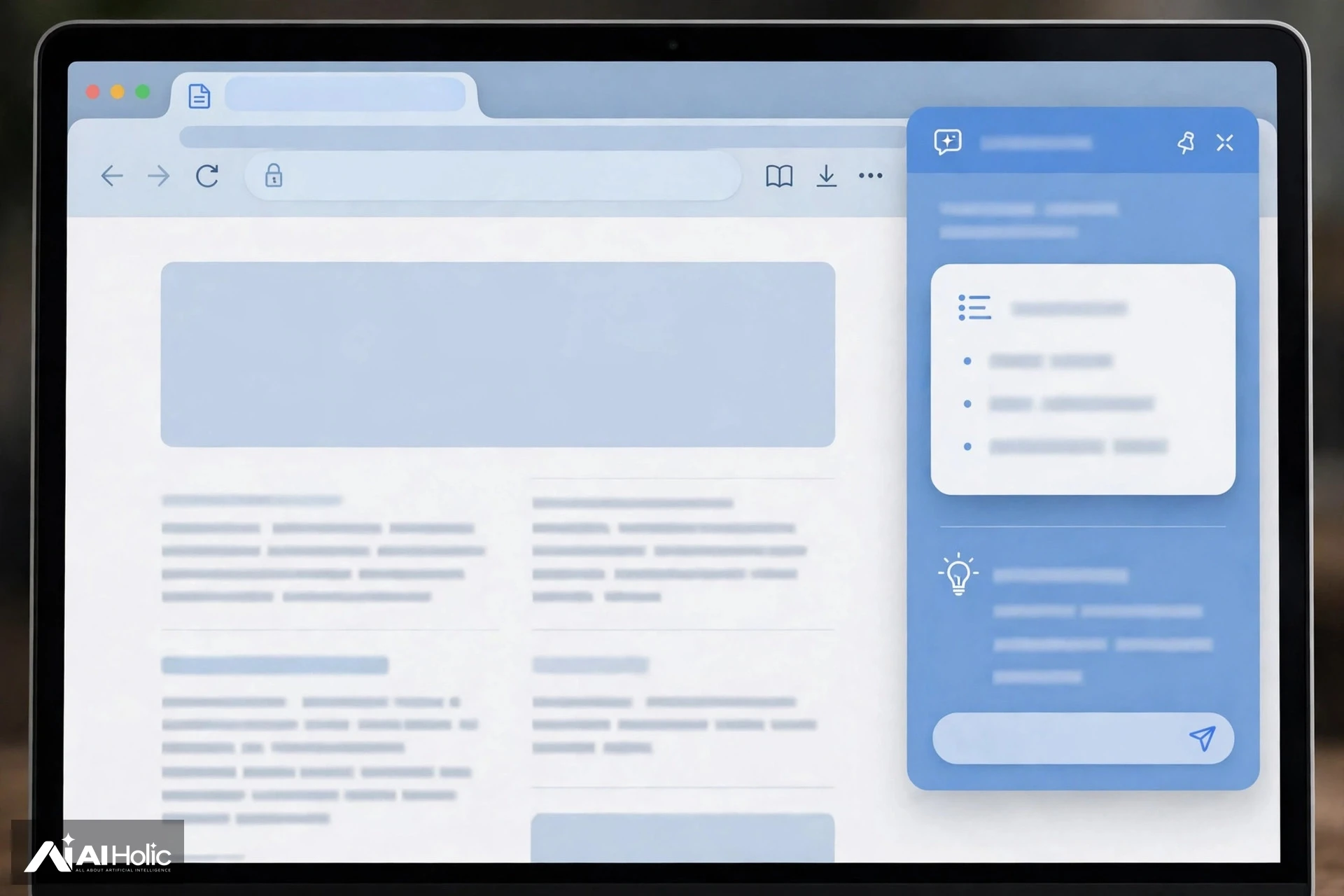
merlin artificial intelligence is a browser assistant that puts many AI models in one sidebar. You press Ctrl+M on Windows or Cmd+M on Mac, and it opens over any page you are reading. From there you can sum up the page, draft a reply, translate text, or ask a question without switching tabs.
It started in 2021 as a simple ChatGPT extension, and it has since grown into a web app and mobile apps with more than 20 models. AutoGPT puts its user count at five million. The appeal is simple: one subscription instead of one for each model you use.
The catch is that it routes your prompts through other companies’ models, so answers can feel thinner than the same model used on its own site. There is also a fair-use cap on paid plans, which reviewers say is easy to miss. It also helps on search pages, and our guide to what a search assistant is explains that kind of help in plain terms.
Which Merlin Is This?
The name Merlin belongs to more than one product, and search results mix them up. The table below shows the main ones, so you can tell at a glance which Merlin a page is talking about. This guide covers only the first row, the browser assistant.
If a page talks about bird calls, CT scans, or building sites, it is a different Merlin. The bird that shares the name is a small falcon called Falco columbarius, and Cornell Lab’s bird app carries the same name. When in doubt, check the address in the page, not just the name.
| Product | What it is | Is it this guide? |
|---|---|---|
| Merlin at getmerlin.in | Browser assistant with many AI models | Yes, this guide covers it |
| Merlin Bird ID | Bird identification app from Cornell Lab | No, a bird app |
| Merlin medical model | Stanford model that reads abdominal CT scans | No, a research model from 2026 |
| Merlin construction software | Building project software at merlinai.co | No, a construction tool |
| MERLIN research paper | A multilingual reasoning framework from university researchers | No, an academic paper |
What Merlin Artificial Intelligence Does
Merlin works where you already work. It lives in your browser as an extension, and it also runs as a web app and on phones. The idea is that you never leave the page to get AI help.
Press the shortcut and a sidebar opens over the page. You can ask it to sum up the page, pull out the key points, or answer a question about what is on screen. It can also draft email replies inside Gmail, write posts for LinkedIn and X, and turn a long video into a short summary with time stamps.
- Sum up any page, PDF, or YouTube video
- Draft and rewrite emails, posts, and replies
- Chat with documents up to 50 MB, as reported by FirmCritics
- Generate images from text prompts
- Build knowledge bases from Drive files, links, and videos, called Projects
- Make diagrams, charts, and mind maps from prompts, called Crafts
- Translate text in up to 128 languages, as listed on the Chrome Web Store
Two features stand out in hands-on reviews. The YouTube summary turns a long talk into key points you can scan in seconds, and the document chat lets you ask questions about a long PDF instead of reading all of it. Both save time, but both need a check, since summaries can skip fine points in technical papers.
The Models You Can Pick
The main reason people pick Merlin is the model choice. Instead of paying for three or four chatbot subscriptions, you get many models under one roof, and you can switch between them mid-task. That switch is the core of the product: one sidebar, and you pick the model for each job.
Merlin routes your prompt to the model you pick, and the model answers inside the sidebar. A large language model is a model trained on vast amounts of text, and each one has its own strengths. You can test the same prompt on two models and keep the better answer.
| Model | Best for | Note |
|---|---|---|
| GPT-4o | Balanced writing and reasoning | Strong all-rounder |
| Claude 3.7 Sonnet | Careful, step-by-step answers | Offers a thinking mode |
| Gemini 2.5 Pro | Long documents and detailed answers | Higher-capacity Gemini model |
| Llama 3.1 405B | Heavy tasks that need a large model | Very large model from Meta |
| Mistral Large | Fast general work | Balances quality and speed |
| Grok 3 | Direct chat answers | From xAI |
Which models you can use depends on your plan. Free accounts get basic models, while paid plans open the top models. Model lists change as providers release new versions, so check the current list before you judge the product by it.
So the model list is the real product here. The extension is only the way in, and merlin artificial intelligence earns its price by giving you many models in one place. If you only ever use one model, a direct subscription to that model may serve you better.
How to Use It
You can start in a few minutes. The steps below cover the desktop extension, which is the main way people use Merlin. The web app works the same way once you sign in.
- Add the extension from the Chrome Web Store and pin it to your toolbar.
- Create a free account and sign in.
- Open any page, then press Ctrl+M on Windows or Cmd+M on Mac.
- Pick a model from the list at the top of the sidebar.
- Type your question, or select text on the page and ask Merlin about it.
Merlin is one kind of AI assistant, and our guide to AI assistant capabilities and limits explains what these tools do well and where they stop. On phones, the app gives you chat and summaries, but it lacks the sidebar that makes the desktop version useful. If you work mostly on a phone, test the app first before you pay.
Pricing and the Free Tier
Pricing is where merlin artificial intelligence needs a careful read. The headline price looks simple, but the limits behind it decide what you really get. Several 2026 reviews warn that the prices and allowances change often, so treat the numbers below as a guide and check the live pricing page before you pay.
| Plan | Price in 2026 reviews | What you get |
|---|---|---|
| Free | $0 | Daily query allowance, basic models, extension access |
| Pro, yearly | $19 per month, billed as $228 a year | Top models, higher limits, image generation |
| Pro, monthly | $28 per month | Same as yearly Pro, paid month to month |
The free tier is generous by the standards of this category. FirmCritics reports 102 free queries a day with no card needed, though other reviews report lower numbers, so the exact allowance may have changed since that review. Google Search help inside Merlin does not count toward the limit, according to the same review.
The paid catch is the fair-use cap. FirmCritics reports that Pro is capped at about $100 a month in equivalent API use, so heavy use of top models can lock you to basic models until the next billing cycle. If you plan to use it hard every day, that cap matters more than the monthly price.

What Works Well and What to Watch
No tool is right for every person, and Merlin is no exception. The lists below pull together what hands-on reviewers liked and what they warned about. Use them to weigh the product against your own habits.
- Many top models for one price
- Works inside the page you are reading, with no tab switching
- Free tier with a daily query allowance
- Summaries for pages, PDFs, and YouTube videos
- Certified for SOC 2, ISO 27001, and GDPR
- Fair-use cap can throttle heavy paid users
- Answers can feel thinner than the same model used direct
- Recent user reviews are weaker than the overall rating
- Full features need Chrome or a Chromium browser
The trust numbers deserve a closer look. FirmCritics notes the Chrome Web Store rating is 4.79 stars overall from 8,787 reviews, but the last 100 reviews average only 3.27 stars. Recent complaints mention pop-up ads for paying users, features breaking after updates, and limits that feel different from what was promised, so test the free tier first.
Privacy is a brighter spot. FirmCritics reports SOC 2, ISO 27001, and GDPR certification, with data stored in the United States, and Merlin says it does not sell user data or track your browsing except when you send a request. Even so, avoid pasting private or client data into any browser assistant.
Is It Worth It for You?
Merlin fits people who work across many pages and need quick AI help without switching tabs. Writers, students, and researchers who sum up articles, draft replies, and compare model answers will get the most from it. If that sounds like your day, the free tier is worth a week of real use.
It fits less well if you push one model hard all day. In that case, the fair-use cap may cut you off, and a direct subscription to that model gives you more room. Our roundup of the best AI tools can help you compare single-model options before you decide.
Test it with your real work, not a demo prompt. Sum up three articles you actually need, draft five real emails, and ask it two hard questions. If the answers save you time and the cap never bites, the yearly plan is fair value at the reported price.
Frequently Asked Questions
Is merlin artificial intelligence free?
Yes, there is a free tier. FirmCritics reports 102 free queries a day with no card needed, and the extension works with basic models. Paid plans open the top models and raise the limits, but the exact free allowance has changed over time, so check the live pricing page before you sign up.
What is the difference between Merlin and ChatGPT?
ChatGPT is one model from OpenAI, while Merlin is a browser layer that gives you many models in one place. You can ask GPT-4o, Claude, Gemini, and others from the same sidebar without opening each site. Merlin does not build its own flagship model, so its answers come from the models it routes to.
Does Merlin work on phones?
Yes, Merlin has apps for iOS and Android, plus desktop apps for Windows and Mac. The phone apps give you chat and summaries with synced history, but they lack the browser sidebar that makes the desktop version useful. If your work happens mostly on a phone, try the app on the free tier first.
Is Merlin safe to use?
Merlin reports SOC 2, ISO 27001, and GDPR certification, with data stored in the United States, and it says it does not sell user data. That is a stronger compliance record than many tools at this price. Even so, do not paste passwords, client files, or private health details into any browser assistant, including this one.
Which Merlin should I install?
Install the browser assistant from Foyer Tech at getmerlin.in if you want an AI sidebar in Chrome or Edge. Do not install a bird app, a medical tool, or construction software by mistake, since they share the name but do very different jobs. If a download page does not mention Ctrl+M or a browser sidebar, it is the wrong Merlin.
Conclusion
Merlin artificial intelligence is a solid pick if you want many AI models in one browser sidebar without paying for each one separately. Test the free tier with real work, watch the fair-use cap, and check the current price before you pay.
If it saves you time each day, keep it. If not, drop it and try a single-model plan instead.