What Is Search Assistant: A Simple Guide to the Generic Idea and the Named Products
If you don’t want to read the whole guide or have difficulty reading, you can listen to this guide instead.
You type a question into a search box and get a short answer back instead of a list of links. That is the basic idea behind a what is search assistant query, and it is also the reason the phrase can confuse people. The same words can mean a general kind of AI helper, a feature inside a search engine, or a product with that exact name.
At AI Holic, we untangle the phrase so you can tell which meaning you are looking at. This guide gives you a plain definition, shows how the tool works, and compares the main named products side by side.
What Is Search Assistant: A Simple Definition
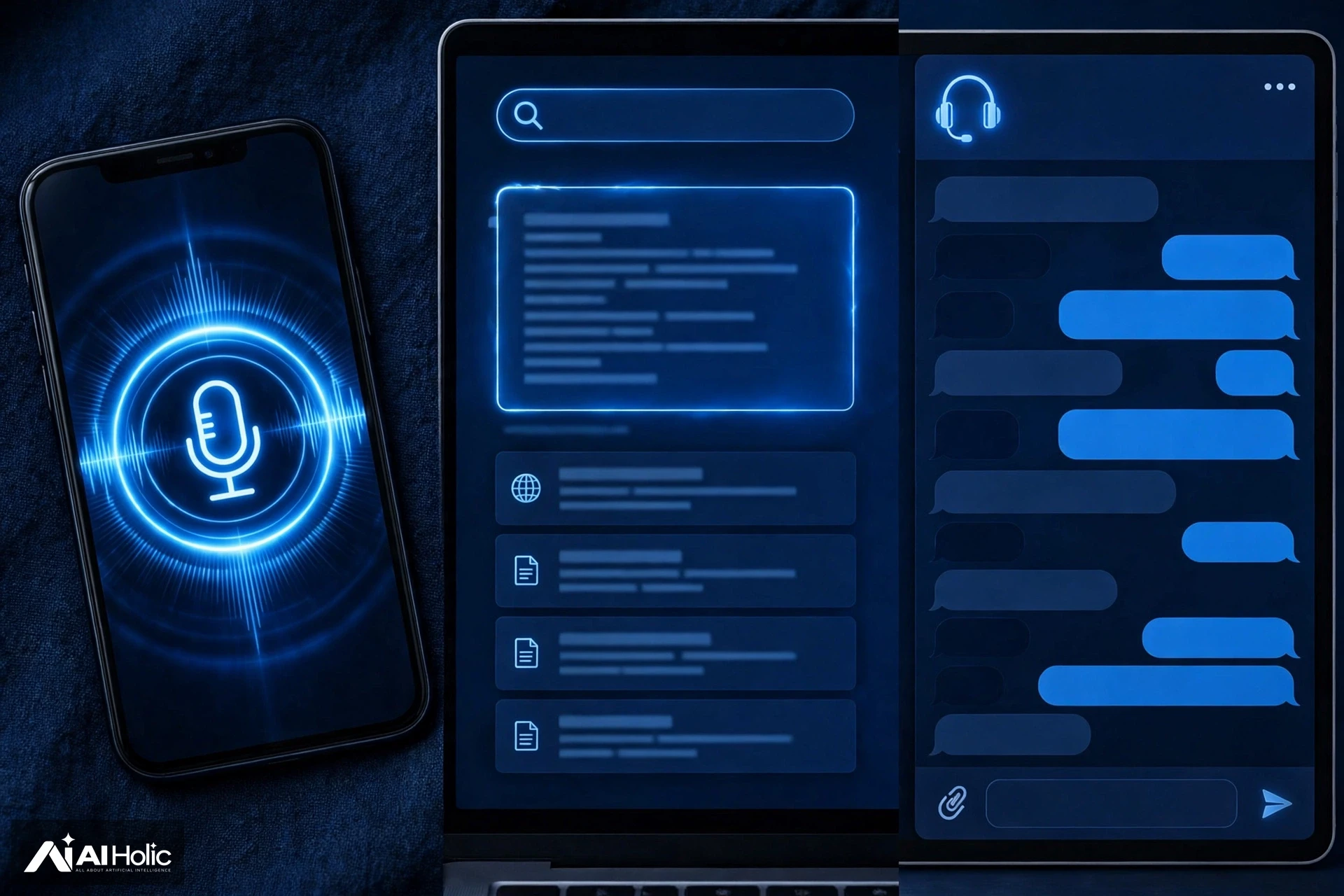
A search assistant is a tool that takes your question in plain words, searches the web or a set of pages, and gives you a short answer. It does the reading for you and then sums up what it found. You can ask it by typing or by speaking, and you can ask a follow-up question when the first answer is not enough.
When you type “what is search assistant” into a search box, you may mean the general idea, or you may mean one product. The context tells you which one it is. A page about DuckDuckGo means its Search Assist feature, while a page about Google from 2016 means Google Assistant.
The short answer is that a search assistant is not a search engine on its own. It sits on top of search and turns a list of results into a direct answer. It is closer to a helper that reads the results for you, and that helper role is what people mean when they ask what is search assistant.
| Term | What it means |
|---|---|
| Search assistant (general) | Any AI helper that searches and answers in plain words |
| Search engine | A system that indexes web pages and returns a ranked list of links |
| Virtual assistant | A wider helper that also runs tasks such as timers, email, and smart home controls |
| Search agent | An AI system that plans several searches, reads the results, and checks what is still missing |
| DuckDuckGo Search Assist | A named feature that adds a short sourced answer to DuckDuckGo results |
How a Search Assistant Works
Most search assistants follow the same four steps. First, the tool reads your question and picks out the search words that matter. Second, it runs those words through a search index and opens a small set of pages that look useful.
Third, it reads the text on those pages and pulls out the parts that answer your question. Fourth, it writes a short answer in plain words and points back to the pages it used. Some tools show one or two source links, while others show more.
Voice input adds one step, since the tool must turn speech into text first. Follow-up questions add memory, since the tool must keep the earlier question in mind. The people who build these tools are AI engineers, and our guide to what an AI engineer does explains the skills behind that work.

- Understand the question: the tool reads your words and works out what you want.
- Search the web: it runs a query and picks a few pages that look relevant.
- Read the pages: it pulls out the facts that match your question.
- Write the answer: it sums up the facts and links back to the sources.
Search Assistant vs Search Engine vs Virtual Assistant
A search engine gives you links and leaves the reading to you. A search assistant reads a few of those links and gives you an answer instead. That is the main split, and it shapes when each tool fits best.
A virtual assistant is a wider idea. Wikipedia describes a virtual assistant as a software agent that carries out tasks for a user based on commands or questions, and it can work by text, screen, or voice. It can search the web, yet it can also set alarms, control smart home gear, and manage email and calendars.
A search agent is closer to a search assistant, but it works in a loop. It plans sub-questions and searches again when the first results fall short, until the evidence supports an answer. A simple search assistant often stops after one round.
| Tool | What you get | Best for |
|---|---|---|
| Search engine | A ranked list of links | Research where you want to read the sources yourself |
| Search assistant | One short answer with sources | Quick facts, definitions, and first checks |
| Virtual assistant | Answers plus tasks such as timers and device controls | Daily jobs on your phone or smart speaker |
| Search agent | A researched answer built from several searches | Hard questions that need more than one source |
The Main Types of Search Assistant
Search assistants come in four common forms, and each one serves a different place. The first form lives inside a search engine, where it adds a short answer above the normal results. Google AI Overviews and DuckDuckGo Search Assist both work this way.
The second form is a chat assistant with web access, such as ChatGPT, Claude, or Gemini. You ask in a chat, and the tool searches the web before it answers. This form suits follow-ups, since the chat keeps the thread.
The third form is a website search assistant, which only searches one site. The NHS PCSE site uses one to help visitors find the right page, answer basic process questions, and get password help. It links you to the page you need instead of searching the whole web.
The fourth form is a workplace search assistant, built for files and lists inside one company. Microsoft lists a Search Assistant app for Microsoft 365 that helps users refine searches across large lists and document libraries. It can search SharePoint, OneDrive, Teams, email, and attachments from one place.
Each form answers the question “what is search assistant” in a different setting, so the place you meet it shapes what it can do.
DuckDuckGo Search Assist: What It Is
People who ask “what is search assistant” often have DuckDuckGo in mind, because its feature carries that exact name. Search Assist is a short, AI-made answer that appears with normal DuckDuckGo search results. It is grounded in pages found on the web, and it normally links to one or two sources.
Search Assist is not the same as Duck.ai, even though both come from DuckDuckGo. Duck.ai is a chat interface where you talk with third-party AI models, ask follow-ups, and work with files. Search Assist stays inside the results page and answers one query at a time.
DuckDuckGo says both features are optional, and Search Assist can be set to appear often, sometimes, on demand, or never. That control sets it apart from other search engines, where the AI answer often appears with no off switch. The feature was earlier called DuckAssist.
Google Assistant and Other Named Products
Google Assistant is the oldest well-known product in this space. Google introduced it in May 2016 as a two-way conversation layer on top of search, first in the Allo app and on Google Home. The idea was to move past links and help people get things done.
The name causes confusion, since Google wrote it in lower case as “Google assistant” in 2016 to stress that it was a platform, not a gadget. Later use settled on Google Assistant as a product name. Either way, it is a named product, not a definition of the whole category.
Other products use the same words in different ways. An automated online assistant on a company site may only answer questions about that company, while a workplace tool may only search company files. The name alone never tells you the full job, so check what the tool can search before you trust its answers.
Many people first meet the idea through Google, so they ask what is search assistant when they see the name on a phone or a speaker.
What You Can Do With a Search Assistant
A search assistant fits quick questions best. Ask for a definition, a date, a short summary, or a comparison of two options. You can also ask it to find a fact inside a long page.
- Get a quick definition or fact without opening five pages.
- Sum up a long article before you decide to read it in full.
- Compare two products, plans, or tools at a high level.
- Find the right help page on a site you do not know well.
- Draft a first list of sources for a topic you are starting to research.
The output of a search assistant is also a useful starting point for your own work. An AI artifact, for example, is a file or piece of content an AI tool makes for you, and our guide on what an AI artifact is shows how those outputs fit into a normal workflow. Treat the assistant answer as a draft, then check the sources it cites.
Limits and Risks to Know
A search assistant can be wrong, and that is the first limit to keep in mind. It may compress a source, miss a key detail, or give an old fact as if it were current. The answer is only as good as the pages it found, so open the linked sources for anything that matters.
That risk is easy to miss when you ask what is search assistant and get a short, confident answer back.
The second limit is scope. A website assistant only knows its own site, and a workplace tool only knows company files.
Neither one can answer a question outside its own set of pages. A general assistant can search the web, yet it still cannot phone a shop or know about unpublished changes.
Privacy is the third limit, and it differs by product. Some tools send your question to outside model providers, while others keep the search on their own systems.
Check the privacy settings before you type in personal details, and never paste passwords, health records, or bank details into a search assistant. Our guide to AI assistant capabilities and limitations covers these edges in more detail.
How to Choose and Use One Safely
Start with the job, not the brand. For quick facts from the web, a search answer box or a chat assistant with web access fits. For help inside one site or company, pick the assistant built for that place.
Check three things before you rely on any answer. First, look at the sources it cites and open at least one.
Second, check the date on the source, since an old page can give an old answer. Third, ask a follow-up question when the first answer is vague, and watch whether it corrects itself.
Turn the feature down or off when you want plain links. DuckDuckGo lets you set Search Assist to never appear, and other tools offer their own controls. A plain list of links is the better choice when you need to judge the sources yourself, such as for health, money, or legal questions.
Frequently Asked Questions
What is search assistant?
A search assistant is a tool that takes your question in plain words, searches the web or a set of pages, and gives you a short answer with sources. It can mean the general idea, or it can mean a named product such as DuckDuckGo Search Assist.
Is a search assistant the same as a search engine?
No, and the split is simple. A search engine returns a ranked list of links for you to read, while a search assistant reads a few of those pages and writes a short answer for you. Use the engine when you want to judge sources yourself, and use the assistant when you want a quick fact.
Is DuckDuckGo Search Assist the same as Duck.ai?
No, they are two different products from the same company. Search Assist adds a short sourced answer to DuckDuckGo search results, while Duck.ai is a chat interface for talking with third-party AI models. Search Assist answers one query at a time, and Duck.ai supports follow-up chats.
Can I trust a search assistant answer?
You can trust it as a first check, not as a final source. Open the pages it cites, check their dates, and confirm any fact that affects your health, money, or legal choices. A short answer can compress or misread a source, even when the source itself is sound.
How do I turn off DuckDuckGo Search Assist?
Open DuckDuckGo search settings, go to the AI features tab, and set Search Assist to Never. You can also pick Often, Sometimes, or On demand to show it less often. Labels may differ by platform.
Conclusion
A search assistant is a helper that searches and answers in plain words, and the phrase can mean the general idea or a named product such as DuckDuckGo Search Assist. Use it for quick facts, check its sources, and switch it off when you want plain links instead.