What Is AI Artifact: How Claude Turns Chat Replies Into Documents, Apps, and Designs
If you don’t want to read the whole guide or have difficulty reading, you can listen to this guide instead.
You ask Claude for a budget sheet, and instead of a wall of text you get a working calculator you can click. That finished piece is what is ai artifact in one sentence: a standalone document, page, or tool that opens beside the chat instead of inside it.
This guide explains what an artifact is, when Claude makes one, and how to create your first one. You will also see the 2026 changes, the sharing rules, and the ChatGPT Canvas comparison.
At AI Holic, we explain AI tools in plain language, and this guide follows the same rule. No coding skill is needed to follow along.
What Is AI Artifact in Short
An artifact is a finished piece of work that Claude builds for you in a panel beside the chat: a document, a slide deck, a one-page site, a chart, or a small working tool. You can view it, edit it, and come back to it later without scrolling through the chat.
Claude decides when an output deserves its own panel. The help center says it does so when the content is significant and self-contained, typically over 15 lines, and likely to be edited, iterated on, or reused.
Claude is a series of large language models built by Anthropic, released as a chatbot in March 2023. Artifacts arrived as a preview with Claude 3.5 Sonnet in June 2024.
What an AI Artifact Can Be
Most artifacts fall into a few clear types. The table below lists each type, what you get, and a good first try. The short answer to what is ai artifact covers all of them, because the format is the same even when the output looks very different.
| Type | What You Get | Good First Try |
|---|---|---|
| Document | A report, brief, or plan to edit in place | A one-page client proposal |
| Code snippet | A script you can read, run, and fix | A small script that renames files |
| Single-page site | A web page that loads in the panel | A landing page for one product |
| SVG image | A clean vector graphic you can reuse | A simple logo mark or icon set |
| Diagram or flowchart | A visual map of a process | Your signup flow, step by step |
| Interactive tool | A working calculator, quiz, or tracker | A pricing calculator with sliders |
| Deck, design, or dashboard | Slides, a layout, or live charts | A five-slide pitch from your notes |
Visual outputs are a good place to start. Our guide to AI image generation explains the wider field, and our guide to free AI tools to make a graphical abstract shows how to build one clean figure from your own content.

How to Create an AI Artifact
If the short answer left you unsure what is ai artifact in practice, building one settles it in minutes. It takes three moves: turn the setting on once, ask for a deliverable, and then ask for changes.
First, check the setting. Artifacts need “Create and edit files” turned on, under Settings, then Capabilities, on Free, Pro, and Max plans. On Team and Enterprise plans an Owner turns it on for the whole org.
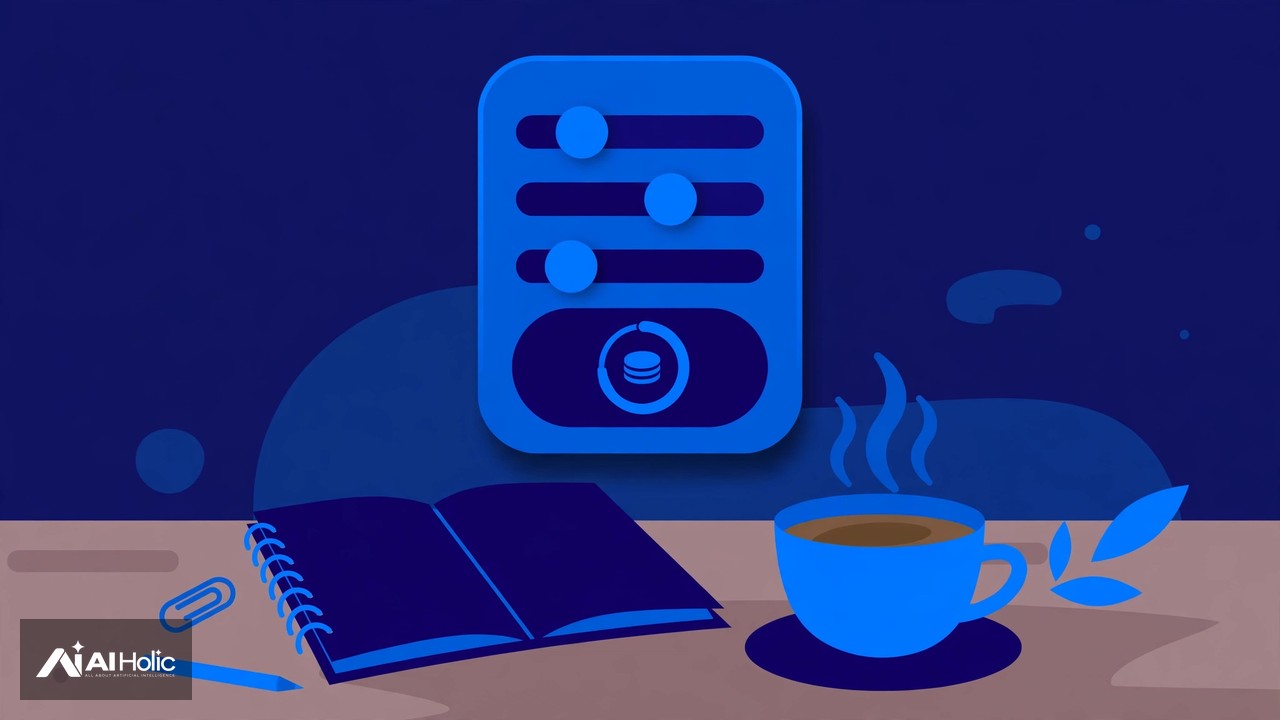
Second, ask for the thing, not the topic: “Build an interactive budget calculator with sliders for rent, food, and savings” gets you an artifact, while “Tell me about budgeting” gets you a chat reply.
Third, iterate by asking. “Make the chart a bar chart and add a total row” updates the same panel. Each change keeps one evolving version instead of a chain of fresh copies, so change one thing per message.
Real data makes a real artifact. Paste your numbers or attach the file before you ask, since a polished page can still hold wrong figures. Our guide to how to send pictures to an AI assistant covers the same attach-first habit for images and files.
- Copy this prompt for a first calculator: “Build an interactive pricing calculator as an artifact, with sliders for seats and billing period, monthly and yearly totals, and one line on which plan is cheaper.”
- Copy this prompt for a first document: “Turn these call notes into a one-page client proposal with the problem, scope, timeline, three pricing options, and next steps.”
- Copy this prompt for a first deck: “Make a six-slide deck from this update: goal, what shipped, metrics, risks, decisions we need, and next month.”
- Copy this prompt for a first diagram: “Draw our signup flow as a flowchart artifact, and mark the steps where most users drop off.”
Plans, Sharing, and the Account Rule
Artifacts work on every plan, including Free. That is the simple part. The details sit in the templates and the sharing rules, and those differ by plan.
Dashboards are in beta on paid plans, and Motion is in beta on Team and Enterprise only. Every artifact starts private to you.
To keep one, open it and click Publish to add it to the Artifacts tab. From there you can share it by link or embed it on a website.
People you invite as Commenter or Can edit can leave notes on it, and everyone who comments needs a Claude account.
The public link rule is where guides disagree. Some say a published public link works without a Claude account on Free, Pro, and Max plans, while others say every viewer needs an account, even with the link.
Team and Enterprise artifacts stay inside the org unless an Owner allows outside sharing. Open the share dialog on your own account before you send a link, and test it in a private browser window if the person has no account.
Three power-ups change what an artifact can do. It can call Claude itself, so you can build a small AI app with no API key. It can connect to your other apps on Pro, Max, Team, and Enterprise, and save data between visits, with a published limit of 20 MB per artifact, text only.
The question of what is ai artifact for a business often turns on these three, because they turn a page into a tool.
One rule protects your budget. When an artifact uses Claude, the usage counts against each viewer’s own plan, not yours.
Claude Code can publish artifacts too. A coding session can publish one web page to a private claude.ai link, and each publish becomes a new version at the same link.
That route needs a Pro, Max, Team, or Enterprise plan and a session signed in with the login command. Our guide to what an AI engineer is explains the role behind it.
What Changed in 2026
Artifacts changed fast in 2026, and older guides now describe a product that no longer exists in that form. The dates below come from competitor guides citing Anthropic’s help center, not from Anthropic’s own pages re-read directly.
- June 2024: artifacts arrive as a preview with Claude 3.5 Sonnet, per Wikipedia.
- September 16, 2026: Docs, Slides, and Design arrive inside normal Claude conversations, and older artifacts become legacy artifacts.
- October 8, 2026: live dashboards and Motion are added, so numbers stay current and short animated explainers are possible.
- December 14, 2026: the standalone Claude Design site closes and moves into normal Claude conversations.
By October 2026, people had made more than 45 million docs, decks, and designs in Claude, per a competitor guide.
Legacy artifacts still work, but you cannot create new ones in the old format.
AI Artifacts vs ChatGPT Canvas
ChatGPT has no feature called artifacts. Its closest match was Canvas, a side panel for writing and code, which OpenAI removed from GPT-5.5 on May 28, 2026, folding the same job into writing blocks and code blocks in normal chat replies.
Both tools solve the same basic problem: they pull a substantial output out of the chat flow. The table below sums up the split.
The comparison also shows why the question of what is ai artifact keeps coming up for ChatGPT users. The two products look alike, and the gap sits in how the output lives after it is made.
| Point | Claude Artifacts | ChatGPT Canvas |
|---|---|---|
| What it makes | Docs, decks, designs, dashboards, small tools | Drafts and code for line-by-line editing |
| Where it lives | A saved object in the Artifacts sidebar | Inside the chat thread it came from |
| Editing style | Regenerates the full version | Inline edits to one passage |
| Live preview | Yes, HTML, React, SVG, and charts render | Yes, a preview pane renders code and charts |
| Sharing | Public link, rules by plan | Share the chat only |
| Free plan | Yes, artifacts work on Free | Yes, blocks work free |
| Best for | Building visual and interactive things | Writing and polishing long text |
One line sums it up: artifacts win for building, Canvas wins for writing.
If you need to polish one paragraph in a long draft, the Canvas style of editing is the better fit. Gemini Canvas is a third option with a side panel for documents, apps, and web pages. Our list of the best AI tools can help you compare the wider field.
Limits and Gotchas
Artifacts do not make Claude more accurate. An artifact is a presentation format, not a fact check, so code still needs to run and pass tests, and figures still need checking before you send a document out.
They can also invent plausible-looking detail. Placeholder names, sample numbers, and filler dates can slip into a polished page if you do not supply the real ones. Polish is not the same as correctness, so check every number before you share it.
Version history is thin. You can step between versions inside one conversation, but there is no branching, no diff view, and no history that survives outside that chat.
Export anything you need a real audit trail on. The plain truth about what is ai artifact storage is that it holds 20 MB of text per artifact, and on Team and Enterprise plans an admin can auto-delete artifacts on a schedule.
Short answers do not need a panel. A quick fact, a one-line fix, or a yes or no question belongs in the chat.
How to Get More From Your First Artifact
Start with one real job, not a demo. Pick a document, tool, or page you actually need this week, and build that first.
Name the output and the reader in your first message. “A one-page summary for a client who has not seen the project” gets a better page than “summarize this”.
Set your brand once if you build client-facing pages. List your colors, fonts, and spacing in the project notes so Claude reuses them. That habit is the practical side of what is ai artifact use looks like after the first week.
Freelancers get the fastest payback. A quote calculator or a proposal built once can serve every new client with small edits. Our guide to AI project management for freelancers shows how solo workers turn one-off AI outputs into a working system.
Frequently Asked Questions
Are Claude Artifacts Free?
Yes. Artifacts work on every plan, including Free.
Turn on “Create and edit files” under Settings, then Capabilities. Dashboards are paid-plan beta, Motion is Team and Enterprise only.
How Do I Turn Artifacts On?
On Free, Pro, and Max plans, go to Settings, then Capabilities, and turn on “Create and edit files”.
On Team and Enterprise plans, an Owner turns it on for the whole org.
Can I Share an Artifact With Someone Who Has No Claude Account?
It depends on your plan, and guides disagree. Some say a public link works without an account on Free, Pro, and Max plans, while others say every viewer needs an account.
Anyone who comments always needs one. Test the link in a private window before you send it.
What Is the Difference Between an Artifact and a File?
An artifact lives inside Claude, updates in place, and is shared by link. A file is a fixed copy you download, such as a Word document or PDF.
Ask for an artifact when you will keep improving the work. Ask for a file when you need an email attachment.
Can Claude Artifacts Run Code?
Yes. Interactive React components, single-page sites, and small AI apps can run directly inside the artifact panel.
A Claude Code artifact is one self-contained page with no backend of its own. Always read code before you run it, and test it with known values first.
Conclusion
In short, what is ai artifact is a simple idea with a big payoff: Claude turns a chat reply into a finished document, app, or design you can edit, reuse, and share. Turn the setting on, build one real thing this week, and check every number before you send it out.