PEO AI Explained: How Artificial Intelligence Is Changing Professional Employer Organizations
If you don’t want to read the whole guide or have difficulty reading, you can listen to this guide instead.
If you searched for peo ai, you probably want a plain answer about what the phrase means, since it stands for artificial intelligence inside a Professional Employer Organization, or PEO. A PEO is a firm that takes on payroll, benefits, and HR compliance for small and mid-sized businesses through co-employment. When AI joins that model, software checks payroll, flags risks, and answers staff questions before a human steps in.
At AI Holic, we cover AI tools that change how firms work, and this guide explains the PEO version in plain words. You will learn what it does, where it helps, where it falls short, and how to pick a provider. We also clear up one common mix-up first, since most search results for this phrase point to a chatbot app with a similar name.
What Is PEO AI?
PEO AI is the use of artificial intelligence inside a PEO. The PEO still works through co-employment, so it shares employer duties with your firm while you keep control of hiring, pay, and daily work. AI sits inside that setup and handles the checks, sorting, and routine replies that used to eat up staff hours.
Do not confuse this with Poe, the chatbot app from Quora. Poe is a place to chat with many AI models in one app, and its name sounds the same when spoken. This guide is about PEO services for employers, not about that app.
A Professional Employer Organization becomes the employer of record for tax purposes and files payroll taxes under its own tax ID numbers. It also pools client firms into group benefit plans, so a small firm can offer health and retirement plans that usually belong to large firms. AI adds speed and checks to that model without changing the legal setup.
Most PEO clients are small firms with no HR team of their own. They hand over payroll tax filings, workers comp, and benefit plans, and they keep the parts only they can do, such as hiring, training, and setting pay. AI now sits on top of that split and does the routine checks faster than a person could.
How PEO AI Works Across HR Services
AI shows up in each PEO service area in a different way. The pattern is the same each time: the software reads the data, flags what looks wrong, and leaves the final call to a person. Here is how that plays out across the main services.
| Service area | What the AI does | What a person still does |
|---|---|---|
| Payroll | Checks each run for errors before money moves | Reviews and approves the run |
| Benefits | Matches staff to plans and sends reminders | Advises on plan choice and edge cases |
| Compliance | Watches rule changes and flags risks | Decides the policy response |
| Recruiting | Screens resumes and ranks candidates | Interviews and makes the hire |
| Analytics | Spots turnover and pay patterns | Acts on the findings |
| Self-service | Answers common staff questions | Handles conflicts and sensitive cases |
Payroll Checks Before the Run
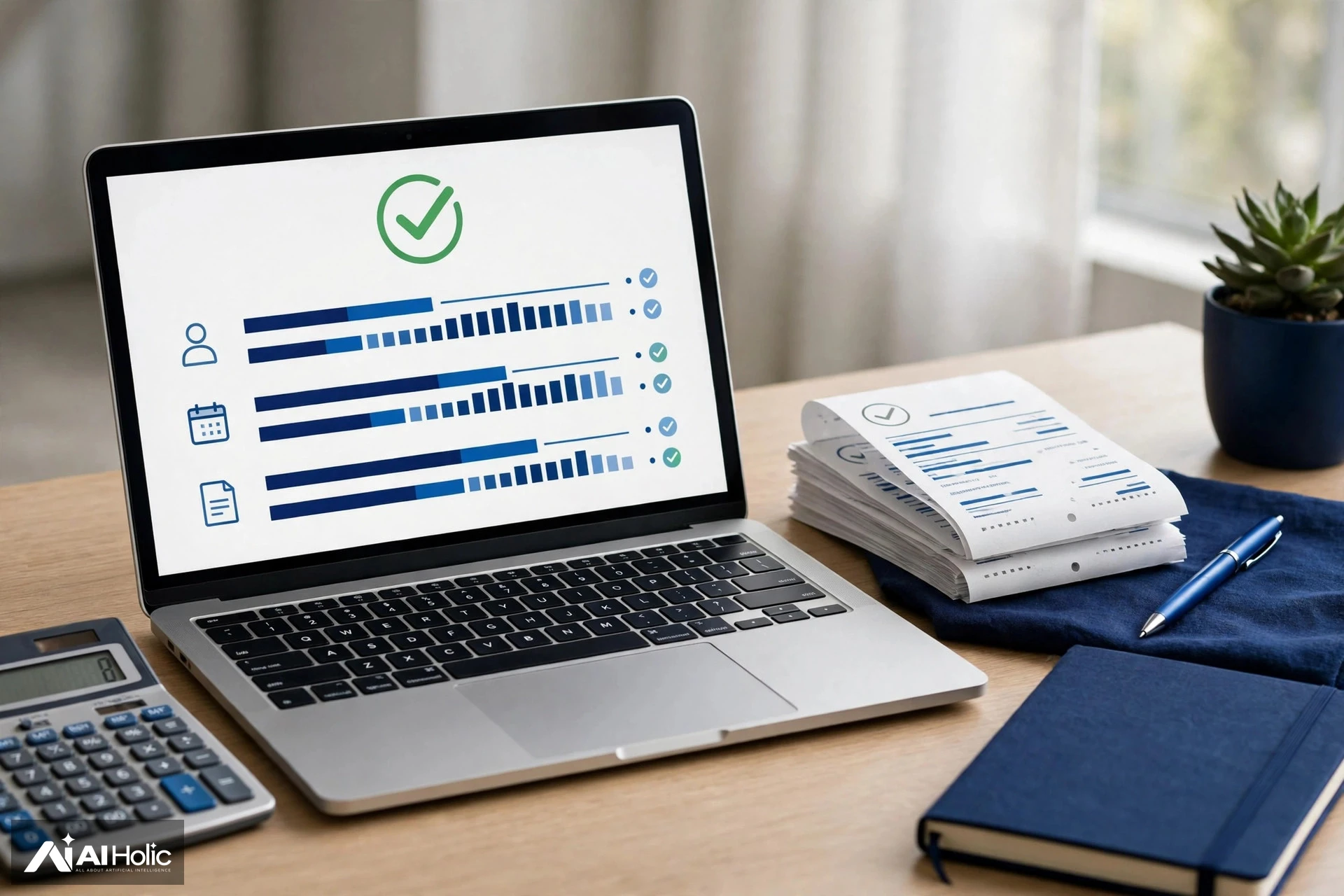
Payroll is where AI earns its keep first. The software checks each run for missing rate changes, odd amounts, and duplicate payments before money moves. That order matters, since finding a mistake before payday is a quick fix, while finding it after payday means a correction run and an apology to staff.
The same checks catch ghost employees and wrong direct deposit details. PEO teams once spent hours reading payroll files sent by email, PDF, and even photos of handwritten sheets. AI reads those formats, pulls the numbers into one system, and hands a clean draft to a specialist for review.
Benefits Matching
AI helps staff pick the right health plan by looking at past use, family size, and cost. It can also send reminders to staff who have not finished enrollment, so no one loses cover by mistake. The result is fewer gaps and less back and forth with the benefits team.
Compliance Monitoring
Employment rules change often at federal, state, and local level. AI tools watch for new rules and flag the ones that touch your firm, so your PEO can warn you before a deadline passes. This is one of the main reasons small firms use a PEO at all, since tracking every change alone takes time few owners have.
Multi-state firms feel this most. A firm with staff in five states faces five sets of leave rules, tax rates, and filing dates. AI maps each worker to the right state rules and flags the gaps, so the PEO can fix them before they turn into fines.
Recruiting and Screening
AI screens resumes in seconds and ranks the ones that fit the job description. That speed helps, but it also brings a risk the next section covers. If you hire often, our guide to AI careers explains the new roles and skills that AI hiring creates.
Workforce Analytics
AI reads survey replies, performance data, and turnover patterns to spot staff who may leave. It can also flag pay gaps and training needs across the team. Tools that refine business context turn those raw reports into advice a leader can act on.
Employee Self-Service
Chatbots answer common staff questions about pay, leave, and benefits at any hour. That frees the HR team for the hard cases that need a person. Staff get answers in seconds instead of waiting for an email reply.
Benefits of PEO AI for Small Businesses
The gains are easy to see once you count the hours. PEO teams spend up to 40% of their workweek on basic admin work, and specialized AI can free up to 16 hours of that week. That time goes back to client service, advice, and the kind of help that keeps clients loyal.
Scale helps too. NAPEO reports that 502 PEOs served 5.4 million worksite employees across 233,000 client businesses at the end of 2025, and 63% of those clients have fewer than 20 staff. Small firms get big-firm benefits and expert help without hiring a full HR team.
The wider trend backs this up. SHRM found that 73% of HR directors and above have adopted AI in day-to-day work. A PEO that uses AI well gives you that same edge without asking you to build it yourself.
Staff feel the change too. A chatbot that answers a pay question at 9 pm beats a ticket that waits until Monday. Faster answers and fewer payroll errors build trust, and trust is what keeps good staff from looking elsewhere.
The pattern is the same one small teams see with other smart tools. Our guide to AI project management for freelancers shows how a tiny team covers work that once needed more staff. A PEO with AI does the same for HR, payroll, and compliance.

| Model | Employment setup | What you get | Best fit |
|---|---|---|---|
| PEO | Co-employment | Bundled payroll, benefits, and compliance | Small firms with no HR team |
| HRO | You stay sole employer | Services you pick one by one | Firms with an HR lead |
| ASO | No co-employment | Bundled admin without shared employer duties | Firms that want admin help only |
Limits and Risks of PEO AI
AI can also get things wrong, and the stakes in HR are high. Screening tools trained on past hiring data can repeat old biases, so a firm that never checked its data may screen out good candidates for the wrong reasons. The EEOC has warned employers that AI hiring tools must meet Title VII, the ADA, and the ADEA.
Privacy is the second risk. AI systems read pay, health, and performance data, so a weak setup can expose staff records. Ask any provider how it stores data, who can see it, and how long it keeps it.
Data quality is a quiet risk too. AI can only work with the records it is given, so old job titles, wrong pay bands, and stale addresses flow straight into its answers. A PEO that cleans its data first gets far better results than one that plugs AI into a messy system.
The third risk is over-trust. AI cannot mediate a conflict, read a room, or judge a sensitive case. A good PEO keeps a person in the loop for every call that affects pay, benefits, or a job.
Cost is the last limit to weigh. PEO fees run about $40 to $160 per employee per month, or 2% to 12% of payroll, and AI features may sit in a higher tier. Ask what is in the base price before you sign.
How to Choose a PEO AI Provider
Ask each provider the same five questions before you sign. The answers tell you more than any sales page.
- What does the AI actually do, step by step, and what does it flag?
- Who reviews and approves the AI result before money moves or a letter goes out?
- How does the AI handle bias checks in hiring and pay decisions?
- How is staff data stored, who can see it, and how is it deleted?
- What happens to your data, benefits, and tax accounts if you leave?
Also check the basics. Look for IRS Certified PEO status, ESAC accreditation, and SOC 1 Type 2 certification, and ask for a live demo with your own payroll sample. A provider that will not show you the checks is a provider to skip.
Frequently Asked Questions
What does peo ai mean?
It means artificial intelligence used inside a Professional Employer Organization. The AI helps with payroll checks, benefits, compliance, and HR tasks for the small firms the PEO serves. It is not the same as Poe, the chatbot app from Quora.
Does AI in a PEO replace HR staff?
No. AI handles routine checks and replies, while people handle advice, conflicts, and final calls. The best setups keep a person in the loop for every decision that affects pay or a job.
How much does a PEO cost?
Fees are often $40 to $160 per employee per month, or 2% to 12% of payroll, with benefit premiums billed on top. The exact price depends on headcount, states, and the services you pick, so get a written quote.
Is a PEO right for a very small business?
Yes, in most cases. Most PEO clients are small, and 63% have fewer than 20 staff. A PEO makes sense once payroll, benefits, or compliance starts to eat into time you need for running the firm.
What should I ask before I sign with a PEO?
Ask what the AI does, who approves its work, how it checks for bias, how it guards staff data, and what leaving looks like. Also check IRS Certified PEO status and ask for a demo with your own payroll sample.
Conclusion
In short, peo ai brings fast checks and smart alerts to the PEO model, and it works best with a person in the loop. Weigh the time saved against the bias and privacy risks, ask the five questions above, and pick a provider that shows its work. Start with a demo and a written quote before you sign.