PagePilot AI: How It Builds Shopify Product Pages From a Link
If you don’t want to read the whole guide or have difficulty reading, you can listen to this guide instead.
A supplier link can turn into a full product page in minutes. pagepilot ai is the tool that does that job for Shopify stores. You paste a product link from AliExpress, Amazon, Shopify, Etsy, TikTok Shop, or Shein, and it builds a page draft with copy, layout, sections, and images.
This guide explains what the tool builds, how the workflow runs, what it costs, and where its limits sit. You will also learn who it suits best and what to check before you publish any page it makes.
At AI Holic, we explain AI tools in plain words so you can start fast. This guide keeps the same style, with short steps and no jargon.
What PagePilot AI Is
PagePilot AI is a page builder made for Shopify stores. Its core job is to turn a product link into a product page draft. The draft comes with sales copy, a layout, sections, and images, and you edit it before it goes live.
The tool launched in 2024 and is sold through the Shopify App Store. It offers a free trial, so you can build pages and connect a store before you pay. Publishing pages to your store needs a paid plan.
Shopify is the platform the whole workflow rests on. The company runs a cloud platform for online stores and retail sales, and Wikipedia describes Shopify as a Canadian ecommerce company with millions of customers. PagePilot only publishes to Shopify, so a store on another platform cannot use its publish step.
The tool fits one clear job. It builds product and landing pages, not a full store. That focus is what sets it apart from generic site builders, which try to cover every kind of page at once.
It also connects with tools merchants already use. The App Store listing names Checkout, Shopify Admin, DSers, Judge.me Reviews, Katching Bundles, Releasit, Vitals, and Zendrop as compatible. Check the current listing and your installed app versions before you rely on any single integration.
How It Turns a Link Into a Page
The workflow has three broad stages. You paste a link, pick a template, and then edit and publish. Each stage takes a few clicks, and the vendor says a page can be ready in under 60 seconds.
Treat that speed claim with care. It comes from the vendor, and your real time depends on the product data, the edits you make, and your Shopify connection. A page with weak supplier data needs more of your time, not less.
- Open PagePilot and paste a product URL from AliExpress, Amazon, Shopify, Etsy, TikTok Shop, or Shein.
- Pick a template from the library, or start from a blank canvas.
- Review the generated title, benefits, images, section order, and calls to action.
- Use the visual editor to drag sections, fix text, and adjust styling.
- Check the desktop and mobile views before you publish.
- Connect your Shopify store, preview the page, and publish it to your storefront.
The template choice shapes the first draft more than any other step. Start from a blank canvas when the templates push the wrong structure, since a clean start is faster than deleting half a page.
If you already automate store tasks, this workflow sits beside that work. Our Shopify Flow AI assistant prompt guide shows how prompts can shape routine store jobs, and PagePilot handles the page building part of the same routine.
Do not publish an imported page unchanged. Verify the price, variant details, shipping statements, product claims, image rights, and policy wording against your own store records first.
What It Creates on Each Page
A generated page is a full draft, not a bare description. It arrives with a hero section, benefit blocks, product details, and calls to action. You can reorder any of these parts in the visual editor.
- Sales copy written around the product facts from the source link.
- A layout built from sections such as hero banners, benefits, FAQs, and comparison tables.
- AI images made for the page, plus your own product photos where they fit better.
- Badges, buttons, and offer blocks that match the page goal.
- Cart drawer elements, upsells, and bundles on the plans that include them.
The editor advertises a library of more than 50 components. Its pricing page lists more than 35 sections and blocks and more than 8 templates. Those parts are the raw material, and your edits decide whether the page reads like your brand.
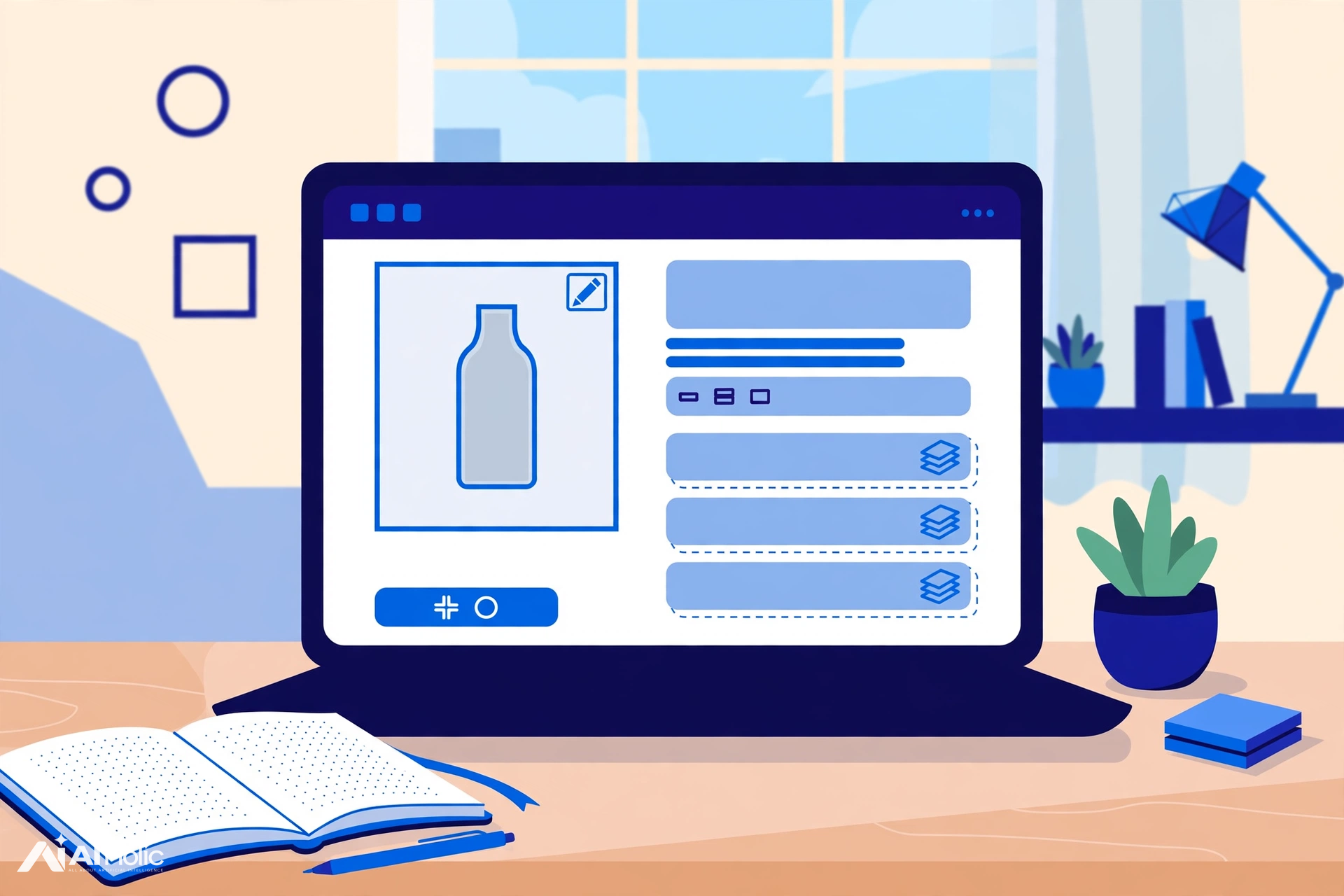
Cart tools deserve a closer look before you switch them on. Turn them on after your prices and inventory are set, not before.
Translation is part of the package too. PagePilot AI claims support for more than 30 languages. Have a native speaker check product terms before you publish a translated page, since a wrong term can mislead a buyer.
Pricing
PagePilot AI offers a free trial with no credit card needed. You can create pages and connect your Shopify store during that free period. Publishing a page to your store needs a paid plan, and your Shopify subscription is a separate cost.
| Plan | Monthly price | Product pages | AI images | Shopify stores |
|---|---|---|---|---|
| Lite | $39 per month | 10 per month | 50 per month | 1 |
| Starter | $59 per month | Unlimited | 200 per month | 3 |
| Scaler | $99 per month | Unlimited | Unlimited | 5 |
These prices come from the official pricing page as accessed in September 2026. Prices and plan limits can change, so check the live checkout before you buy. The App Store listing shows the same Lite price at $39 per month, or $390 per year, while its plan labels differ in places from the pricing page.
Choose by volume and store count. Lite fits one store with up to 10 pages a month. Starter fits up to 3 stores with unlimited pages.
Scaler fits up to 5 stores with unlimited images. Start with the smallest plan that covers your real test volume.
Count the Shopify cost on top of the plan price. A paid PagePilot plan does not replace your Shopify subscription, and the two bills arrive apart from each other. Add them up before you judge whether the tool pays for itself.
Who Should Use It
Dropshippers gain the most from this tool. The model suits sellers who test many products fast, since each test needs a fresh page. Wikipedia defines drop shipping as a retail model where the seller takes orders without holding stock, and the supplier ships direct to the buyer.
Small merchants with a Shopify store also fit. If you add products often and lack design help, a generated first draft saves hours of layout work. You still need to check every fact, but you start from a full page instead of a blank screen.
Agencies that build pages for clients can use it too. The tool speeds up the first draft, and the editor leaves room for brand styling. Our guide to AI agents for ecommerce automation shows how page builders sit beside wider store automation, and PagePilot covers the page part of that work.
It suits product testers who run paid traffic to new items. A fast page lets you read real buyer response the same day. Keep the test honest by fixing prices and claims before you spend on ads.
A DropMagic review reports more than 3,500 active users and a 4.8 out of 5 Trustpilot rating. That is a figure from one review site, not a verified fact, so treat it as a sign of interest rather than proof of quality.
Some merchants should skip it for now. If your store runs on another platform, the publish step does not apply to you. If every page must follow a strict custom design system, a generated draft may fight your rules more than it helps.
Limits to Know Before You Publish
pagepilot ai builds product pages only. It does not build a full store, manage orders, or arrange shipping. A finished page still needs your supplier, your stock rules, and your fulfillment setup behind it.
Imported details can be wrong. Supplier copy may carry the wrong price, an old variant, or a claim you cannot prove. Check each fact against your own records, and replace any image you do not own or cannot license.
| Limit | What it means | What to do |
|---|---|---|
| Product pages only | No full store build, no order handling | Use Shopify for the store, PagePilot for pages |
| Free plan limits | You can build, but publishing needs a paid plan | Budget for a paid plan before you test |
| Supplier data | Imported copy may be wrong or thin | Verify price, variants, shipping, and claims |
| Theme fit | Pages should work with any theme, but check first | Preview on desktop and mobile before publish |
| Languages | 30+ languages claimed, quality varies | Have a native speaker check key terms |
Theme fit deserves a test of its own. PagePilot says its pages work with any Shopify theme, and says support will fix a theme clash within 24 hours. Preview your own theme first, since that promise is a support commitment rather than a guarantee.
The tool also needs a Shopify store to publish. If your store sits on another platform, the publish step does not apply. You could still use the drafts as a guide, but you would rebuild the page by hand elsewhere.

Compared With Building Pages by Hand
Building by hand gives you full control. You write every line, place every section, and know each fact is yours. That control costs time, and a single product page can take hours when you start from a blank theme.
A pagepilot ai draft trades some control for speed. The first draft arrives fast by the vendor claim, and your time goes to review and fixes instead of layout. That trade suits fast product tests, where a slow page costs more than a rough draft.
The middle path works for most stores. Let the tool build the draft, then edit it like a page you wrote yourself. Fix the copy, swap weak images, and check the offer before you publish.
Cost is part of the same choice. A hand-built page costs your hours, while a generated page costs a monthly plan plus your review time.
AI now shapes more than product pages. In physical stores, retail AI vision systems watch shelves and stock levels, and the same idea applies here. Use AI for the fast first draft, and keep human checks for the facts that affect buyers.
The Name Mix-Up to Avoid
One name warning matters. An unrelated open-source tool called PagePilot MCP manages Facebook fanpages, and it is a different product from the Shopify page builder in this guide. Do not mix up their guides, prices, or setup steps.
The mix-up is easy because both tools share the PagePilot name. Check that any guide you read talks about Shopify product pages before you follow its steps.
Frequently Asked Questions
What is pagepilot ai used for?
It builds Shopify product and landing pages from a product link. You paste a URL from AliExpress, Amazon, Shopify, Etsy, TikTok Shop, or Shein, and it makes an editable page draft with copy, layout, sections, and images.
Is it only for Shopify?
Yes. Its editor and publish workflow are made for Shopify stores. Its pages publish to a connected Shopify store, and other platforms cannot use that publish step.
How much does it cost?
The official pricing page listed Lite at $39 per month, Starter at $59 per month, and Scaler at $99 per month when accessed in September 2026. A free trial lets you build pages, but publishing to Shopify needs a paid plan. Check live checkout before you buy, since prices can change.
Can it import products from AliExpress?
Yes. AliExpress is one of its listed sources, along with Amazon, Shopify, Etsy, TikTok Shop, and Shein. Check the price, variants, and shipping details after import, since supplier data can be wrong.
Does it write the whole page for me?
It writes a full first draft, but you still need to review it. Fix the copy, check the facts, swap weak images, and preview the page on desktop and mobile before you publish.
Conclusion
pagepilot ai builds Shopify product pages from a link, and it saves time on first drafts. It suits dropshippers and merchants who test products often.
Check every price, variant, and claim before you publish. Try the free trial on one real product, then decide if a paid plan fits your store.