Retail AI Vision Systems: How Stores Use Computer Vision to Cut Queues and Stockouts
If you don’t want to read the whole guide or have difficulty reading, you can listen to this guide instead.
Walk into a store, pick up what you need, and leave without standing in line. That is the promise of retail ai vision systems, and it is already live in grocery stores, airports, and stadiums. Cameras watch the shelves, software reads what shoppers pick up, and the till takes care of itself.
This guide explains how these systems work in plain terms, what they cost, and where they pay back fastest. You will see real examples from Amazon, Walmart, Sephora, and Sainsbury’s, plus the privacy rules that shape every install. No technical background is needed.
At AI Holic, we cover business AI in plain language, and this guide follows the same rule. Read on for the use cases, the costs, and a simple rollout plan you can take to your own store.
The Short Answer
In short, retail ai vision systems are camera networks with software that reads what happens in a store. They spot empty shelves, track what shoppers pick up, and flag theft at the till.
The market is growing fast. Grand View Research puts computer vision AI in retail at about $1.7B in 2024 and projects $12.6B by 2033. Gartner expects the wider retail AI market to cross $31B by 2026, and McKinsey reports a 3% to 5% revenue lift for retailers that run computer vision at scale.
Those figures come from different sources with different definitions, so treat them as separate estimates. Statista, for example, puts global retail vision software at $5.4B for 2026.
What Retail AI Vision Systems Do in a Store
These systems turn camera feeds into store actions. A camera sees a gap on a shelf, the software names the missing product, and a task goes to a staff member’s handheld device. The same feed can charge a shopper at the exit, check a price label, or count footfall by aisle. Vision feeds are only the start, and our ai retail operational excellence guide shows how forecasts, pricing, and staffing join that picture.
The core idea is simple, and the engineering behind it is not. Each camera sends frames to a model trained to spot products, hands, and shelf edges. The model outputs events, not video, so the store system works with short facts like “item picked” or “shelf empty”.
Retail ai vision technology now covers far more than checkout. It checks planograms, reads price labels, powers virtual try-on, and maps how shoppers move. Our guide to AI vision technology in 2026 explains the wider field these store tools sit in.
How the Technology Works
Retail ai vision systems follow four steps: capture, detect, decide, and act. Cameras capture the scene, models detect products and people, rules decide what the event means, and the store system acts on it. A shelf gap becomes a restock task, and an unscanned item at a till becomes an alert.
Object detection models such as YOLO and EfficientDet do the seeing. They draw boxes around products and track hands as they move between shelf and basket. Our guide to object detection and counting shows how the same models count stock outside retail.
Much of the work runs on edge devices in the store, such as NVIDIA Jetson or Intel Movidius units. Edge processing keeps the delay low and keeps raw video inside the store. A human reviewer checks the uncertain cases, such as two similar products or a blocked camera view.
Computer vision is the field behind all of this, and it covers how machines gain understanding from images and video. A retail ai vision platform adds the store layer on top: cameras, edge devices, a product catalog, dashboards, and a human review step.
- Cameras: ceiling, shelf-edge, or robot-mounted, placed to cover aisles and tills.
- Edge devices: small computers in the store that run the models in real time.
- A product catalog: the list of items the models must tell apart.
- Dashboards: alerts and reports that staff can act on the same day.
- A human review step: staff confirm the cases the model flags as unsure.
Use Cases at a Glance
The table below sums up the main uses and a real retailer that runs each one. Retail ai vision solutions now cover the whole store, from the shelf to the exit, so pick the use that matches your biggest cost. Shelf work and checkout lead the list.
| Use Case | Problem It Fixes | What the Camera Sees | Real Retailer |
|---|---|---|---|
| Cashier-less checkout | Long queues at the till | Hands, products, and shelf weight changes | Amazon Just Walk Out and Sam’s Club exit tech |
| Shelf monitoring | Empty shelves lose sales | Gaps, low stock, and misplaced items | Simbe robots, Walmart, and Kroger |
| Planogram compliance | Wrong product in the wrong spot | Shelf layout checked against the store plan | Simbe and Walmart Intelligent Retail Lab |
| Loss prevention | Theft and scan errors at self-checkout | Unscanned items and odd moves at the till | Large US grocery chains |
| Virtual try-on | Shoppers cannot try makeup at home | Face and skin tone mapping | Sephora Virtual Artist and L’Oréal ModiFace |
| Shopper flow analytics | Stores guess where shoppers go | Paths, dwell time, and busy zones | Large grocery and fashion chains |
| Smart carts | Slow checkout and missed coupons | Items placed in the cart | Instacart Caper Carts and Amazon Dash Cart |
Cashier-Less Checkout
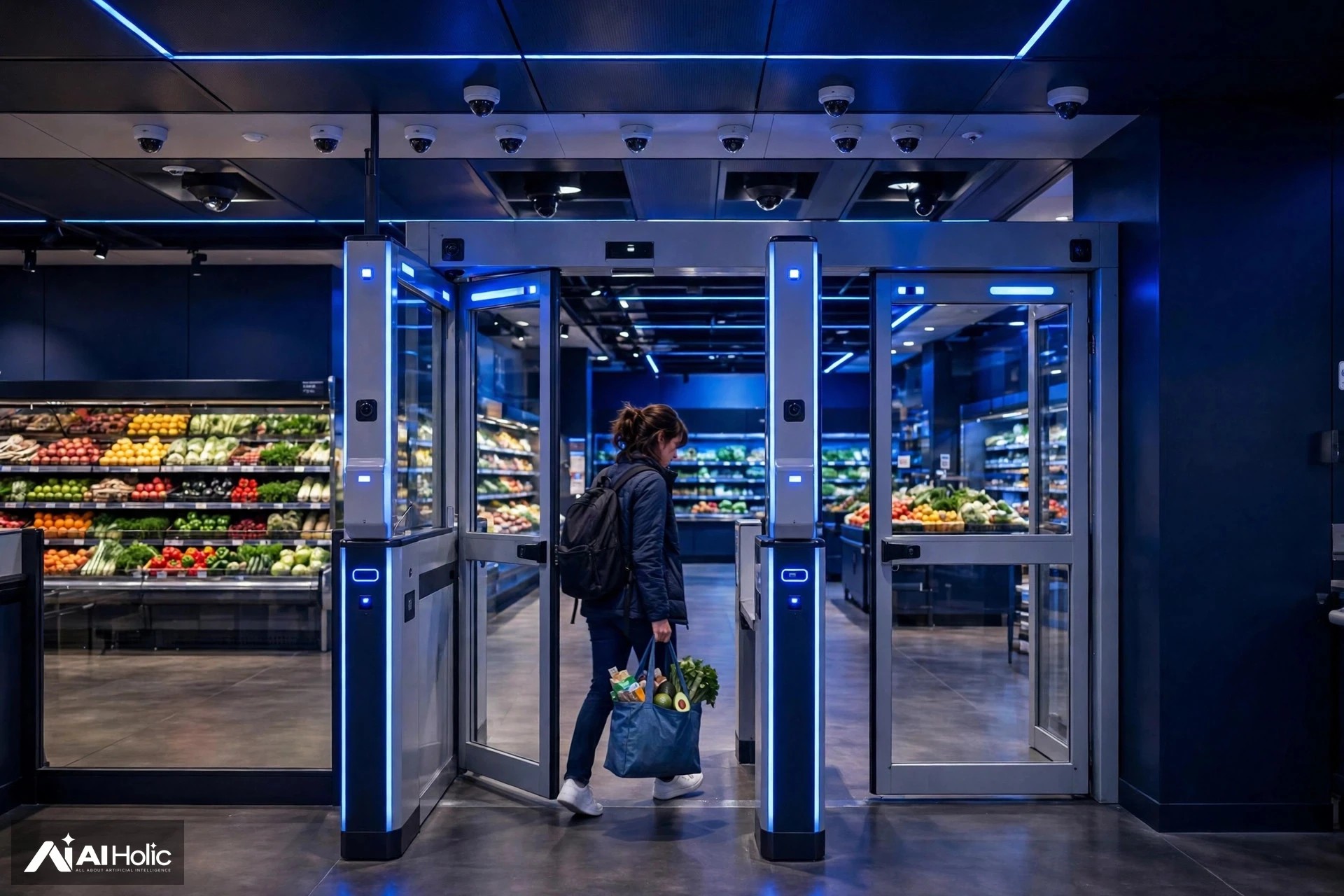
Cashier-less checkout is the use case most people link with retail ai vision systems. Amazon opened the first Amazon Go store in 2018, and its Just Walk Out tech is now licensed to airports, stadiums, and grocery stores. In 2024 Amazon swapped Just Walk Out for Dash Cart smart carts in its own US Amazon Fresh stores, while still licensing the tech to smaller venues.
The shopper taps a card or app at the gate, picks items, and walks out. Cameras and shelf weight sensors track each pick, and the card is charged at the exit. Sam’s Club runs a simpler version at the exit, and members leave 23% faster in clubs where it runs.
Full cashier-less builds are the most expensive use case, so most retailers start elsewhere. Smart carts are the cheaper middle step, and they keep a familiar checkout feel. Online sellers face the same checkout problem, and our guide to AI agents for ecommerce automation shows how automation cuts friction on the web too.
Shelf and Inventory Monitoring
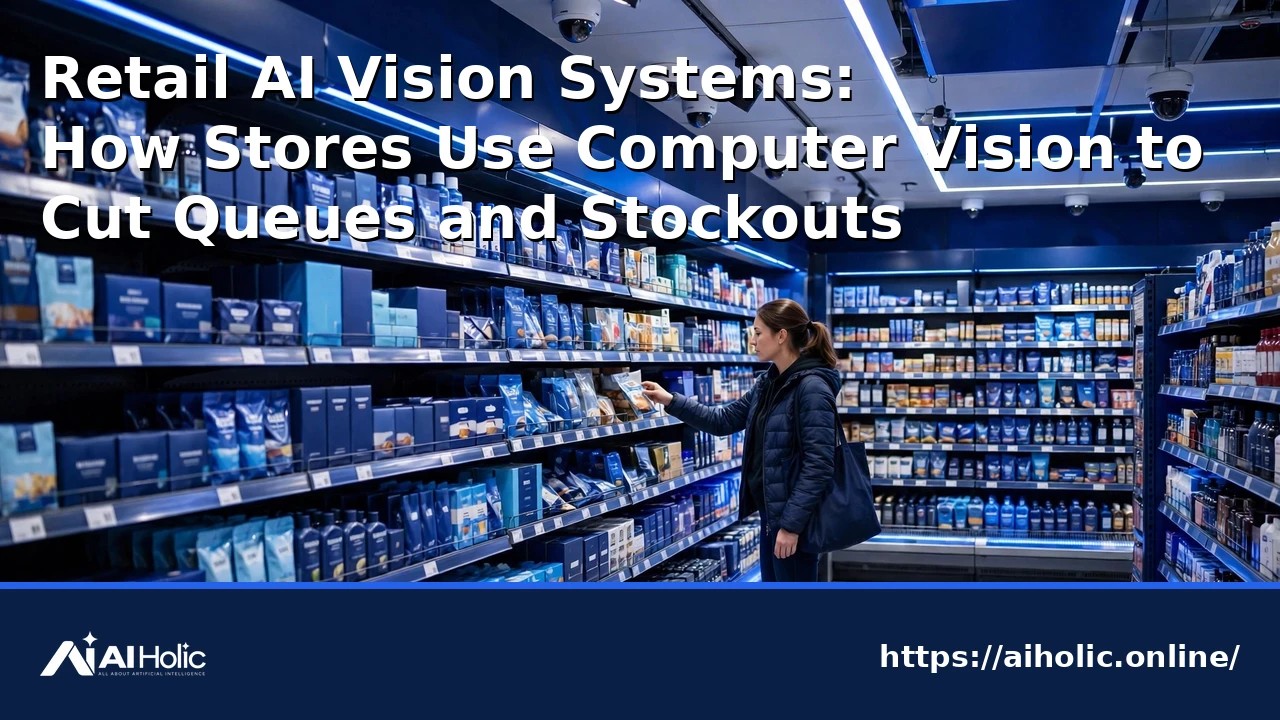
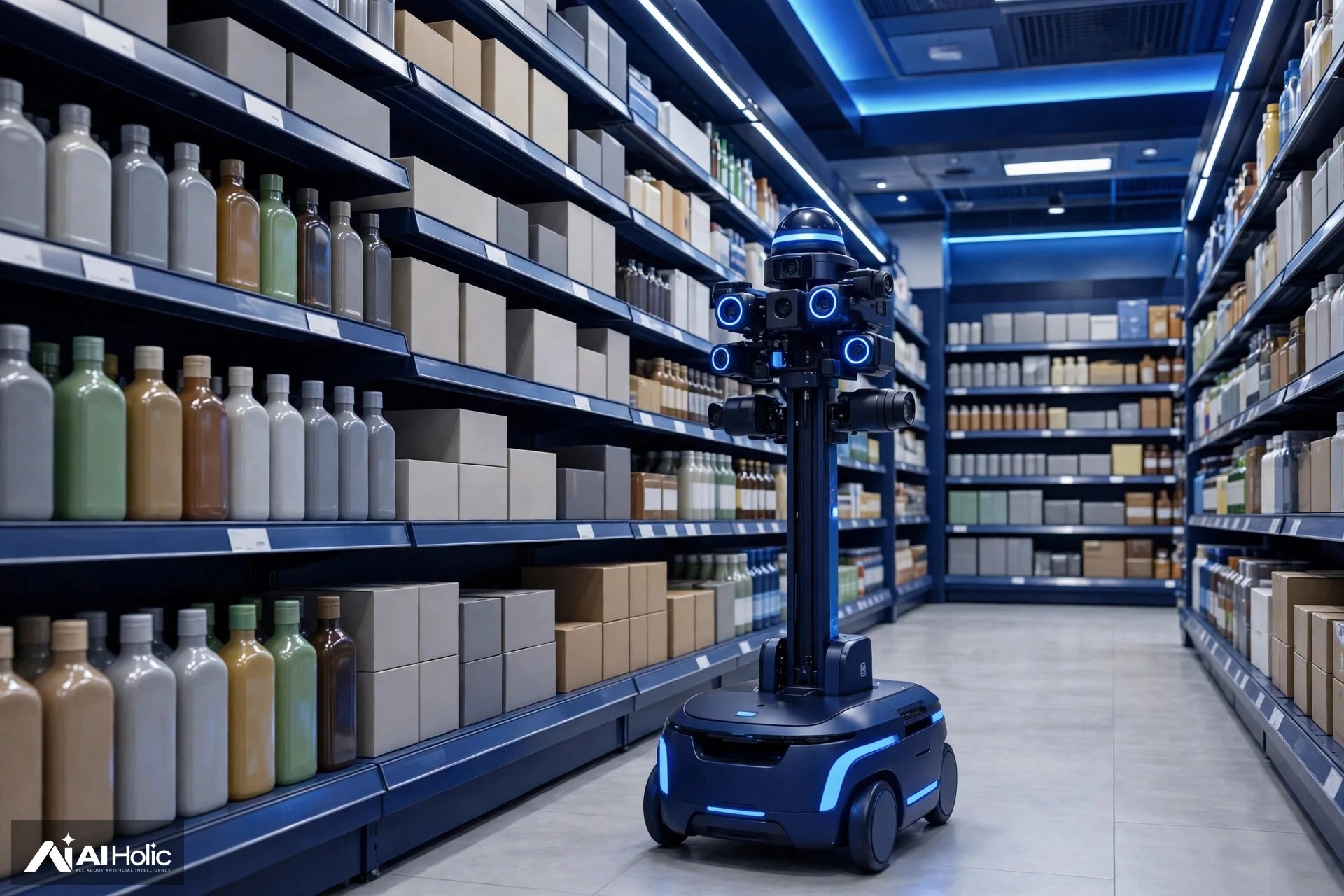
Empty shelves are silent lost sales, and shelf monitoring is where retail ai vision automation pays back fastest. Cameras or robots scan each shelf, spot gaps and misplaced items, and send restock tasks before shoppers notice. Walmart runs its Intelligent Retail Lab for this work, and Kroger uses shelf monitoring in its stores too.
Simbe builds robots that roll the aisles and photograph every shelf. The robot flags out-of-stocks, wrong prices, and planogram breaks in one pass. Staff get a short task list instead of a full manual shelf check.
The same cameras check price integrity and planograms, by comparing shelf photos with the store plan and the till price. A label that does not match the till price is a trust problem, and the system catches it the same day. See how dynamic ai planograms turn shelf camera data into new layouts every day.
Loss Prevention and Shopper Flow
US retail shrink reached about $89B in 2025, per the NRF and Appriss Retail 2026 Total Retail Loss Benchmark. About 73% of that loss, or $66B, was preventable. Cameras at self-checkout catch unscanned items.
The same feeds map how shoppers move through the store. Retail ai vision analytics shows which aisles draw crowds, where shoppers pause, and where queues form. Managers use that data to move displays and open tills.
None of this needs facial recognition. Retail ai vision tools can count and track with anonymous shapes and paths. Keep identity out of the system unless a clear legal basis exists, and say so in the store privacy notice.
Costs and Rollout
The cost of retail ai vision systems varies widely with the use case, so budget by use case, not by store. A single-use pilot is far cheaper than a full cashier-less build. The table below uses vendor-guide estimates, not verified quotes.
| Rollout Stage | What It Covers | Typical Cost or Time | Source |
|---|---|---|---|
| Single-use pilot | 2 to 4 cameras, one use case | $30,000 to $80,000, 8 to 12 weeks | Vendor guides |
| Shelf monitoring pilot | Shelf cameras or robots, one store | $30,000 to $100,000 | Vendor guides |
| Cashier-less pilot | Full camera grid and weight sensors, small store | $500,000 to $1.5M | Vendor guides |
| Enterprise rollout | Many stores, full POS and inventory links | $150,000 to $1M+ | Vendor guides |
| Yearly running costs | Retraining, upkeep, and cloud fees | $100,000 to $300,000 per store | Vendor guides |
Integration is where budgets slip, so plan it early. Retail ai vision systems integration means linking cameras, edge devices, and dashboards to your POS and inventory tools. Our Shopify Flow AI assistant prompt guide shows how one common retail platform links AI tools to store data.
Labeling is the hidden cost in every rollout. Each product needs clean training images, and a store with thousands of items needs weeks of labeling work.
Privacy, Consent, and the Rules That Apply
Cameras in a store film real people, so privacy rules apply from day one. In the EU, video of a person who can be picked out counts as personal data under the GDPR. The store needs a lawful basis, clear signs at the entrance, and a privacy notice that says what the cameras do.
Large-scale video monitoring in public areas needs a data protection impact assessment. Biometric data used to identify a person is a special category, and it needs explicit consent in most cases. The Wikipedia page on the General Data Protection Regulation sets out the rules in full.
In California, the CCPA gives shoppers the right to know what data a store holds, ask for it to be deleted, and opt out of its sale or sharing. Edge processing helps on both sides of the Atlantic, since video that never leaves the store is easier to defend. Our guide to the AI governance compliance book for executives and business leaders covers the wider compliance picture.
How to Start: A Simple Rollout Plan
Start small, prove the return, and then scale. Pick one use case with a clear money link, such as shelf gaps or self-checkout loss. A small pilot with two to four cameras is enough to test the idea, and most vendor guides put the pilot phase at 8 to 12 weeks.
- Name the problem: empty shelves, long queues, or loss at the till.
- Pick one aisle or one till area for the pilot.
- Set a clear target, such as fewer stockouts or faster exits.
- Run the pilot for 8 to 12 weeks and check the numbers weekly.
- Scale to more aisles only when the pilot pays for itself.
Business automation tools can carry the pilot data into your daily reports. Our guide to business automation and AI solutions shows how small teams link AI tools to their daily work. Retail ai vision innovation keeps adding new uses, from smart carts to shelf robots, so revisit the shortlist each year.
Frequently Asked Questions
How Do These Systems Work in a Store?
Retail ai vision systems use ceiling and shelf cameras plus software that spots products, hands, and shelf gaps. The software turns each event into a task, a charge, or an alert.
How Much Does a Retail Vision System Cost?
A single-use pilot runs about $30,000 to $80,000 per store, per vendor guides. A full cashier-less build for a small store runs $500,000 to $1.5M, with $100,000 to $300,000 a year in running costs.
Do These Systems Use Facial Recognition?
They do not need it, and most stores should skip it. Counting, tracking, and shelf checks work with anonymous shapes and paths. If a system does identify people, it needs a clear legal basis and explicit consent in the EU.
Which Retailers Already Use This Technology?
Amazon runs Just Walk Out in its Go stores and licenses it to airports and stadiums. Walmart, Kroger, Tesco, REWE, Carrefour, and Ocado run shelf or checkout builds. Sephora and L’Oréal run virtual try-on, and Sainsbury’s runs SmartShop Pick & Go in London.
Is This Technology Worth It for a Small Store?
It can be, if you start with one cheap use case. Shelf monitoring and queue alerts cost far less than a cashier-less build. Run a small pilot, measure stockouts or queue times, and scale only when the pilot pays.
Conclusion
In short, retail ai vision systems can pay back fast when you start with one clear problem. Shelf gaps and checkout queues are the best first pilots, and privacy rules must shape the design from day one. Pick your use case, run a small pilot, and scale what works.