RSW AI Studio: What It Does, What It Costs, and When to Use It
If you don’t want to read the whole guide or have difficulty reading, you can listen to this guide instead.
You type a sentence, and seconds later you have a video clip, a picture, a voiceover, or a piece of music. That is the promise of rsw ai studio, a browser workspace that puts four kinds of AI media work in one place.
It grew out of a tool that removed watermarks from Sora videos, and its site still lives at that same address. The studio has since grown into a wider workspace, with video models such as Sora 2, Seedance 2.5, and Grok video, plus image, audio, and music modes.
At AI Holic, we checked the studio’s own pages, an independent pricing index, and Wikipedia so you get facts instead of sales talk. This guide explains what the studio does, how its two workspaces differ, what it costs, and where it falls short.
What It Is
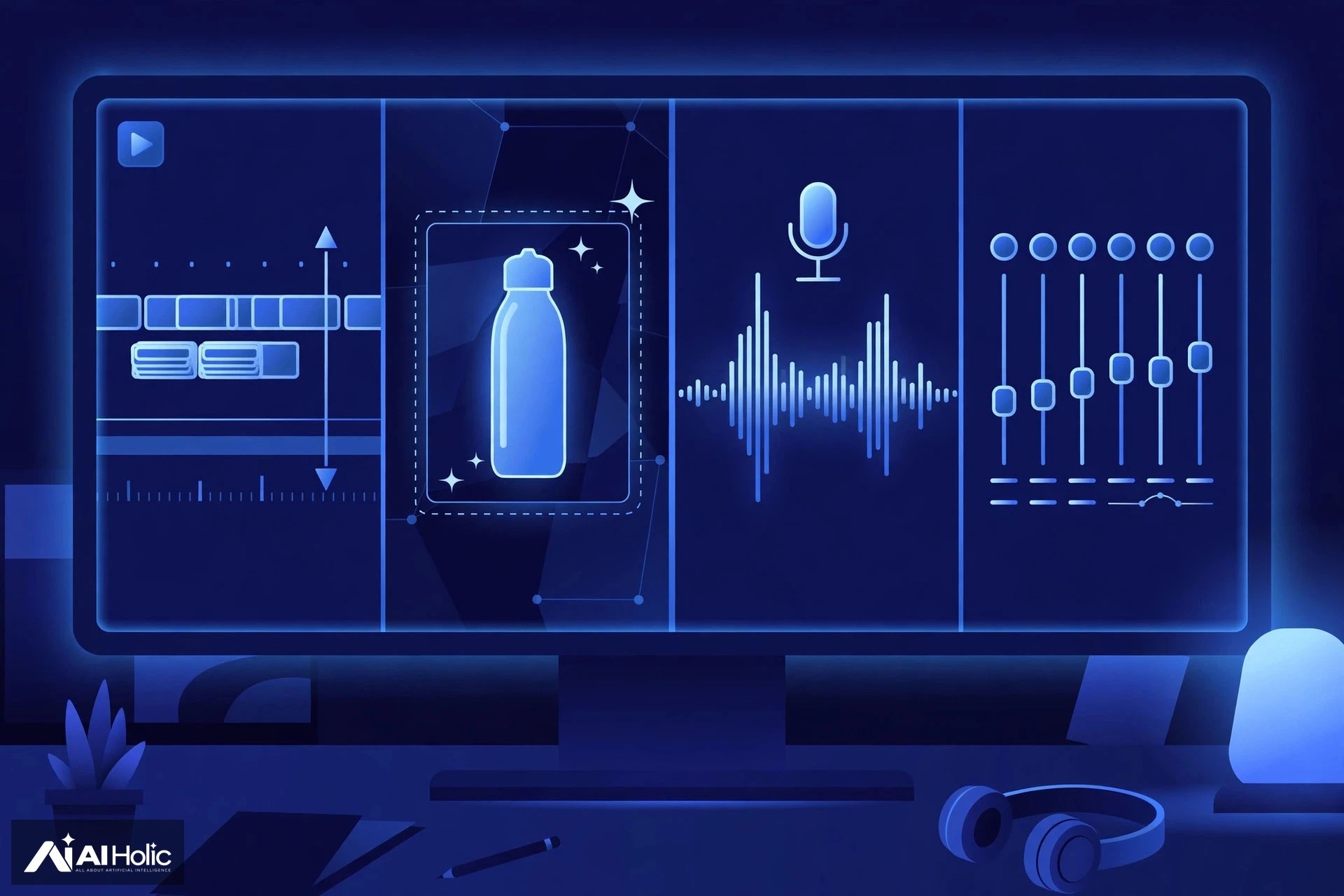
The studio is a browser workspace for making video, images, spoken audio, and music with AI models. You pick a medium and generate from a text prompt or a reference image. Finished work lands in one place, with shared credits across all four modes.
In plain terms, rsw ai studio is one account for four kinds of media work. Its own pages describe it as one studio that brings several creation modes and models into one interface, with shared credits, task history, and a single place to review finished work.
The studio grew out of a tool that removed watermarks from Sora videos, and the watermark remover is still part of the product. That history matters, because it explains both the low price and the limits you will meet below.
The Four Things You Can Make
The studio asks you to choose a medium first, and that choice shapes everything after it. Start from the job you need to finish, not from a model name.
- Video. Turn a written scene into motion, animate a reference image, or compare video models without rebuilding the job.
- Image. Start with a prompt or a reference image for concept frames, product ideas, and social artwork.
- Audio. Create spoken audio from text when a draft needs a voiceover, narration, or a timing reference.
- Music. Develop a music direction for a short or a campaign, and keep it beside the rest of the work.
The vendor page shows four short video examples: a product render, a beauty commercial, a 2D animated explainer, and a retro luxe visual test. Each one tests pacing, framing, and mood before you spend more time on a full piece.
The Video Models Inside the Studio
Video is the main draw, and the model list is the first thing to check. The vendor names Grok video as the default route, with dedicated pages for Seedance 2.5, Seedance 2.0 Mini, and Sora 2. Its home page also lists Kling 3.0 in 4K and Veo 3.1.
Model names change fast, and the vendor says so itself. Start from the job, not the model, and switch only when a brief needs a certain input type, length, or look.
| Model | What It Is | What to Know |
|---|---|---|
| Grok video | X AI video model, the default route | Best first test for motion and prompt direction |
| Sora 2 | OpenAI text-to-video model | Released September 30, 2025. See the Sora 2 section below |
| Seedance 2.5 | ByteDance video model | Released July 2026. 30-second native videos |
| Seedance 2.0 Mini | Smaller ByteDance model | Lighter option for quick tests |
| Kling 3.0 (4K) | Kuaishou video model | 4K option, but Kling 4.0 launched in October 2026 |
| Veo 3.1 | Google video model | Native audio video |
Image work runs on GPT Image 2.5, in Flare and Sunburst versions, plus Nano Banana Pro and Nano Banana 2. Our guide to Chinese AI video generators compares Kling, Seedance, Hailuo, and PixVerse in one place.
Quick Start vs Advanced Workspace
New visitors start in Quick Start, which uses a sensible default so you can begin with a prompt. People who know the model or settings they want can move into Advanced Workspace instead. Both paths end in the same task flow, so a first draft is never a dead end.
Advanced Workspace exposes the controls each mode and model supports, including reference inputs, aspect ratio, duration, resolution, and voice settings. Leave the defaults alone when they already fit the job.
The screen shows the credit cost before you submit a task, and changing the model or an option may change that amount. Check the number each time, since a longer clip or a higher resolution costs more than a short test.
How to Make Your First Video
The vendor lays out a four-step flow, and it works as a first session plan. Start small, judge the first result, and only then spend more credits.
- Write the first useful version. Name the subject, the action, and the look you care about.
- Add a reference when words fall short. Use an image when composition, character, or product shape matters more than a long description.
- Move to advanced controls only if needed. Choose a model, aspect ratio, duration, or resolution in Advanced Workspace, and leave the rest alone.
- Review the result in context. Active jobs sit in History, and finished work sits in My Creation, where you can preview, download, or start a variation.
Judge the first clip on three questions: is the subject right, does the motion read, and is the mood worth developing? If not, change the prompt, not the model.
RSW AI Studio Pricing and Credits
Pricing is public, but the numbers below come from an independent index that checked the pricing page on May 9, 2026. Prices may have changed since then, so treat this table as a guide and confirm the live page before you pay.
| Plan | Price, May 2026 | What You Get |
|---|---|---|
| Free | $0 | 3 free watermark removals a day, instant processing, no sign-up required |
| Pro | $9.90 a month, or $8.25 a month billed annually | 500 to 2,000 removals a month, priority support, access to all video models |
| Pro Unlimited | $35 a month, or $5.83 a month billed annually | Unlimited removals, high priority processing, unlimited generation privileges |
| Credit packs, one-time | $29.90, $69.90, or $199.90 | About $0.19, $0.17, and $0.16 per video |
That is the full picture for rsw ai studio pricing as listed in May 2026. The index also lists a $4.99 a month lowest paid entry, which does not match the $9.90 Pro tier, so check the live page and take the higher number when you plan a budget.
The free tier covers watermark removal, not free generation. The site advertises free credits daily, but it states no fixed daily amount, so start free, watch what a test costs, and only then pick a paid plan.
The same index gives the studio 85 out of 100 on its agent-ready pricing score. We could not verify the API docs it notes from the index itself, so do not plan a build around the API until you have seen them.

The Sora 2 Question: What Changed in 2026
Sora 2 is the model most people ask about, and it needs a straight answer. Sora 2 is OpenAI’s text-to-video model, released on September 30, 2025, and Sora videos carry a visible moving watermark by default, according to Wikipedia.
OpenAI shut the Sora app on April 26, 2026, and discontinued the Sora API in September 2026, according to Wikipedia. That is why the Sora 2 question matters for rsw ai studio.
The studio’s own page still says you can use Sora 2 there, at least through September. That line was written before September passed, and we could not verify Sora 2 access today. Check whether Sora 2 is still listed before you pay, and have a second model in mind.
The G2 listing makes the same pitch: a Sora 2 video generator with clips up to 25 seconds at 1080p, plus the watermark remover, free to try, with no invite code. G2 shows zero reviews, so treat that as the vendor’s claim, not a tested fact.
What It Does Well and Where It Falls Short
What It Does Well
The main strength is range in one account. Video, image, voice, and music sit behind one login and one credit pool, so one short can get its clip, voiceover, and music without four sign-ups.
The credit preview is the second strength: you see the cost before you generate. Quick Start is the third: a new visitor can test motion and prompt direction without learning every control first.
Where It Falls Short
The main gap is proof. G2 shows zero reviews, the pricing figures are six months old, and the Sora 2 line on the vendor page is out of date. A buyer has to test the product to learn what it really costs per finished clip.
The second gap is version lag. The studio lists Kling 3.0 while Kling 4.0 launched globally in October 2026 with native 30-second video and 4K output, according to Wikipedia. A hub that rents models can fall a version behind.
The third gap is the watermark-removal past. The tool began by stripping watermarks from Sora videos, so be careful with rights on client work. Only use outputs you have the rights to use, and do not present a generated clip as real footage.
How It Compares With the Alternatives
The closest rivals are other multi-model hubs and single-model video tools. Pixverse hosts its own models plus Seedance, MiniMax, Veo, and Sora behind one account, and our guide to Pixverse AI explains its free tier, paid plans, and credit maths.
Nova AI is another video tool in the same price band, and our guide to Nova AI covers what it does best and where it costs more than it should. Read it if your work is video only, since a video-only tool can be cheaper than a four-medium hub.
If you only need video, a direct tool may beat a hub on price per clip. If you need a clip, a voiceover, and music for one short, a hub saves sign-ups and keeps the work in one place.
Kling direct, Runway, and Luma are the other names to check before you commit to any hub. Compare the price per finished clip, not the price per test, since most creators need two to five takes for one keeper.
Who Should Use It
It fits creators who need short clips, images, voice, and music for one project and want one login for all four. Social managers, small shops, and solo creators testing ad hooks get the most from it.
It fits less well if you need one medium only, since a focused tool can be cheaper per clip. It also fits less well if you need the newest model on release day, or client work with a clear rights trail, until you check the current terms.
Start free, run one real job through it, and count the cost per keeper. If the number beats your current stack, pay for a month. If it does not, keep the free tier for tests and pay elsewhere.
Frequently Asked Questions
What is rsw ai studio?
RSW AI Studio is a browser workspace for AI video, image, spoken audio, and music generation, with shared credits, task history, and one place to review finished work, according to its own pages.
Is there a free tier?
Yes. The pricing index lists a free tier with 3 free watermark removals a day and no sign-up, and the site advertises free credits daily. Treat it as a test bench and check the current amount before you start.
Which video models does it offer?
The vendor names Grok video as the default route, with dedicated pages for Seedance 2.5, Seedance 2.0 Mini, and Sora 2. Its home page also lists Kling 3.0 in 4K, Veo 3.1, and Seedance 2.0.
Can I still use Sora 2 there?
We could not verify it on November 15, 2026. OpenAI shut the Sora app in April 2026 and discontinued the Sora API in September 2026, and the studio’s own “at least through September” line is now out of date.
Is it safe for client work?
Treat it like any rented-model hub. Review every clip before you publish it, keep private material out of prompts, and read the current terms on rights and commercial use.
Conclusion
In short, rsw ai studio is a useful four-medium hub with honest credit previews and a low entry price, checked November 15, 2026. Test it free on a real job, confirm Sora 2 and the live prices first, and pay only if the cost per keeper beats your current stack.