Nifty AI: Project Management With Orbit AI Built In
If you don’t want to read the whole guide or have difficulty reading, you can listen to this guide instead.
If your team juggles tasks in one app, chats in another, and docs in a third, work slips through the gaps. The nifty ai layer inside Nifty PM pulls those pieces into one workspace and lets AI handle the setup work for you.
Nifty PM is a project management platform for small and mid-size teams. Its AI side, called Orbit AI, builds project plans from a short prompt, drafts documents, and turns team chats into tasks with due dates and owners. This guide explains what it does, what it costs, and where it falls short, so you can judge it on facts.
At AI Holic, we checked Nifty’s own help pages, independent reviews, and current pricing pages to write this guide. You will find the features, the plan prices as listed in November 2026, real limits, and a short verdict at the end.
The Short Answer
In short, nifty ai is the name people use for the AI features inside Nifty PM, a project management platform. The AI itself is called Orbit AI. You type a short prompt, and it builds a project plan with lists, tasks, and due dates.
It also drafts documents and turns chat messages into tasks. The free plan includes the AI, but it limits you to two active projects. Paid plans start at $79 a month for a team when billed yearly.
What Is Nifty AI?
It is the AI layer of Nifty PM. Nifty PM is an all-in-one project management software platform that holds tasks, docs, chat, milestones, and files in one workspace. The AI layer, Orbit AI, sits on top of that workspace and does the setup and drafting work for you.
One point of confusion is worth clearing up first. The same two words also show up for a different product, a reselling tool for online marketplaces, and for AI trading tools tied to India’s NIFTY stock index. This guide covers only the AI inside Nifty PM, the project tool.
Nifty introduced Orbit AI in 2026. Its help pages describe three main tools: a project template builder, a document generator, and a task generator. Each one works from a prompt or from text your team already wrote.
How Nifty AI Works Inside Nifty PM
Orbit AI works from the context of your own projects. It reads the prompt you give it, then builds lists, statuses, tasks, and subtasks that match. You can edit anything it creates before your team starts work.
Project Template Generator
You open project creation and pick the AI template option. Then you type a short prompt, paste a brief, or upload a spec document. The AI builds the full project shape in seconds, with lists, statuses, tasks, and subtasks ready to go.
This suits teams that start similar projects again and again. A marketing team can turn a campaign brief into a full plan without building it by hand each time. You can save the result as a template and reuse it for the next project.
Document Generator
The document generator drafts outlines, contracts, NDAs, product descriptions, and blog drafts. You give it a prompt, and it asks for the fields it needs before it writes. The result lands in Nifty Docs, where your team can edit it together in real time.
This saves the most time on routine paperwork. A short agreement that took an hour to draft can start from a solid first version in minutes. You still need to read it, since AI text can miss details that matter.
Task Generator
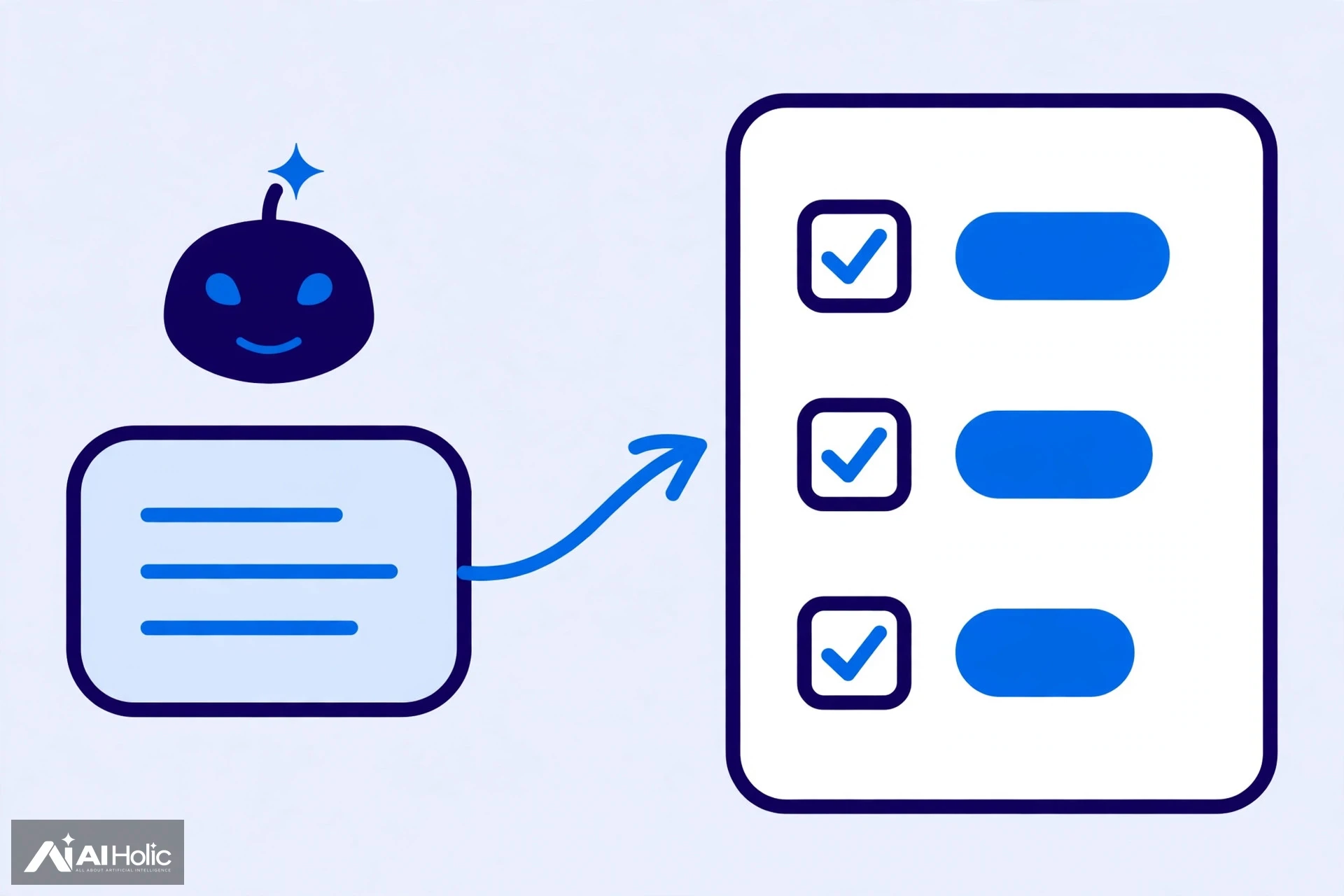
The task generator works two ways. You can ask it to create a task from a prompt, or you can turn a message from a project discussion or a direct chat into a task. It fills in the title, description, due date, assignee, and custom fields from the message itself.
That last point is the one teams notice most. A decision made in chat often dies there, because no one writes it down as work. With this tool, the chat becomes the task, with an owner and a date attached.
AI Connections Through MCP
Nifty also connects to outside AI assistants through the Model Context Protocol, or MCP. ChatGPT, Claude, Gemini, Grok, and Microsoft Copilot can build and update projects, tasks, and docs inside Nifty. Your data stays in Nifty while the assistant works on it.
This is the part that sets Nifty apart from most rivals. Instead of one built-in assistant, you can use the AI tool your team already pays for. Just check that your assistant supports MCP before you plan work around the link.
Orbit AI Features at a Glance
The table below sums up the main Orbit AI features and what each one does for your team. Use it as a quick reference while you read the rest of the guide.
| Feature | What it does | Best for |
|---|---|---|
| Project template generator | Builds lists, statuses, tasks, and subtasks from a prompt or spec doc | New projects, repeatable work |
| Document generator | Drafts outlines, contracts, NDAs, and blog posts with auto-filled fields | Routine paperwork, content drafts |
| Task generator | Creates tasks from prompts or turns chat messages into tasks | Daily task capture, chat decisions |
| Planning help | Builds milestones, roadmaps, and plans, and suggests assignees | Sprint planning, prioritization |
| MCP connections | Lets ChatGPT, Claude, Gemini, Grok, and Copilot work inside Nifty | Teams with an existing AI tool |
| Milestone tracking | Updates milestone progress as tasks finish | Goal tracking, status reporting |
Pricing: What It Costs
Nifty AI is included on every plan, even the free one. That is unusual, since many rivals charge extra for AI or lock it behind a paid tier. The limits sit in the plan itself, not in the AI.
Prices below come from pricing pages checked in November 2026. Plans can change, so confirm the current price before you buy. All paid plans include a 14-day free trial.
| Plan | Price (billed yearly) | Members | Limits |
|---|---|---|---|
| Free | $0 | Unlimited | 2 active projects, 100 MB storage |
| Pro | $79 a month ($99 monthly) | Up to 20 | 500 GB storage, 100 projects |
| Business | $124 a month ($149 monthly) | Up to 50 | 1 TB storage, unlimited projects |
| Unlimited | $399 a month ($499 monthly) | Unlimited | Unlimited storage and projects |
Teams with fewer than seven people can pay per member instead. Pro costs $10 per member a month and Business costs $16, when billed yearly. Students, schools, and non-profits get 50 percent off Pro and Business, according to the pricing pages.
The flat team price is the part buyers should weigh most. A 15-person team pays the same Pro price as a 7-person team, so the cost per person drops as you grow. But the jump from Business to Unlimited is steep, so check the member cap before you commit.
How Teams Use It
Agencies use nifty ai to set up client projects fast. A new client brief becomes a full project plan in minutes, with tasks, owners, and dates already in place. Clients can join as guests at no extra cost on paid plans, so they see progress without asking for updates.
Software teams use it for sprint planning. Orbit AI turns a feature outline into a task list, and milestones update as tasks close. That keeps standups short, since the board shows the state of the work.
Marketing teams lean on the document generator for campaign outlines and blog drafts. They also use AI-powered workflows to move routine work along without manual handoffs. The chat-to-task tool catches the small jobs that usually get lost in discussion threads.
Small firms use the free plan to test the tool on one or two real projects. The two-project limit forces a choice, so it works best when a team runs only a few efforts at a time. Many owners pair it with other business automation tools to cover sales and support work that Nifty does not handle.

Strengths and Limits
No tool fits every team, so weigh both sides before you switch. The points below come from independent reviews and Nifty’s own help pages.
What Works Well
- AI included on the free plan, with no credit card needed to start
- Flat team pricing, so costs stay steady as you add members
- Chat messages turn into tasks with owners and due dates
- Outside AI assistants connect through MCP
- Imports from Asana, Jira, ClickUp, Trello, Basecamp, and Wrike
- Clean, simple interface that new users learn fast
Where It Falls Short
- No assistant that searches your docs and answers questions while you work
- Fewer native integrations than larger rivals, with many links running through Zapier
- Member caps on Pro and Business push growing teams toward the $399 tier
- Setup takes time for large teams with complex workflows
- Mobile app is weaker than the desktop version, per user reviews
- AI output needs a human check, since it can miss context or make mistakes
How It Compares With Other AI Project Tools
Most project tools now bundle some form of AI. Asana, ClickUp, and Monday all add AI help to their plans, often priced per seat. Nifty stands out in two ways: its AI is included on the free plan, and its flat team price does not rise with each new member.
The trade is depth. Larger rivals offer more native integrations and more mature AI search across docs and tasks. Nifty suits teams that want a simple workspace with AI planning built in, not teams that need an enterprise stack.
Who Should Use Nifty AI?
Small and mid-size teams are the best fit. If your team runs a handful of projects at once and wants AI to handle setup and drafting, Nifty gives you that without a per-seat bill. Agencies that run client work in one place gain the most, since guests and clients join free on paid plans.
Startups on a tight budget should start with the free plan and test it on one real project. That test shows whether the AI saves real time before you pay anything. If you are still deciding between hiring, outsourcing, or AI for your next hire, read our guide on hiring, outsourcing, or AI before you commit.
Large firms with strict security needs should look at the Unlimited plan or keep shopping. Custom SAML, IP limits, and white labeling sit only on that top tier. Teams with complex Jira or Confluence setups should also test the import step first, since migration depth varies.
Frequently Asked Questions
Is Nifty AI free to use?
Yes, in part. Orbit AI is included on Nifty’s free plan, which costs nothing and needs no credit card.
The free plan limits you to two active projects and 100 MB of storage, so teams with more work need a paid plan. Paid plans add more projects, storage, and features, with a 14-day free trial on each one.
What is Orbit AI?
Orbit AI is the name of the AI inside Nifty PM. It builds project plans from prompts, drafts documents, and turns chat messages into tasks.
It also connects Nifty to outside assistants such as ChatGPT and Claude through MCP. Think of it as the AI layer that sits on top of the normal project tools.
Does it replace a project manager?
No. It handles setup, drafting, and routine task creation, but it cannot run meetings, settle priorities, or make judgment calls.
A person still needs to check the plan, fix mistakes, and decide what matters most. Use it to save time, not to hand over decisions.
Which AI assistants work with Nifty?
Nifty connects to ChatGPT, Claude, Gemini, Grok, and Microsoft Copilot through the Model Context Protocol. Any MCP-compatible client can also connect.
Those assistants can create and update projects, tasks, and docs inside your real workspace. Check that your assistant supports MCP before you build workflows around the link.
How much does Nifty cost?
The free plan costs nothing. Paid plans run $79, $124, or $399 a month per team when billed yearly, with higher prices on monthly billing.
Teams under seven people can pay per member instead, from $10 a month. Prices were checked in November 2026 and can change.
Is it better than ClickUp AI or Asana AI?
It depends on what you need. Nifty wins on flat team pricing and on including AI in its free plan.
Larger rivals offer more integrations and more mature AI search. Pick Nifty for simple team work with AI planning, and a bigger rival for enterprise needs.
Conclusion
Nifty AI gives small teams a fast way to plan projects, draft docs, and turn chats into tasks. The free plan lets you test it for real, and flat pricing keeps costs steady as you grow. Try it on one project and judge the time it saves.