Clay Automation Templates Lead Routing Clay.ai Triggers Rules: A Practical Setup Guide
If you don’t want to read the whole guide or have difficulty reading, you can listen to this guide instead.
You can build clay automation templates lead routing clay.ai triggers rules into one working system, and this guide shows you how. A template is a saved Clay table with its trigger, enrichment steps, and writeback rules already set. Once you copy it, new leads move through the same steps every time.
At AI Holic, we read the top guides and Clay University lessons for this topic, then rebuilt the pattern as five copyable templates. You will get the intake flow, the scoring rules, and the routing rules in one place. No part of the setup needs code.
Read the short answer first, then pick one template and build it. Test it on a small batch of leads before you turn it on for everything.
The Short Answer
Yes, clay automation templates lead routing clay.ai triggers rules form a single pipeline with four parts. A trigger starts the work, a template holds the steps, enrichment fills in the missing facts, and rules decide where each lead goes next.
Start with one intake source, such as trial signups or demo requests. Enrich each lead with company size, industry, and contact details, then score it against your ideal customer profile.
Build in this order: intake, enrichment, scoring, routing, then writeback to the CRM. If you build routing first, you will route leads on half finished data.
What Clay Automation Templates Lead Routing Clay.ai Triggers Rules Covers
Clay is a data enrichment and workflow platform for go to market teams. Think of it as a spreadsheet where each column can pull live data, run an AI prompt, or push a result to another tool. If you want a full evaluation before you build, our evaluate the data enrichment company clay on ai gtm guide walks through waterfall enrichment, Claygent, pricing, and limits.
Lead routing is the step that sends each qualified lead to the right rep. Triggers are the events that start a workflow, such as a form fill or a deal stage change. Rules are the if then logic that picks one path over another.
| Part | What it does | Example |
|---|---|---|
| Template | Holds the saved table, columns, and steps | Trial signup intake table |
| Trigger | Starts the workflow when an event happens | New form fill by webhook |
| Enrichment | Fills in missing facts about the lead | Company size and work email |
| Scoring | Ranks each lead against your ideal profile | Points for size, role, and intent |
| Routing rule | Sends the lead to the right rep or queue | Weighted round robin by territory |
| Writeback | Saves the result in your CRM | Score and owner on the contact record |
Five Templates You Can Copy
The five templates below cover the most common ways B2B teams use Clay. Together, they form one clay automation templates lead routing clay.ai triggers rules playbook you can build in stages. Pick the one that matches your biggest pain first.
| Template | What it does | Trigger |
|---|---|---|
| Trial signup intake | Enriches, scores, and routes new signups | Form fill by webhook |
| Job change | Flags contacts who moved to a new company | Scheduled re-check |
| Decision maker finder | Finds the right people inside a target account | CRM checkbox field |
| Lookalike after a win | Finds similar companies after a closed deal | Deal marked closed won |
| Website visitor signal | Scores and routes anonymous site visitors | Website visit event |
Template 1: Trial Signup Intake
This is the template to build first if you run a free trial or a demo form. A new signup hits your form, a webhook sends the name and email into a Clay table, and enrichment fills in the company facts. Clay draws on more than 150 data sources, according to a guide that maps Clay’s own inbound flow.
Check the email type before you enrich anything. A personal address, such as a Gmail account, gives the company lookup nothing to match against, so that check belongs at the front of the flow.
Dedupe by email domain before enrichment runs. A trial signup and a demo request from the same email in the same week are two signals from one buyer, not two leads.
Template 2: Job Change Workflow
Job changes are strong buying signals, but only when you check the new company first. A contact who moved jobs is worth a call when the new employer fits your ideal profile.
Run a scheduled re-check of LinkedIn URLs on your CRM contacts, then enrich each person and compare the current job with the account on file. If the contact still works at the same company, stamp the record as checked and move on.
When a move is confirmed, check the tier of the new company before you act. A tier 1 account gets flagged for a rep, since someone who already knew your product now sits inside an account you want to win. A contact with no new employer gets tagged do not contact.
Template 3: Decision Maker Finder
This template exists so reps stop building inside Clay. A rep checks a box on a CRM record, such as find decision makers, and a webhook fires the workflow. Clay then finds people at that account who match your persona.
New contacts get created in the CRM and linked to the right account, with phone numbers enriched where they are available. The rep never opens Clay, and the data shows up where they already work.
Template 4: Lookalikes After A Closed Deal
A fresh win carries momentum, and this template turns one win into a prospect list the same week. The trigger is simple: a deal gets marked closed won, and a webhook sends the company details to Clay.
Clay finds a set of lookalike companies, usually around ten, matched on firmographic and technographic similarity. Decision makers at each one get enriched, and the rep who closed the deal gets told the batch is ready.
Template 5: Website Visitor Signal Routing
Website visits are one of the highest intent signals a company can give, and most of that signal gets wasted because nobody watches for it in real time. This workflow starts with a step that identifies the person or company visiting your site.
If the visitor is new, enrich the person and the company, score the account, and alert the rep at once when it scores as tier 1. If the visitor already exists, check whether they are a customer or hold an open opportunity, then notify the right owner.
How Triggers Work In Clay
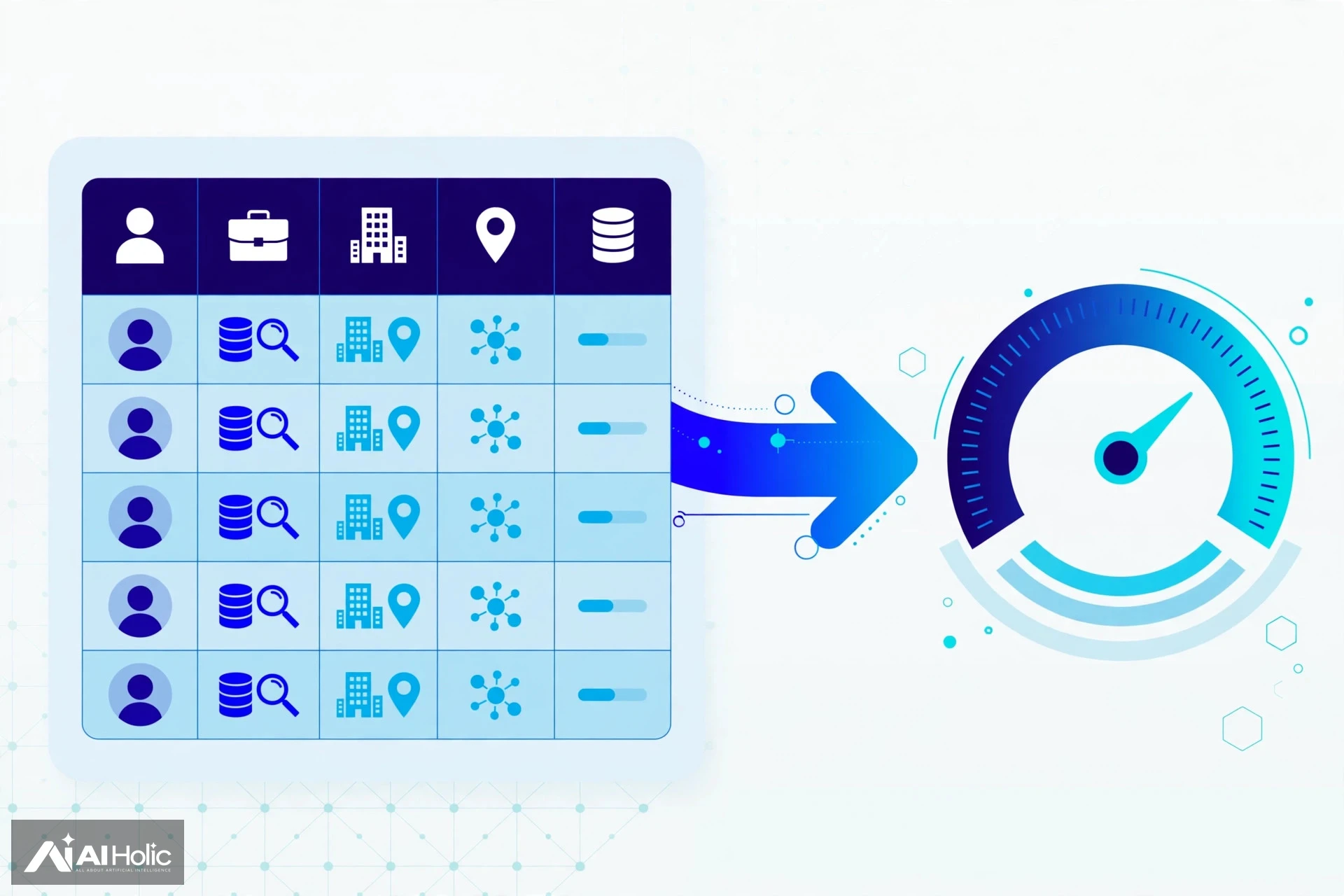
A trigger is the event that starts a workflow, and the best triggers fire on something that already happened. Clay automation templates lead routing clay.ai triggers rules all rest on this point: a form fill, a checkbox flip, or a deal stage change is a fact, while a guess about what might happen next is not.
Clay workflows are built as a graph of connected steps that starts on a trigger, branches on your logic, and acts on one record at a time. That is how Clay University describes its workflow builder, and it matches how the templates above behave.
The five trigger types you will use most are webhooks from forms, CRM field flips, deal stage changes, scheduled re-checks, and external events such as website visits or funding news. Webhooks suit intake, since a form fill should start work at once.
- Webhook: a form or tool posts new data to Clay in real time.
- CRM field flip: a rep checks a box, and the workflow runs on that record.
- Deal stage change: a deal moves to closed won, and the lookalike flow starts.
- Scheduled re-check: Clay re-verifies stored data on a set cycle.
- External event: a visit, funding round, or hiring signal fires the workflow.
The Rules That Decide Where Each Lead Goes
Rules are the if then logic inside a workflow, and they do three jobs: they gate expensive steps, they pick a path, and they stop bad data from reaching the CRM. Clay automation templates lead routing clay.ai triggers rules only work when the rules are written before the workflow goes live.
Run conditions are the most valuable rule type, since they decide whether a step runs at all. A cheap formula check placed before an expensive enrichment column can skip the enrichment when the data is already there. One guide notes that formula columns cost nothing to run, so column order is also a cost decision.
Rules also need an order, because the first matching rule wins. Put the narrowest rule first, such as tier 1 accounts in a named territory, and the broadest rule last, such as all other qualified leads.
| Rule type | What it checks | What happens |
|---|---|---|
| Run condition | Is the field already filled | Skip the enrichment step |
| Email type gate | Company or personal address | Personal goes to nurture |
| Dedupe rule | Same email domain already in the table | Merge, do not create a new row |
| Score threshold | Total score above the cut point | Route to a rep, else hold |
| Territory rule | Region matches a rep territory | Route inside that territory first |
| Missing data rule | Enrichment returned nothing | Send to triage, not to unqualified |
The missing data rule deserves special care, since most teams get it wrong. A lead with no enrichment result is not a bad lead, it is an unknown lead. Send it to a triage owner for a manual check, and keep it out of the unqualified pile.
Test every rule on ten rows before you run it on ten thousand. A rule that misfires on a small batch is easy to fix, while the same rule on a full list can misroute a month of leads in one afternoon.
How Lead Routing Works In Clay
In clay automation templates lead routing clay.ai triggers rules, routing starts with a rep table that acts as your live source of truth. The table holds each rep name, email, status, and weight, plus any other criteria you route on, such as territory.
The native action is called Distribute Leads Round Robin (Weighted), and you find it by searching enrichments. Map it to your rep table, and Clay assigns each new lead to a rep in proportion to the weights you set. Weights of 2, 2, and 1 give the three reps 40 percent, 40 percent, and 20 percent of the leads.
Territory comes before the round robin, not after it. A lookup matches the lead region to a rep first, and the round robin runs inside that territory. Hot leads also send the rep a Slack alert, so a high value lead does not sit in a queue until the next morning.
Keep the status field current, since a rep on vacation should not keep receiving new leads. A stale rep table is the quietest failure in this whole setup, since leads keep routing to people who left the team months ago.
How Scoring Fits Into The Pipeline
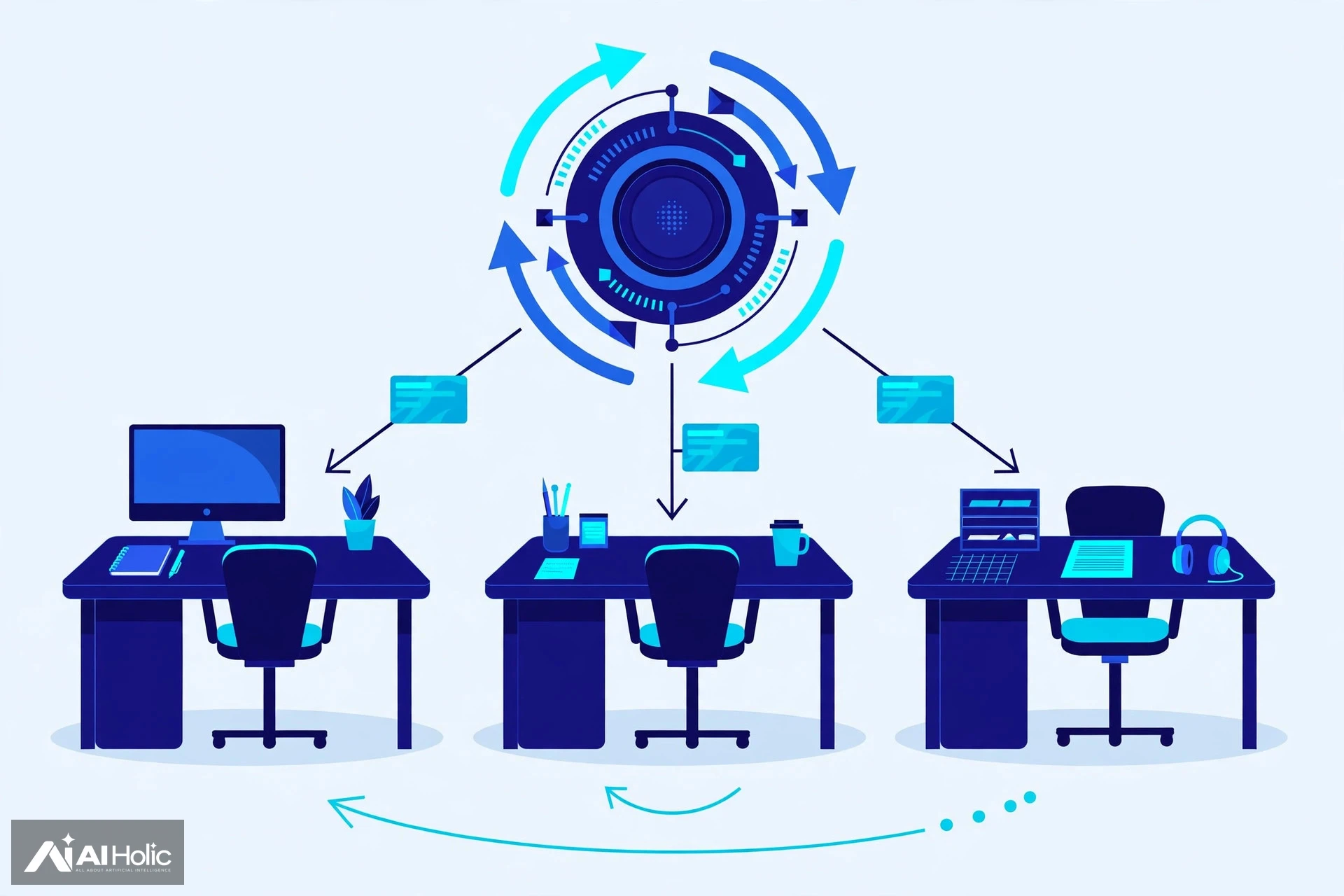
Scoring turns enrichment facts into a priority order, and clay automation templates lead routing clay.ai triggers rules need it to keep reps focused. Without a score, every lead looks equal, and reps call the loudest one first instead of the best one. The same scoring logic decides which car shopper reaches a salesperson first, and our guide to ai for dealership lead management shows how dealerships score, route, and follow up every lead. Once your routing rules are set, score each lead against your ideal customer profile first, so the best fits reach a rep before the rest — our guide to ai-powered fit scoring for icp lead list ranking shows the six-step setup.
Lead scoring is a method used to rank prospects against a scale that shows the value each lead holds for the business. You can read the plain definition on the lead scoring page on Wikipedia if you want the full background. In Clay, you build the score from source facts, enrichment facts, and a decision column that sums the points.
Start with three attributes, not eleven, and measure for two weeks before you add more. A good first set is hiring in the target role, tech stack fit, and funding stage, since those three predict interest well for most B2B teams.
Set two cut points and stick to them. A total above the high cut point marks a lead as sales ready and routes it to a rep with a deal created. A total between the two cut points goes to marketing follow up or a sequence.
| Score band | What it means | Next step |
|---|---|---|
| High, 8 to 10 | Strong fit and strong intent | Create a deal and assign a rep |
| Mid, 5 to 7 | Fit but weak intent | Add to a sequence or nurture |
| Low, under 5 | Weak fit or no signal | Hold out of the CRM |
| No data | Enrichment returned nothing | Send to triage for review |
How Much It Costs To Run
Running clay automation templates lead routing clay.ai triggers rules under this model means each enrichment generally uses one Action plus variable Data Credits. Clay moved to a dual credit model in a pricing overhaul in March 2026, according to a Clay guide we read.
The cheapest way to cut cost is a waterfall, where providers run in order and each fallback runs only when the earlier one fails. Chain a low cost provider first, then a stronger one for the rows still missing data.
One client build shared in a templates guide processed 18,000 leads for about 38 dollars by routing classification through OpenAI instead of paying for Clay credits alone. That number comes from that guide, not from our own test, and your cost will differ with your providers and your volume.
Field Mappings: The Step Most Teams Skip
Every template above depends on clean field mappings between Clay and your CRM. Before any workflow runs well, decide field by field how Clay should treat each one.
Get this wrong and a manually confirmed note gets silently erased, or duplicate contact records start piling up. Field mappings are not a one time setup step, since a field that is safe to overwrite in one workflow might carry manual notes in another.
When a sync that used to work suddenly stops updating records, check the mapping first. A broken mapping is the usual cause, not a broken workflow. This kind of business automation and AI solutions work rewards teams that check the simple cause before they rebuild the whole system.
Common Mistakes And Fixes
- Routing on half finished data: enrich and score before you route, never after.
- Treating no data as unqualified: send empty enrichments to triage, not to the discard pile.
- Creating the contact inside Clay: upsert the contact in the CRM first, so a retry cannot make a duplicate.
- Running all enrichments at once: use a waterfall with run conditions, so cheap providers go first.
- Copying formulas as typed text: insert column references with the slash key, or the formula will fail.
- Skipping the test batch: run ten known rows through every rule change before a full run.
- Forgetting the rep table: update rep status and weights, or leads go to people who left.
Marketing automation covers the same ground at a higher level, since these platforms exist to automate repetitive work and run campaigns across channels. You can read how the pieces fit on the marketing automation page on Wikipedia for the wider picture. Clay sits inside that picture as the enrichment and routing layer.
Small teams should also think about who runs the system once it is live. Our guide on AI powered workflows shows how teams keep automated work on track without hiring a full ops team.
Finally, weigh the build against your team size before you automate everything at once. Our comparison of whether to hire, outsource, or use AI helps small teams decide what to run in house and what to hand off. Start with the trial signup template, prove it works, then add the next one.
Frequently Asked Questions
What Is A Clay Automation Template?
A Clay automation template is a saved table layout with columns, triggers, enrichment steps, and writeback rules already set. You copy it, connect your lead source, and adjust the scoring points to fit your business. It saves you from rebuilding the same setup for each new use case.
How Does Clay Route Leads To Reps?
In clay automation templates lead routing clay.ai triggers rules, Clay routes leads with a rep table and a weighted round robin action. The rep table holds names, emails, status, and weights, and Clay assigns each lead in proportion to those weights. Territory matching runs first, so the round robin only shares leads inside the right region.
Do Clay Templates Cost Credits To Run?
Yes, each enrichment generally uses one Action plus variable Data Credits, while formula columns cost nothing to run. Clay automation templates lead routing clay.ai triggers rules stay cheap when you gate expensive steps with run conditions and order providers in a waterfall. Check credit use weekly in the first month.
What Happens When Enrichment Finds Nothing?
The lead goes to a triage owner for a manual check, not to the unqualified pile. Missing data means the lookup failed, not that the buyer is a bad fit. Keep that path separate in your rules, or real buyers will get thrown away over a failed lookup.
Conclusion
Clay automation templates lead routing clay.ai triggers rules work when you build in order: intake, enrichment, scoring, routing, then writeback. Copy the trial signup template first, test it on ten leads, and add the next template once the first one runs clean.