AI Code Detector: How It Spots AI-Written Code and Where It Fails
If you don’t want to read the whole guide or have difficulty reading, you can listen to this guide instead.
An ai code detector is a tool that estimates whether source code was written by a person or by an AI model such as ChatGPT, Claude, or GitHub Copilot. You paste in code and get a score or a verdict, such as likely AI or likely human. That score is a guess based on patterns, not proof of who wrote the code.
This guide explains how these tools work, what the research says about their accuracy, and where they are used in classrooms and hiring. You will also learn how to read a result without jumping to a false charge.
At AI Holic, we test claims against published research before we repeat them. Keep reading for the plain facts and the limits.
What an AI Code Detector Is
An ai code detector scans source code and looks for signs that a language model wrote it. It checks style, structure, and small choices in the code, then gives a likelihood score. A high score means the code looks like typical AI output, while a low score means it looks more like human work.
These tools are a special case of the wider family of AI detection tools, which also cover essays, articles, and other text. Code checkers differ because they read syntax, not sentences, and they can look at naming, import order, error handling, and comments.
Most detectors work in one of three ways. Some are free web pages where you paste a snippet and get a quick score. Some are built for classrooms, and some scan whole repositories for files that look AI-written.
None of these tools can see who typed the code. They only see the finished text, so their answer is always an estimate.
How Detectors Work
Detectors use several methods at once, and each one looks at a different kind of signal. A tool may combine two or three of them into one score.
Perplexity and burstiness
Perplexity measures how predictable a piece of text is to a language model. A model picks the most likely next token at each step, so text it would have written itself scores as very predictable. Low perplexity is treated as a machine-like signal.
Burstiness measures how much the writing varies. Human writers mix short lines with long ones, while model output keeps a steadier rhythm. In code, this shows up as even function lengths and a steady style, but clean human code can look the same.
Watermarks
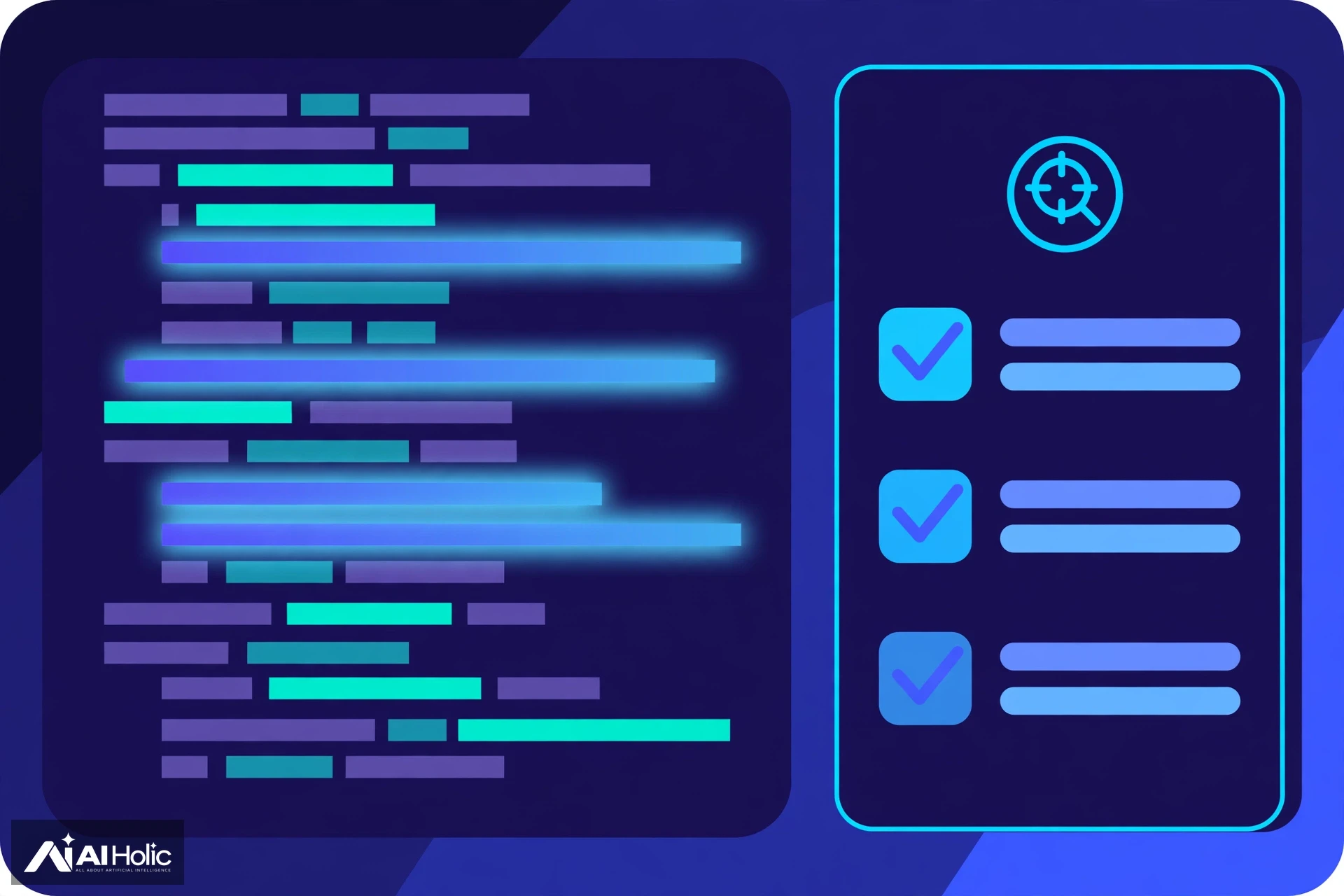
A watermark is a hidden statistical pattern added while the model generates text. The generator favors certain tokens in a secret pattern, and a matching checker can spot that pattern later. Wikipedia explains that a digital watermark is a marker hidden inside a signal, and AI watermarking uses the same idea.
Watermarks only work when the model that wrote the code added one. Most coding models do not watermark output today, so a missing watermark proves nothing.
Trained classifiers and code structure
A classifier is a model trained on labeled examples of human code and AI code. It learns which features mark each group, then scores new code against what it learned. Code-specific classifiers also read the abstract syntax tree, the parsed structure of the program.
These tools look at naming habits, comment style, import order, and error handling. Some also read project history, such as commit messages, to see whether a large block arrived in one sudden commit. History can be faked, so it is supporting evidence at best.
Why Code Is Harder to Detect Than Prose
Code gives a detector far less to work with than an essay does. A short function may be only ten lines long, and there are only so many correct ways to write it. Two people solving the same problem often write nearly identical code, and a model trained on millions of examples writes the same standard answer too.
How Accurate Are These Tools
They are not accurate enough to act on alone. Vendor pages often report accuracy near 98 or 99 percent, but those numbers come from the vendor’s own tests. Independent research tells a much weaker story.
A 2025 study from the International Conference on Software Engineering tested GPTZero, Sapling, GPTSniffer, and DetectGPT on human and AI code. The best general tool scored about 57 percent, barely better than guessing.
An earlier study from 2024 tested five detectors on more than 5,000 Python problems and found they performed poorly. The table below sums up what independent sources found.
| Source | What was tested | Key result |
|---|---|---|
| Suh et al., ICSE 2025 | GPTZero, Sapling, GPTSniffer, DetectGPT and others on human and AI code | Best general tool scored about 57 percent, close to guessing |
| Pan et al., ICSE-SEET 2024 | Five detectors on 5,069 Python problems and ChatGPT solutions | Detectors performed poorly at telling human code from AI code |
| Turnitin statement | Its own AI writing detection on non-prose text | Does not reliably detect AI text in the form of scripts or code |
No ai code detector is accurate enough to settle an authorship question by itself. A score can start a conversation, but it cannot end one.
OpenAI learned this lesson in public. It launched its own AI text classifier in early 2023 and shut it down on July 20, 2023, because the accuracy was too low. If the maker of the most widely used model could not build a reliable detector, a vendor promising near-perfect accuracy deserves doubt, not trust.
False Positives and Who They Hurt
A false positive happens when a detector flags human work as AI-written. This is the most harmful failure, because it accuses a real person of something they did not do. Research on text detectors found that non-native English writers were flagged far more often.
Simple, careful code is the most likely to be flagged. A beginner who follows the textbook exactly can score as machine-like. The detector sees predictability and calls it AI, but predictability is also what good teaching produces.
False negatives are the other failure. AI code that a person edits, renames, and restructures can slip past a detector.
The patterns of AI detection in Spanish academic texts show the same lesson in prose. A clean score never proves a person wrote the code either.
Detectors in Education
Teachers use an ai code detector to check whether a student wrote the code they submitted. The intent is fair, since coding skill is what the course measures. A single score cannot show how the work was done.
A better classroom policy starts with clear rules. Tell students before the assignment whether AI help is allowed, and how much.
Ask for drafts, commit history, or a short oral walkthrough of the code. A student who can explain each function has shown real understanding, whatever a score says.
Many schools run detection through their learning platform. If you teach with Canvas, read our guide on what AI detector Canvas uses before you rely on its reports. A flag should open a talk, not trigger a penalty on its own.
Detectors in Hiring and Teams
Hiring teams use an ai code detector to check take-home coding tasks and to audit code written with AI assistants. The worry is real, since a candidate who pastes a task into a chatbot has not shown their own skill. A detector score still cannot prove what happened, and it can punish strong candidates who write clean code.
A fairer check mixes methods. Pair the take-home task with a live review where the candidate explains their own code.
Ask them to extend a function or fix a bug in it during the interview. That test measures skill directly, while a detector only measures style.
Engineering teams face a different question. Many teams allow AI assistants openly, so the issue is whether a human reviewed and tested the code. Repo-level detectors show how much AI-written code is flowing in.
The score is a management signal, not a verdict on any one developer.
How to Use a Result Responsibly
An ai code detector result is only useful inside a careful process. Use the steps below whenever a score will affect a real person, and skip a step only if you can explain why.
- Run the check on a long sample, since short snippets give too little signal to judge.
- Check the code with a second tool, because tools disagree with each other often.
- Read the flagged lines yourself and ask whether a human could have written them.
- Look at the history, such as commits and earlier versions of the work.
- Talk to the person and ask them to explain the code in their own words.
- Decide based on all the evidence together, never on the score alone.
Write down what you found at each step. A short note protects both sides, since the person flagged can see the reasoning. If the evidence is thin, give the person the benefit of the doubt.
Detection Approaches Compared
Each detection method has a different strength and a different blind spot. The table below shows why serious tools combine more than one method.
| Approach | How it works | Main limit |
|---|---|---|
| Perplexity and burstiness | Scores how predictable and even the code looks | Clean human code also looks predictable |
| Watermarks | Reads a hidden pattern added during generation | Only works if the model added a watermark |
| Trained classifiers | Compares code with labeled human and AI samples | Weak on new models and styles |
| Code structure checks | Reads syntax trees, naming, and comment habits | Standard patterns look the same in both groups |
| History and metadata | Reads commits and edit timing | Can be stripped or faked |
No method in this table proves authorship. The strongest setups use several methods together and still treat the result as a lead for human review.
Privacy: What Happens to Code You Paste
Free checkers have to pay their bills somehow, and your code is the input they receive. A free page may store what you paste, use it to train future models, or keep it in logs. Never paste proprietary code, passwords, API keys, or customer data into a free checker.
Read the privacy page before you paste anything sensitive, and look for a clear statement that submissions are deleted and never used for training.
If the page says nothing, assume the code is kept. For work code, use a tool your employer approved.
Students should know this too. A class file may hold a name, a student ID, or a login token in a comment. Strip those details before any upload, and ask your teacher which checker the school approves.
Frequently Asked Questions
Can an ai code detector prove code was written by AI?
No. Every detector returns a likelihood, not proof. Independent studies found general tools scoring near chance on code.
Use a score as a reason to look closer, and base any decision on drafts, history, and a talk with the person.
Why do detectors flag human code as AI?
Human code can be very predictable, which is exactly what detectors measure. Standard patterns and clean formatting look machine-like to a statistical check. Beginners are flagged more often, since their code follows taught patterns closely.
Do these tools work on short snippets?
They work poorly on short code. A function of ten lines holds too few signals to judge, and many correct solutions look identical at that length.
Vendors report their best results on files over 40 lines, so treat any score on a short snippet as weak evidence.
Can edited AI code pass a detector?
Yes. Renaming variables, restructuring functions, and rewriting comments change the signals a detector reads, so edited AI output can score as human.
This is why a clean score never proves a person wrote the code from scratch.
Should a teacher fail a student based on a detector score?
No. A score alone is not enough for a penalty. The teacher should check the work history and ask the student to explain the code.
If the evidence stays thin, the fair step is a talk and a redo, not a fail grade.
Conclusion
An ai code detector can flag code worth a second look, but it cannot prove who wrote it. Use the score as a starting point, gather drafts and history, and talk to the person before you decide. Fair review beats a fast verdict every time.