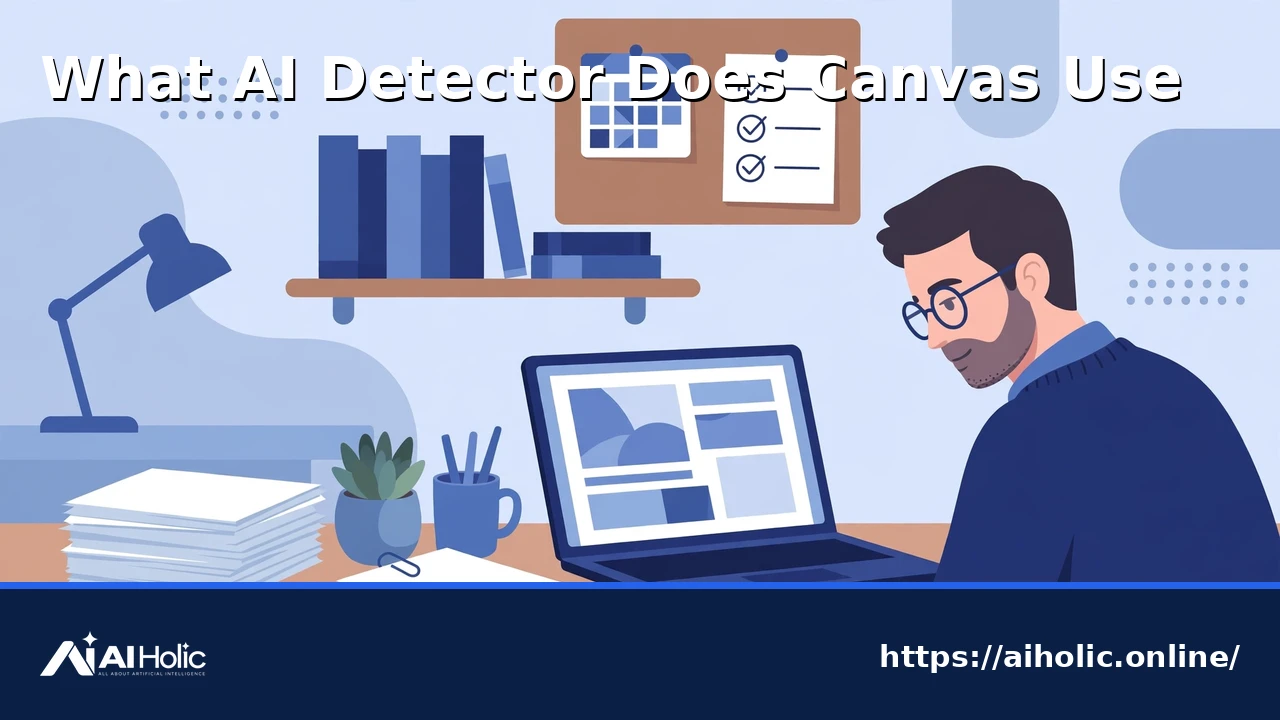
What AI Detector Does Canvas Use: Turnitin, Instructor Reports, and the Limits
If you don’t want to read the whole guide or have difficulty reading, you can listen to this guide instead.
Canvas itself does not ship with its own AI checker, so the direct answer to what ai detector does canvas use is that it depends on your school. At AI Holic, we hear this question from students who see a similarity score and assume an AI check ran too. The two checks are separate, and your school may run one, both, or neither on a given assignment.
This guide explains which tools schools connect to Canvas, what instructors actually see, and where scores can mislead. It also covers SafeAssign, Google Classroom, and college admissions, since students often mix those systems up. You will finish with a clear way to check your own course before you worry about a score you may never have received.
The Short Answer
If you ask what ai detector does canvas use in your course, start with your school, not with Canvas itself. Canvas is a learning system that stores courses, assignments, submissions, and grades. It does not scan every submission for AI writing on its own.
Most schools that run an AI check inside Canvas use Turnitin, and the AI result sits inside the Turnitin report rather than in a Canvas screen. A school needs the right Turnitin license for AI checks, and an instructor still has to turn the check on for the assignment. Other schools connect different tools, so two students on Canvas can face two different checks.
That setup explains why a classmate can get an AI flag while you get none, and it is why what ai detector does canvas use has a different answer in each course. Your course settings, your school license, and your assignment type all shape the result. Ask your instructor which tool, if any, runs on your assignment, and treat any single score as a starting point for review, not as proof.
Canvas Has No Built-In Detector
Canvas works as the container for your work. It records the file you upload, the time you submit it, and the grade your instructor enters. It does not read your sentences for signs of AI writing, and its activity logs cannot prove who wrote a text.
Schools add a document check through a connection. Instructure documents a Document Processor that lets a connected tool return a report to Canvas, and its instructor guides name Turnitin and Packback as supported options. Reports from connected tools can appear in SpeedGrader, the grading view instructors use for submissions.
Other detectors also offer Canvas connections, and published reports in 2026 described Copyleaks as a recommended partner for Canvas and GPTZero as offering an institution-wide Canvas setup. So what ai detector does canvas use for your class comes down to the tool your school connected. If no tool is connected, no AI report exists for that assignment.
What Instructors See in SpeedGrader
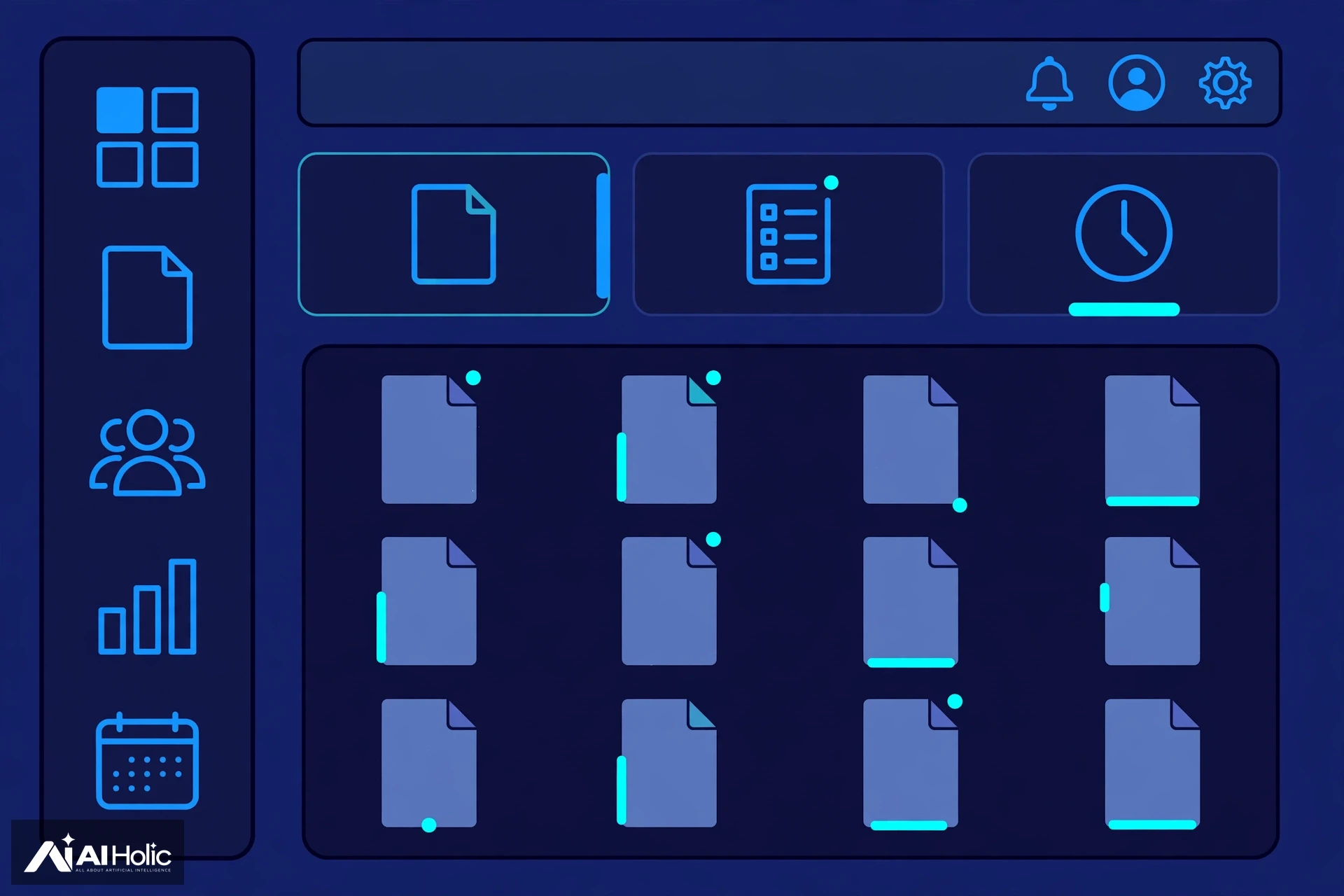
When Turnitin runs on an assignment, the instructor opens the similarity report and finds the AI writing indicator inside it. The indicator gives a share of qualifying prose that the model classes as likely AI written or AI modified. Students do not see that indicator in the standard student view, though an instructor can choose to share a downloaded report.
A similarity score and an AI score answer two different questions. The similarity score shows how much text matches sources the system already holds, while the AI score estimates how much prose looks machine written. A paper can score low on similarity and still draw an AI flag, and a paper with matched quotes can score high on similarity with no AI flag at all.
The AI check also needs the right conditions, and that is one more reason what ai detector does canvas use varies by assignment. It runs on long-form English prose, and university guidance for Canvas and Turnitin notes it needs at least 300 words before it returns a score. Short posts, bullet lists, and heavily formatted work may return no score at all, which looks like a blank box rather than a clean pass.
How to Read an AI Score Without Overreacting
A Turnitin AI percentage is not a confession and not a count of words a machine wrote. It estimates the share of evaluated sentences the model classes as likely AI written, and a 50% result does not mean exactly half the paper came from a chatbot. When you ask what ai detector does canvas use, you are really asking which model scored your paper and how much weight that score should carry.
The reporting threshold matters, since results from 1% to 19% show as an asterisk with no number and no highlighted sentences, because that band carries a higher false positive risk. Scores at 20% and above show a number, and Turnitin reports a document-level false positive rate below 1% for results above that threshold. That figure is a vendor-reported test result, not a guarantee for your paper, and published summaries put the sentence-level rate near 4%, so highlighted lines deserve more care than the headline figure.
False positives are real, and they hit some writers harder. A 2023 Stanford study reported that popular detectors flagged about 61% of human-written TOEFL essays from non-native English writers as AI written, which is one more reason instructors should never act on a score alone. If you face a flag, keep your drafts, notes, and version history, and ask what else besides the score supports the concern.
Our guide to how AI detection tools work in general gives useful background on the limits of these models. No detector can prove authorship from text alone, and every model trades missed AI text against false flags on human text. A fair process pairs the score with a conversation, a look at drafts, and a check of the course policy.
| Tool or check | What it checks | Canvas setup |
|---|---|---|
| Turnitin AI writing | Likely AI written prose | Needs the Originality license and instructor setup per assignment |
| Turnitin Similarity | Matching text from held sources | Needs Turnitin enabled per assignment |
| SafeAssign | Matching text only | Built into Blackboard, not Canvas |
| Classroom Originality Reports | Matching text only | Built into Classroom, not an AI check |
The SafeAssign AI Checker Question
There is no safeassign ai checker to turn on, even though the name sounds like it should check for AI. SafeAssign is the similarity checker built into Blackboard, and it compares your text with sources it already holds. It reports matching text, not authorship, so it cannot tell you whether a machine wrote a passage.
That limit cuts both ways, since a fully AI-written essay with no copied source can return a low SafeAssign score, because there is nothing for the matcher to find. A high score can come from quoted material, a common phrase, or a cited source, with no AI use at all. Published accounts of Anthology’s 2023 test describe the company testing AI detection for SafeAssign and deciding against adding it, after finding the tools tested were not reliable enough for classroom use.
If you see an AI score inside a Blackboard course, it came from a separate tool your school added, such as Turnitin or Copyleaks. Check the assignment settings for the tool name before you assume SafeAssign produced the number. The same lesson answers what ai detector does canvas use in a different course, since you should check the tool name, not the platform name.
Does Google Classroom Have an AI Detector?
The answer to does google classroom have an ai detector is no, at least for a built-in check. Classroom ships with Originality Reports, which compare student work with web pages and books to find copied or unattributed text. That is a plagiarism check, and it does not score writing for AI authorship.
Schools that want an AI check in Classroom add a separate tool, and published guides name Turnitin and Copyleaks add-ons for that job. Those add-ons need the school license, and reported guides say they need Education Plus or the Teaching and Learning upgrade for add-on use. Any AI score you see there comes from the added tool, not from Classroom itself.
Teachers also check version history in Google Docs, which shows how a document grew over time. A document pasted in one step looks different from a document built through drafts, edits, and revisions. Version history still proves nothing on its own, but it gives a teacher context that a single score cannot.
Do College Admissions Use AI Detectors?
The question do college admissions use ai detectors has no single answer, because most schools do not publish one rule for every application. Published guides report that few top schools say they run admissions essays through detection software, while most rely on reader judgment, attestations, and checks of the rest of the file. A detector result alone cannot prove who wrote an essay, so schools that do screen tend to treat software as one input among many.
Some schools changed their process instead of buying software. Duke stopped giving admissions essays a numerical score after a rise in generative AI use, and now weighs essays for insight into the applicant rather than as a measure of writing skill. Other schools, such as Brown and Caltech in published guides, allow only narrow help like spelling and grammar checks, and they require the ideas and drafting to stay the applicant’s own work.
The Common Application fraud policy also matters, since it treats presenting AI output as your own original work as misrepresentation. That policy applies even at schools that never run a detector, so the risk does not end where software stops. Before you submit, a college essay reviewer can help you check clarity and flow in your own draft, but it cannot rewrite the essay for you.
Read each school’s own AI rule before you submit, and keep AI help to brainstorming and light editing where the school allows it. When a school bans drafting help, follow that rule even if a tool could do the job faster. An honest essay that sounds like you will serve you better than a polished essay that reads like no one in particular.
How to Check Your Own Course in Five Minutes
You can settle most of the worry in five minutes. Open the assignment page, read the originality or integrity note, and ask your instructor directly if the note is unclear. If you still wonder what ai detector does canvas use on your next assignment, the assignment page and your instructor give the fastest answer.
If your school offers a school AI chatbot for study help, use it for explanations and practice, not for drafting work you must submit as your own. Keep your own notes and drafts for long essays, since they are the best evidence of your process if a score is ever questioned.
- Open the assignment settings and look for the checker name.
- Ask your instructor which tool runs and whether students can see the report.
- Keep drafts, notes, and version history for any long essay.
- Read your school AI policy before you use AI help on graded work.
Turnitin began as a similarity checking service, and its history shows how plagiarism checks came long before AI checks. You can read that background in the Turnitin history on Wikipedia, which notes the AI writing feature arrived in early 2023. That timeline helps explain why older guides mention similarity only, while newer guides discuss both checks.
Frequently Asked Questions
What ai detector does canvas use by default?
No tool runs by default, so what ai detector does canvas use in your course is a question for your school and your instructor. Canvas stores and grades work, while a connected tool such as Turnitin does any AI analysis. Check the assignment settings and ask your instructor which tool, if any, is enabled.
Can students see their Turnitin AI score in Canvas?
Students do not see the AI writing indicator in the standard student view. The score sits inside the Turnitin report that instructors open from SpeedGrader. An instructor can download that report and share it, but sharing is a choice, not an automatic student view.
What is the safeassign ai checker?
There is no SafeAssign AI checker. SafeAssign checks text similarity in Blackboard, and it reports how much text matches sources it holds. It gives no AI score and no authorship verdict, so any AI score in a Blackboard course comes from a separate tool.
Does google classroom have an ai detector?
No, Classroom has no built-in AI detector. Its Originality Reports check for copied text, not for AI authorship. Schools that want an AI score in Classroom add a separate tool with its own license, and that tool produces the score.
Do college admissions use ai detectors?
Some schools screen in some form, but published guides report that most rely on readers, attestations, and school policy rather than software alone. Few top schools say they run admissions essays through a detector. Read each school’s own AI rule, since the rule binds you even when no software runs.
Conclusion
The short answer to what ai detector does canvas use is that Canvas itself uses none, and your school tool does the checking. Turnitin is the most common choice inside Canvas, but the license, the assignment settings, and the instructor choice decide whether any score exists. Check your course settings, keep your drafts, and treat every score as a prompt for review, not as proof. For the wider picture, our canvas ai guide explains both meanings of the term, from Canva’s Magic Studio design tools to the AI features tied to the Canvas LMS.