AI Test Generator From Article 2026: Turn Any Reading Into a Fair, Ready-to-Use Test
If you don’t want to read the whole guide or have difficulty reading, you can listen to this guide instead.
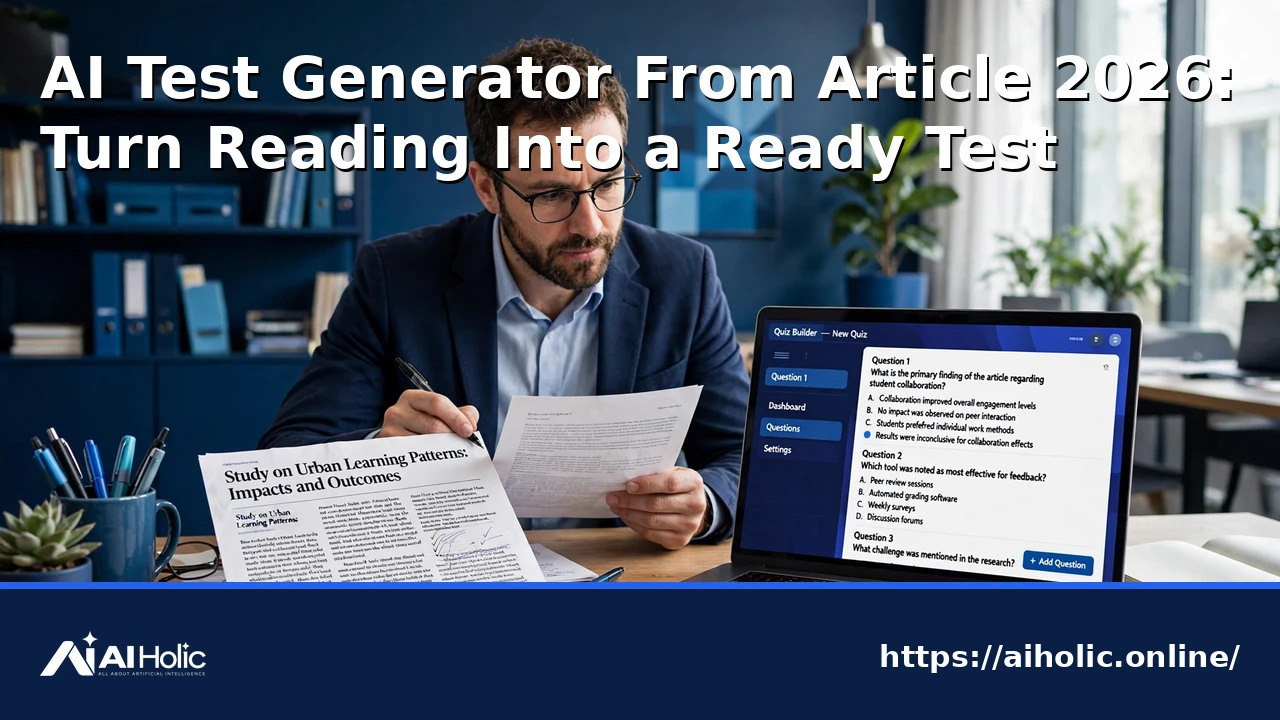
An ai test generator from article 2026 turns a reading you already have into quiz questions in minutes. You paste an article or upload a file, pick how many questions you want and how hard they should be, and the tool drafts a test based on that text. Teachers use it to build class quizzes, tutors use it to make practice sets, and students use it to check what they actually learned from a reading.
At AI Holic, we look at classroom tools with a plain question in mind: does this save real time without lowering the quality of the test? This guide answers that question for article-to-test tools. You will learn how they work, what a good test looks like, how to review questions before you hand them out, and which mistakes to avoid.
The Short Answer
The best tools read only the article you give them and write questions that can be answered from that text alone. They let you set the question count, the question types, and the difficulty level before they generate anything. They also let you edit every question, remove weak ones, and export the finished test to your classroom platform.
A tool is not worth your time if it invents facts that are not in the article, writes questions with unclear wording, or locks editing behind a paid plan. The review step matters more than the generation step, since a test with wrong answers teaches students the wrong facts. Plan on spending a few minutes checking each set before you use it.
AI Test Generator From Article 2026: How It Works
Most tools follow the same four steps. First, you provide the source text by pasting it, uploading a file, or linking a page. Second, you choose settings such as question count, question types, and difficulty.
Third, the tool reads the text, picks out the main ideas, and drafts questions with answer options. Fourth, you review the draft, fix or delete weak questions, and export the result.
Behind the scenes, an ai test generator from article 2026 uses a language model trained to read and summarize text. It finds names, dates, definitions, causes, and comparisons in the article and turns each one into a question.
Good tools stay close to the source and point back to the part of the text each answer came from. Weak tools drift away from the source and add details the article never stated.
Input quality decides output quality more than any setting does. A clean, well-structured article with clear facts gives you a clean test.
A vague article, a scanned page with errors, or a text full of opinions gives you questions that are hard to answer fairly. If the source is weak, fix the source first or pick a better one.
What a Good Test From an Article Looks Like
A good test covers the whole article, not just the first two paragraphs. It mixes question types so students must recall facts, explain ideas, and apply what they read. It uses clear wording, one idea per question, and answer options that are all plausible at first glance.
Teachers have long sorted questions by the kind of thinking they require, and Bloom’s taxonomy gives a simple ladder for that sorting, from recall up to creation. A strong article-based test touches at least two or three rungs of that ladder. A set of ten recall-only questions tells you little about whether a student understood the reading.
| Question type | What it checks | Use it when |
|---|---|---|
| Multiple choice | Recall and recognition | You need fast, fair grading |
| True or false | Single clear facts | The article states the fact plainly |
| Short answer | Understanding in own words | You want to see reasoning |
| Fill in the blank | Key terms and names | Vocabulary matters for the topic |
| Open ended | Analysis and judgment | The article presents a debate |
Watch the answer options as closely as the questions. A multiple-choice item fails when one option is much longer than the rest, when two options mean the same thing, or when the correct answer is the only one written in formal language. Students notice these patterns fast, and then the test measures test-taking skill instead of reading.

How to Turn an Article Into a Test, Step by Step
Start by choosing one article and one clear purpose for the test. A ten-question check after a reading needs different questions than a graded unit test. Write down what students should be able to do after reading, then let that list guide your settings.
Clean the text before you paste it. Remove ads, navigation menus, photo captions, and unrelated sidebars.
Keep headings, since they help the tool see the structure of the article. If the article is very long, split it into sections and generate a small set per section rather than one large set for the whole piece.
Set the question count to match the reading, not your wish list. A short article supports about five to eight solid questions.
Asking for thirty questions from two pages forces the tool to repeat ideas and invent filler. Start small, read every question, and add more only where the article has more real content.
Review each question against the article before anyone sees the test. Check that the stated answer is truly in the text, that the wording has one clear meaning, and that no question depends on outside knowledge. Fix the wording yourself where needed, since editing a draft is faster than writing from scratch and keeps you in control of quality.
Finally, run the test yourself or ask a colleague to take it cold. If a careful reader cannot answer a question from the article alone, rewrite or drop that item. Short low-stakes checks during a unit are a form of formative assessment, and they work best when students get quick feedback on what they missed and where the article covers it.
Picking the Right Tool for Your Classroom
When you compare one ai test generator from article 2026 with another, the differences show most in input options, editing freedom, and export formats. Some accept only pasted text, while others take PDFs, slide decks, links, or video transcripts.
Some export to Google Forms, Kahoot, Moodle, or printable sheets, while others leave you to copy questions by hand. Match the tool to the workflow you already use, not the other way around.
| Feature | Why it matters | What to check on the free plan |
|---|---|---|
| Source input options | Decides what material you can use | Paste, upload, and link support |
| Question editing | You must fix weak items | Full edit before export |
| Answer key control | Wrong keys teach wrong facts | Key shown and editable |
| Export formats | Saves manual copying time | Your platform listed |
| Monthly limits | Sets your real cost | Tests per month, not just per day |
Price plans deserve a close read. A free plan that allows five tests a month may suit one teacher but not a whole department.
A paid plan that charges per student can grow costly fast. Before paying, run the same article through two or three free tools and compare the drafts side by side.
Also check how the tool handles your material. Classroom articles may include student work or school-licensed content, so read the privacy terms before uploading. Prefer tools that state plainly that your uploads are not used to train models and that you can delete your content.
Article-to-test tools pair well with other classroom AI help. Our guide to an AI college essay reviewer shows how automated feedback works for longer student writing.
When results come back, our guide on college results with AI explains how to read automated scores with care. For study material beyond tests, our list of free multimodal learning resources for 2026 covers video, audio, and text formats students can use together.

How Teachers Use Generated Tests in Class
In class, an ai test generator from article 2026 is most useful as a quick check after reading, not as the main lesson. A teacher can hand out a five-question check, spot which ideas students missed, and spend the rest of the lesson on those gaps. That loop of read, check, and revisit beats a long test at the end of a unit.
Tutors use the same tools for homework review, since a short generated set shows where a student stands before the session starts. Study groups use them too, with each member taking a different generated set and comparing answers. In each case, an ai test generator from article 2026 works as a starting point for discussion, and the teacher or tutor stays in charge of the final questions.
Mistakes That Make Tests Weaker
The most common mistake with an ai test generator from article 2026 is skipping the review step. Generated questions look polished, which makes wrong answers easy to miss.
A question that sounds right but has a wrong key will cost students marks and trust. Read every item, and verify each answer in the article.
The second mistake is testing only easy facts. If every question asks for a name or a date, students can pass by skimming.
Add at least a few questions that ask why something happened, what caused it, or which claim the article supports best. Those items show real reading.
The third mistake is using a test built from a weak article. An opinion piece with few facts, a news story with one source, or a page full of ads will not yield a fair test.
Pick readings with clear claims, evidence, and structure. The tool can only test what the article actually contains.
A fourth mistake is letting generated tests replace teaching. A quiz checks learning, but it does not create it.
Use the time these tools save you to discuss the article, answer student questions, and revisit the ideas students missed. That is where the learning happens.
Frequently Asked Questions
Can an AI test generator work from any article?
An ai test generator from article 2026 works best with factual, well-structured articles that state claims clearly. Opinion pieces, poetry, and heavily technical papers produce weaker questions, since the tool has fewer clear facts to test. If the article is short or vague, expect a short test and review it with extra care.
How many questions should I generate from one article?
Match the count to the length and richness of the source. A two-page article usually supports five to ten good questions, while a long feature can support fifteen to twenty. Asking for far more than the article holds leads to repeated ideas and invented details.
Do I still need to check the answers myself?
Yes, always. Language models can state wrong answers with full confidence, and a wrong key harms students twice, once in marks and once in learning. Check each answer against the article text before the test goes out, and keep the answer key editable.
Can students use these tools to cheat?
Students can generate practice tests from their readings, which is a fair study method when the goal is learning. For graded work, use in-class or timed settings, mix question types, and include items that require reasoning about the article rather than simple recall. Clear rules about tool use prevent most problems.
Are free article-to-test tools good enough for a classroom?
Many free plans are enough for a single teacher who needs a few tests a month. Limits usually show up in monthly test counts, export options, or question types. Test the free plan with your real articles first, and pay only when a limit blocks work you actually do.
How do I keep generated tests fair for all students?
Keep every question answerable from the article alone, and avoid items that need outside knowledge or cultural references some students may not share. Read each item aloud in your head and ask whether a careful reader could answer it. If the answer is no, rewrite the item or drop it before the test goes out.
Conclusion
An ai test generator from article 2026 saves real time when you feed it a strong article, set sensible limits, and review every question before use. Treat the draft as a starting point, not a finished test. Do that, and you get fair quizzes in minutes instead of hours.