AI Math Tutor: Pick the Right One for Your Level and Budget
If you don’t want to read the whole guide or have difficulty reading, you can listen to this guide instead.
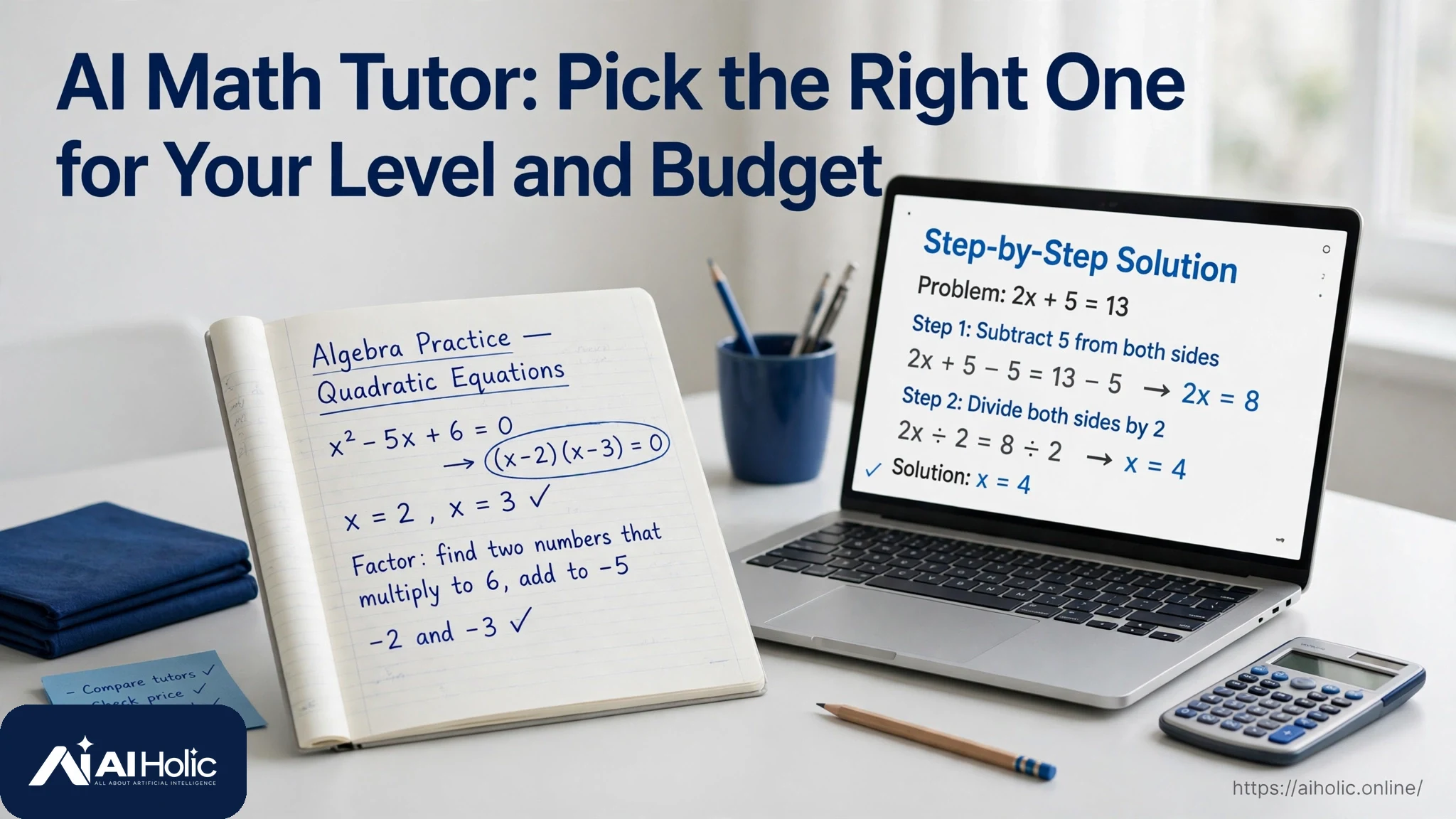
A good ai math tutor does more than print answers. It asks you questions, shows each step in plain words, and checks whether you can solve the next problem on your own.
At AI Holic, we compared the leading guides on this topic and noted where they agree and where they disagree. This guide explains what these tools do, which ones fit each school level, what they cost, and how to use them without hurting your grades.
You will learn how to tell a real tutor from a simple answer app, how to test one in a week, and which mistakes to avoid before your next exam.
What an AI Math Tutor Is
An AI math tutor is a program that helps you learn math through a chat, a photo, or a set of practice problems. You type a question, take a photo of your homework, or open a lesson, and the tool responds with steps, hints, or new problems to try.
It is not one kind of tool. Some tools only solve equations. Others guide you with questions until you find the answer yourself.
A third group adds lessons, quizzes, and progress tracking, so the tool acts more like a full course.
The difference matters more than the brand name. A solver gives you the finished answer fast. A tutor slows you down on purpose, because the learning happens while you work through the steps.
Many students mix the two without knowing it. They open a solver, copy the steps into their notebook, and feel ready for the test.
Then the test asks a new problem of the same type, and they cannot start it. That gap is the sign they used an answer app, not a tutor.
Tutor or Solver: Know Which One You Opened
Before you pick a tool, decide what you need it to do. If you are stuck on one step of a problem you mostly understand, a solver can show you where you went wrong. If you do not understand the topic at all, you need a tutor that teaches the method first.
| Type | What it does | Best for | Watch out for |
|---|---|---|---|
| Tutor | Asks questions, gives hints, withholds the answer | Learning a new topic | Slower, needs patience |
| Solver | Shows full steps from a photo or typed problem | Checking work you already tried | Easy to copy without learning |
| Learning platform | Lessons, practice, quizzes, and tracking in one place | Steady progress over a term | Fixed course order, less freedom |
| Reasoning chatbot | Explains word problems and proofs in plain words | College math and concepts | Can make arithmetic errors |
A quick test tells you which type you just used. Cover the solution, take a fresh problem of the same type, and try it alone.
If you can start it and finish most of it, the tool taught you something. If you cannot start it, try a tutor instead of a solver next time.
Our guide to Claude AI for students shows the same tutor-first idea in a general study tool, with a learning mode that asks questions before it gives answers.
How an AI Math Tutor Works
An ai math tutor reads your problem, works out a path to the answer, and then decides how much of that path to show you. The best ones show one step at a time and ask you to try the next step before they continue.
Photo tools use camera scanning to read a printed or handwritten problem. Typed tools take your equation as text or as a photo you upload. Chat tools let you ask follow-up questions in plain words, such as why a step works or what happens if the numbers change.
Behind the screen, two kinds of engines do the work. A calculation engine works out exact answers step by step, the way a graphing calculator would. A language model explains the idea in words and adapts the explanation to your level.
That split explains why one tool can be strong at answers and weak at teaching. A calculation engine rarely makes an arithmetic slip, but it cannot tell why you are confused. A chat tool can explain the idea well, but it can also get a number wrong with full confidence.
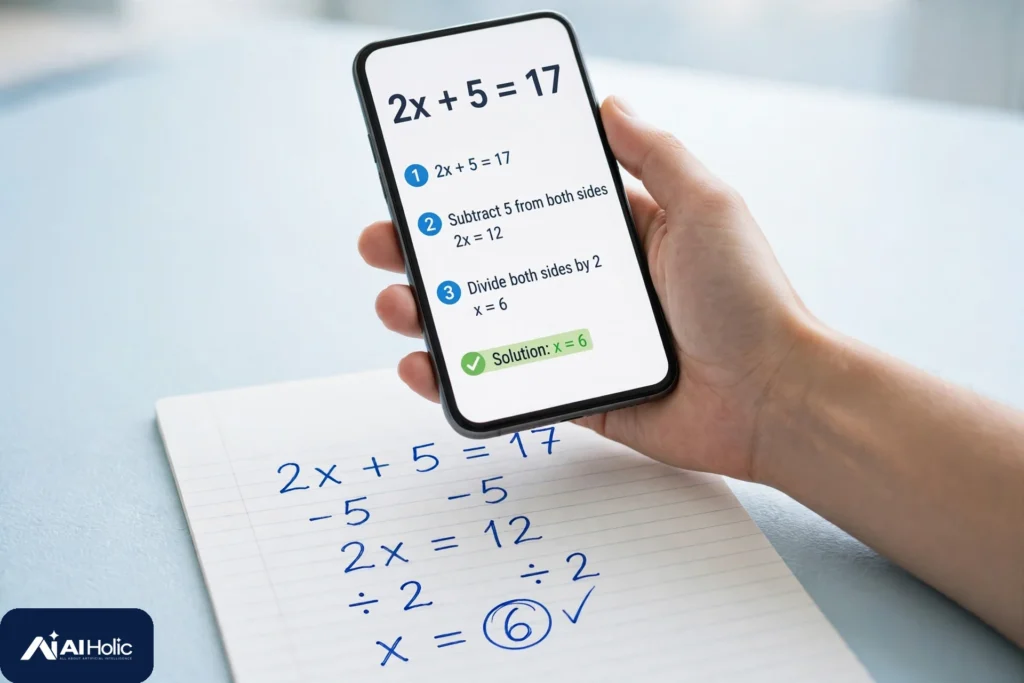
The strongest setup pairs the two. Use a tutor for the method and a calculation tool to check the final numbers. When the two disagree, work the problem by hand and find the step where they split.
The Best AI Math Tutor by Level
There is no single best pick for every student. The right choice depends on your level, your course, and whether you need lessons or just quick help with homework. The picks below cover the main ai tutor platforms for students, and they reflect the consensus across the leading guides we reviewed.
Elementary School: Keep It Simple and Visual
Young learners need short sessions, pictures, and lots of praise for small wins. A tool built for ages 5 to 11 works better than a general chatbot, because the language and the problems match the grade.
Parents should sit in for the first few sessions. Watch whether the tool asks the child to try a step or just shows the answer. If it only shows answers, it is not teaching, and a simpler practice app with a parent dashboard is a better fit.
For younger children, our guide to AI learning apps for kids covers safe options and what parents should check before signing up.
Middle School and High School: Learn the Method
This is where a real tutor earns its place. Algebra, geometry, and precalculus all build on methods you must be able to repeat without help. A tutor that asks guiding questions fits this stage best.
Khanmigo, the AI tutor from Khan Academy, leads most guides for this age group. It sits inside Khan Academy lessons, follows the school curriculum, and refuses to hand over the answer. It asks what you have tried and points you back to the matching lesson.
Photomath fits a different job at this level: checking work. Scan a problem after you tried it, compare each step with your own, and find the exact line where you went wrong. Use it as a checker, not as a first step.
Symbolab suits students who want line-by-line working for algebra, trigonometry, and early calculus. It shows each transformation clearly, and its practice quizzes test the same ideas with new numbers.
College and University: Accuracy Comes First
College math punishes small errors. A wrong sign in a long integral or a missed step in a proof costs the whole problem. At this level, a calculation engine beats a chat tool for checking answers.
Wolfram Alpha is the standard pick here. It computes exact answers for calculus, linear algebra, differential equations, and statistics, and it shows the steps on its paid plan. It does not tutor you, so pair it with a chat tool when you need the idea explained.
General chatbots help with word problems, proofs, and concepts. Ask one to explain a theorem in plain words, then check every number it gives you in a calculation engine. Never trust a long chain of arithmetic from a chat tool alone.
Exam Prep: Match the Tool to the Test
SAT, AP Calculus, GCSE, and A-level papers each test different skills. A tool that helps with homework may not help with a timed paper. Pick the tool that practices in your exam format.
For SAT Math, start with the official practice material and the calculator you will use on test day. The digital SAT allows a calculator for the whole Math section, and its built-in graphing tool is the same one you should practice with. Then use a tutor to talk through the questions you missed.
For AP Calculus, practice free-response questions where you must justify each step in words. A solver will not grade your justification, so write the reason for every step yourself and ask a tutor to check your reasoning, not just your final number.
For GCSE and A-level papers, check whether your paper allows a calculator. Some GCSE papers ban calculators entirely, so practice those topics with no camera and no calculator at all. A tutor that builds timed mock exams from your past papers is worth more here than a photo solver.
Free vs Paid: What You Actually Get
Most ai math tutor plans start free and charge for full steps, more practice, or higher usage limits. The free tier is often enough for light homework help. Pay only when a free limit keeps stopping real study.
| Tool | Free tier | Paid plan (reported) | Best for |
|---|---|---|---|
| Khanmigo | Free for teachers, with limited learner access | $4 a month or $44 a year | Guided K-12 tutoring |
| Photomath | Basic step-by-step solutions | Plus $9.99 a month | Photo homework checks |
| Symbolab | Limited steps each day | Pro $9.95 a month | Line-by-line working |
| Mathway | Answers without steps | Steps $9.99 a month | Quick answers across topics |
| Wolfram Alpha | Answers with limited steps | Pro from $7.25 a month | University and research math |
| Gemini Guided Learning | Free step-by-step help and quizzes | AI Plus $4.99 a month | Free all-rounder with voice |
| ChatGPT Study Mode | Free hints and quizzes | Plus $20 a month | General study on any device |
Prices above come from the leading guides we reviewed, and vendors change them often. Check the live price page before you pay. School accounts can change the math too: many districts give students Khanmigo free, and some universities cover paid plans, so ask your school before you buy.
One warning on free tools: if a tool shows ads or pushes you to upgrade after every problem, it is selling attention, not teaching. A clean free tier that limits usage is more honest than a free tier that interrupts every step.
How to Use an AI Math Tutor Without Copying Answers
The tool is not the risk. The habit is.
Students who copy steps learn to copy steps, and the exam still asks them to think. A simple routine keeps the learning with you.
Try the problem first, on paper, for at least five minutes. Write down where you get stuck in one sentence. That sentence is the question you take to the tutor, and it keeps the session focused on the gap, not on the answer.
Ask for a hint, not the answer. Good tutors let you ask for one step at a time. If your tool only gives full solutions, ask it to explain the first step only, then close it and try the next step yourself.
Explain the answer back in your own words. After the tutor helps you, cover the screen and say the method out loud as if you were teaching a friend. If you cannot say it, you have not learned it yet, and one more round of questions will fix that.
Redo the problem from scratch the next day. This is the step most students skip, and it is the one that moves the method into long-term memory. Use a fresh problem of the same type, not the same numbers, so you test the method rather than your memory of the answer.
Keep a short error log. Each time you miss a problem, note the topic and the exact step that failed. After two weeks, the log shows your weak topics better than any grade can, and you can aim your practice at those spots.
Where AI Math Tutors Get Things Wrong
No AI math tutor is always right. Language models guess numbers instead of computing them, so long calculations can drift.
Camera scans can misread messy handwriting or a crossed-out line. A tool can also solve a different problem than the one you asked, if it misreads a symbol or a unit.
The fix is a short checklist you run on every answer. First, check that it solved your actual question, including what the problem asks for: simplify, graph, or prove.
Second, check the units and the sign of the answer. Third, test the answer in the original equation when you can.
Word problems deserve extra care. A tutor can set up the wrong equation and then solve it perfectly, so the final number looks right while the thinking is wrong. Read the setup before you read the answer, and ask the tutor why it chose that setup.
Proofs and justifications are the weakest spot of all. A chat tool can write a smooth proof that skips a key step or uses a rule that does not apply. If your course grades the reasoning, write each step and its reason yourself, and use the tool only to check your logic.
The Socratic method behind the best tutors is simple: the teacher asks questions that test your ideas instead of handing you conclusions. When a tool skips the questions and jumps to the answer, it has left that method behind, and you should treat its output as a draft to verify.
For Parents and Teachers
Parents should check three things before a child starts. First, the age limit: most tools require users to be 13 or older, and some need a parent account for younger children.
Second, what the tool stores: avoid tools that ask for full names, school names, or photos of other children. Third, whether the tool gives answers or teaches, because the two habits lead to very different results at test time.
Set a simple house rule: the tutor is for after trying, not before. A child who tries first and then asks for a hint builds the habit of thinking.
A child who opens the app first builds the habit of asking. The rule is easier to keep when the tool itself asks questions back, so prefer tutors over solvers for daily homework.
Teachers can use these tools to make practice, not to mark work. Generate five fresh problems on one topic, sort them by difficulty, and hand them out as a short quiz.
Use the tutor to give hints during practice, then turn it off for the real test. That split keeps practice honest and tests fair.
Adaptive programs such as ALEKS show the older idea behind this: the program tests what a student already knows, then builds a path through the topics they have not yet mastered. Modern AI tutors add a chat layer on top of the same idea.
Our overview of AI in education looks at where these tools fit across classrooms, from homework help to full courses, and what schools should watch for.
A One-Week Trial Plan
Do not pay for anything until you have tested two tools side by side for a week. Pick one tutor and one checker, both on free tiers, and use them on the same homework each day.
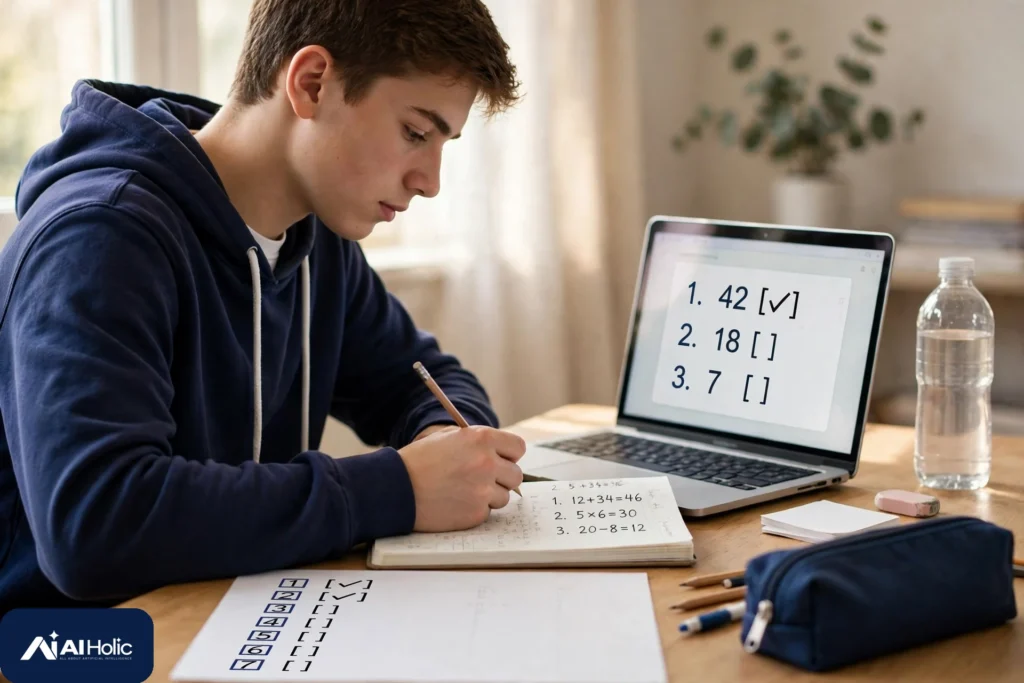
- Day 1: Write down your course, your exam if you have one, and your budget. Pick one tutor and one checker from the sections above.
- Day 2: Use the tutor on two homework problems. Note how many questions it asked you before giving a step.
- Day 3: Use the checker on the same problems after you tried them. Compare its steps with your own work.
- Day 4: Ask the tutor for five fresh practice problems on your weakest topic. Solve them without looking at the answers first.
- Day 5: Redo the problems you missed on Day 2 and Day 4 from scratch, with no tool open.
- Day 6: Time yourself on a short set of problems. Note which tool helped you finish faster and which one helped you understand more.
- Day 7: Keep the tool that leaves you able to start new problems on your own. Pay only if the free limit now blocks real study.
If neither tool helps you start problems alone after a week, the problem is the fit, not your effort. Try a learning platform with full lessons, or ask your teacher which topics to review first. A tool cannot fix a missing foundation, but it can show you exactly where the gap sits.
Frequently Asked Questions
Is a Free AI Math Tutor Enough?
Yes, for most homework help. Free tiers cover step-by-step solutions, hints, and practice.
Photomath Basic, Gemini Guided Learning, and ChatGPT Study Mode all work without payment. Pay only when a free limit stops you from practicing, not because a guide told you to upgrade.
Can an AI Math Tutor Replace a Human Tutor?
No, not for most students. An AI tutor is always available and never judges you, but it cannot see your face, hear your tone, or know your full history with a topic.
A human tutor spots the misunderstanding behind the mistake. Use AI for daily practice and a human tutor for the topics that keep coming back.
Will My School Know I Used an AI Math Tutor?
Your school will not see your private study chats unless you share them. But your school rules still apply to graded work.
If your syllabus bans AI on homework or tests, follow the ban. Use the tutor for study and practice, and write the graded work yourself.
Which AI Math Tutor Is Best for the SAT?
Start with official SAT practice and Khan Academy, which the College Board points students to. Use Khanmigo to talk through the questions you missed, and practice with the same calculator you will use on test day. A solver alone will not teach you the timing and method the SAT rewards.
Are AI Math Tutors Safe for Kids?
Most are built for ages 13 and up, and younger children need a parent account or a tool made for their age. Check the age limit, keep personal details out of chats, and sit in for the first sessions. Tutors that ask questions and limit chat to school topics are the safest choice for kids.
Conclusion
An ai math tutor works best as a guide, not as an answer machine. Pick one tutor and one checker, test both free for a week, and keep the tool that helps you start new problems on your own.