Ryze AI MCP: Manage Google and Meta Ads From Claude and ChatGPT
If you don’t want to read the whole guide or have difficulty reading, you can listen to this guide instead.
If you run ads on Google and Meta, you may have seen ryze ai mcp named as a way to manage those accounts from a chat window. It is a hosted connector that links Claude or ChatGPT to your ad accounts, so you can ask questions and request changes in plain words. This guide explains what it does, what it can change, and how to set it up safely.
At AI Holic, we read the vendor pages, an independent review, and a comparison guide before we wrote this page. We did not test the connector ourselves, and this guide says so plainly where a claim comes from the vendor alone.
Ryze AI MCP: The Short Answer
In short, ryze ai mcp is a hosted connector that lets Claude or ChatGPT read your Google Ads and Meta Ads accounts and, with your approval, change them. You add one server URL to your assistant, sign in with Google or Facebook, and then ask for reports or request changes in chat.
The connector itself is free to connect. You still need a paid Claude or ChatGPT plan for full use, and the optional autopilot that runs changes on its own costs $89 a month. Prices here come from vendor and review pages dated September and October 2026, so check the current pricing page before you pay for anything.
What Ryze AI MCP Is
To grasp the connector, start with the standard behind it. The Model Context Protocol is an open standard introduced by Anthropic in November 2024. It gives AI assistants one shared way to call outside tools and read outside data, instead of a custom link for each app.
Ryze AI sells an AI agent that runs paid ads, SEO, and websites. The agent reads your ad accounts, spots problems, and proposes fixes as cards you approve. ryze ai mcp moves that same access into Claude or ChatGPT, so you can work from the assistant you already use instead of opening the Ryze app.
The server is hosted, which means you run nothing on your own machine. It uses Streamable HTTP as its transport and OAuth 2.0 for sign-in. The vendor says the same URL covers Google Ads, Meta Ads, GA4, TikTok, Search Console, and Shopify, with 150 tools or more in total.
What Ryze AI MCP Connects To
The table below lists each set of tools, what it reaches, and whether it can change anything. Read and write counts come from the vendor pages dated September 2026. Treat them as a guide to scope, not as a promise, since the vendor can add or remove tools without notice.
| Platform | Tools | What it reaches | Can it change things? |
|---|---|---|---|
| Google Ads | 14 | Campaigns, ad groups, keywords, budgets, reports | Yes, with approval |
| Meta Ads | 12 | Campaigns, creatives, audiences, insights, Ad Library | Yes, with approval |
| Google Analytics 4 | 9 | Reports, realtime data, admin reads | No, read-only |
| Shopify | 5 | Products, orders, pages, themes, metafields | Yes, with approval |
| ChatGPT Ads | 5 | OpenAI Ads Manager, insights, creatives | Yes, with approval |
| TikTok, Snapchat, Search Console | Read sets | Ad accounts and site search data | Reads mainly |
Google Ads and Meta Ads are the two full sets, with both reads and writes. GA4 is read-only, which fits its role as a source of facts. Shopify is a smaller set, but it helps when your store and your ads share one workflow.
Our guide to the Shopify Flow AI assistant prompt guide covers a related way to automate store tasks. One warning applies here: the tool counts come from vendor pages, and the vendor also publishes the rankings that call its own connector the best.
What It Can Do in Google Ads
In Google Ads, ryze ai mcp exposes 14 tools: 8 that read and 6 that write. The read tools cover campaigns, ad groups, keywords, and reports. They also cover raw GAQL queries, which let the assistant ask for exact slices of data instead of a fixed report.
The write tools cover the changes advertisers ask for most. They can pause or enable campaigns, change bids and budgets, and add negative keywords. Each write waits for your approval in Claude before it runs, so a request in chat does not turn into a live change on its own.
Google Ads is an online advertising platform where advertisers bid to show ads to web users, and it runs on a pay-per-click model. That model is why approval matters so much here. A wrong bid or a wrong budget can spend real money in minutes.
Setup on the Google side is a Google sign-in, with no developer token and no Google Cloud project of your own, according to the vendor. Manager accounts are picked up on their own, so an agency login can reach its client accounts through the same sign-in.
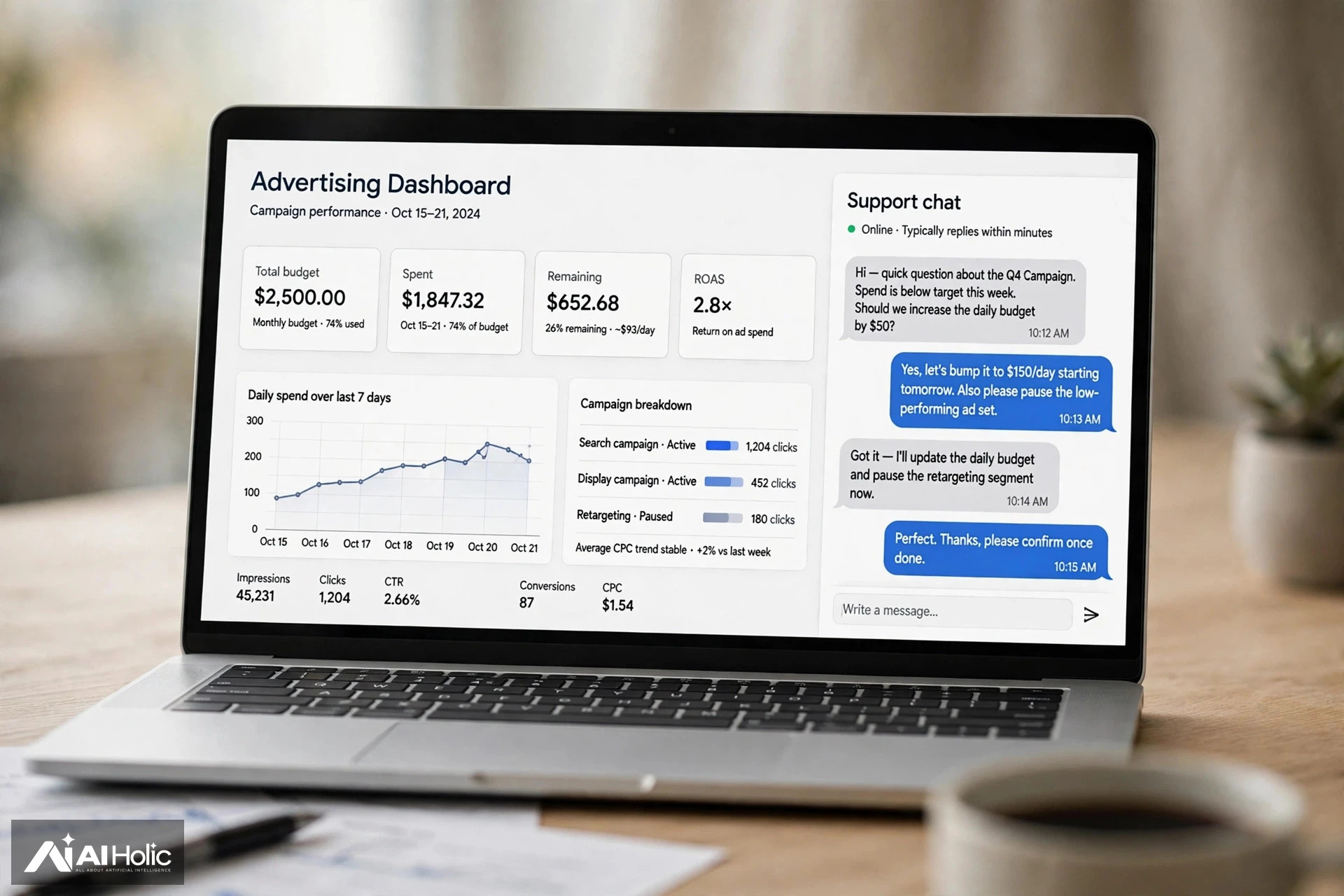
What It Can Do in Meta Ads
In Meta Ads, ryze ai mcp exposes 12 tools: 9 that read and 3 that write. The read tools cover account summaries, ad account lists, creatives, lead forms and leads, raw insights, raw Graph API reads, and Ad Library search. That last one is handy, since it lets the assistant pull rival ads in the same chat as your own numbers.
The three write tools are a Graph API write tool, a separate delete tool, and an image upload tool that takes a file from a URL. Each one defaults to “Needs approval” in Claude, so a budget change or a paused ad set does not happen until a human confirms it.
Setup on the Meta side is a Facebook login with admin or advertiser access. The vendor says you need no Meta Developer App, no access token, and no app review. Every ad account your login can see comes along, so use a login that sees only the accounts this work needs.
The Meta set suits a team that checks creative often. You can ask which ads tired out and what rival brands ran last week, then ask the assistant to draft a change and approve it only when the numbers support it.
How to Connect It in Claude
Setup takes a few minutes when the logins are ready. The steps below show how to connect ryze ai mcp in Claude, and the same pattern fits ChatGPT, Claude Code, and Cursor with their own connector screens. Use a test account or a small campaign first, and keep the approval setting on for every write tool.
- Create a free Ryze AI account and connect your Google Ads account, your Meta Ads account, or both, with the normal OAuth screens.
- Copy the MCP server URL from your Ryze dashboard. It is the single connector address for all the platforms on that account.
- In Claude, open Settings, then Connectors, and add a custom connector named Ryze AI with that URL.
- Sign in when asked, pick the workspace, and check that the accounts you expect are listed.
- In Claude, set each write tool to “Needs approval” before you run your first real request.
- Ask a read-only question first, such as your spend by campaign for the last seven days, and check the answer in Ads Manager.
That first read-only question is a test, not a formality. It shows whether the connector sees the right accounts and whether the numbers match the platform. If the numbers do not match, stop and fix the connection before you approve any write.
The same URL works in ChatGPT as a custom connector, and in coding tools such as Cursor and Claude Code. Pick the assistant your team already uses, since the connector is only useful if the work happens where the team already works.
How It Compares With Google and Meta Official Servers
Ryze AI MCP is not the only way to link an assistant to ad accounts. Google and Meta each publish their own MCP server, and the choice between them turns on who can change what. The table below sums up the three paths from the sources we read.
| Server | Platforms | Can it change ads? | Safety gate | Price |
|---|---|---|---|---|
| Ryze AI MCP | Google, Meta, plus reads for TikTok, GA4, Shopify | Yes | Every write waits for approval | Free to connect, autopilot $89 a month |
| Google Ads MCP server | Google Ads only | No, read-only | Nothing to approve, since nothing changes | Free, needs a Google Cloud project |
| Meta Ads MCP server | Meta only | Yes | Governance rules, no draft step, writes go live | Free during open beta |
Google’s own server is the safe pick for reporting. It lists accounts and runs queries, but it cannot change bids or pause campaigns, which suits a team that only wants answers, not actions.
Meta’s own server is the free first-party pick for Meta-only teams. It launched in open beta on 29 April 2026 and can create and edit campaigns, ad sets, and ads, but writes apply live, with no draft step and no undo.
ryze ai mcp sits between those two. It writes on both Google and Meta, but every write waits for a human. A team that wants cross-platform work with a pause before each change will like it, while a team that wants a free first-party tool for one platform will not need it.
Safety: The Approval Gate and Its Limits
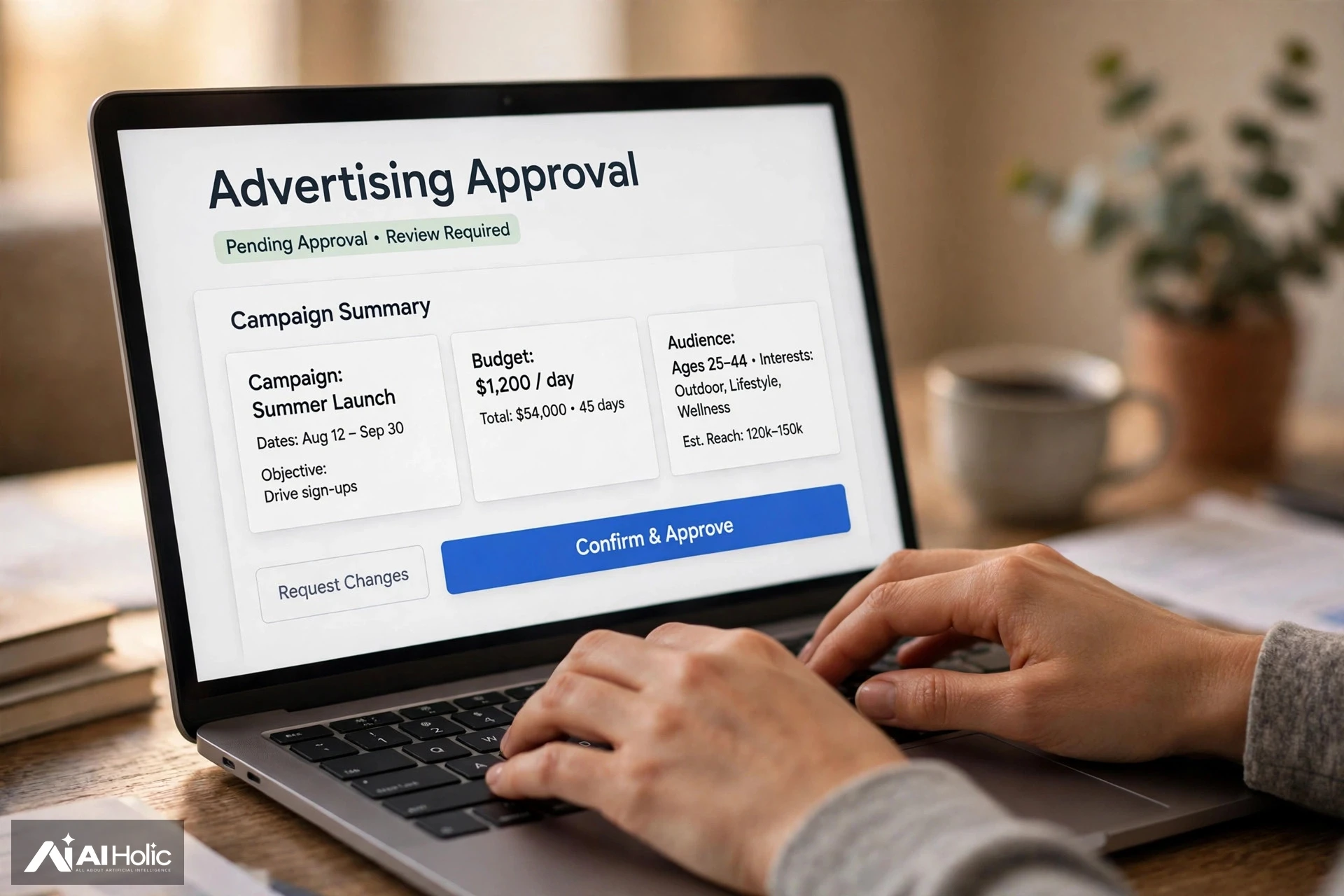
The approval gate is the feature to check first. With ryze ai mcp, write tools default to “Needs approval” in Claude, so a budget change or a paused ad set waits for a human. That gate is only useful if it stays on, so check it after setup and again after any update.
Approval alone does not make a change safe. The person approving it needs to read the before and after numbers, not just click through. Ask the assistant to show the current value, the new value, and the reason for the change in one message.
Limit who can approve changes and which accounts the connector can see. Start small: test on one campaign with a modest budget, watch it for a week, and only then widen the scope.
Who Should Use It and Who Should Skip It
The connector fits a small team without a full-time media buyer. Founders, lean in-house teams, and small agencies get the most from it, since it turns ad questions into chat and keeps each change behind an approval. It also fits a team that already lives in Claude or ChatGPT and wants ad data in the same place as its other work.
It fits less well in three cases. First, a team that only wants reports should use Google’s read-only server or a reporting tool instead.
Second, a Meta-only team should try Meta’s free server first. Third, a team without a paid Claude or ChatGPT plan cannot use custom connectors at all.
An independent review updated in October 2026 adds two cautions worth hearing. It found only two G2 reviews for Ryze AI, so the product is young and its public track record is thin. It also found that approval rules differ by feature, so test each action type yourself before you trust it.
Ryze AI also sells SEO and website work. If your team wants help with site content, our guide to AI for writing covers tools for that side of the job, and our best AI guide gives a wider view of the best tools.
Costs and Plans
The connector itself is free to connect, which is the price that matters most for this guide. The costs around it are the assistant plan and the optional autopilot. A paid Claude or ChatGPT plan is needed for custom connectors, and that cost sits outside Ryze pricing.
Ryze AI plan prices, as listed on vendor and review pages in September and October 2026, run from $89 a month for Paid Ads to $1,499 a month for Shopify CRO. Paid Ads carries a 7-day free trial and unlimited ad accounts. SEO Starter is $129 a month, Agency is $279 a month, and Traffic Printer is $599 a month.
The $89 Paid Ads Autopilot is optional. It is the layer where Ryze runs audits and changes itself across Google, Meta, TikTok, and LinkedIn, so skip it if you only want the connector. Prices change often, so confirm the current figure on the vendor pricing page before you pay.
Frequently Asked Questions
What Is Ryze AI MCP?
ryze ai mcp is a hosted connector that links Claude or ChatGPT to your Google Ads, Meta Ads, and GA4 accounts through the Model Context Protocol. You add one server URL to your assistant, sign in once, and then ask for reports or request changes in chat. Reads happen at once, and writes wait for your approval.
Is Ryze AI MCP Free?
The connector is free to connect, and the vendor lists no fee for the MCP link itself. You still pay for a Claude Pro or Max plan, or ChatGPT Plus or Pro, since custom connectors need a paid assistant plan. The optional Paid Ads Autopilot costs $89 a month, but you do not need it to use the connector.
Can Ryze AI MCP Change My Ads Without Asking Me?
No, not when the approval setting is on, which is its default in Claude. Each write waits for a human to confirm it before it runs. Keep that setting on, check it after updates, and read the before and after numbers before you approve.
Does It Work in ChatGPT as Well as Claude?
Yes. The same server URL works in Claude, ChatGPT, Claude Code, Cursor, Windsurf, VS Code, and Gemini CLI, and the vendor also lists Grok Bot as a built-in connector. Setup follows the same pattern in each tool: add the connector, sign in, and pick the workspace.
Should I Use the Official Google or Meta Server Instead?
It depends on your goal. Use Google’s own server if you only want read-only reports from Google Ads. Use Meta’s own server if you run Meta ads only and want a free first-party tool, and you accept that writes go live at once.
Conclusion
ryze ai mcp gives small teams a plain way to read Google and Meta Ads in Claude or ChatGPT, with each change held for approval first. Connect it, test it on one small campaign, and keep the approval gate on. That careful start keeps the tool useful instead of risky.