AI Website: What It Is, How to Build One, and Which Builder Fits You
If you don’t want to read the whole guide or have difficulty reading, you can listen to this guide instead.
You can now launch a full site in days, with no code and no designer. An ai website is a site where artificial intelligence either builds the pages for you or runs features on the site after launch. Both kinds exist, and they solve different problems.
At AI Holic, we looked at how these sites actually work, what they cost, and where they fall short. This guide covers the two meanings of the term, the main builder types, a step-by-step build, and a pre-launch checklist. You will know which option fits your job before you pay for anything.
You do not need coding skill to start. You need a clear goal for the site, one builder that fits that goal, and a habit of checking everything the AI hands you before it goes live.
AI Website: The Short Answer
In short, an ai website is a site where artificial intelligence does one of two jobs. It either builds the site from your prompt, or it runs smart features on a site that already exists. The strongest sites use both, with AI for speed and a human for review.
| Kind | What it does | Best for |
|---|---|---|
| Built with AI | Turns a prompt into pages, copy, and images | New sites, landing pages, MVPs |
| Run on AI | Adds chat, search, and recommendations | Existing sites that need smarter features |
| Personalised | Shows different content to different visitors | Stores and SaaS sites |
What an AI Website Means
The phrase covers three ideas that share one label, so it helps to split them before you shop. Each kind needs a different budget, a different builder, and a different level of human review. Pick the wrong kind and you pay for features you never use.
Websites Built with AI
This is the kind most people mean. You describe your business in plain words, and the builder returns a full site with layout, copy, and images. The whole job takes minutes, not weeks.
These builders write the first draft of your pages, and that draft includes the words. Our guide to AI for writing shows how AI drafting tools work and where a human still needs to edit. Treat the builder output the same way, as a draft that needs your facts and your voice.
Websites That Run on AI
This kind keeps a normal front end and adds AI jobs after launch. A chatbot answers common questions around the clock.
A search box understands plain language instead of exact keywords. A store suggests products based on what the visitor viewed.
You do not need to rebuild your site to add these features. Each one is a small project on its own, and you can add them one at a time over a few weeks. Start with the feature that saves you the most time, such as support chat or smart search.
Websites That Personalise Content
This kind changes what a visitor sees based on who they are. A returning buyer sees different copy than a first-time visitor.
A visitor from one industry sees examples from that industry. The site adapts instead of showing the same page to everyone.
Personalisation works best on stores and software sites, where small changes in copy can lift sales. It needs real visitor data to work well, so it suits sites that already get steady traffic. A brand-new site should focus on getting live first.
The Main Types of AI Website Builders
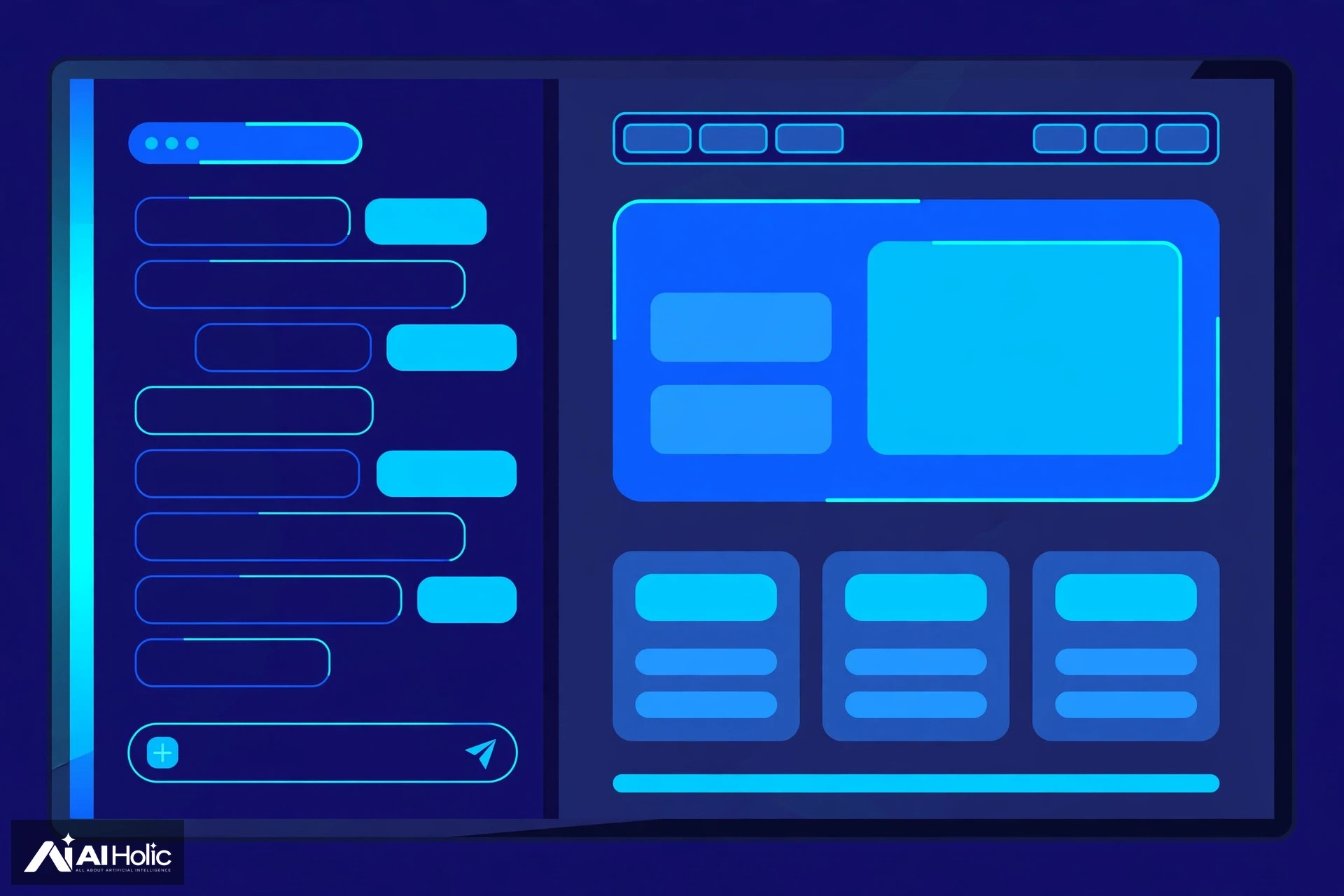
Not every builder works the same way. Two broad types cover most of the market, and the gap between them shows up the moment you ask for something beyond a basic page. A website builder is software that lets you create pages without writing code, and the AI layer sits on top of that idea.
| Builder type | How it works | Best for | Watch out for |
|---|---|---|---|
| Page generator | Assembles a themed site from templates using your prompt | Local business, brochure site | Extra features are paid add-ons |
| Prompt-to-code | Writes the site like a developer would, then hosts it | Landing pages, custom features | |
| AI on a CMS | AI helps inside an editor while you keep control | Blogs, content sites | Slower setup than a generator |
Page generators include Wix AI, GoDaddy, and 10Web. They suit a small business that needs a clean site fast.
Prompt-to-code builders include Lovable and Framer in part. They suit a landing page or a small app where you need a real feature, not just a page.
The fastest way to tell them apart is the second request test. Ask for a booking calendar that collects a deposit. A page generator hands you a widget.
A prompt-to-code builder writes the feature into the site itself. If your site needs custom features, that gap decides everything.
Many of these tools sit on no-code platforms, which grew from $28.11 billion in 2024 to $35.86 billion in 2025, according to a WeWeb market overview. The no-code base is why a non-technical owner can now ship a site at all.
How to Build an AI Website
Follow these steps in order to build your first ai website without ending up with a generic shell. Skipping steps is how people launch a pretty home page with no bookings, no sales, and no plan. Each step takes an hour or less for a small site.
- Write down what the site must do: book calls, sell products, collect leads, or share news.
- Pick the builder type that fits that job, not the one with the loudest ads.
- Write a full brief for the AI: audience, services, tone, pages, and examples you like.
- Generate the first version, then read every page and fix the facts by hand.
- Replace stock images and generic copy with your own photos, prices, and words.
- Add the basics: analytics, contact form, privacy page, and a custom domain.
- Test on a phone and a laptop, check load speed, then publish.
The brief matters more than the tool. A one-line prompt gives you a site that could belong to anyone.
A 500-word brief with your audience, your services, and your tone gives you a site that sounds like your business. Spend the extra twenty minutes on the brief.
What an AI Website Costs
The true cost of an ai website is lower than a custom build but higher than the headline price. Vendor case studies put AI builds at $0 to $500, against $15,000 to $50,000 or more for traditional development. That gap is real, but it only covers the build itself.
| Setup | Typical monthly cost | Main cost driver |
|---|---|---|
| Free plan | $0 | Your time |
| One paid builder plan | About $15 to $30 | The plan and the domain |
| Builder plus AI features | About $30 to $60 | Chat, search, and usage limits |
| Builder plus human review | $60 or more | Design and SEO help |
Speed is the other half of the cost story. AI builds go live in 1 to 7 days, while a traditional build takes 4 to 12 weeks, according to the same vendor case studies. That speed is worth real money for a small business that needs bookings now.
Budget for the costs after launch too. A domain renews every year, a paid plan bills every month, and the review time never drops to zero. Prices change often, so check the current plan on the builder site before you buy, and ask what each plan covers.
The Best AI Website Builders by Use Case
There is no single best builder, only a best fit for your job. Match the tool to the site you need, and you avoid paying for power you never use. Our roundup of the best AI tools lists strong all-round options if you want to compare beyond builders.
| You need | Start with | Add next |
|---|---|---|
| Local business site | Wix AI or GoDaddy | Booking form, reviews |
| SaaS landing page | Framer AI or Lovable | Analytics, A/B test |
| Online store | Shopify with AI tools | Recommendation engine |
| Blog or content site | WordPress with AI help | SEO plugin, newsletter |
| Portfolio site | Framer AI | Custom domain, gallery |
A store gains the most from AI features after launch. Recommendation engines on e-commerce sites lift average order value by 18 to 25 percent, according to market research. That is why a shop should budget for AI features, not just for the build.
Try one builder at a time for at least two weeks before you switch. Test the free plan first, since most free tiers show whether the tool fits your routine. Upgrade only when you hit a limit that genuinely slows you down.
Where AI-Built Sites Fall Short
Speed has a price, and the price shows up in four places. A scan of 447 live websites found AI-built sites averaged 2.1 high-severity security flaws each, against 0.7 for human-built sites, according to a TechRadar scan. Treat AI output as a first draft and plan a human review before launch.
Sameness is the second weak spot. Many builders share the same component libraries, so sites end up with the same hero layout, the same testimonial slider, and the same three-column features block. Your site looks fine, but it looks like everyone else.
Thin content is the third limit. Auto-generated copy reads well but says little that only your business could say.
Google allows AI-generated content, but it has to be helpful, original, and demonstrably useful. Add your own experience, prices, and detail, or the pages will not rank.
Detection is the fourth limit, and it cuts both ways. AI detectors are probabilistic, not proof, so they can miss AI text and flag human text. Our guide to the AI detection tool explains how detectors work and why no score settles the question on its own.
Lock-in is the last trap. Most major builders, including Wix, Squarespace, Shopify, and Webflow, offer no code export.
If you cannot take your content with you, you do not really own your site. Check the export policy before you build, not after.
AI Features Worth Adding to an Existing Site
You do not need to rebuild to get value from AI. The highest-return additions to a site that already exists are small, self-contained projects. Add them one at a time over a quarter, and measure each one before you add the next.
- Conversational search that understands plain questions about your content.
- A chatbot that answers common questions and routes hot leads to sales.
- Product or post recommendations based on what the visitor viewed.
- AI help with meta text and internal links, reviewed by an editor first.
- Multilingual pages with native-speaker review before they go live.
Watch and Learn More
The video below walks through building an animated website with ChatGPT and no coding. It shows how to pick a design, copy a ready-made prompt, and turn it into working pages. Watch it once, then try the same steps on a small test site before you build your real one.
Frequently Asked Questions
What Is an AI Website?
It is a site where artificial intelligence either builds the pages from your prompt or runs smart features after launch, such as chat, search, and recommendations. The two kinds solve different problems, and the strongest sites use both.
Can I Build One Without Coding?
Yes. Tools like Wix AI, Framer AI, Hostinger AI Builder, and Durable produce a working site from a single prompt with no code. For anything beyond a basic brochure, expect to bring in design and SEO help to make the result stand out.
How Much Does It Cost?
A simple site can cost $0 to $500 to build, against $15,000 to $50,000 or more for a traditional build. A paid builder plan then runs about $15 to $30 a month, plus a domain and any AI feature add-ons. Check current prices before you buy.
How Long Does It Take to Launch?
A simple brochure site can be live in a day or two. A serious commercial site with proper structure, content, and integrations takes several weeks even with AI help. The bottleneck is decisions and content quality, not the speed of generation.
Is an AI-Built Site Good for SEO?
It can be, if the content is genuinely useful and the technical base is sound. AI-built sites fail at SEO when the copy is thin, the pages are slow, or the structured data is missing. Edit every page by hand and add real detail before you publish.
Do I Still Need a Designer?
Usually, yes. AI builders share component libraries, so their output tends to look generic. A designer turns that first draft into something distinct and on brand, and fixes the layout problems that auto-generation leaves behind.
Conclusion
An ai website can get you online in days for a fraction of a custom build. Pick the builder that fits your job, write a full brief, and check every page before launch. Start with one small site, and build from there.