Best AI Photo Editing Tools 2026: 10 Editors Compared for Every Job
If you don’t want to read the whole guide or have difficulty reading, you can listen to this guide instead.
You can fix a dull photo in seconds now. The best ai photo editing tools 2026 has to offer can remove a stranger from the background, swap a grey sky, and sharpen a soft portrait with one click. This guide compares the ten strongest options, with prices as reported by comparison sites in late 2026, free tiers, and the job each tool fits best. NoteGPT also ships an image editor inside its learning suite, and our guide to the notegpt ai image editor explains what its Nano Banana tools can and cannot do.
If you came here wondering whether gramhir.pro ai is a real image generator, the short answer is no, and our roundup of verified photo tools shows what actually works.
At AI Holic, we read the leading comparison guides and checked their claims against each other. We did not test every tool ourselves, and prices change often, so treat the figures here as reported and confirm the current price on the vendor page before you pay.
The Best AI Photo Editing Tools 2026 at a Glance
In short, the best ai photo editing tools 2026 break into five jobs. Photoshop leads on full control, Lightroom leads on photo libraries, Topaz leads on rescue work, PhotoRoom leads on product shots, and Canva and Google Photos lead on free everyday edits. Pick the tool that matches your main job, not the one with the longest feature list.
The table below gives you the quick answer. Read the tool sections after it for the detail behind each pick, including the limits that matter before you pay.
| Tool | Best for | Free tier | Paid from (as reported) |
|---|---|---|---|
| Adobe Photoshop | Full control, layered edits | 7-day trial | $22.99/mo |
| Adobe Lightroom | Photo libraries, RAW files | 7-day trial | $19.99/mo bundle |
| Luminar Neo | One-click edits, no subscription | Trial | About $99-$119 once |
| Topaz Photo AI | Rescue, denoise, upscale | Trial | See vendor site |
| PhotoRoom | Product and e-commerce photos | Yes, watermarked | About $12.99/mo |
| Canva Magic Studio | Social and marketing graphics | Yes | About $15/mo |
| Google Photos | Free phone photo fixes | Yes | Free, 10 saves/mo |
| Pixlr | Free browser editing | Yes | About $2.49/mo |
| Fotor | Budget all-in-one editing | Yes | About $8.99/mo |
| Photopea | Free layered editing, PSD files | Yes | $5/mo |
What Makes a Good AI Photo Editor
A good AI editor starts with result quality. The edit should look natural after heavy work like object removal or generative fill, and it should hold up at full size, not just in a small preview. Speed matters too, since a tool that takes minutes per photo fails when you have a hundred shots to finish.
Price and platform shape the choice as much as features do. A free tier with a low export cap can cost more in time than a cheap paid plan, and a desktop-only tool does not help if you edit on your phone. Image editing covers a wide range of jobs, so judge each tool on the job you actually do most.
- Result quality: natural output after object removal, fill, and upscaling.
- Ease of use: a good result on the first try, without a long learning curve.
- Feature range: background removal, relighting, retouching, and batch work.
- Price: what is free, what needs a plan, and what the free tier limits.
- Platforms: desktop, web, mobile, and whether files stay on your device.
- Pro features: layers, RAW support, and colour control for print work.
The 10 Best AI Photo Editors in 2026
Here are the ten tools in detail, in the order most readers should consider them. Each section gives the standout features, the price as reported in late 2026, and the limits worth knowing before you commit.
1. Adobe Photoshop: Best Overall for Full Control
Photoshop leads the best ai photo editing tools 2026 for one reason: it pairs generative AI with pixel-level manual control. Generative Fill adds or replaces part of a photo from a text prompt, Generative Expand extends the canvas, and the newer Harmonize tool matches light and shadow when you drop an element into a scene. You can now run a generative edit through Adobe Firefly, Google Gemini 3, or FLUX.2 Pro from inside the app, and pick the engine per job. For a full walkthrough of each feature, see our guide to ai photoshop, which covers Generative Fill, Generative Expand, Upscale, and the AI assistant step by step.
The standalone plan costs $22.99 a month on an annual plan as reported, with a 7-day free trial and no permanent free tier. The Photography Plan, which adds Lightroom and 1TB of storage, costs $19.99 a month as reported and is the better value for most photographers. The main limits are the subscription, the learning curve, and the generative credit allowance, which comparison sites report at 25 credits a month on the standalone plan, so check your own plan before heavy use.
2. Adobe Lightroom: Best for Photo Libraries and RAW Files
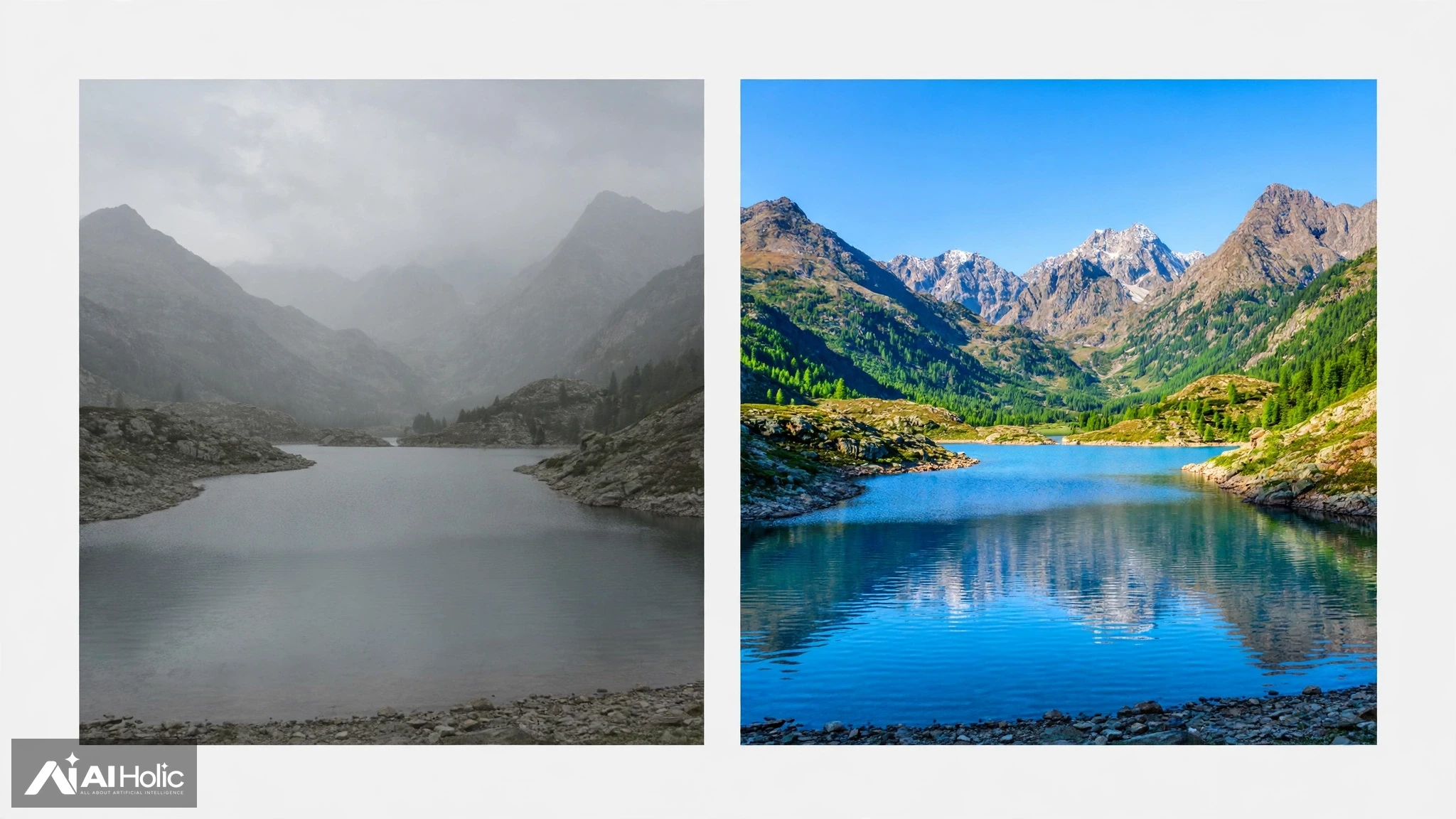
Lightroom is the better Adobe tool when your work is photographs rather than composites. It pairs a RAW developer with a library manager, so you can sort, grade, and touch up a whole shoot without switching apps. Denoise AI cleans up low-light shots, Generative Remove clears distractions without using credits, and AI masking selects skies, subjects, and objects for local edits.
Lightroom comes with the Photography Plan at $19.99 a month as reported, which also includes Photoshop and 1TB of storage. Its weakness is compositing: it is not built for heavy object work or graphic design, so photographers who need that still pair it with Photoshop. If you manage large libraries and want AI cleanup inside a RAW workflow, Lightroom is the right pick.
3. Luminar Neo: Best AI Editor Without a Subscription
Luminar Neo is the strongest AI-first editor you can buy outright instead of renting. Sky AI replaces skies with matched lighting, Relight AI re-lights a scene, GenErase removes objects and fills the gap, and GenSwap replaces an object from a text prompt. It works as a standalone app or as a plugin inside Photoshop and Lightroom Classic, which suits photographers who already use Adobe tools.
Comparison sites report a one-time desktop price from about $99 to $119, and the figures conflict between sources, so confirm the current price on the vendor site before you buy. The catch to know is that the generative tools GenErase, GenExpand, and GenSwap are included for one year from purchase, after which continued use needs a paid upgrade pass. RAW handling is improving but still sits a step behind Lightroom.
4. Topaz Photo AI: Best for Rescue, Denoise, and Upscaling
Topaz Photo AI is the specialist to reach for when the job is image quality rather than creative editing. Its Denoise, Sharpen, and upscale models lead the field for recovering detail from noisy, soft, or low-resolution photos. It runs standalone or as a plugin inside Photoshop and Lightroom, and it processes files on your own machine.
Topaz changed its pricing model to a subscription in late 2025, and published figures conflict sharply between current sources, so we do not state a price here. Check the live price on the vendor site before you budget.
The tool does not do generative fill or object removal, so you will still need Photoshop or a similar editor for creative work. If you want to know how the same company handles video damage, our guide on Topaz Video AI to remove blockiness covers that workflow.
5. PhotoRoom: Best for Product and E-Commerce Photos
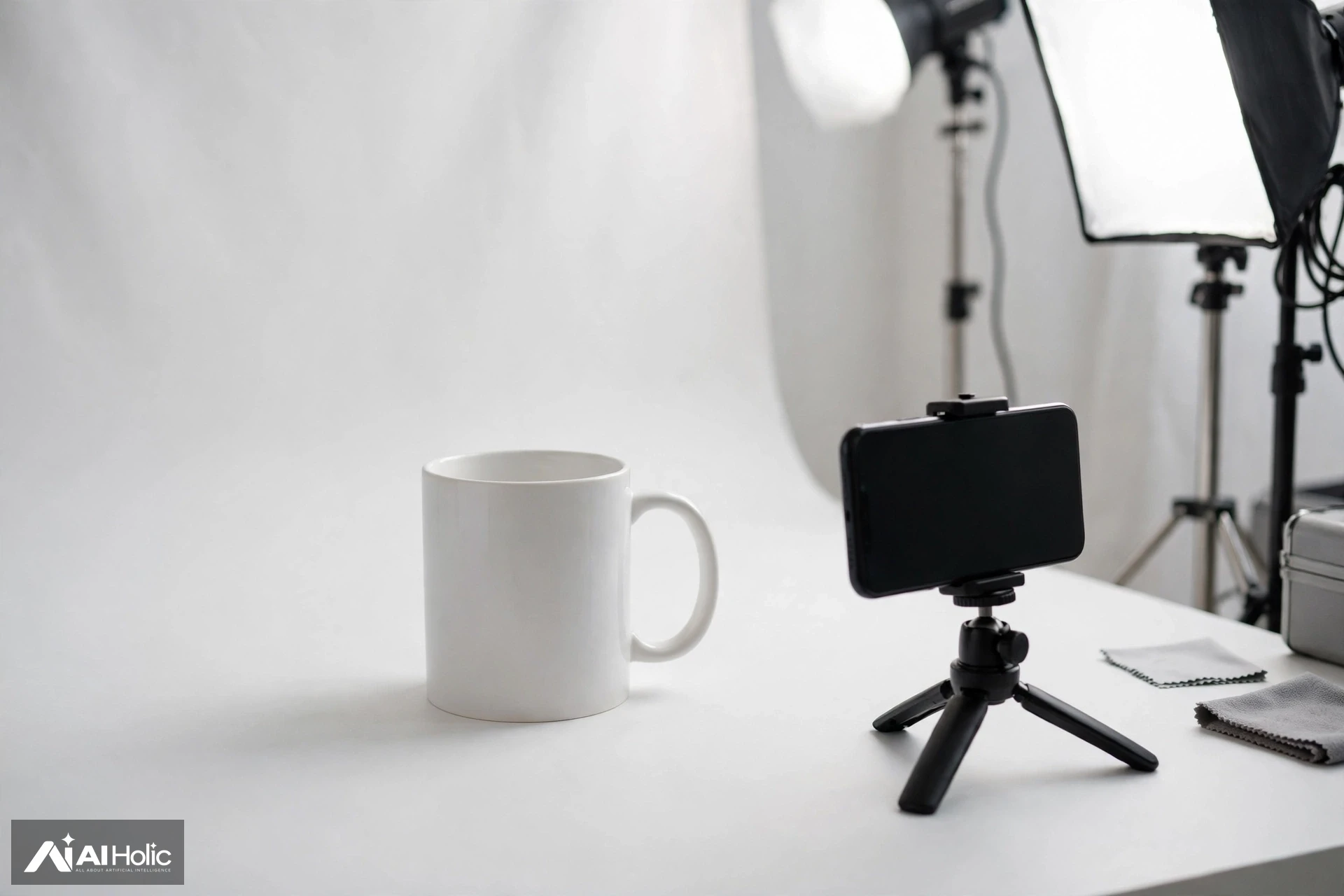
PhotoRoom is built for selling products, and it shows in every feature. It removes backgrounds cleanly, adds AI Shadows so a product does not look pasted onto its new background, and stages items in generated scenes. Batch processing handles hundreds of product images with steady lighting and shadows, and the Shopify integration suits sellers who list at volume.
The free tier exists but applies a watermark and covers personal use only, so product listings need a paid plan. Comparison sites report the Pro plan from about $12.99 a month, with annual billing cutting that figure, but figures conflict between sources, so confirm on the vendor site. PhotoRoom is a product-photo tool by design, not a general retoucher, so it will not replace Photoshop for creative edits.
6. Canva Magic Studio: Best Free Option for Social and Marketing
Canva puts AI editing inside a design tool, which is why it is the fastest way on this list to get a usable result. Magic Edit changes part of a photo from a short prompt, Magic Grab lifts a subject so you can move it, Magic Expand extends a photo to a new size, and the Background Remover handles cleanup. The free tier is genuinely usable for everyday work.
Comparison sites report the Pro plan from about $15 a month, with some sources listing $18, so confirm the current figure on the vendor site. Pro adds the background remover, brand kits, and Magic Resize.
The limits are clear: output quality trails Photoshop and Topaz on print work, and complex layered edits stay painful. For social posts, newsletters, and marketing graphics, Canva is hard to beat on speed.
7. Google Photos Magic Editor: Best Free Phone Editor
Google Photos brings capable generative editing to the phone you already own. Magic Eraser removes distractions, Magic Editor moves and resizes subjects, Reimagine changes parts of a scene by request, and Photo Unblur sharpens soft shots. There is no separate app to install, and the tools sit inside the app your photos already live in.
The tools are free up to 10 Magic Editor saves a month for non-Pixel users, with unlimited saves on Pixel phones or with a Google One Premium plan. Magic Eraser, Photo Unblur, and Portrait Light carry no save limit. The tool is mobile-first and shallow on precise control, so it suits quick everyday fixes far more than careful retouching work.
8. Pixlr: Best Free Browser Editor
Pixlr runs fully in the browser, with nothing to install and no account needed for the basics. It offers background removal, object removal, AI enhance, and generative fill and expand, plus a layered editor for users who want more control. It also opens PSD files, which is rare for a free browser tool.
The free tier is ad-supported, and comparison sites report paid plans from about $2.49 a month. Higher-resolution exports and the stronger generative features sit behind the paid plans, and output quality trails the professional tools on heavy files. For students, casual users, and quick edits on any device, Pixlr is the strongest free browser option here.
9. Fotor: Best Budget All-in-One Editor
Fotor covers background removal, object removal, portrait enhancement, and batch editing in one browser and desktop app. Its playful side sets it apart: AI hairstyle changes, age progression, outfit changes, and one-click photo-to-cartoon and photo-to-sketch styles. If you like trying new looks on a photo, our Gemini AI hairstyle guide covers a similar kind of playful edit in detail.
Comparison sites report a free tier plus a Pro plan from about $8.99 a month. Fotor is not the best at any single job, but at its price it bundles more AI features than most rivals. Output quality trails the category leaders on each individual feature, so pick it for range and price, not for top-end quality on one task.
10. Photopea: Best Free Layered Editor
Photopea is a free browser editor that behaves like a simple Photoshop, right down to native PSD support and more than 40 file formats. It gives you layers, masks, and precise manual control without payment or an install, which makes it the pick for students, small business owners, and freelancers who need pro-style editing for free.
The free plan is ad-supported, and comparison sites report a Premium plan at $5 a month that removes ads and adds generative fill with more cloud storage. Its generative tools are lighter than a paid suite, but for users who mainly need layers, masks, and careful manual work, that rarely matters. If your main need is a free Photoshop-style workspace in a browser, start here.
How to Pick the Right Editor for Your Job
Match the tool to the job, and the best ai photo editing tools 2026 become easy to sort. Start with the kind of photo you edit most, then check the free tier, then check the price of the plan you would actually need. A tool that is perfect for portraits can be the wrong pick for product shots. For portrait volume in particular, our guide to evoto ai explains how one retouching tool handles a whole wedding or headshot set in a single pass.
| Your main job | First pick | Good second pick |
|---|---|---|
| Professional retouching and composites | Adobe Photoshop | Luminar Neo |
| Large RAW photo libraries | Adobe Lightroom | Topaz Photo AI |
| Rescue blurry, noisy, or small photos | Topaz Photo AI | Adobe Photoshop |
| Product shots for an online store | PhotoRoom | Canva Magic Studio |
| Social posts and marketing graphics | Canva Magic Studio | Picsart |
| Free everyday phone fixes | Google Photos | Pixlr |
| Free layered editing in a browser | Photopea | Pixlr |
Photographers who shoot RAW and care about print quality should start with Lightroom plus Topaz. Sellers with a product catalogue should start with PhotoRoom and check the batch export limit on their plan. Creators who post daily should start with Canva, since editing plus design in one place saves the most time.
Free AI Photo Editors Worth Trying First
The best ai photo editing tools 2026 include strong free options, and you should try them before you pay for anything. Google Photos handles everyday phone fixes for free, Pixlr and Photopea cover browser editing without a subscription, and Canva’s free tier covers most social graphics work. Together they solve most casual editing jobs at zero cost.
Free tiers carry limits you should read before you rely on them. Exports may be watermarked, capped at lower resolution, or limited to personal use, which means you cannot use them on a client project or a store listing. Picsart is the clearest example: its free plan is ad-supported and its best features sit behind Pro, which comparison sites report from about $13 to $20 a month.
Try the free tier on your own photos before you buy a plan. Edit five real photos from your last shoot or your store, export them at the size you need, and check the result on a big screen. That one test tells you more than any feature list, and it costs nothing.
If you enjoy playful AI photo work, our AI photo booth guide shows another fun way AI handles portraits.
Mistakes to Avoid When You Pick an AI Photo Editor
The first mistake people make with the best ai photo editing tools 2026 is paying before they test the free tier. Most of these tools let you try the core features for free, and a short test on your own photos shows the real quality faster than any review. Pay only when the free tier blocks a job you actually do.
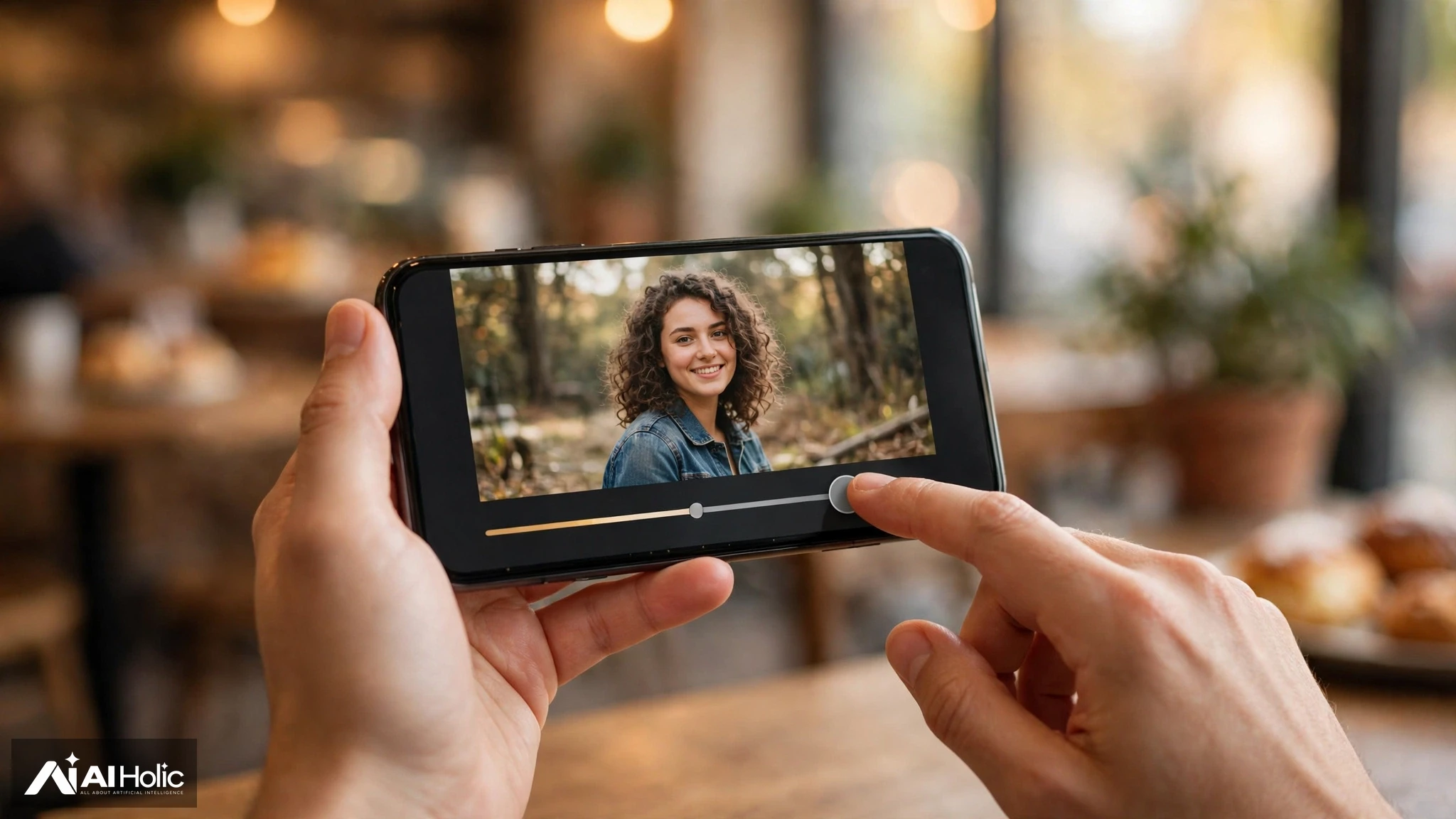
The second mistake is trusting AI output without checking it. AI edits generate new detail rather than recover what was there, so an enhanced photo is a new image, not proof of what the scene really looked like. Check faces, hands, and text closely, since those are where AI edits go wrong first, and never use an AI edit to change a photo that serves as evidence.
The third mistake is picking a specialist for a general job. Topaz is superb at rescue work but cannot do generative fill, and PhotoRoom is superb at product shots but is not a general retoucher. Photo editing covers many different jobs, so match the tool to your main job first and keep a second tool for the jobs it cannot do.
Frequently Asked Questions
What Is the Best AI Photo Editor in 2026?
Adobe Photoshop is the best overall pick, since it pairs generative AI with full manual control. The best ai photo editing tools 2026 has to offer depend on your job though: Lightroom wins for photo libraries, Topaz wins for rescue work, PhotoRoom wins for product shots, and Google Photos wins for free phone edits.
Is There a Good Free AI Photo Editor?
Yes. Google Photos is free for everyday phone fixes, Pixlr and Photopea are free in the browser, and Canva has a usable free tier. Free plans may watermark exports, cap resolution, or limit commercial use, so read the plan terms before you use a free edit on a client project.
Can AI Photo Editors Fix Blurry Photos?
Yes, within limits. Topaz Photo AI and the sharpening tools in Photoshop and Lightroom can clean up mild blur and noise well. If the detail was never captured, the AI can only guess, and the result may look smooth or invented rather than sharp.
Do I Need a Subscription for AI Photo Editing?
No. Luminar Neo is a one-time purchase, and Google Photos, Pixlr, Photopea, and Canva all have free tiers.
A subscription buys more features, higher limits, and no ads, but many readers will never need one. The best ai photo editing tools 2026 include free options strong enough for everyday work.
Can AI Photo Editors Remove Backgrounds?
Yes, and it is one of the most reliable AI edits. PhotoRoom is the strongest pick for product shots, while Canva, Pixlr, and Fotor all remove backgrounds well. Check whether the free tier watermarks the export before you use it on a store listing.
Conclusion
The best ai photo editing tools 2026 give you a clear pick for every job: Photoshop for full control, Lightroom for libraries, Topaz for rescue work, PhotoRoom for product shots, and Google Photos for free phone fixes. Try the free tier first, test it on your own photos, and pay only when it blocks real work.