Creatify AI: Turn Product Links Into Video Ads That Sell
If you don’t want to read the whole guide or have difficulty reading, you can listen to this guide instead.
creatify ai is a web tool that turns a product link into short video ads. You paste a link from Shopify, Amazon, or any store page, and it writes a script, picks an avatar, adds a voiceover, and builds the clip. Most ads run 15 to 60 seconds and fit TikTok, Reels, and Shorts.
It is built for sellers and marketers who need many ad versions fast. One product can turn into ten clips with different hooks, faces, and scripts in a single run, and that speed is also where the limits show up.
At AI Holic, we read the leading reviews, the company history, and user feedback before writing this guide. Prices and credit rules change often, so we flag every figure you should check before you pay.
What Is Creatify AI?
Creatify AI is an AI video ad platform for performance marketers and online sellers. The company behind it, Creatify, launched in 2023 and was founded by engineers who had worked on ads and AI products at Meta and Snap. Within 18 months it reported more than 9 million dollars in annual recurring revenue, and in May 2025 it raised 15.5 million dollars in Series A funding.
The pitch is simple. Give it a product page and get back ready to run video ads, with no camera, no actors, and no timeline. The tool handles the script, the presenter, the voice, the captions, and the music, and you review the draft, fix what looks wrong, and export it in the format your ad platform needs.
It suits short-form ads, not long videos. If you need a five minute demo, a training video, or a YouTube tutorial, this is the wrong tool.
| Feature | What it does | Best for |
|---|---|---|
| URL to Video | Turns a product link into 5 to 10 video ad drafts | Shopify, Amazon, and WooCommerce sellers |
| AI Avatars | Presents your script on camera in a UGC style | Ads that need a human face without filming |
| Aurora | Animates a full person from one photo and one audio clip | Custom presenters and brand spokespeople |
| Batch Mode | Builds many ad versions from one product | Testing hooks, scripts, and avatars at scale |
| Script Writer | Writes ad scripts from your product details | Fast first drafts in a proven ad structure |
| Ad Intelligence | Tracks rival ads and checks your creative results | Teams that plan ads from real market data |
| Ad Launcher | Pushes finished ads to Meta, TikTok, and AppLovin | Getting test ads live without extra steps |
How Creatify AI Turns a Link Into an Ad
URL to video is the core workflow, and it is the main reason teams pick this tool over a general video generator. You paste a product URL, and the tool reads the page for images, the title, the description, and the price, then writes a script, pairs it with an avatar and a voiceover, and renders a short video ad.
Reviews report that a standard 30 second clip takes under three minutes to build. The first draft follows a familiar ad shape, with a hook, a problem, a solution, and a call to action. You can change the script, swap the avatar, or pick a new template before you render the final version.
Always check the scraped product data before you render. Reviewers warn that the tool can pull the wrong price, mix up product variants, or grab the wrong hero image. A 30 second check of the preview saves credits and stops a flawed ad from going live.
Avatars and Aurora
The avatar library is the second big draw for Creatify AI. The free and Starter plans include 300 AI actors, while the Pro plan lists more than 1,500. Avatars speak in more than 75 languages, so one product can get ads for several markets without new filming.
Avatars work well in short clips that scroll past at speed. In longer scripts, reviewers report lip sync drift, stiff head movement, and a glossy look to the skin, and these flaws show up when a viewer pauses or replays the ad.
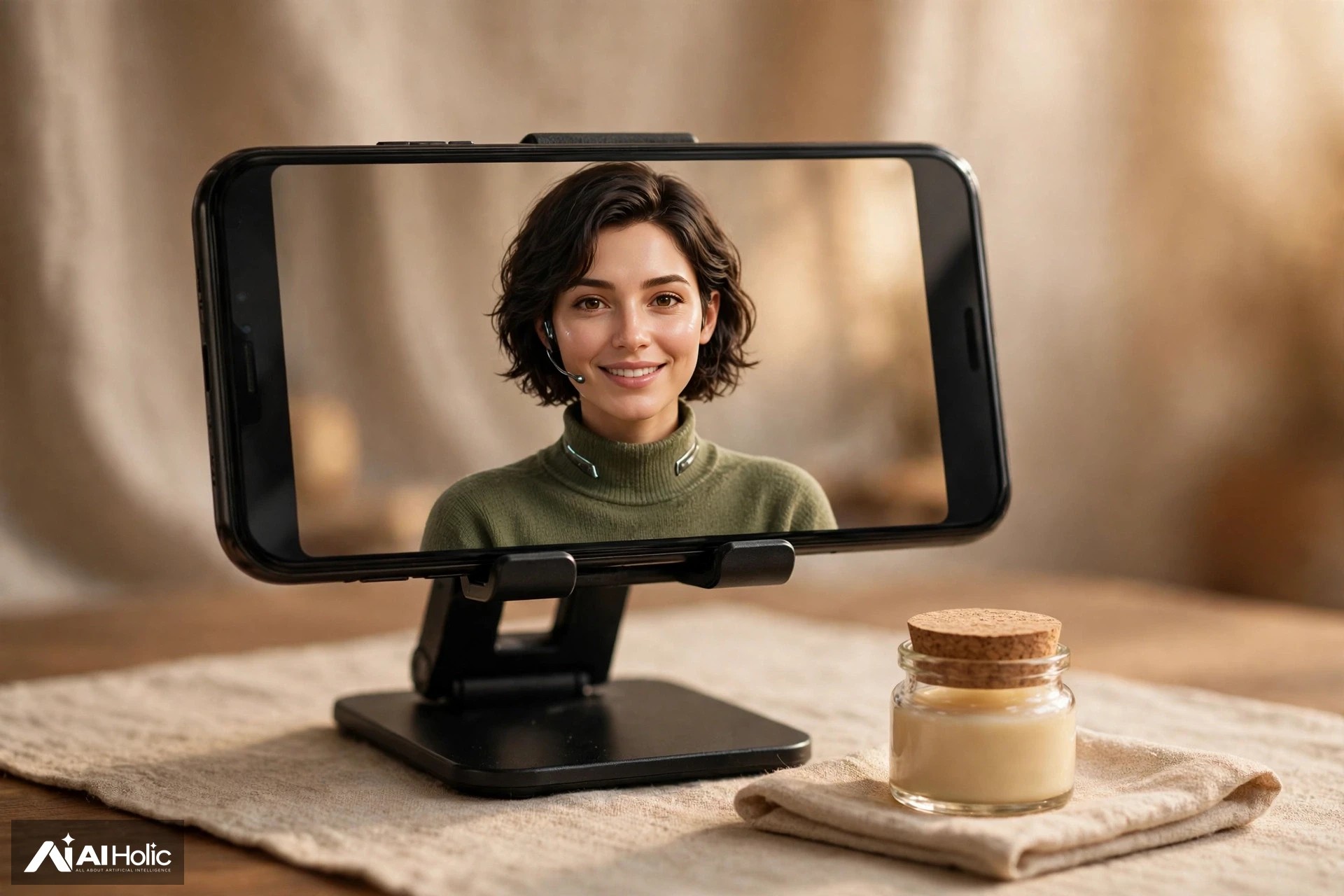
Aurora is the tool’s own avatar model, and it goes a step further than a stock actor. Give it one photo and one audio clip, and it builds a video of that person speaking, with movement in the head, face, and hands rather than just the mouth, which suits a brand spokesperson or a founder led ad.
Custom avatars are a paid feature. The Pro plan includes three custom avatars, and there is no way to add one on Starter. If your ads depend on a real person as the face of the brand, check this limit before you pick a plan.
Batch Mode and A/B Testing
Batch mode is where the tool earns its keep for paid social. You feed it one product link and get many ad versions at once, each with a different avatar, hook, script angle, or aspect ratio. That lets you test ten ideas in the time it once took to film one.
Creatify AI also supports A/B testing through its ad tools, with templates and variants built for direct comparison. You can run the versions side by side on Meta or TikTok and keep the winner. The tool shows the credit cost of a video before you render it, so you can see the charge before you spend anything.
Budget for more credits than your final ad count suggests, since reviewers say 40 to 60 percent of first drafts need edits or get dropped. Plan for two to three times your expected ad count in credits, or you may run out mid month.
Ad Intelligence in Version 4.0
Version 4.0 moved the tool from pure generation into ad intelligence. The competitor ad tracker searches a database of more than 10 million Meta ads, so you can study what rivals run in your niche, and the Performance Agent checks results from Meta, TikTok, and AppLovin.
Short video ads are a form of video advertising, and pre roll, mid roll, and post roll spots all compete for a few seconds of attention. The hook in the first two seconds matters more than the polish of the last frame.
One gap is worth knowing. The ad launcher pushes ads out to Meta and TikTok, but conversion data does not flow back in to guide the next round of generation. You cannot yet tell the tool that one avatar and one hook beat the rest by three times and ask for more like it, so the tracker helps you learn from rivals while your own results still need a human to read them.
How to Make Your First Ad in 7 Steps
The workflow is short, so follow these steps on your first ad.
- Pick a product with clear photos and a short, plain product page.
- Paste the product URL and let the tool pull the images, title, and description.
- Check the scraped data, and fix the price, images, or key claims by hand.
- Read the generated script, and rewrite any line that sounds flat or off brand.
- Pick an avatar and voice that fit your buyer, not just the one that looks best.
- Preview the draft at full size, and watch the lip sync and captions closely.
- Export in 9:16 for TikTok and Reels, or 1:1 for a Meta feed placement.
Two habits separate usable ads from wasted credits. Check the product data before you render, and edit the script before you launch, since the tool does not know your brand voice or your legal limits.
Pricing and Credits
Creatify AI runs on a credit system, so you pay for access and for the number of videos you make. Each plan gives a fixed number of monthly credits, and every generation or re-render spends some of them. A basic 30 second video costs about 5 credits in most reports.
Exact prices are unverified here, because published figures conflict between sources. Two reviews that checked the pricing page in mid to late 2026 report a free plan at 0 dollars with 10 credits, a Starter plan at 39 dollars a month with 100 credits, and a Pro plan at 99 dollars a month with 300 credits. Another review lists Starter at 33 dollars and Pro at 49 dollars with different credit amounts, so check the official pricing page for the current numbers before you pay.
| Plan | Reported price | Reported credits | Key limits |
|---|---|---|---|
| Free | 0 dollars | 10 per month | Watermark on exports, about 2 videos a month |
| Starter | 39 dollars a month, reported Oct 2026 | 100 per month | No watermark, 300 avatars, single seat |
| Pro | 99 dollars a month, reported Oct 2026 | 300 per month | 1,500 avatars, 3 custom avatars, ad tracker |
| Enterprise | Custom pricing | Custom credits | Team seats, API access, dedicated support |
Three billing facts come up often in user reviews. Unused credits run on a rolling two month cycle rather than banking for good, failed renders can still cost credits, and the refund policy says payments are final with only narrow exceptions, so read the terms with care before you commit to a paid plan.
What It Cannot Do
The tool is strong at fast short ads, but it has clear limits. It cannot make long-form video, and it cannot replace a human editor for fine work such as custom transitions or exact text timing.
- It cannot make long videos, such as tutorials, demos, or training content.
- It cannot fix a weak product page, since poor photos and thin copy lead to flat scripts.
- It cannot write a distinct brand voice on its own, so scripts often sound alike.
- It cannot promise lip sync that holds up in long or detailed clips.
- It cannot learn from your own ad results yet, so winners need human review.
Treat every first draft as a test, not a finished ad, and watch it at full size before you spend budget on it. Thumbnails hide bad lip sync, garbled captions, and wrong product details, so change the hook or the avatar and render it again if a version looks wrong.
If you need a general video tool rather than an ad machine, our guide to MindVideo AI covers a text to video option with a different focus. For a broader look at what AI video can do, our guide to Sora AI 2 explains the text to video model behind many viral clips.

Who Should Use Creatify AI?
You gain most if you sell products online and test ads every week. E-commerce brands, dropshippers, and small agencies get the most from the URL to video flow and batch mode. You gain least if you make one video a month, since the free plan caps you at about two videos.
What works well
- URL to video turns a product link into ads in minutes.
- Batch mode builds many test versions from one product.
- Avatars and voiceovers remove the need for actors or filming.
- The credit cost shows before you render, so there are no blind charges.
- The ad tracker gives real rival data before you write a script.
Where it falls short
- Credits run out fast when you iterate, and failed renders can still cost credits.
- Scripts sound formulaic and need a human rewrite for brand voice.
- Avatar realism drops in longer clips, with lip sync and movement flaws.
- Fine editing control is limited, so complex ads need a second tool.
- Refunds are limited, with payments final except for narrow cases.
Start on the free plan and run two real products through it before you pay. If the drafts need only light edits, a paid plan can pay for itself fast, and if every draft needs heavy fixes, your product page is the bottleneck.
How It Compares With Other Tools
Creatify AI is the ad-first pick when your goal is volume testing for paid social. It beats general video tools on speed from link to live ad, and it beats hiring creators on cost per version, and our guide to TopView AI covers the closest rival, which also turns product links into short ads.
General video tools win when the job is not an ad. A text to video model gives you more control over scenes and style, while an avatar platform built for training gives you steadier presenters. Pick the tool that matches the job, and test the real workflow on a free plan before you pay. If you want a free place to start, Malva AI tests free AI video tools and lists them in a free tools hub.
Frequently Asked Questions
Is Creatify AI free?
Yes, there is a free plan with 10 credits a month, which covers about two video ads or 20 image ads in most reports. Free exports carry a watermark, so the plan works for testing the workflow rather than running live campaigns. You need a paid plan to remove the watermark and to make ads at real volume.
How much does it cost?
Exact prices are unverified, because reviews disagree. Two reviews that checked the pricing page in 2026 report Starter at 39 dollars a month and Pro at 99 dollars a month, while another review lists 33 dollars and 49 dollars, and annual billing is reported to save about 15 percent. Check the official pricing page for the current figures before you choose a plan.
Can I use it without a product link?
Yes, you can start from a script, a prompt, or uploaded product images instead of a link. The tool still writes the script, picks an avatar, and builds the scenes for you. A product link gives better results, since the tool can pull real images, prices, and product details from the page.
Can I make a custom avatar of myself?
Yes, but only on the Pro plan or above, which includes three custom avatars in most reports. The Aurora model can also animate a full person from one photo and one audio clip. You cannot add a custom avatar on the Starter plan, so check the plan limits before you sign up for that feature.
Does it work for long videos?
No, it is built for short-form ads of 15 to 60 seconds for TikTok, Reels, and Shorts. The Pro plan lists videos up to 10 minutes, but avatar quality drops in longer clips and the tool is not built for tutorials or training. Use a general video tool or a full editor for long-form work.
Conclusion
Creatify AI fits sellers who test many short ads each week. Start free, check the scraped data, edit every script, and watch the credit math. If the drafts save you hours, pay for Pro, and if they need heavy fixes, fix your product page first.