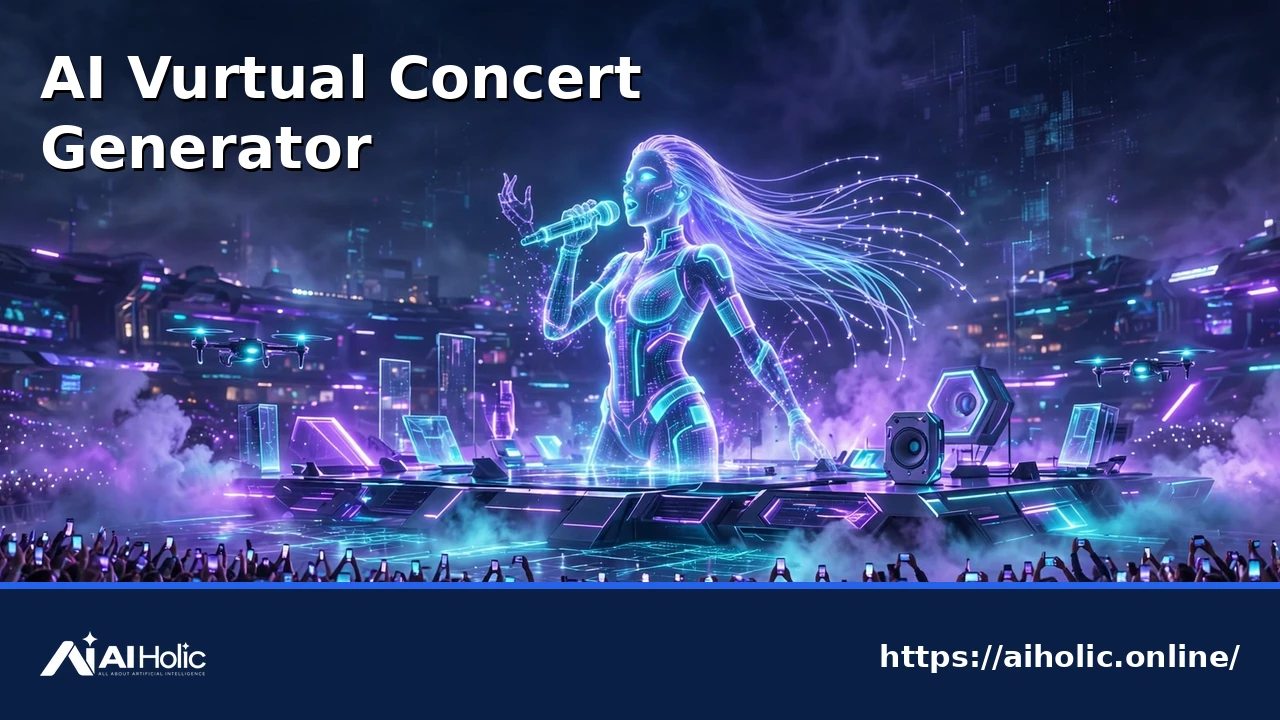
AI Vurtual Concert Generator: How Virtual Concert Tools Actually Work
If you don’t want to read the whole guide or have difficulty reading, you can listen to this guide instead.
Virtual concerts used to need a studio, a motion capture suit, and a crew, but today a single tool can turn a photo, a song, or a short prompt into a stage performance you can post the same day. That promise is what sits behind the search for an ai vurtual concert generator, a phrase searchers type with that exact spelling, and this guide covers the virtual concert tools behind it, from avatar stages to photo-to-performance clips. You will learn what each kind of tool actually does, what it cannot do, and what to check before you pay, so you can avoid buying the wrong kind of tool for your goal.
A virtual concert is a performance in which the performers appear as virtual avatars, either projected on a real stage or inside a fully digital world.
You can read a plain account of that idea on the Virtual concert page on Wikipedia. AI tools bring that idea within reach of solo creators, but they do it in very different ways, and picking the wrong kind is the most common waste of money. You can find more video guides at AI Holic.
Four Kinds Of Virtual Concert Tool
The phrase covers at least four different products, and they solve different problems. Avatar stage tools build a digital performer who dances, sings, and moves on a virtual stage. Photo-to-performance tools take your photo and place you, still recognizable, into a short concert clip, such as a jumbotron moment or a tiny desk style set.
Concert video tools take a song you already own and turn it into a stage-themed music video for promotion. Live virtual world shows are a fourth kind, where a real artist performs inside a game or a virtual venue for a live audience. Sorting these kinds out is the first step in judging any ai vurtual concert generator fairly.
Knowing which kind you need saves you from judging a good tool by the wrong job. A photo-to-performance clip will never give you a full 30 minute set, and a concert video tool will never make you the performer in the clip. Start from the output you want, a short social clip, a music video, a virtual idol, or a live show, and then pick the tool built for that output.
| Kind | You start with | You get | Best for |
|---|---|---|---|
| Avatar stage | A character design or prompt | A performing digital idol | Virtual idols and group acts |
| Photo to performance | One or more photos | A short clip of you on stage | Social clips and trends |
| Concert video from a song | Your own track and an image | A stage-themed music video | Song promotion |
| Live virtual world show | A booked artist and venue | A live shared event | Large audiences and events |
Avatar Stages: Building A Digital Performer
Avatar tools are the closest thing to a traditional concert, except the performer is digital. Dreamina, for example, lets you design an idol from a photo or artwork, then animate it with choreography, stage effects, and lighting, using video models that handle multi-shot sequences. Its audio-aware models can also sync singing and speech to lip movement, which matters more than resolution, because viewers forgive a soft image but notice a mouth that moves late.
The strength of an avatar tool is repeatability. Once a character looks right, you can reuse it across clips, keep its outfit and style steady, and build a group act by designing each member separately.
The weakness is setup time: a good character needs clear reference images, a consistent style, and several test clips before the first public post. If you only need one quick clip, an ai vurtual concert generator built for avatars is more work than you need.
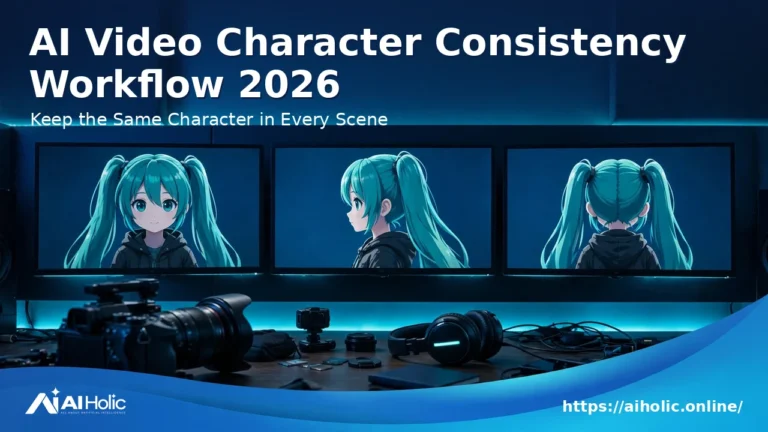
Consistency is the skill that separates a believable avatar from a random one. Keep the same face, outfit, and color palette across clips, and change only one thing at a time when you test. Our guide to the AI video character consistency workflow for 2026 covers that habit in detail, and it applies to concert avatars just as much as to any other video character.
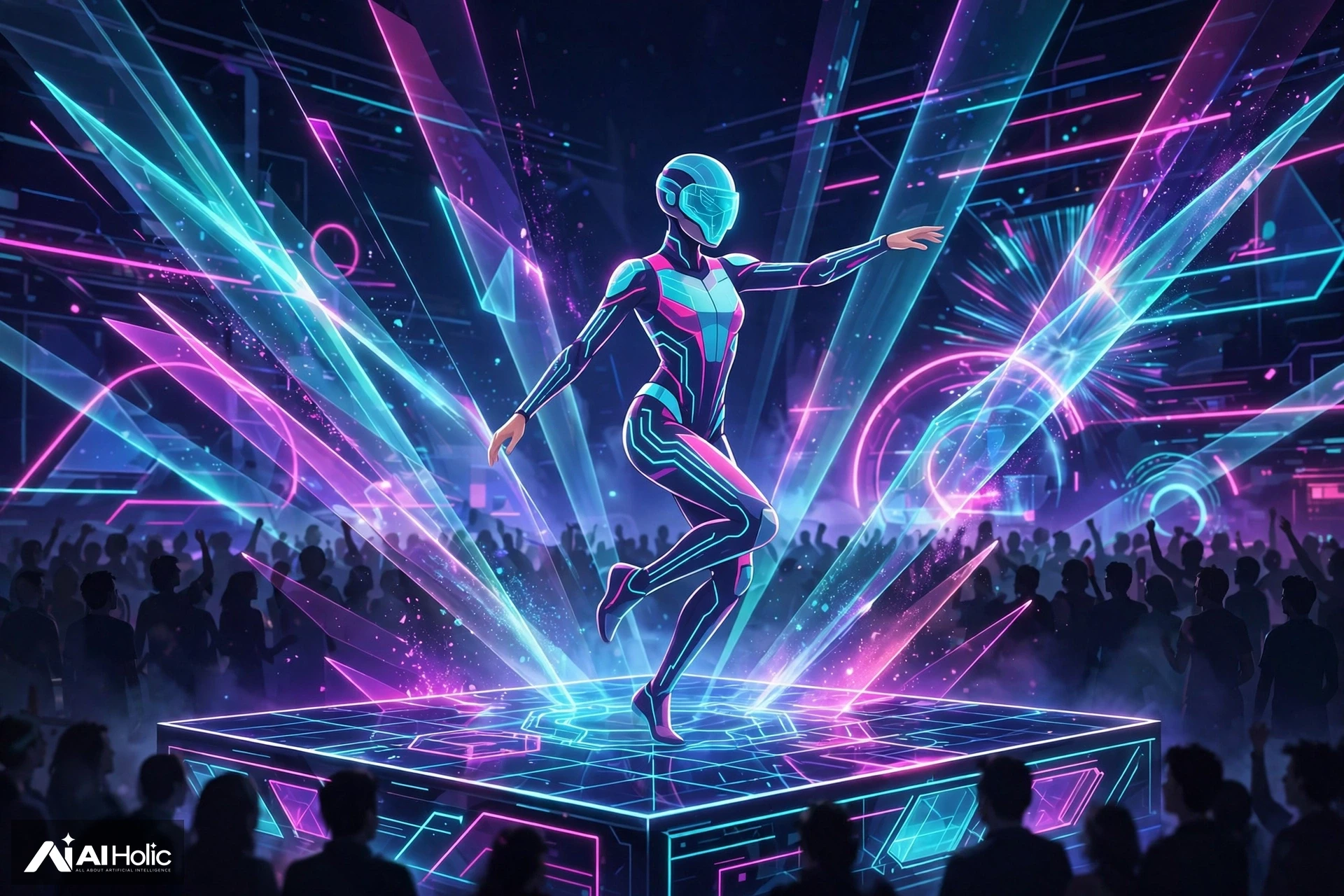
Photo To Performance: You On Stage In Minutes
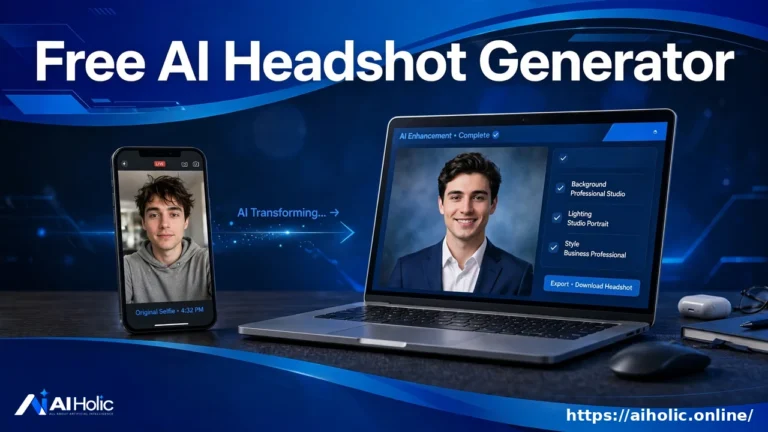
Photo-to-performance tools are the fastest route to a shareable concert clip, and they drive most of the current social trends. You upload a clear photo, and the tool stages you on a jumbotron, at a tiny desk set, or on a small stage with a band. Some tools return a clip in about a minute, with crowd sound included, and new accounts often get free credits for a first try.
The quality test for this kind is face consistency. A good result keeps you recognizable from the photo, while a weak result swaps in a generic face that only vaguely resembles you.
Check the eyes, the hairline, and the skin tone in the first frame before you post, and try a second photo if the first one fails. A straight, well-lit portrait with a neutral expression works better than a group shot or a photo taken in harsh light.
These clips are short by design, often 8 to 15 seconds, and they are built for social feeds, not for full songs. That limit is a feature, not a flaw, because a short clip that lands is worth more than a long clip that drifts. If you need a full track with a performance, use a concert video tool instead, and keep photo clips for teasers and announcements.
Concert Videos From A Song You Own
Concert video tools start from the opposite end: you already have a track, and you need visuals for it, and that is where an ai vurtual concert generator of this kind earns its keep. Media.io, for example, takes your song plus a portrait, scene image, or cover, and animates it into a stage-themed video with a prompt for mood, lighting, and camera energy. GlobalGPT offers a similar concert vibe workflow across several video models, starting from a text prompt or an uploaded character photo.
The advantage of this kind of ai vurtual concert generator is control over the music itself, because the audio is yours, not generated. You choose the track, the cover, and the mood, and the tool only supplies the stage around it. The risk is a mismatch between the visuals and the song, such as a calm ballad paired with frantic arena cuts, so write a prompt that names the tempo, the lighting, and the camera feel, not just the word concert.
For musicians, this kind is usually the best value. A single song can yield a full music video, a 15 second teaser, and a vertical cut for short-form feeds, all from the same session. Start with the full video, then cut teasers from the strongest 15 seconds, rather than generating three separate clips that look unrelated.
How An AI Vurtual Concert Generator Works
Under the surface, most tools in this category combine three steps, and knowing them helps you judge a weak result from any ai vurtual concert generator. First, the tool reads your input, a photo, a song, or a prompt, and builds a reference for what should stay steady, such as a face or a character design.
Second, a video model generates movement, choreography, lighting, and camera moves from that reference and your prompt. Third, the tool adds or syncs audio, such as crowd sound, a song, or a vocal, and renders the final clip.
Two details decide most of the quality. Lip sync matters most when a performer sings, because a mouth that lags the vocal by even a fraction of a second breaks the illusion at once. Motion consistency matters most for dance, because a character whose outfit or face changes mid-clip reads as a glitch, not a performance.
When a tool advertises audio-aware animation or identity consistency, those are the two claims to test first, with your own photo and your own song.
- Upload a clear reference, a straight portrait for a person, a finished track for a song
- Write a prompt that names the stage, the lighting, the tempo, and the camera feel
- Generate a short test clip before you spend credits on a long render
- Check the first frame, the face, and the lip sync before you export
- Export the format each platform needs, vertical for feeds, wide for video sites
Live Shows, VR, And The Bigger Picture
Recorded clips are only one side of virtual concerts. The other side is live: real artists performing as avatars in games and virtual worlds, or as projected digital versions on a real stage with a live band.
ABBA Voyage, the London residency that opened in May 2022, shows the top end of that idea, with digital versions of the band performing with a live instrumental band on stage. You can read how that residency works on the ABBA Voyage page on Wikipedia.
AI tools do not yet replace a production like that, and it helps to say so plainly. A tool that makes a 15 second clip in your browser is not staging a two hour live show with a live band, a set list, and a paying audience.
What it does is let a solo creator test an idea, promote a song, or build an audience that might one day justify a bigger show. Judge an ai vurtual concert generator by that honest scale, and you will waste less money.
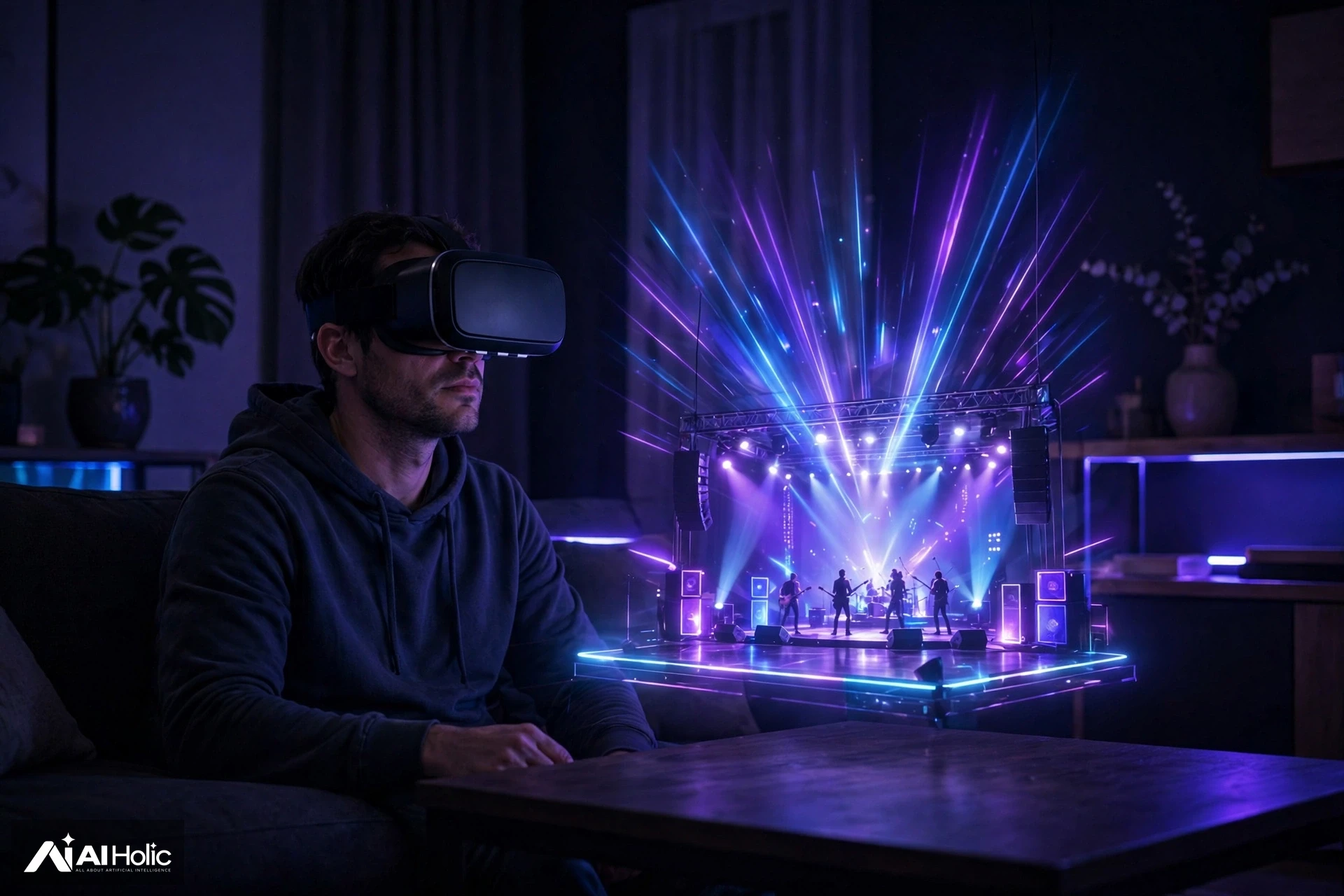
VR and headset viewing sits between the two. A viewer in a headset can feel present at a virtual stage in a way a phone screen cannot match, and several tools now export for that kind of viewing. If your audience mostly watches on phones, though, optimize for the phone first: vertical cuts, strong first frames, and clear sound without headphones.
Rights, Faces, And Things To Avoid
Virtual concert tools raise rights questions that are easy to ignore and costly to get wrong. Do not generate a clip that uses a real artist’s face, voice, or name without permission, and do not set your clip to a copyrighted song you do not own. Platforms mute, remove, or strike clips for both, and a clip that goes viral for the wrong reason can cost you an account.
Use your own face, your own character, or a fictional idol you designed, and use music you own or have licensed. If a tool offers a no-music export, take it when you plan to post on a platform that flags copyrighted audio, and add licensed music separately. That extra step takes minutes and saves you from a muted post that nobody hears.
Also check what a tool does with your photo after you upload it. A tool that keeps your photo for training or for other users’ clips is a different deal from a tool that processes it and deletes it. Read the privacy terms for any tool where you upload your own face, and avoid uploading photos of other people without their clear permission.
Choosing The Right Tool For Your Goal
Match the tool to the output, and test before you pay. If you want a quick social clip of yourself, start with a photo-to-performance tool and its free credits. If you want a music video for a song you own, start with a concert video tool and your own track.
If you want a recurring virtual idol, start with an avatar tool and spend the setup time on one character before you build a group. That matching step is the whole trick to picking an ai vurtual concert generator that fits.
Price follows the same logic. Short social clips are often free or cost a single credit, while longer renders, higher resolutions, and commercial rights sit on paid plans.
A tool that looks cheap for one clip can get costly across a month of daily posts, so track what a week of your real output costs, not what one test clip costs. And if you are weighing free image tools for covers and posters, our guide to the best free AI image generators for 2026 pairs well with the video tools here.
One last check applies to every kind of ai vurtual concert generator: watch the whole clip once before you post it, with sound on. Tools fail in the middle of a clip more often than at the start, with a face that shifts, a hand that warps, or a beat that slips. A full watch takes seconds for a short clip, and it catches the flaws your audience would otherwise catch first.
Watch And Learn More
No video that specifically demonstrates a virtual concert generator end to end, with a verified link, was found during research for this guide, so no video is embedded here. Many clips show finished virtual concerts, but they do not show the tool workflow this guide covers, and embedding one would mislead readers about what the tools do. A video will be added here only once one that matches the workflow is verified.
For the related question of whether AI video tools can keep a character steady across a longer project, see our guide asking does Grok AI generate videos, which covers what a general video tool can and cannot do. The consistency lessons there apply directly to virtual concert clips.
Frequently Asked Questions
Can I make a full virtual concert with one tool? Short clips and music videos, yes. A full live show with a set list and a live audience still needs a production setup, not a single browser tool.
Do I need a motion capture suit? No. Most current tools work from a photo, a video, or a prompt, and some map motion from an ordinary phone video onto an avatar.
Will my face stay recognizable in the clip? Good photo tools keep it recognizable, but you should check the first frame before posting. A clear, well-lit portrait gives the best result.
Can I use a famous song in my virtual concert clip? Only if you own it or hold a license for it. Otherwise use your own music or a licensed track, or export a no-music version.
Conclusion
Pick the kind that fits your output, test with a free clip, check the face and the lip sync, and respect the rights of real artists and songs. Done that way, an ai vurtual concert generator is a fast, honest way to stage a performance without a studio, a crew, or a tour budget.