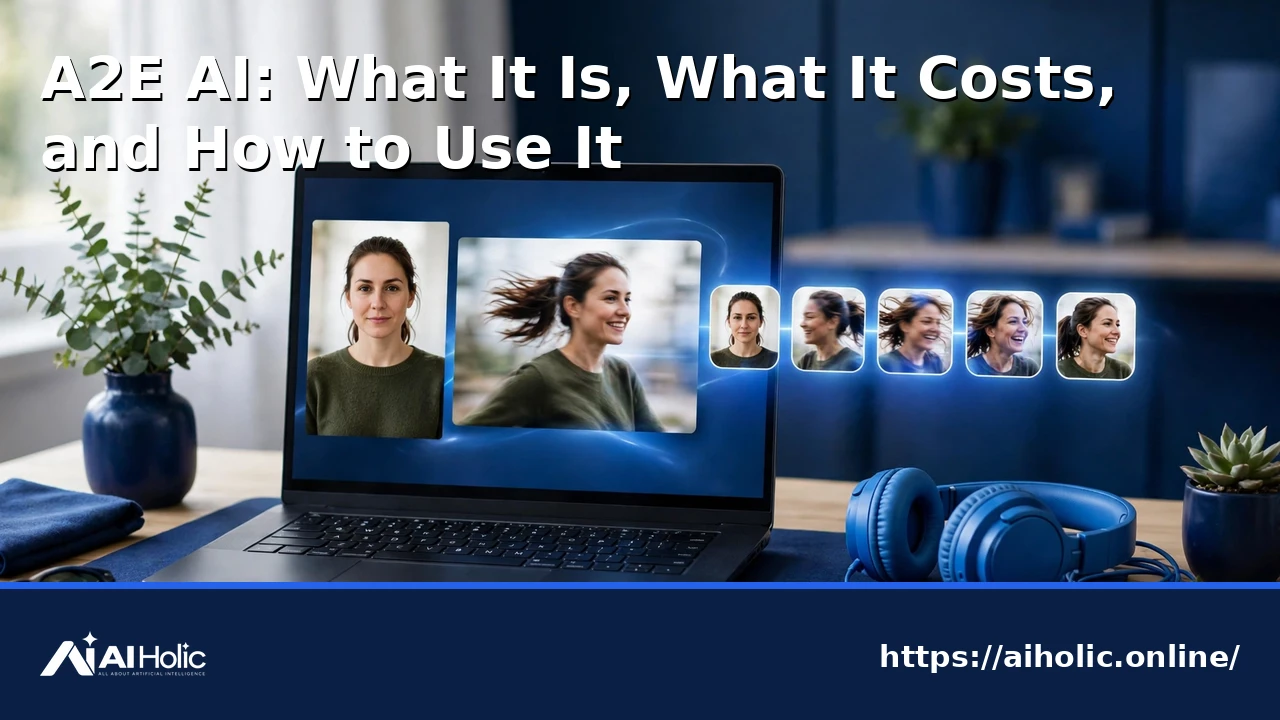
A2E AI: What It Is, What It Costs, and How to Use It
If you don’t want to read the whole guide or have difficulty reading, you can listen to this guide instead.
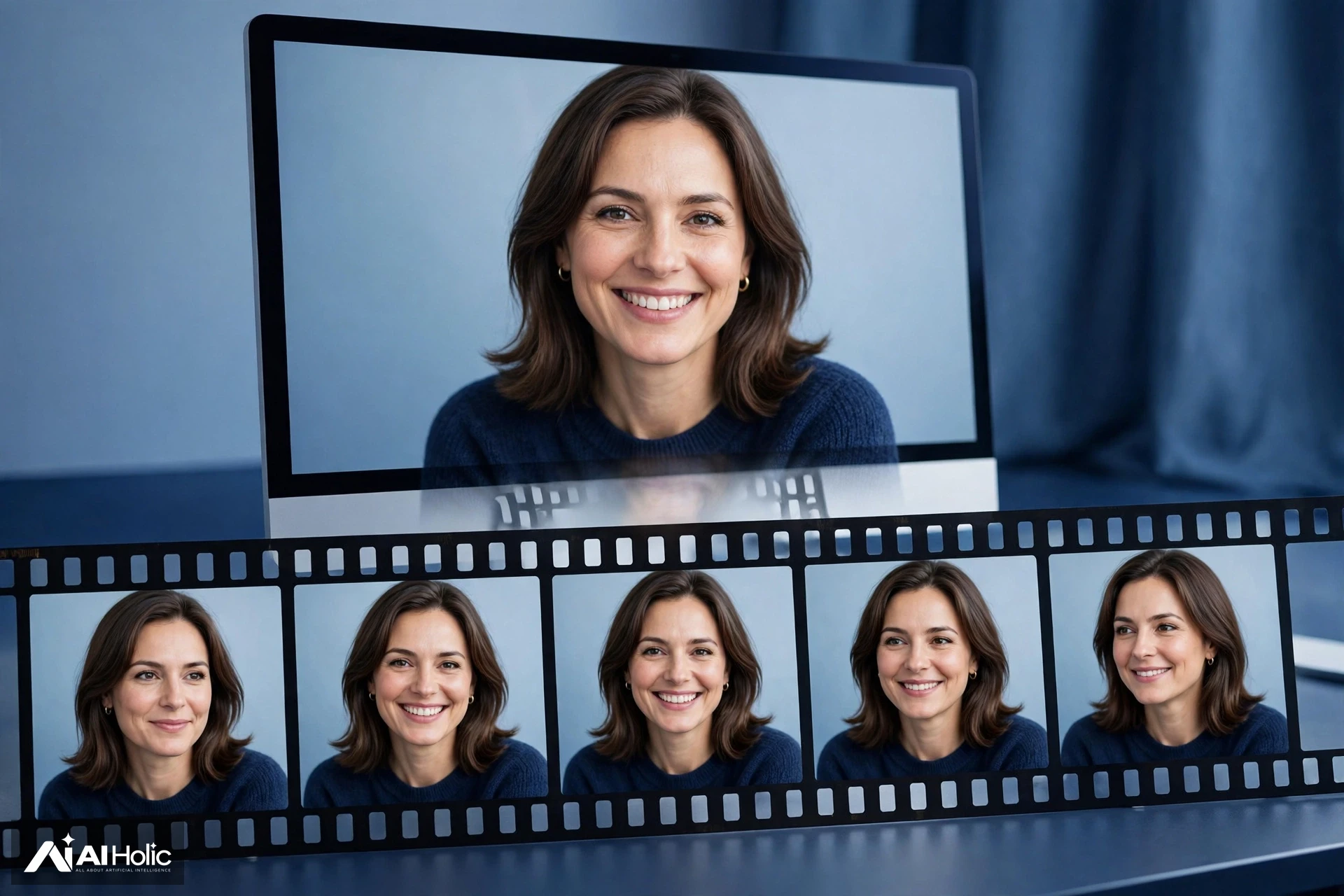
You have one good photo and an idea for a short video. With a2e ai, that photo can blink, smile, and speak in minutes, with no camera and no actor. The catch is the credit system, and the free plan has limits that are easy to miss.
At AI Holic, we read the pricing pages and the hands-on reviews so you do not have to. This guide covers the tools, the models, the real credit costs, and the safety questions. You will know what the free plan buys and when a paid plan makes sense.
You do not need video skills to follow along. You need one clear photo, one short script, and a habit of checking the credit cost before you press generate.
A2E AI: The Short Answer
In short, it is a browser-based studio for AI video and images. You upload a photo, a video clip, or a voice sample, pick a tool, and pay in credits for each job. The platform hosts models from other companies, so one login gives you many tools.
| Detail | What to know |
|---|---|
| Where it lives | a2e.ai, main app at video.a2e.ai |
| What it makes | Image to video, talking avatars, lip sync, voice clone, face swap |
| Free start | 100 credits at sign-up, plus 30 a day by check-in |
| Free limits | Watermark, 720p video, low priority |
| Paid plans | Pro from $14.9, Ultra from $59.9, one-time buys with 30 days of benefits |
| Best for | Short clips, social posts, presenters, training videos |
What A2E AI Is
a2e ai is the video and image platform at a2e.ai. You work in a browser, upload a photo, video, or audio file, pick a tool, and let the cloud do the rest. Credits pay for each job, and no credit card is needed for the free plan.
Do not mix it up with two similar names. Google’s Agent2Agent protocol is also shortened to A2A, and it is a standard that lets AI agents talk to each other.
A crypto token also uses the A2E name. This guide covers only the a2e.ai video and image platform.
The tools run on artificial intelligence models from several companies, including Kling, Wan, Seedance, and Veo. A2E builds the studio around them instead of building one model of its own. That is why the model list matters more than the brand name.
A2E AI Tools at a Glance
People use the platform for five main jobs. They animate photos, swap faces or heads in clips, make avatars and talking presenters, clone voices, and edit or upscale media. Marketers, trainers, and social creators use it most, and developers use the API to add avatar features to their own apps.
| Tool | What it does | Best for |
|---|---|---|
| Image to Video | Turns a still photo into a short clip | Social posts, product shots |
| Text to Image | Creates pictures from a written prompt | Thumbnails, concept art |
| Face Swap | Replaces a face in an image or video | Video edits with consent |
| Head Swap | Replaces the whole head, not only the face | Full character swaps |
| Talking Photo | Makes a still photo speak | Greetings, short explainers |
| Lip Sync | Matches mouth movement to new audio | Dubbing, presenters |
| AI Avatar | Builds a reusable digital presenter | Training, support videos |
| Voice Clone | Copies a voice for speech output | Voiceovers, translation |
Two tools deserve a closer look. Talking Photo turns a still portrait into a speaking clip, and Product Avatar places your product with a model for ads without a photoshoot. If you make video for clients, our guide to how videographers use AI tools shows where tools like these fit a real shoot.
How the Platform Works
The flow is short. You pick a tool, choose a model if the tool offers one, upload your input, and press generate. The platform charges credits, shows the result, and lets you download the file.
- Sign up with your email. The login takes you to the video app, and no card is asked for.
- Claim your credits. The 100 sign-up credits arrive with a new account, and the daily check-in adds 30 more.
- Pick a tool and a model. Read the credit cost shown on screen before you continue.
- Upload your file and write a short prompt if the tool asks for one.
- Generate, review, and download. Check the result at full size before you use it.
Free users get a watermark and 720p video. Paid plans remove the watermark and raise the quality to 2K on Pro and 4K on Ultra.
A2E AI Pricing and Free Credits
a2e ai runs on credits, and the free plan is real but narrow. New accounts get 100 credits at sign-up.
The free plan then adds 30 bonus credits a day, but only if you sign in and claim them through check-in. Missed days are gone.
Here is what that buys. The 100 sign-up credits cover three 5-second image-to-video clips at 30 credits each.
A day’s 30 credits cover one more. One reviewer paid 40 credits for the same job in a hands-on test, so read the cost shown on screen before you run a job.
| Plan | Price, 1 month | Credits | Daily bonus | Limits and perks |
|---|---|---|---|---|
| Free | $0 | None upfront | 30 | Watermark, 720p, low priority |
| Pro | $14.9 | 1,500 upfront, up to 3,300 in total | 60 | No watermark, up to 2K video, API |
| Ultra | $59.9 | 9,000 upfront, up to 11,700 in total | 90 | No watermark, up to 4K video, highest priority, API |
Two prices on the site do not match. The plan cards show Pro at $14.9 and Ultra at $59.9, while a comparison table lower on the same page shows $19.9 and $79.9.
Check the price at checkout, since the card prices match the per-credit figures. Top-up credits cost $19.90 for 1,800 credits or $80 for 16,000, and top-ups never expire. Plan credits do not roll over.
| Job | Credits |
|---|---|
| 5-second image to video, A2E model | 30 |
| 1-minute lip sync video | 60 |
| 1-minute video face swap | 60 |
| One image face swap | 1 |
| 5-second Kling 3.0 Standard clip | 120 |
| 5-second Seedance 2.5 clip, 720p | 600 |
Retries add up fast. If a clip costs 30 credits and you need three tries, the real cost is 90. Test with the cheaper models first, and save the premium models for work you have already proven.
Which Models Can You Use
a2e ai hosts video, image, and voice models from other companies. Video models include Veo 3.1, Sora 2 Pro, Kling 3.0, Wan 3.0, Seedance 2.5, Grok Imagine, Hailuo 2.3, MiniMax H3, and HappyHorse.
Image models include GPT Image 2.5, Nano Banana Pro, Seedream 5.0, and Flux 2. Voice options include A2E, MiniMax, Cartesia, and ElevenLabs.
The free plan does not open the premium models. Free credits work with A2E’s own image and video models, while Seedance 2.0, Seedance 2.5, Nano Banana, Seedream 5.0, and GPT Image 2.5 need a paid plan.
That limit should be clearer before you sign up, since many people join for the big model names. Test two or three models on the same photo before you commit credits to one of them.
How to Make Your First Video
Start with a clear, well-lit photo that has one main subject. Open Image to Video and upload it. Write one sentence about the motion, such as a slow push-in while the subject smiles.
- Pick a photo with one clear subject and a calm background.
- Open Image to Video in the video app.
- Write a short motion prompt. Name the subject, the movement, and the camera.
- Set the clip to 5 seconds for your first test.
- Generate, review, and download the file the same day.
Keep clips at 5 seconds for your first test. That costs 30 credits on A2E’s own model, so your sign-up credits cover three tries. Save the file right away, since the platform keeps results for three days.
Talking Photos, Avatars, and Voice Cloning
A talking photo needs a front-facing portrait with a clear mouth. Add audio or type text, pick a voice, and generate the clip. Lip sync video costs 1 credit per second, so a one-minute clip costs 60 credits.
An avatar is a reusable digital presenter built from images or a short video. Free accounts hold up to 10 custom avatars and can use more than 100 community avatars. Pro holds 50, and Ultra holds 200.
Voice cloning copies a voice from a short, clean sample. Standard clones are free to create, and free accounts get one voice slot.
Voice cloning raises consent questions, so only clone a voice you own or have written permission to use. Paid providers such as MiniMax and ElevenLabs cost extra credits per job.
Is A2E AI Safe to Use
The vendor says uploads are deleted after processing and that face data and voice samples are not stored for other uses. It also says data stays in your region and that payments run through standard processors. These are company statements, so read the Privacy Policy and Terms of Use yourself before you upload sensitive files.
Reviewers flag one honest warning. The platform follows an open-content policy that permits unfiltered 18+ material, and some users report wrong content flags and slow support.
Reddit threads also carry complaints about repeat billing and refunds, but those are personal reports, not verified billing records. Treat them as warning signs, not proof.
Get written consent from anyone whose face or voice you use in a face swap, head swap, or voice clone. Do not use these tools for fraud, fake news, or impersonation. Label AI-made content when you publish it, since viewers and many platforms now expect that.
Pros and Cons
The free plan is the main draw, and the model range is the main reason to stay. The limits show up fast once you want premium models or clean exports.
- Free credits at sign-up and every day, with no card needed.
- Many video, image, and voice models under one login.
- A wide set of tools, from face swap to voice clone.
- One-time plans that do not renew on their own.
- Top-up credits that never expire, plus API access for developers.
- Free outputs have a watermark and a 720p limit.
- Premium models need a paid plan.
- Credit costs vary widely between models.
- Daily credits are lost if you skip a day.
- The pricing page shows two sets of plan prices, and refunds are limited.
Alternatives Worth a Look
Which tool wins depends on your job. A2E gives you many models under one account, while single tools focus on their own products. If you already know you want one model, a direct plan may suit you better.
| Tool | Main focus | Pick it when you need |
|---|---|---|
| HeyGen | Avatar videos and video translation | Presenter-style videos |
| Synthesia | AI presenters for business and training | Corporate training content |
| Runway | AI video generation and editing | A filmmaker-style toolset |
| Kling | Kling’s own video models and app | Only Kling models |
Compare pricing for your own use before you decide. If you work with still images first, our guide to the best free AI image generators lists tools that can render test frames in minutes. For video that must hold one face across many shots, our AI video character consistency workflow shows how to keep a look steady.
Who Should Try It
A2E fits people who want to test a simple image-to-video workflow without entering payment details. The free credits are enough to learn the interface and test short animations. It also fits creators who need avatars, lip sync, voice tools, and video in one account.
It fits less well if your main goal is to test Seedance 2.5 for free. It also fits less well for long-form video, since clips run about 5 to 10 seconds and you must join scenes in another editor. Professional users should check the final credit estimate and the plan terms before paying.
Watch and Learn More
The video below walks through building a talking avatar with Runway and A2E, from a still image to a speaking presenter. Watch it once, then run the same steps on your own photo with a 5-second test clip.
Frequently Asked Questions
What is A2E AI?
It is a browser-based platform at a2e.ai for making AI videos and images. It offers image to video, face swap, head swap, lip sync, voice clone, and avatars, all paid for in credits.
Is A2E AI free to use?
Yes, with limits. New users get 100 credits and 30 daily credits through check-in. Free videos carry a watermark and run at 720p, and premium models need a paid plan.
How many free credits does it give?
You get 100 at sign-up and 30 a day after that. Pro users claim 60 a day, and Ultra users claim 90. Daily credits are lost if you skip a day.
Can free users test Seedance 2.5?
No. Seedance 2.5 needs a paid plan, and a 5-second clip at 720p costs about 600 credits at the listed rate. Check the credit estimate on screen before you submit a job.
Is it safe to upload photos and voice samples?
The vendor says uploads are deleted after processing and voice samples are not used for training. Read the Privacy Policy and Terms of Use first, and only upload faces and voices with consent.
Which models are available?
Video models include Veo 3.1, Sora 2 Pro, Kling 3.0, Wan 3.0, and Seedance 2.5. Image models include GPT Image 2.5, Nano Banana Pro, and Seedream 5.0. The list changes often, so check the model menu before you plan a job.
Conclusion
a2e ai gives you many video, image, and voice tools in one place, and the free credits let you test the basic workflow before paying. Claim the 100 sign-up credits, run one 5-second clip, and judge the result yourself. If the output fits your work, a Pro plan or a top-up is the next step.