Best Free AI Image Generators 2026 Alternatives To Grok Imagine: 7 Free Picks That Last All Day
If you don’t want to read the whole guide or have difficulty reading, you can listen to this guide instead.
If Grok Imagine runs out before your ideas do, you are not alone, and the best free ai image generators 2026 alternatives to grok imagine give you a way to keep creating without paying for a subscription. This guide compares the strongest free options on daily limits, text quality, editing, and commercial use, so you can pick the right tool for your work instead of guessing from landing pages. Every cap and price here is reported or approximate, never a confirmed official figure, so check the current plan page before you rely on any number.
At AI Holic, we compare free tools by what they actually let you make in a day, not by what their marketing promises. You will find a clear pick for everyday images, a clear pick for text, and a no-cap option for heavy users, all in one place. If you want the bigger picture first, our guide to what an AI image is explains how these tools turn a text prompt into a finished picture.
The Short Answer
For most readers, the best free ai image generators 2026 alternatives to grok imagine begin with Gemini for everyday images and Ideogram for images that contain words. Gemini gives you a generous reported daily allowance, while Ideogram handles posters, labels, and logos with readable text far better than most free tools. Together, they cover the two jobs most people actually need from a free generator.
Add Leonardo AI when you want style control and a daily token refill that you can spend across many models. Its free plan suits people who like to test several looks for one idea before they commit to a final image. Keep ChatGPT free as a backup for quick edits, since its small daily allowance runs out fast on a busy day.
If you have a decent computer and you hate daily caps altogether, self-hosted FLUX or Stable Diffusion removes the limit entirely. You pay with setup time and hardware instead of money, and you keep full control over your images and your prompts. That route is not for everyone, but it is the only free option with no daily counter at all.
Why Grok Imagine Feels Limited On The Free Tier
Grok Imagine is the image feature inside the Grok assistant on X, and it is built for speed above all else. You type a prompt, you get an image in seconds, and you can iterate fast when an idea is still rough. That speed is genuinely useful, and it explains why so many people try it first.
The problem is the free tier, which reports describe as a limited sampler of roughly 3 to 10 images a day, with no published official cap to confirm. That is why readers search for the best free ai image generators 2026 alternatives to grok imagine, since a sampler runs out before a real project is done. Full access sits behind X Premium, Premium Plus, or SuperGrok, so free users hit a wall fast.
None of this makes Grok Imagine a bad tool, and it is still a good choice when you only need a couple of quick images. The honest test is whether the free allowance covers your normal day, and for most creators it does not. If you make images daily, a dedicated free alternative will save you frustration and waiting.
If your problem is a missing button rather than a free limit, that is a different issue entirely. Our guide to the disappeared Extend button in Grok AI covers troubleshooting, while this guide covers free alternatives for image generation. Knowing which problem you have saves you from switching tools when a fix would do.
How To Judge A Free Image Generator
Judge a free generator on four things before you commit to it. First, check the daily or monthly allowance and whether it resets on a clock you can plan around. Second, test text rendering with a short phrase, since many models still garble words inside posters and labels.
Third, look at editing, because a tool that can edit an uploaded image saves you from starting over on every change. A text-to-image model turns a written prompt into a picture, and the best free tools now let you refine that picture instead of regenerating it from scratch. Editing is the feature that separates a toy from a daily work tool.
Fourth, read the commercial-use terms before you publish anything you plan to sell or monetize. Some free plans allow personal use only, while others allow commercial use with limits on resolution or attribution. Our guide to a free AI headshot generator shows how these terms change a simple portrait job, so check them early.
Nano Banana And Gemini: The Best All-Round Free Pick
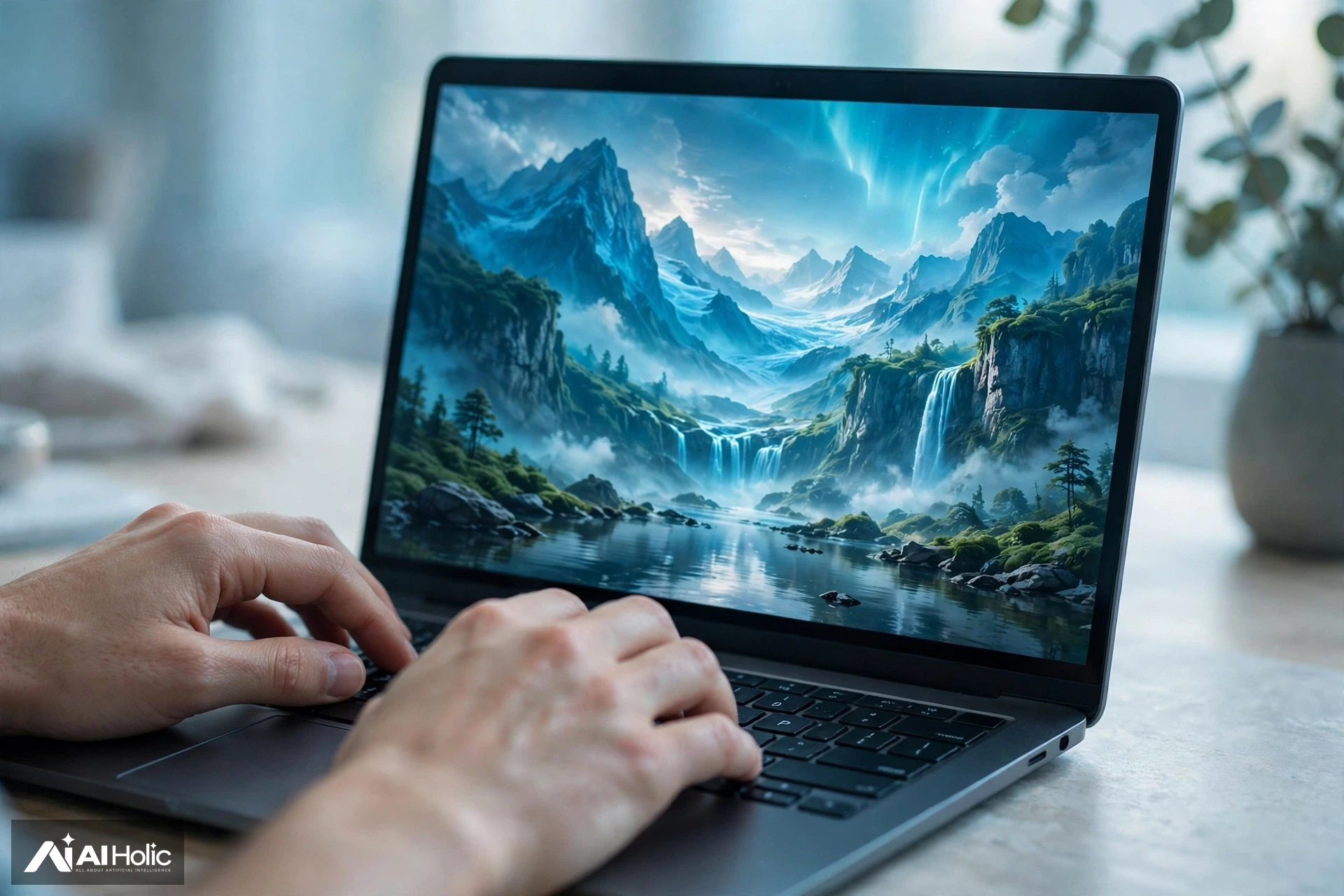
Gemini, with its Nano Banana image model, is the strongest all-round pick among the best free ai image generators 2026 alternatives to grok imagine for most readers. Reports put the free allowance at roughly 15 to 20 images a day, which covers a normal day of social posts, blog images, or design tests. Images carry a SynthID watermark, so they are marked as AI made, which matters if you publish them as editorial art.
The real strength is editing and consistency, since you can upload a photo and ask for a new background, a new outfit, or a new style while keeping the subject recognizable. That makes Gemini ideal for product shots, character sheets, and repeated social templates. It is less exciting for wild artistic styles, but it is the most dependable free workhorse in this guide.
Watch the watermark and the daily reset, since both affect publishing plans. The watermark is invisible to the eye but detectable by tools, so do not present an image as a real photograph. If you need more than the daily allowance, pair Gemini with a second free tool rather than paying on day one.
Google’s own image remixer took a different path: it let you prompt with pictures instead of words, until Google shut it down in April 2026 and moved the idea into Flow, as our guide to Whisk AI explains.
Ideogram And Leonardo AI: Best For Text And Daily Tokens
Ideogram is the pick when your image must contain readable words, since it renders short phrases, titles, and labels with far fewer errors than most free models. Its free tier resets daily, so you get a predictable allowance you can plan around instead of a hidden cap. Use it for posters, thumbnails, book covers, and any design where text is part of the picture.
Leonardo AI works differently, since it gives you a daily refill of tokens that you spend across many image models and styles. That flexibility makes it one of the best free ai image generators 2026 alternatives to grok imagine for people who like to compare looks before they choose. You can test a photorealistic model, an illustration model, and an anime model on the same prompt in one session.
The trade-off on Leonardo free accounts is that images are usually public by default, so do not generate private or client work there. Ideogram free images can also be visible to others, so treat both tools as public sketchbooks rather than private studios. For anything sensitive, use a self-hosted tool or a paid plan with private mode.
Adobe Firefly, Meta AI, And ChatGPT Free: Good Second Accounts
Adobe Firefly suits creators who care about commercial safety, since its model is positioned around licensed and public domain training material. Its free plan gives a monthly allowance rather than a daily one, so it fits occasional use better than daily production. Among the best free ai image generators 2026 alternatives to grok imagine, Firefly is the calm choice for client work where rights matter more than volume.
Meta AI is the easy backup, since it lives inside apps many people already use and it generates images fast with little setup. Reports describe a generous free allowance, though the exact number shifts and you should check the current plan page before you rely on it. Its terms lean toward personal use, so check commercial rules before you use its images in paid work.
ChatGPT free gives you a small daily allowance, often reported at roughly 2 to 3 images a day, which makes it a backup rather than a main tool. Its strength is editing through conversation, since you can describe a change in plain words and see a revised image. Keep it for quick fixes and let Gemini or Ideogram carry your daily volume.
FLUX And Stable Diffusion: Unlimited If You Self-Host
FLUX and Stable Diffusion are open models you can run on your own computer, which removes daily caps and accounts from the equation entirely. You install a local interface, download a model once, and generate as many images as your hardware allows. That freedom is real, but it comes with setup time, large downloads, and a graphics card that can handle the work.
The payoff is privacy and control, since your prompts never leave your machine and you can fine-tune a model on your own style. For creators who reuse characters across images and video, that control matters a lot, and our workflow for keeping a character consistent across AI video clips shows why repeatable looks beat one-off images. Among the best free ai image generators 2026 alternatives to grok imagine, self-hosting is the only route with truly no daily limit.
Self-hosting is not free in every sense, since it costs electricity, disk space, and your time to learn the tools. A modest graphics card can still produce good images, but it will be slower than a hosted service. A short background read on generative AI explains how these models learn from training data and why local models behave differently from hosted ones.
Free Limits At A Glance
The table below puts the reported free allowances side by side, so you can see at a glance which tool fits a light day and which one fits heavy use. Treat every figure as reported or approximate, since vendors change free plans often and some caps are never published. When a number matters to your work, confirm it on the current plan page before you build a routine around it.
| Tool | Reported free allowance | Best for | Watch out for |
|---|---|---|---|
| Grok Imagine | Limited sampler, roughly 3 to 10 images a day | Fast first drafts | Cap is unpublished and shifts |
| Gemini with Nano Banana | Roughly 15 to 20 images a day | Everyday images and edits | SynthID watermark on images |
| Ideogram | Daily reset allowance | Text inside images | Free images may be public |
| Leonardo AI | Daily token refill | Testing many styles | Free images usually public |
| Adobe Firefly | Monthly free allowance | Commercially positioned work | Monthly cap suits occasional use |
| Meta AI | Generous reported allowance | Quick images in familiar apps | Terms lean toward personal use |
| ChatGPT free | Roughly 2 to 3 images a day | Conversational edits | Allowance runs out fast |
| FLUX self-hosted | Unlimited on your hardware | Private unlimited generation | Needs setup and a good graphics card |
| Stable Diffusion self-hosted | Unlimited on your hardware | Custom models and control | Needs setup and learning time |
A Sensible Two-Tool Setup
One free tool is rarely enough, since every free plan has a reset, a cap, or a weak spot. A two-tool setup covers those gaps, because the second tool is ready when the first one runs out. Pick your main tool for volume, pick a second tool for a different strength, and keep both accounts ready before a deadline. For a second tool with no sign-up and no daily cap, try the Dezgo AI image generator, which runs free Flux and SDXL models in your browser and only charges if you want paid models.
- Pick a main tool for volume. Use Gemini for most daily images, since its reported allowance covers a normal working day.
- Pick a second tool for text. Use Ideogram whenever words must read clearly inside the image.
- Check commercial terms before publishing. Confirm whether each free plan allows the use you have in mind.
- Test all candidates with the same prompt. One shared prompt reveals differences in text, style, and speed faster than any review.
- Save the prompt and settings that worked. A saved recipe lets you repeat a good result instead of chasing it again.
- Keep a self-hosted fallback in mind. When daily caps block a big batch, a local model removes the counter entirely.
Test every candidate with the same prompt before you choose, since one prompt reveals differences in text, style, and speed faster than any review. Save the prompt and the settings that worked, so you can repeat a good result instead of chasing it again. A two-tool setup beats a single tool on most days, because one tool is always resetting when you need it.
Common Problems And Quick Fixes
Free tools fail in predictable ways, and most problems have a fast fix that does not need a paid plan. The table below covers the complaints that come up most often, from garbled text to caps that arrive mid-project. Work through the fix column in order, since the first fix solves most cases.
| Problem | Likely cause | Fix |
|---|---|---|
| Text inside the image is garbled | Model is weak at text rendering | Switch to Ideogram and shorten the phrase |
| Free allowance runs out mid-project | Daily cap reached on your main tool | Switch to your second tool and plan resets |
| Character looks different each time | No reference image or edit flow | Use Gemini editing with the same reference image |
| Image looks public when it should be private | Free plan defaults to a public gallery | Move private work to a self-hosted model |
| Style drifts across a set of images | Prompt wording changes each time | Reuse one saved prompt and one seed style |
| Image flagged as AI made | Watermark or metadata marking | Label it honestly and do not present it as a photo |
If a tool still fails after these fixes, the problem is usually the plan, not the prompt. A free tier built for sampling will never carry a production workload, so either split the work across two free tools or move the heavy batch to a self-hosted model. Spending an hour fighting a cap costs more than setting up a second free account.
Frequently Asked Questions
What is the best free alternative to Grok Imagine in 2026?
For most people, Gemini is the strongest starting point, and the best free ai image generators 2026 alternatives to grok imagine list in this guide ranks it first for daily volume and editing. Add Ideogram when your images contain text, and add a self-hosted model when you want no daily cap at all.
Is Grok Imagine really free?
Grok Imagine has a free tier, but reports describe it as a limited sampler with an unpublished cap, and full access needs a paid X or SuperGrok plan. Check the current plan page before you rely on it, since free limits change without much notice.
Do free AI images carry watermarks?
It depends on the tool. Gemini images carry an invisible SynthID watermark, some free tools add a visible mark, and self-hosted models add nothing unless you choose to. Read the plan page for each tool you use, and label AI images honestly wherever you publish them.
Can I use free AI images for commercial work?
Sometimes, but never assume it. Adobe Firefly is positioned for commercial use, Meta AI leans toward personal use, and free plans on other tools vary by tier. Read the terms for the exact tool and plan you used before you sell, advertise, or monetize an image.
Which free tool is best for text inside images?
Ideogram is the strongest free pick for readable text, since it handles short phrases, titles, and labels with fewer errors than most rivals. Keep phrases short, use simple fonts in your prompt, and test the exact wording before you build a full design around it.
Do I need a powerful computer for free image generation?
No, not for hosted tools, since Gemini, Ideogram, and the rest run on their own servers and work fine in a browser. You only need strong hardware for self-hosted FLUX or Stable Diffusion, where your own graphics card does the work.
Conclusion
Start with Gemini for daily images, add Ideogram for text, and keep a self-hosted model for unlimited work, and the best free ai image generators 2026 alternatives to grok imagine will carry you past the free sampler without a subscription. Check the current plan page before you commit, since free limits change fast.