Grok AI Extend Video Disappeared: Why the Button Vanishes and How to Recover
If you don’t want to read the whole guide or have difficulty reading, you can listen to this guide instead.
If your grok ai extend video disappeared, you are dealing with one of two different problems. Either the Extend button is gone from a clip you can still see, or a video you already extended is no longer there. Both feel the same at first, but the fix for each one is different.
At AI Holic, we tracked the reports and the likely causes so you can sort out which problem you have. This guide walks through every common reason the control vanishes, what may have happened to a finished extension, and the recovery steps worth trying first. You will also learn how to protect the clips you make next.
The Short Answer
If a grok ai extend video disappeared from your screen, start by naming the exact problem. If the clip is still there but you cannot find Extend, the control moved, your plan or usage limit changed, or the clip itself is not eligible. If the whole video is gone, it was more likely removed in a moderation pass or broken by a backend change.
Check the other Grok surfaces before you assume the worst. Open the same account in the Grok app, on the Grok website, and inside X, and look for the same clip. A control that is missing in one place often still shows in another, and that tells you the clip is fine.
Save what you can right away. Download the original clip and any extended version you can still open, because a clip you hold locally cannot vanish in a later cleanup.
Grok AI Extend Video Disappeared: Why the Extend Button Goes Missing
The most common reason is a moved or renamed control. Grok Imagine has changed its layout several times, and a button that sat under a video can move into a menu, a long-press sheet, or a new edit screen. Look for labels like Extend, Continue, or Make Longer near the finished clip before you conclude the feature is gone.
Plan and usage limits are the next check. Reports from March 2026 describe Grok Imagine moving behind the SuperGrok paywall, so a free account may simply lose access to video tools it could use before. Open your plan page and confirm whether Imagine is still included, and check whether you have hit a daily generation limit.
An out-of-date app can hide a feature that still exists on the server. Update the Grok app to the newest version, then force-close it and reopen it. If you use a browser, clear the cached page or try a private window, since an old cached layout can keep showing an outdated menu.
The surface matters more than most people expect. The Grok app, the Grok website, and Grok inside X do not always show the same tools at the same time. A feature can roll out to one surface weeks before it reaches another, so a missing button on your phone may still be present on the web.
Clip eligibility is the quiet cause that trips up many users, and it is worth checking when a grok ai extend video disappeared from only some of your clips. Imagine 1.5 Fast Video Extend only accepts task IDs from its own generations, and it adds extensions of 6 or 10 seconds. Clips from other models or other tools use the 1.0 Video Extend route by URL instead, so the button may not appear where you expect it.
Third-party wrappers add one more layer of delay. Tools that wrap Grok, such as Wandura and NemoVideo, copy Grok features into their own screens, and their copies lag behind the real product. If Extend vanished inside a wrapper, open the same clip in the official Grok app or website to see whether the control is still there.
Grok is built by xAI, and Grok now covers chat, image, and video tools in one product. Its parent company, xAI, runs the models behind Imagine, which is why a change on the xAI side can reach every Grok surface at once.
| Missing button cause | First check |
|---|---|
| Control moved or renamed | Search menus, long-press sheets, and edit screens |
| Plan or usage limit | Confirm SuperGrok status and daily limit |
| App out of date | Update the app, restart it, and reload the page |
| Wrong surface | Try the app, the website, and X |
| Ineligible clip | Confirm the model and the extension route |
| Wrapper lag | Open the clip on the official Grok surface |
When an Extended Video Vanishes After the Fact
A finished extension that is gone is a different problem from a missing button, and it helps to say so plainly when a grok ai extend video disappeared after it already played. The clip may have been removed, its link may have broken, or its extended part may have been trimmed back to the original length.
User reports point to a July 2026 backend migration that broke extension detection on older clips. In plain terms, the system that links an extended version to its original may have lost track of some older extensions. These are user reports, not a confirmed statement from xAI, and no public xAI explanation has been published.
Moderation passes are the other reported cause. Users have reported extended clips vanishing after moderation reviews, and the reports focus on extended or NSFW-adjacent clips. Again, treat this as a report from users, not as a confirmed xAI policy, since xAI has not published an explanation for these removals.
Trimming is a softer version of the same problem. Some users open an old clip and find only the original seconds, with the added part cut away. That pattern fits a broken extension link better than a deletion, because the base clip survives while the added part drops off.
Before you blame moderation, rule out the simple causes. Sign out and back in, check the account you used to make the clip, and search your history or library for the original title. A clip made under a different login looks exactly like a deleted clip until you switch accounts.
The Recovery Workflow
Work through the checks in order, and stop at the first one that brings the control or the clip back. Start with the three surfaces: the Grok app, the Grok website, and Grok inside X. Open the same account on each one and look for the same clip, since a surface gap is the fastest problem to confirm.
Next, update the app and confirm your plan. Install the newest app version, restart it, and check whether Imagine is still part of your plan and whether any daily limit is used up. A user on a free tier who lost Imagine in the March 2026 paywall change will see the same missing button on every surface, and that pattern points to the plan, not a bug.
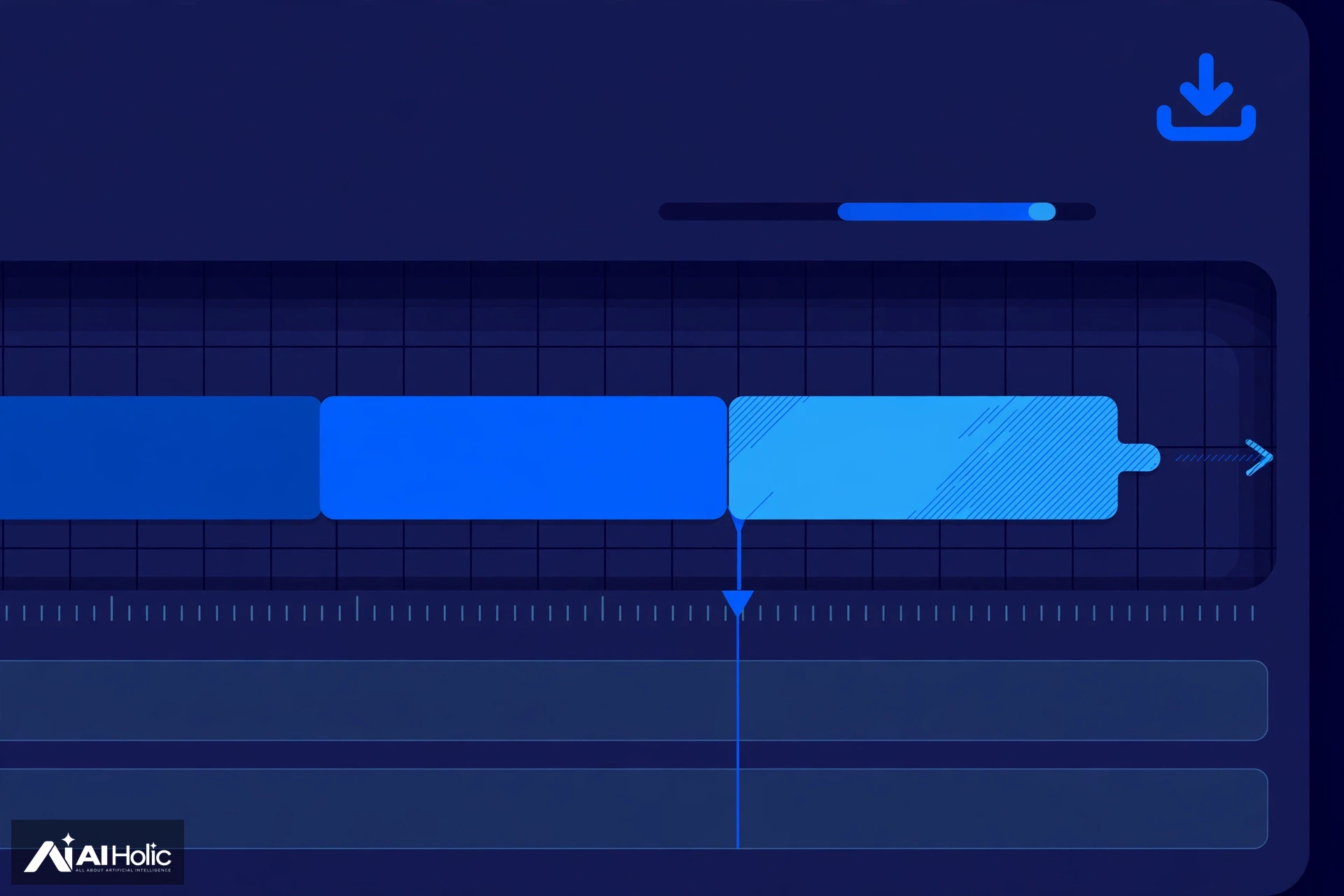
Then open the original clip and try the extension again from its last frame, which is the step that matters most when a grok ai extend video disappeared but the base clip still plays. Play the original to the end, use its final frame as the starting point, and run a fresh extension of 6 or 10 seconds. If the new extension works, your old link was broken, but your clip is still extendable.
Download everything you can still open. Save the original clip and any working extension to your own device, and keep the prompt and settings you used. Local copies protect you from the next migration, moderation pass, or layout change, and they give you the source material for a rebuild.
- Check all three surfaces. Open the same account in the app, on the web, and inside X.
- Update and confirm your plan. Install the newest app version and check Imagine access and limits.
- Re-extend from the last frame. Play the original to the end and start a fresh extension there.
- Download every version you can open. Save originals and working extensions to your own device.
- Rebuild if the old link is dead. Use the saved original and its last frame as the new starting point.
| What you see | Most likely cause | Best next step |
|---|---|---|
| Button missing on one surface only | Surface rollout gap | Use the surface where it still shows |
| Button missing everywhere | Plan change or daily limit | Check SuperGrok status and limits |
| Button missing on some clips only | Clip not eligible for that route | Confirm the model and extension route |
| Extended part trimmed away | Broken extension link | Re-extend from the last frame |
| Whole clip gone | Removal or wrong account | Check other logins, then rebuild from a saved copy |
Protect Your Clips Going Forward
The habit that saves the most work is downloading each finished clip at once. Do not leave a finished video sitting only inside Grok, since a library you do not control can change without warning. A local copy costs nothing and removes the whole class of disappearance problems.
Keep the original and the extension as separate files, and note which model made each one, because that detail decides which extension route you need later if a grok ai extend video disappeared from your library. A short note with the model name, the extension length, and the date is enough, and it turns a confusing loss into a simple rebuild.
Character consistency is a related problem worth planning for. Our guide to an AI video character consistency workflow shows how to keep the same look across clips, which matters when you rebuild an extension from a last frame.
Short clips also make good raw material for other projects. If you need a fast highlight cut from several saved clips, our guide to an AI sizzle reel creator explains a simple way to stitch them together. And if you work with 3D assets as well, our news roundup on AI for 3D asset generation covers where that field stands in 2026.
Frequently Asked Questions
Why is the Extend button missing on only some of my clips?
That pattern usually points to clip eligibility, not to your account. Imagine 1.5 Fast Video Extend only accepts task IDs from its own generations, while other clips use the 1.0 Video Extend route by URL. Check which model made the clip, then use the route that matches it.
Did SuperGrok remove Extend for free users?
Reports from March 2026 describe Grok Imagine moving behind the SuperGrok paywall, which would remove video tools from free accounts. That is a report from search results and user posts, not a confirmed xAI announcement. Open your plan page to see whether Imagine is still included on your account.
Can I get a deleted extended video back?
In most cases, no, and you should not count on a return when a grok ai extend video disappeared after moderation or a backend change. xAI has published no recovery route for removed clips, and no public explanation covers these cases. Your best move is to rebuild from a saved original, starting at its last frame.
What is the difference between Imagine 1.5 Fast Video Extend and 1.0 Video Extend?
Imagine 1.5 Fast Video Extend works from task IDs of its own generations and adds 6 or 10 seconds. The 1.0 Video Extend route works by URL and covers clips from other models or sources. Using the wrong route is a common reason the control does not appear.
Why does my extended clip play only the original part?
The extended part was most likely trimmed when its link broke, which user reports tie to the July 2026 backend migration. The base clip survives because it is stored on its own, while the added part depends on the extension link. Re-extend from the last frame to rebuild the missing part.
How do I keep this from happening again?
Download each finished clip at once and keep the original and the extension as separate files. Note the model, the extension length, and the date for each clip, so a rebuild is simple. A local copy is the only version that no migration, moderation pass, or layout change can touch.
Conclusion
When a grok ai extend video disappeared, check the surface, the plan, and the clip type before you assume the video is lost forever. Most missing buttons trace back to a moved control, a limit, or an ineligible clip, and most lost extensions trace back to a broken link you can rebuild from the last frame. Download your originals, note the model, and rebuild rather than wait for a return.
The March 2026 paid-versus-free split explains many missing-feature reports. For the current picture, see does grok ai generate videos march 2026.
If Grok Imagine’s free limit is the real problem rather than a missing button, our guide to the best free ai image generators 2026 alternatives to grok imagine compares seven free picks that last all day.