Dezgo AI Image Generator: Free Multi-Model Tool for Text-to-Image Art
If you don’t want to read the whole guide or have difficulty reading, you can listen to this guide instead.
You can turn a short sentence into a picture in seconds, and the dezgo ai image generator is one of the free tools that lets you do it. It runs in your browser, it needs no install, and it gives you several image models to pick from instead of locking you into one. This guide explains what it is, what it can do, what it costs, and how to make your first image.
At AI Holic, we read the reviews and the tool pages so you get the facts in plain words. You will learn how the free tier works, which models fit which job, and where the tool falls short. No account is needed to try the free models, so you can test it before you spend anything.
What Dezgo AI Image Generator Is
The dezgo ai image generator is a web tool that turns text prompts into images. It is built on Stable Diffusion and related models, and it adds Flux, SDXL, and other models in one place. You open the site, type what you want to see, and the tool draws it for you.
It is not a single model. It is a small studio that puts many models behind one simple screen.
You can make art, test ideas, restyle a photo, clean up a background, or enlarge a small image. It also has a text-to-video mode in beta, plus a developer API for apps that need image generation built in.
One thing sets it apart from many rivals. The free models need no account and no payment card.
You can start with the free tier, wait in a shared queue when the service is busy, and only pay if you want faster or higher-end models. That makes it a low-risk way to try AI image tools for the first time.
Key Features
Dezgo packs more than a basic prompt box. The tools below cover the full path from a first idea to a finished file, and each one fits a different job. You do not need to use all of them.
Text-to-Image
Text-to-image is the main feature. You write a short prompt, pick a model, set the size, and press generate.
The tool returns one or more images that match your words. A text-to-image model reads your prompt and builds a picture from it, so clear words give better results than vague ones.
You can also add a negative prompt. That tells the tool what to leave out, such as extra fingers, blur, or text.
A seed value lets you repeat a result or try small changes on the same base image. Guidance scale and step count give you more control over how close the image sticks to your words.
Image-to-Image and Inpainting
Image-to-image starts from a picture you upload. You describe the change you want, and the tool redraws the image to fit your words. This works well for restyling a photo, changing a scene, or testing a new look for an old image.
Inpainting lets you fix one part of an image. You paint over the area you want to change and describe the fix in words.
The rest of the image stays the same. It is useful for removing an object, fixing a face, or swapping one detail for another.
Background Removal and Upscaling
The background removal tool cuts the main subject out of a photo and leaves a clean result. You can use it for product shots, profile pictures, or stickers. The upscale tool uses Real-ESRGAN to enlarge an image by two times without the usual blur.
Both tools are free on the listed free models. They save you a trip to a separate editor for a quick fix. For heavy editing work, a full photo editor still gives you more control.
Text-to-Video (Beta)
Text-to-video turns a short written prompt into a brief animated clip. The feature is still in beta, so clips are short and motion can look rough on complex scenes. Treat it as a way to test ideas, not as a tool for finished video work.
Several video models are listed, including WAN, Kling, Sora, Veo, and Seedance. Availability can change while the feature is in beta, so check the site for the current list.
How It Works: Your First Image in 5 Steps
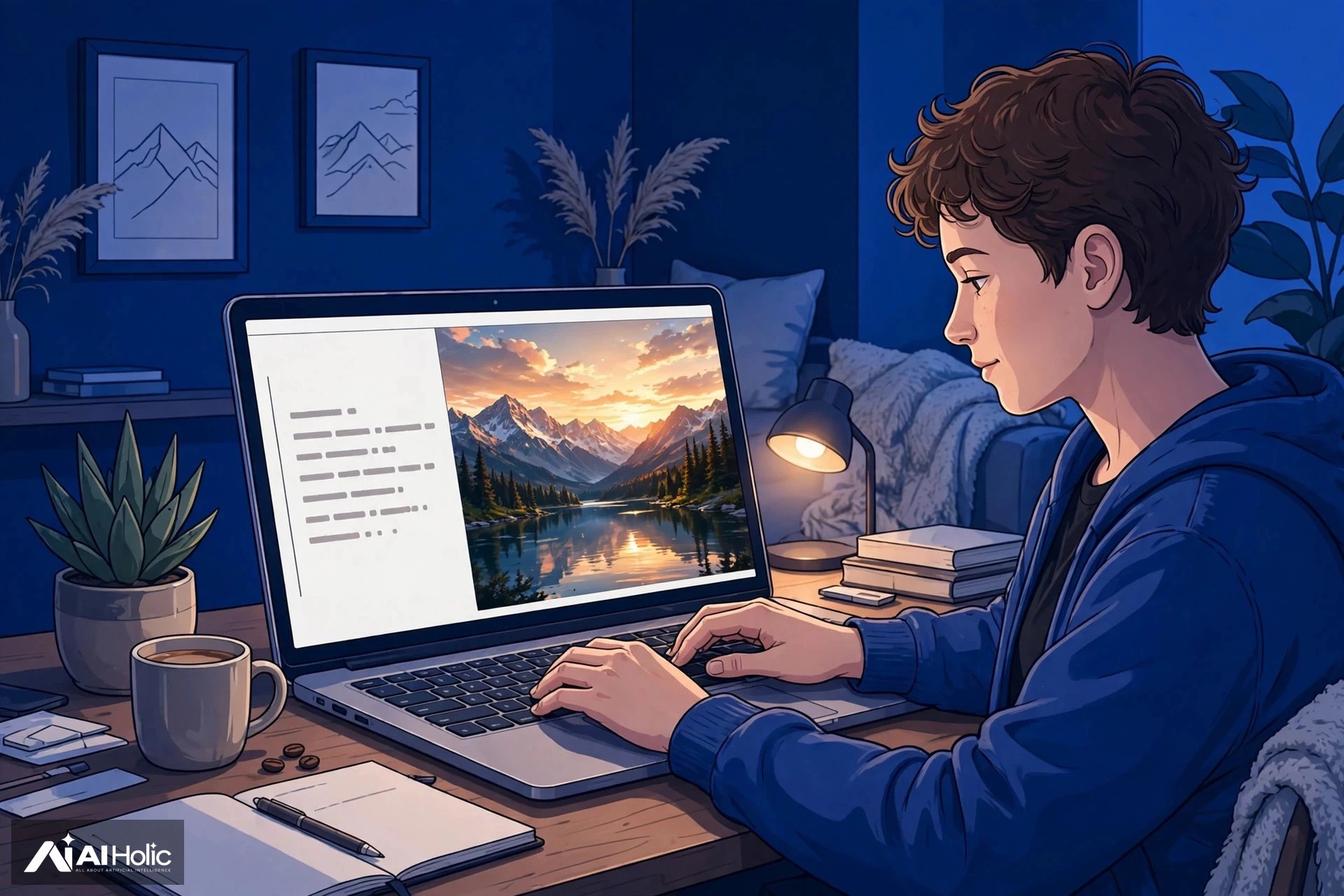
To use the dezgo ai image generator, you do not need to install anything or create an account for the free models. The steps below take you from a blank page to a saved image in a few minutes. Try them with a simple prompt first, then refine it.
- Open the site and pick a mode. Choose text-to-image for a fresh picture, or image-to-image if you start from a photo you already have.
- Pick a model. Start with a free model such as SDXL Lightning or Flux 1. Free models are marked in the list, so check the label before you generate.
- Write your prompt. Describe the subject, the style, and the mood in one or two short sentences. Add a negative prompt for things you want to avoid.
- Set the size and settings. Pick the image size and, if you want, set the seed, steps, and guidance scale. Keep the defaults on your first try.
- Generate and save. Press generate, wait for the queue, review the results, and download the one you like. You can upscale it or edit it next.
Good prompts are specific. Name the subject, the setting, the light, and the style in plain words. A prompt like “a red bicycle leaning on a brick wall at sunset, photo style” beats a single word like “bicycle” because it gives the model more to work with.
If the first result misses the mark, change one thing at a time. Try a clearer prompt, a different model, or a higher guidance value. Small changes teach you faster than a full rewrite.
Models You Can Use
This tool gives you a long model list in one screen. Some models are free and some need Power Mode credit. The table below lists the main models named in current reviews, with a note on what each one is used for.
| Model | Best for | Cost |
|---|---|---|
| Flux 1 | General images, strong detail | Free |
| SDXL | Detailed art and photos | Free |
| SDXL Lightning | Fast results, quick tests | Free |
| SD 1.5 | Styles, anime, light work | Free |
| Flux 2 / Flux 2 Pro | High-end quality | Paid |
| Nano Banana | Image editing and restyle | Paid |
| Grok Imagine | Fast image and video tests | Paid |
The free list covers most everyday jobs. Flux 1 and SDXL handle general images well, SDXL Lightning is the quick option when you test many prompts, and SD 1.5 suits stylised work. Paid models add quality and editing power, so they make sense only when the free ones cannot do the job.
Model names and labels can change, and Dezgo adds new models over time. Check the label on the model you pick before you generate. The free label in the interface is the one that counts.
Is Dezgo Free? What Power Mode Costs
The dezgo ai image generator is free to try, and the free tier is genuinely usable. Free models cover text-to-image, image-to-image, inpainting, background removal, and upscaling with no account and no payment. The trade-off is the shared queue, so you may wait when many people generate at once.
| Plan | What you get | Cost |
|---|---|---|
| Free | Free models, no account, shared queue | $0 |
| Power Mode | Paid models, faster queue, API access | $10 minimum top-up, pay as you go |
Power Mode is pay as you go, not a monthly plan. You add a balance with a $10 minimum top-up, and each generation draws from that balance.
Credits never expire, which suits people who generate in bursts rather than every day. One review reported standard images at about $0.0019 each, but that figure comes from an earlier check and was not re-confirmed, so treat it as a rough guide only.
Before you pay, check the current pricing page on the Dezgo site. Prices and model labels can change without notice. Start on the free tier and add credit only when you need a paid model or faster results.
Pros and Cons
No tool fits everyone. The list below sums up the main strengths and limits found in current reviews.
- Free models with no sign-up. You can test the tool without an account or a card.
- Many models in one place. Flux, SDXL, and other models sit behind one screen.
- No monthly fee. Power Mode is pay as you go, and credits never expire.
- Built-in editing tools. Inpainting, background removal, and upscaling are included.
- Developer API. Apps can call the same models through a REST API.
- Shared queue waits. Free generations can sit in a queue when the service is busy.
- Plain interface. The screen is simple and lacks the polish of bigger rivals.
- Video is still beta. Text-to-video clips are short and can look rough.
- No advanced layer editing. Complex design work still needs a full editor.
- Prices can change. Per-image costs are not fixed, so check before you pay.
Who Should Use It
It fits people who want free, hands-on image generation without a subscription. Bloggers can make quick header art, sellers can test product shots, and students can try prompts without paying. It also suits hobby artists who like to test many models in one place. If your cover art needs a soundtrack to match, our guide to Lalal AI explains how to split a song into clean vocals and instrument stems for your video.
Developers get extra value from the API. The same balance that powers the web tool also powers API calls. Check the API docs for the current endpoints and limits before you build on it.
It fits less well if you need polished video, layered design files, or a team workspace. In that case, a full design suite or a video-first tool will serve you better.
Dezgo vs Other Free Image Tools
Dezgo is one of several free image tools on the market, and each one has a different strength. Krea AI leans toward real-time generation and a more visual workspace, while Whisk AI focuses on fast image mixing from a few inputs. Dezgo stands out for its wide model list and its pay-as-you-go pricing instead of a monthly plan.
If you want a broad view of the free options, our guide to the best free AI image generators compares the main choices side by side. Pick the tool that fits your main job, then learn its settings well instead of jumping between tools every week.
Frequently Asked Questions
Is Dezgo AI image generator free?
Yes. The dezgo ai image generator has a free tier with no account needed.
Free models include Flux 1, SDXL, SDXL Lightning, and SD 1.5 for text-to-image, plus background removal, upscaling, and inpainting. You may wait in a shared queue at busy times, and paid models need Power Mode credit.
Do I need an account to use Dezgo?
No account is needed for the free models. You can open the site and generate images right away. An account and a balance are needed only for Power Mode, which unlocks paid models, faster processing, and API access.
Can I use Dezgo images for commercial work?
Reviews state that users keep the images they generate, but the exact terms can change. Check the current terms on the Dezgo site before you use images in paid work.
Which models does Dezgo offer?
Dezgo lists Flux 1 and 2, SDXL, SDXL Lightning, SD 1.5, Nano Banana, Grok Imagine, WAN, Kling, Sora, Veo, Seedance, and MiniMax. Some are free and some need Power Mode credit. The model list can change, so check the labels on the site.
Does Dezgo add a watermark to images?
Current reviews list the free tier as having no watermark on images. That can change with site updates, so check a fresh output first. The free 512×512 size is the main limit on the free tier.
Conclusion
The dezgo ai image generator is a solid pick if you want free image generation with many models and no monthly fee. Start on the free tier, learn the prompt settings, and add Power Mode credit only when you need it.