AI Remote Management: How AI Runs Your IT From Anywhere
If you don’t want to read the whole guide or have difficulty reading, you can listen to this guide instead.
An ai remote management setup lets one IT team watch, patch, and fix hundreds of computers from a single screen. You do not drive to each office or wait for a user to call. The software checks device health around the clock and flags problems before they turn into outages.
At AI Holic, we cover AI tools that change how teams work, and this guide explains the term in plain words. You will learn what the technology does, how it works, what it costs, the risks to watch, and a simple way to start. The goal is a clear picture, not a sales pitch.
What Is AI Remote Management?
At its core, ai remote management combines remote monitoring and management software with AI. The software, often called RMM, installs a small agent on each device. That agent reports health data to a central console, and AI reads that data to spot trouble early.
Wikipedia describes remote monitoring and management as software that lets IT teams and managed service providers monitor, manage, and support endpoints from one place. The AI layer adds judgment on top of that base. It groups related alerts, scores patch risk, and drafts fixes that a person can approve.
The term has three meanings, and mixing them up wastes time. The main one is the RMM branch covered here.
A second meaning is managing AI hardware itself, such as GPU servers, from a distance. A third is software for managing remote teams of people, which is a different topic.
How AI Remote Management Works
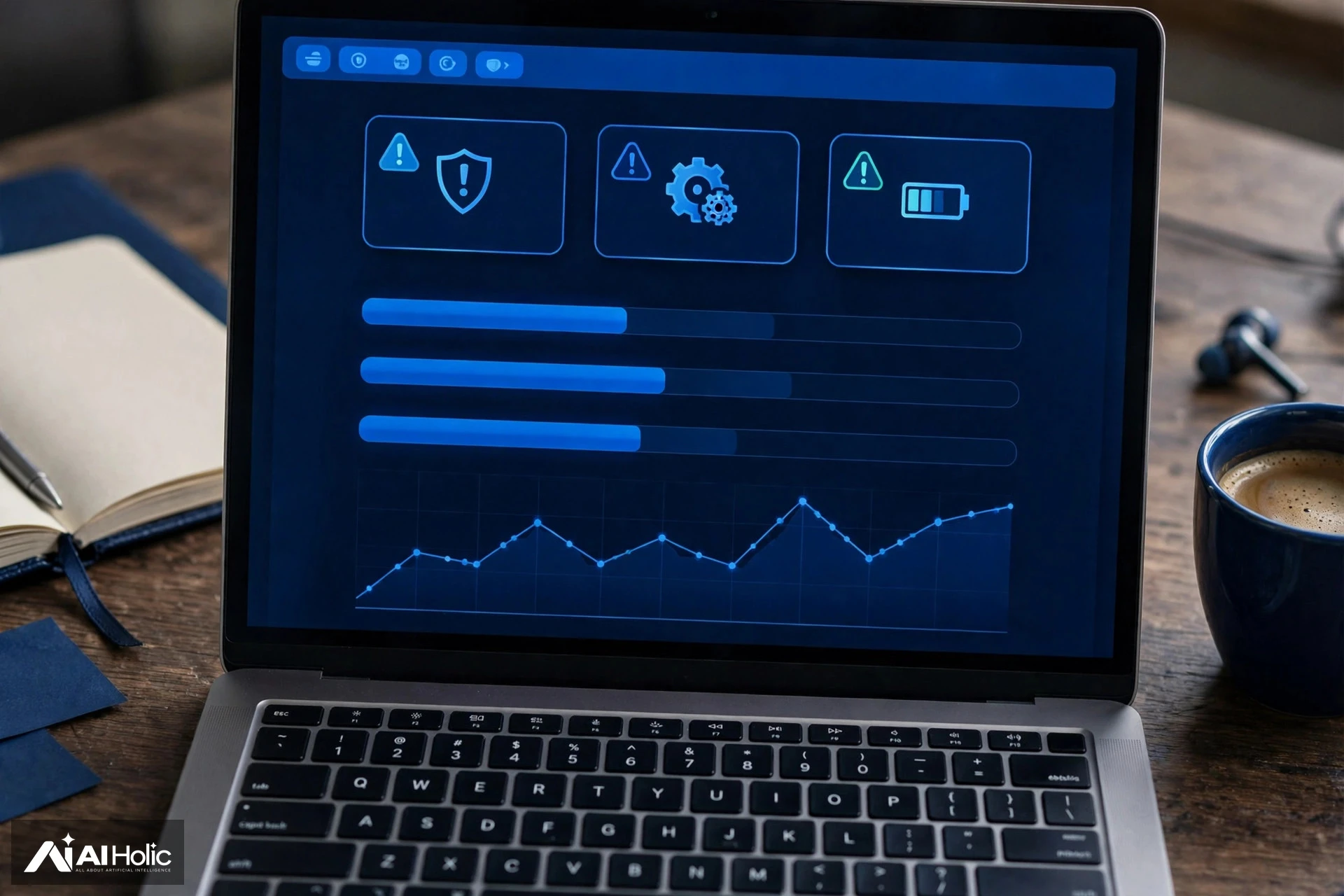
With ai remote management, one console watches your whole fleet. Each agent sends back CPU load, disk space, patch status, and error logs. The console turns that stream into a live view of every device.
The AI layer works in three steps. First it learns what normal looks like for each device, so it can tell a real fault from a busy afternoon.
Then it ranks alerts by risk, so the urgent ones reach a person first. Then it suggests or runs a fix, such as restarting a stuck service or installing a tested patch.
A human stays in the loop for risky actions. Low-risk fixes can run on their own, while reboots and changes to key apps wait for approval. That split keeps speed up and keeps surprises down.
What AI Adds Over Traditional RMM
Traditional RMM already lets a team patch and script devices from one place. AI changes how much of that work needs a person. The table below shows the shift in plain terms.
| Task | Traditional RMM | With AI |
|---|---|---|
| Alert handling | Fixed thresholds page a tech for each breach | Related events group into one ranked alert |
| Patching | Tech picks patches by hand | AI scores patch risk and flags unstable updates |
| Scripting | Tech writes every script | AI drafts scripts from plain-language requests |
| Fault finding | Tech reads logs after a failure | AI flags odd behavior before users notice |
| Reporting | Fixed reports, built by hand | Plain-language answers about fleet health |
Smarter Alerts
Old tools fired an alert for every threshold breach, and teams learned to ignore most of them. AI groups related events and learns each device baseline, so the alerts that reach you are the ones that matter.
Faster Fixes
AI drafts the script or the patch plan, and the tech checks it before it runs. Routine fixes close in minutes instead of hours. That is where the time savings come from.
Plain-Language Control
Some platforms let you ask questions in plain words, such as which laptops still miss a patch. You get an answer without opening five reports. Our guide to AI agent memory in enterprise use cases shows how agents keep context across jobs, which is the same idea at work inside a fleet console.
The Benefits of AI Remote Management
The benefits are real, but the numbers floating around need care. Omdia reports that MSPs using AI see technician productivity gains of 15% to 25% and ticket resolution times cut by 40% to 70%. Those are analyst estimates, not audited results for any one team, so treat them as a reason to run a pilot, not as a promise.
- Fewer site visits: most fixes happen from the console, not from a drive to the office.
- Faster response: problems surface before users call the help desk.
- Steadier patching: updates roll out on a schedule, not when someone remembers.
- Less alert noise: grouped alerts let a small team cover more devices.
- Clear records: every action is logged, which helps audits and billing.
Good dashboards make those gains visible. Our look at Visor AI capabilities and reporting dashboards shows what useful fleet reporting looks like, and the same ideas apply to any RMM console.
The market itself is growing fast. Wikipedia notes the global RMM market at about USD 5.4 billion in 2024, with forecasts past USD 12 billion by 2033. Growth like that means more choice, and more need to compare platforms with care.
The Other Branch: Managing AI Infrastructure
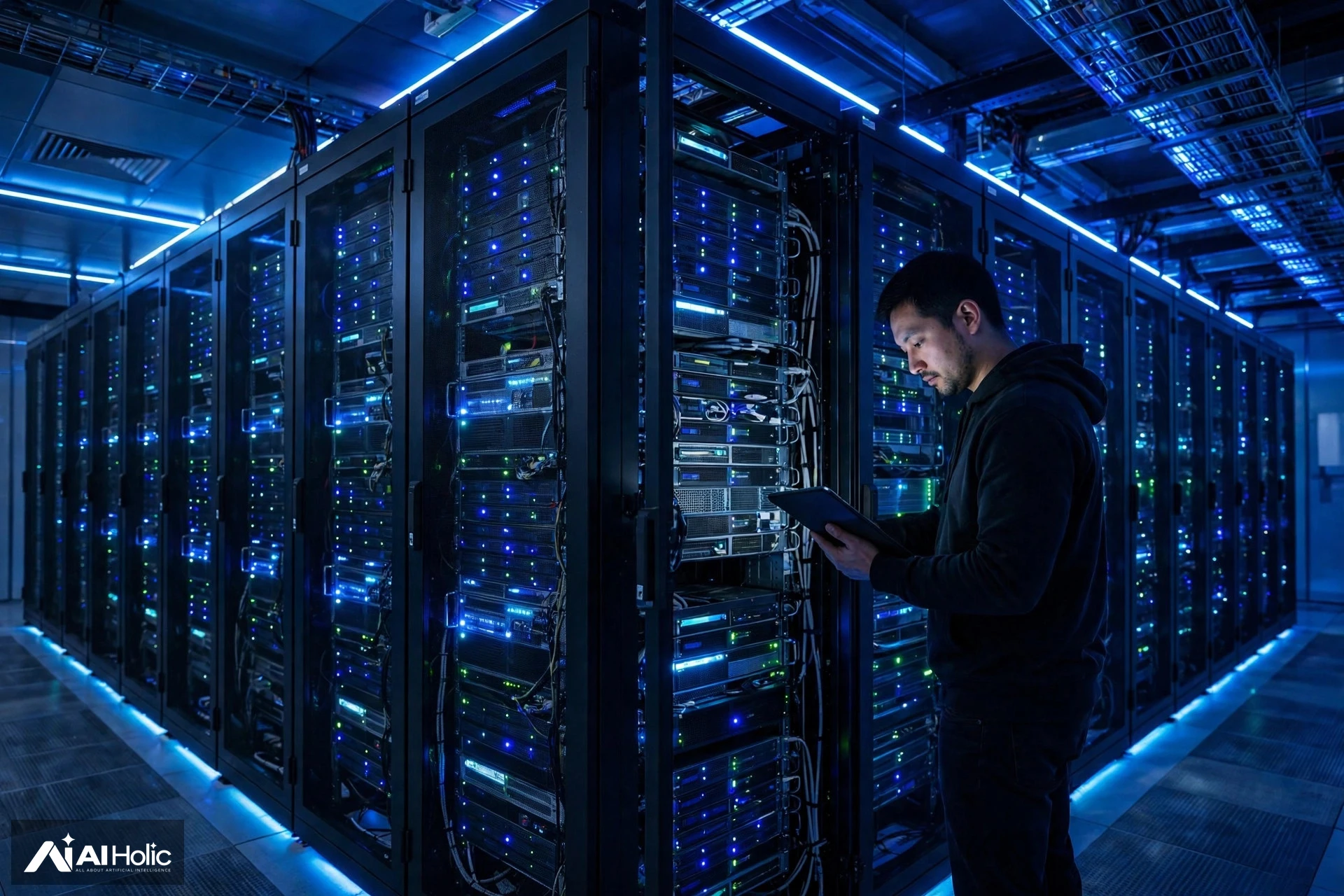
If you run GPU servers or a data center, the phrase means something else. You need to reach machines that may be off, crashed, or cut off from the network. That job uses out-of-band management, a separate control path that stays live when the main network is down.
Wikipedia defines out-of-band management as access through a management plane separate from the production network. It lets an admin reboot a server, reach the BIOS, or reinstall an OS without being in the room. Hardware vendors build this into server boards, often under names such as IPMI or lights-out management.
This branch costs more than software alone. It needs dedicated hardware, cabling, and a separate network. Buy it when downtime costs real money, not because a brochure mentions AI.
How to Choose a Platform
Start by naming the job. If you manage laptops, desktops, and servers, RMM is the right category.
If you enroll and lock down employee phones, you need mobile device management instead. If you only need to take over a screen now and then, plain remote access is enough.
Then check the AI claims one by one. Ask whether the AI features are live in the product today or still on a roadmap.
Ask which actions run on their own and which need approval. A demo on your own devices tells you more than a slide deck.
Pricing usually follows one of two models, and the table below shows the trade-off. Run the math on your real device count and tech count before you sign. Setup fees, migration work, and paid AI add-ons can change which model wins.
| Model | How you pay | Best for | Watch out for |
|---|---|---|---|
| Per device | A fee for each managed endpoint | Large fleets with few techs | Costs climb as devices grow |
| Per technician | A flat fee per tech, unlimited devices | Small teams, many devices | AI features may cost extra |
| Quote-based | Price set after a sales call | Large or complex fleets | Hard to compare without quotes |
Trial the shortlist on real work. Set pass or fail tests before the trial starts, such as onboarding ten devices, patching them, and closing a test ticket. A trial on your own fleet tells you the truth about fit, speed, and alert quality.
Security and Governance First
A remote management tool holds the keys to your whole fleet, so it is a prime target. Attackers have abused RMM tools as a way in, since the software is trusted and widely installed. Lock it down before you turn on automation.
Put these controls in place first. Use multi-factor login on every admin account and limit who can run remote sessions.
Log every session and every automated action so you can trace what happened. Keep the management network separate from normal traffic where you can.
AI agents add a second layer to govern. Give each agent its own identity, keep a list of what each agent can touch, and set least-privilege access. Our guide to AI agent identity and access control explains how to keep agent identities separate from human ones, which is the same control your RMM agents need.
A Simple Rollout Plan
Roll out in stages instead of switching everything on at once. Start with ai remote management on a small group of low-risk devices, such as office laptops outside work hours. Watch the alerts for a week and tune them before you add more.
- Install agents: check every device shows up in the console before you automate anything.
- Watch passively: let baselines settle so alerts reflect real faults, not setup noise.
- Automate low-risk jobs first: patching and disk cleanup are safe places to start.
- Add approval gates: keep reboots and key apps behind a human check.
- Measure the result: compare ticket time and fix time before and after, then decide what to automate next.
Keep a human in the loop for high-impact actions. Automation should cut routine work, not make choices you cannot undo.
Frequently Asked Questions
What is ai remote management?
It is the use of AI inside remote monitoring and management software. A small agent on each device reports health data to a central console, and AI reads that data to group alerts, score patch risk, and suggest or run fixes. The goal is fewer site visits and faster fixes, with a person still approving risky actions.
How is it different from traditional RMM?
Traditional RMM already monitors and patches devices from one console, but a person writes every rule and script. AI adds learning: it spots odd behavior, groups noisy alerts, and drafts scripts from plain words. The base job is the same, and AI cuts the manual work around it.
Do small teams need it?
A small team with a few dozen devices can start with basic monitoring and patching, and AI features help most when the fleet grows past what one person can watch. If you manage under twenty devices in one office, a simple tool may be enough. Start with the job, not the feature list.
Is it safe?
It is safe when it is locked down, and risky when it is not. Use multi-factor login, limit admin rights, log every session, and keep automation behind approval gates for risky actions. The tool holds wide access, so treat its security as part of the job, not an extra.
What does it cost?
Most platforms charge per device or per technician, and some charge only after a sales call. Per-device fees grow with your fleet, while per-technician fees stay flat as devices grow. AI features are sometimes a paid add-on, so ask what is included before you compare prices.
Conclusion
Start small with ai remote management on a low-risk group of devices, measure the time it saves, and widen the rollout only when the numbers prove it. Pick the platform that fits your fleet, lock down access first, and keep a person approving the risky fixes.