AI Agent Identity Separate From Human Identity Access Control: A Practical Setup Guide
If you don’t want to read the whole guide or have difficulty reading, you can listen to this guide instead.
When an AI agent books a meeting or refunds a customer, the audit log should name the agent, not you. Yet many teams still hand agents a human login, so every action looks like a person did it. That is the exact problem ai agent identity separate from human identity access control solves, and this guide shows you how to set it up in plain steps.
At AI Holic, we read the current guidance from Gartner, NIST, Okta, and iProov and turned it into one practical guide. You will learn why shared logins break audits, what a separate agent identity looks like, and which checks to put in place before your next agent goes live.
The Short Answer: What Separate Agent Identity Means
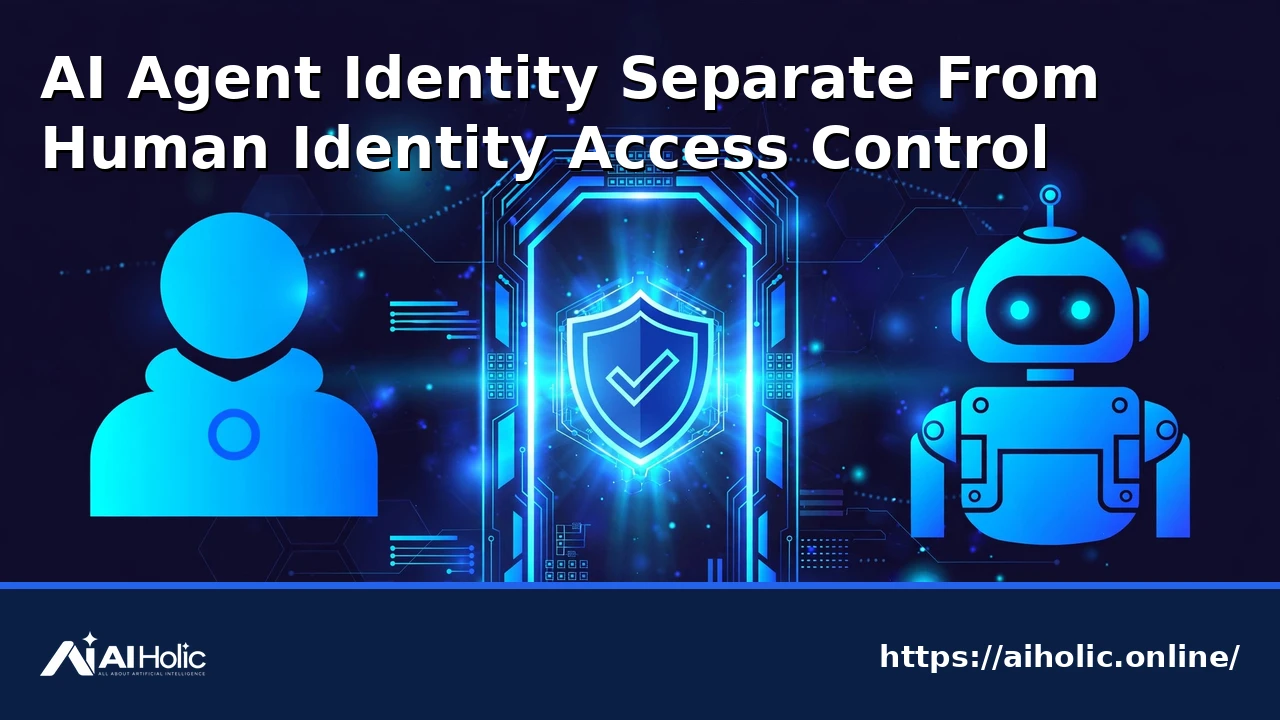
ai agent identity separate from human identity access control means every agent gets its own registered identity in your identity system, with its own owner, its own narrow permissions, and its own audit trail. The agent never signs in as a person, and a person never lends the agent their login. When the agent acts, the log names the agent, and when the work ends, you can switch the agent off without touching any human account.
This matters because agents now take real actions. They read files, send messages, move money, and change records, often at machine speed and outside office hours. If those actions sit under a human name, no one can prove who did what.
Why Agents End Up Using Human Credentials
Most teams do not plan to share logins. The agent needs access fast, the project has a deadline, and a human account already has the right permissions, so someone pastes the key into the agent setup and moves on. It feels practical in the moment.
Shared service accounts cause the same problem. A workflow routes through one generic account, a developer wires an agent to an API with a long-lived key, or five agents share one login because no one set up identities for them. Our guide to AI agent memory in enterprise use cases shows how agents also keep context across tasks, which makes a shared login even harder to untangle later.
The pattern is common in customer support and sales tools. Our look at AI agents in ecommerce automation shows the same shortcut in online stores, where a support agent often runs on a shared login so it can read orders and issue refunds without a fresh review. That works until a refund goes wrong and the log points at a person who never touched the order.
What Breaks When an Agent Shares Your Identity
Three things break at once, and each one matters on its own. The audit trail loses its meaning, the team loses proof of who acted, and the agent gains far more access than its task needs.
The Audit Trail Stops Telling the Truth
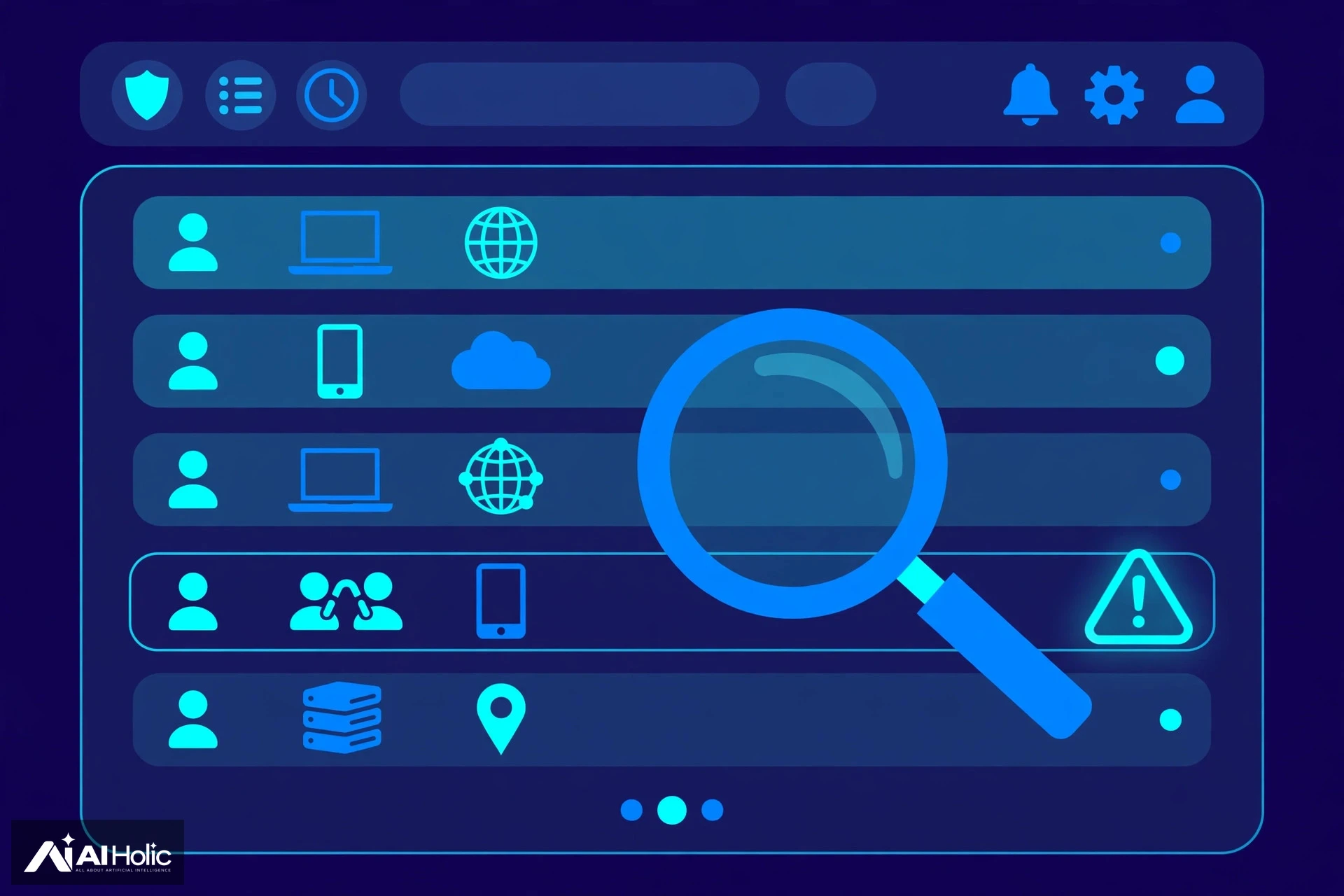
An audit log is only useful if it names the real actor. When an agent works through an employee account, the log says the employee opened a file, changed a record, or approved a payment.
The employee may have been asleep at the time, and no one can prove otherwise. Investigators then face a log full of entries they cannot trust.
Regulators, customers, and insurers all read audit trails when something goes wrong, and a trail that mixes human and agent actions cannot answer the first question they ask: who did this. Separate identities fix that by giving each agent its own line in the log.
Non-Repudiation Fails
Non-repudiation means a person cannot deny an action they took, because the proof ties the action to them alone. Wikipedia defines non-repudiation as associating actions with a unique individual, and it notes that sharing accounts breaks that link. When a human and an agent share one login, neither side can prove which of them acted, so the proof falls apart for both.
The cost shows up in disputes and claims. A payment, a contract change, or a data export made by an agent can be blamed on the employee whose login was used, and the employee has no way to clear their name. A separate agent identity keeps that blame where it belongs.
The Agent Gets Too Much Access
A human login carries the full permission set of a job role, and an agent that borrows it inherits all of it. The agent may only need to read one invoice, but the login also lets it read payroll, change settings, and export customer lists. Attackers know this, and a stolen agent credential becomes a master key instead of a single-purpose pass.
Over-permission is the quiet risk in most agent setups. Narrow permissions set at the start remove that risk before it can grow.
Human Identity vs Agent Identity: What Changes
The table below shows the practical differences side by side. Identity and access management covers both columns, and it treats agents as a new kind of actor with the same rules. Read the agent column as a checklist for your own setup.
| Aspect | Human identity | Agent identity |
|---|---|---|
| Owner | A named person | A named human owner, not the agent itself |
| Sign-in | Password plus MFA | Short-lived token or certificate, no password |
| Permissions | Role for a job | Narrow scope for one task or workflow |
| Credentials | Last months or years | Expire in minutes or hours |
| When access ends | When the person leaves | When the task ends or the agent retires |
| Audit log shows | The person who acted | The agent, its owner, and the task |
Notice the owner row. An agent identity always has a human owner who answers for it, and that owner approves its permissions. That split is the whole point: the machine acts, and a named human stays accountable.
Setting Up AI Agent Identity Separate From Human Identity Access Control
ai agent identity separate from human identity access control is a setup job, not a product you buy once. The steps below work for a small team with a standard identity provider, and they scale up to larger fleets. Work through them in order, and do not skip the review step at the end.
- Register each agent as its own identity in your identity provider, with a clear name, a named human owner, and a written purpose.
- Give the agent only the permissions its task needs, and write down what it may touch and what it may not.
- Issue short-lived credentials that expire after the task, and store long-lived secrets in a vault, never in agent code.
- Log every agent action with the agent identity, the task, and the human who authorized it.
- Review agent identities on a fixed schedule, and remove any agent that no longer has a job.
- Retire the identity the day the agent retires, and revoke its credentials at the same time.
The review step is the one teams skip most. Agents pile up as projects end, and old identities keep their access for months after anyone remembers them. A monthly check takes an hour and catches the orphaned agents that become the easiest way in for an attacker.
Short-Lived Credentials and Least Privilege
A long-lived API key is a standing invitation. Anyone who copies it can use it for weeks, and the team may never know it leaked.
Short-lived credentials fix that by expiring in minutes or hours, so a stolen token is useless before an attacker can use it. The agent asks for a fresh credential each time it starts a task, and the identity system checks its scope before issuing one.
Least privilege is the matching rule on the permission side. The agent gets the smallest set of rights that lets it finish the task, and nothing more.
A refund agent reads one order, not the whole customer list, and a reporting agent reads data, but never writes it. When the task ends, the rights end with it, so there is no standing access left behind.
Okta calls this zero standing privileges, and its orchestration guidance pairs it with just-in-time tokens issued for one task at a time. The idea is simple: access exists only while the work exists.
Identity Proves Who Acted, Not What Was Approved
Here is the part most guides miss. ai agent identity separate from human identity access control tells you which agent acted and under whose authority, but it does not prove that a named person approved the specific action. An agent can hold a valid identity and still do something its owner never wanted, because it misread the request or was tricked by hidden text in a document.
Identity is the first half of the answer, and approval is the second. A guardrail dashboard is the other half in practice: our lasso security ai agent guardrails dashboard guide shows what a security team sees when it watches agent chats and rules in one place.
Authentication and authorization are two different questions. The first asks who you are, and the second asks whether you may do this exact thing right now.
A valid login answers the first and says nothing about the second. That is why a shared employee login is such a weak base: it hides both questions inside one sign-in, and neither gets a real answer.
Intent-based access control is one answer taking shape now. It checks the agent’s planned action against the intent of the human request before the action runs.
Gartner describes it as granting access based on the captured or inferred intent of the user, and iProov notes that inferred intent is useful input, not proof of approval. The approval itself still needs a separate step that the agent cannot fake.
Keep a Human in the Loop for High-Risk Actions
Some actions should pause for a person, no matter how good the agent is. Moving money, changing a payee, raising a privilege, or editing an agent’s own permissions all belong on that list. The workflow holds the action, shows a person exactly what will happen, and only runs it after that person approves it.
Okta’s example puts the line at refunds over $500, which is a sensible place to start.
The approval must travel outside the agent’s reach. If the agent presents the request and also collects the answer, it can shape both sides.
The control layer should show the action to the approver through its own channel, and the approval should name the approver, the action, and the limits they saw. That record is what an auditor will ask for later.
Delegation Chains and Audit Trails
A delegation chain is the written record of who gave the agent its authority. It names the person who approved it, the policy that covers it, the limits that apply, and the date it expires. When an auditor asks who allowed an agent to process refunds, the chain gives a complete answer in one place.
Chains matter most when agents hand work to each other. One agent plans, another fetches data, and a third checks the result, and each handoff should carry the identity of the agent passing the task and the human who started it.
Okta calls this the on-behalf-of flow, and it keeps a full chain of custody from the first request to the last action. Without it, a task that crossed three agents looks like one mystery actor in the log.
ai agent identity separate from human identity access control makes these chains possible at all. You cannot build a chain around an actor your system does not recognize, and you cannot audit actions that carry no name. Register the agent first, and the chain, the log, and the review all follow from that one decision.
Our guide to AI agents for cybersecurity compliance auditing explains how this kind of traceable access supports audit work in regulated teams, where every action needs a named actor and a reason. The same pattern applies outside regulated work too: a clean trail saves hours whenever anyone asks what an agent did and why.
Why RBAC Alone Falls Short for Agents
Role-based access control works well for people, because a person brings judgment to the role. A refund clerk with a refund role does not process a fake refund, because they can see the risk.
An agent with the same role has no such restraint: it will read any customer record the role allows, whether or not the task needs it. The role is too wide, and the agent is too fast for a human to catch the extra reads in time.
The fix is to add attribute and relationship checks on top of roles. Attribute-based control asks whether this agent may do this action on this data under these conditions, and relationship-based control asks whether the data belongs to the customer in the current task.
Together they narrow a broad role down to one purpose, one task, and one time window. ElixirData calls the result purpose-bound access, and it is the model most agent teams are moving toward.
| Factor | Traditional RBAC | Purpose-bound access (ABAC/ReBAC) |
|---|---|---|
| Data reach | All records the role allows | Only the records in this task |
| Duration | Until the role is removed | Until the task ends |
| Scope | Whole resource category | Specific resources for one job |
| Context | Same rights in every situation | Rights change with task, tenant, and risk |
| Audit detail | “User read customer data” | “Agent X read customer Y’s refund history for task Z” |
You do not need to throw out your current roles. Keep human RBAC as it is, and add the agent layer on top of it. The agent model borrows the identity system you already run, and it adds the narrow checks that agents need.
Common Mistakes to Avoid
- Sharing one service account across several agents, so no log can say which agent acted.
- Storing a long-lived API key in agent code or a config file where anyone with repo access can read it.
- Giving an agent the permissions of the person who launched it instead of a scope written for the task.
- Skipping the owner field, so no one is responsible when the agent misbehaves.
- Letting retired agents keep their identities and credentials after the project ends.
- Treating a valid login as proof of approval for high-risk actions.
- Reassigning an agent to a new owner without fresh verification from the person taking over.
The rebinding mistake deserves a closer look. Moving an agent to a different owner is a change of identity, not a field update, and it should need the new owner to confirm they accept the risk.
An ownership record that anyone can edit leaves the chain open to dispute, and a disputed chain is useless in an audit. iProov flags this exact case, and it is worth building into your process from day one.
Frequently Asked Questions
What is AI agent identity?
It is a unique, registered identity given to an AI agent inside your identity system, with its own owner, its own scoped permissions, and its own audit trail. The agent signs in as itself, never as a human, and every action it takes is logged under its own name. Identity providers such as Microsoft Entra now offer agent identities as a standard feature.
Do AI agents need separate identities from users?
Yes. ai agent identity separate from human identity access control is the standard that Okta, Gartner, and NIST guidance all point toward, because shared logins hide the agent inside a human audit trail. A separate identity stops privilege escalation, keeps the audit trail honest, and lets you switch an agent off without touching any person’s account.
Can I use a service account as an agent identity?
A service account gives an agent a login, but it is not an agent identity. A real agent identity adds a named owner, scoped permissions, a version history, and a delegation chain, and it ties every action to the task that caused it. A shared service account has none of that, so several agents behind one account are still invisible to your audit trail.
What are short-lived credentials?
They are tokens or certificates that expire after minutes or hours instead of lasting for months. The agent requests a fresh credential for each task, and the identity system checks its scope before issuing it. If a credential leaks, it expires before an attacker can use it, which turns a serious breach into a minor event.
How do I audit what my AI agents did?
Start with the delegation chain, which names who authorized each agent, under which policy, and until when. Then read the audit trail, which should show each action with the agent identity, the task, and the human request behind it. ai agent identity separate from human identity access control makes both records possible, because every action carries a name your system recognizes.
Does separate identity slow agents down?
It adds a short check at the start of each task, while the identity system issues a scoped credential. That check takes seconds, and it replaces the slow work of untangling a shared audit trail after something goes wrong. Low-risk tasks run without friction, and only high-risk actions pause for a human approval.
Conclusion
ai agent identity separate from human identity access control gives every agent its own name, its own narrow permissions, and its own audit trail, while a named human stays accountable. Register your agents, issue short-lived credentials, and hold high-risk actions for approval, and your audit trail will finally tell the truth.