Lasso Security AI Agent Guardrails Dashboard: What It Shows and How It Works
If you don’t want to read the whole guide or have difficulty reading, you can listen to this guide instead.
Your AI agents talk to tools, files, and customers all day, and each of those chats can leak data or follow a bad instruction. A lasso security ai agent guardrails dashboard is the screen where a security team watches those chats and stops the risky ones. This guide explains what the dashboard shows, how its guardrails work, and who it fits.
Lasso Security is an enterprise platform that watches AI models, agents, and apps. Its dashboard pulls every flagged chat, every agent, and every rule into one place, so the team can act fast instead of digging through logs.
At AI Holic, we explain AI tools in plain words. Read on to see each dashboard view, the steps to set up a guardrail, and the limits to know before you ask for a demo.
What Lasso Security Is
Lasso Security is an enterprise GenAI security platform from Israel. It started in 2023 and now serves teams that run AI models, agents, and apps at work. Its job is to give security teams sight of every AI chat and agent action, then block the ones that break policy.
The platform works in five stages: first it finds what AI is in use, then it checks the risk, then it tests models with attack simulations, then it enforces guardrails, and last it protects live chats in real time. The lasso security ai agent guardrails dashboard is the screen where all five stages come together.
One name note matters. A separate open-source project called LASSO also exists on PyPI, and it wraps coding agents in sandboxed containers with its own local dashboard. It is a different product from Lasso Security, and this guide covers Lasso Security only.
Lasso Security names customers such as the US Department of Homeland Security, eToro, Kaltura, and Optibus on its site. It also reports that its checks run in under 50 milliseconds with 98.6 percent accuracy. Treat those figures as vendor-reported, since no independent test backs them in public.
| Stage | What it does | Dashboard view |
|---|---|---|
| Find | Lists every AI model, agent, and app in use, including tools staff use without approval | AI Inventory |
| Assess | Checks risk across the AI stack and its supply chain | Risk scores |
| Test | Runs attack simulations against models and agents | Red teaming |
| Enforce | Applies guardrails and rules to live AI work | Guardrails |
| Protect | Watches chats in real time and blocks risky ones | Conversations |
Lasso Security AI Agent Guardrails Dashboard: The Main Views
When you open the lasso security ai agent guardrails dashboard, you land on a set of views that each answer one question. The Conversations view shows what happened, the AI Inventory shows what exists, and the Guardrails view shows the rules. The MCP Gateway view shows agent tool traffic, and the Red Teaming view shows weak spots.
| View | What you see | What you can do |
|---|---|---|
| Conversations | User risk scores, issue types, most-used tools, flagged chat log | Filter, open, and act on flags |
| AI Inventory | Each agent and app with vendor, tool count, usage, and environment | Spot shadow AI and unapproved tools |
| Guardrails | Saved rules, checks, and actions | Create, edit, and test rules |
| MCP Gateway | All MCP servers and agent tool traffic in one place | Watch and filter agent tool calls |
| Red Teaming | Attack simulations and risk scores | Find weak spots before attackers do |
The dashboard is built for a security team, not for a single user. A team lead can see risk across the whole company in one morning check, while an analyst can open one flagged chat and see the exact text that set off the rule. That split is what makes the dashboard useful at scale.

The Conversations View
The Conversations view is the daily workhorse of the dashboard. It shows user risk scores, issue types, and the most-used AI tools, over a filterable log of flagged chats. Each row is one chat that broke a rule or came close, and you can open it to read the full exchange.
The issue types tell you what to fix first. Common flags include prompt injection, PII in a chat, and data that should never leave the company. A prompt injection is a crafted input that tries to make a model ignore its rules, and Wikipedia explains prompt injection in plain terms.
The lasso security ai agent guardrails dashboard ranks users by how often their chats trip rules. A high score may mean a person needs training, or it may mean their agent touches risky data by design. Either way, the score tells the team where to look first.
This view only works when each agent has its own identity. Our guide to AI agent identity separate from human identity access control explains why shared logins break audit trails, and the same fix applies here: a flag must name the agent that acted, not a person who never touched the chat.
How Guardrails Work in the Dashboard
A guardrail is a rule set that checks AI chats before or after the model replies. In the Lasso dashboard, you build guardrails on the Guardrails page. Each guardrail holds one or more checks, and each check has an action for what happens when it fires.
Two checks come up most often. Scan Content looks at the text for jailbreaks, hate speech, sexual content, illegal content, and policy breaks, while Classifier sorts text into risk types and returns a severity level with each finding. Both return structured findings with the check name, the risk type, the action, and the severity.
The actions are simple: BLOCK stops the chat, WARN lets it through and logs the risk, and AUTO_MASKING hides the sensitive values and lets the rest through. A team picks BLOCK for data leaks and jailbreaks, and WARN or masking for lower-risk flags that still need a record.
Each guardrail you save in the lasso security ai agent guardrails dashboard gets its own ID. You add that ID to your gateway config as an input guardrail, an output guardrail, or both. Input checks run before the model sees the text, and output checks run on the reply before the user sees it.
- Open the Guardrails page in the Lasso dashboard and click Create.
- Pick a check, such as Scan Content or Classifier.
- Set the parameters, such as the timeout for the check.
- Pick an action for each risk level: BLOCK, WARN, or AUTO_MASKING.
- Save the guardrail and copy its Guardrail ID.
- Add the ID to your gateway config as an input or output guardrail, then test it with a risky prompt.
Gateways such as Portkey and LiteLLM can call Lasso as a guardrail provider. That means the same Lasso rules can guard chats that flow through those gateways, and the verdict shows in the gateway logs too.
The AI Inventory View
The AI Inventory view lists each agent and app the platform has found. Each row shows the vendor, the tool count, the usage, the environment, and the red-teaming status. A row with no red-team result is a gap, not a pass.
This view is where shadow AI shows up. Staff often try new AI tools without telling IT, and those tools can hold company data. The inventory maps them all, so the team can approve, limit, or block each one with a clear record.
Agents that keep context across tasks need the same care. Our guide to AI agent memory in enterprise use cases shows how stored context grows over time, and the inventory view is where you see which agents hold that context and what they can reach.
The MCP Gateway View
The Model Context Protocol, or MCP, is an open standard from Anthropic that lets AI agents reach tools and data through one shared format. It arrived in November 2024 and is now used by most major AI providers. Wikipedia gives a short history of the Model Context Protocol and how it works.
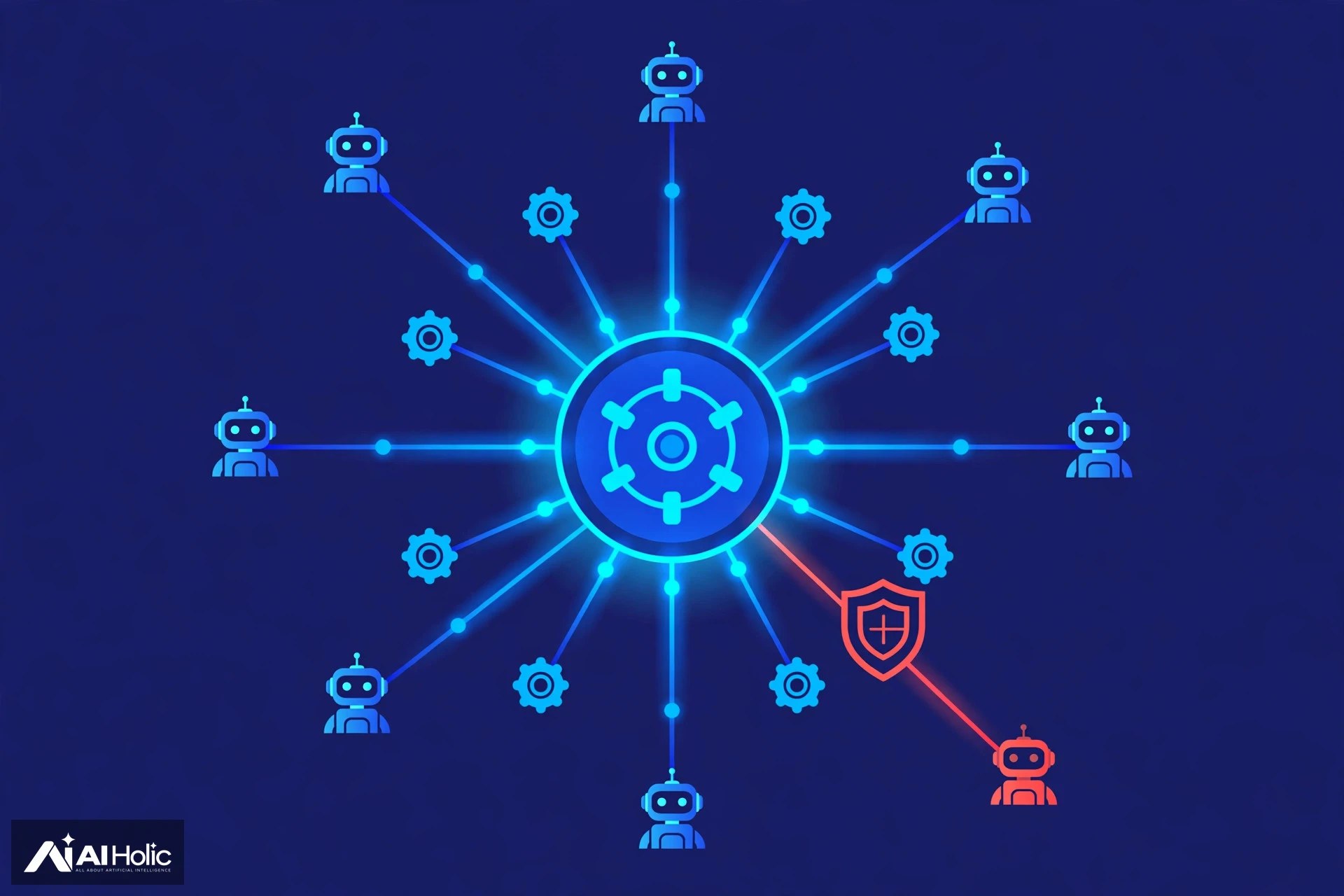
MCP makes agents far more useful, and far harder to watch. An agent can read files, call APIs, and move data through tools the team never sees. Lasso built an open-source MCP Gateway that sits in the middle of that traffic and applies the same guardrails to requests and replies.
The gateway view in the dashboard pulls every MCP server into one screen. You can see which agents call which tools, which calls were blocked, and which servers look risky. A poisoned tool description is a known attack here, since the model reads tool text as instructions, so the gateway filters that traffic before it reaches the agent.
If you plan to build agents on MCP, start with the problem first. Our guide to building agentic AI applications with a problem-first approach explains how to scope an agent before you wire it to live tools.
Pricing and Who It Fits
Lasso Security does not publish prices. You request a demo and get a quote based on deployment size, AI usage, and which parts of the platform you switch on. Plan for an enterprise sales cycle with legal review and a proof-of-value trial before you sign.
If your team runs many agents across departments, the lasso security ai agent guardrails dashboard earns its place fast. Regulated teams in health care, finance, and the public sector gain the most, since audit trails and policy proof matter as much as threat blocking there.
Small teams with one or two chatbots may find it more than they need. Open-source options such as LLM Guard and NeMo Guardrails cover basic input and output checks at no license cost, while Lakera Guard, Noma Security, and WitnessAI are named as commercial options in independent reviews. Pick the scope that fits your agent count, not the longest feature list.
Lasso also reports a library of more than 3,000 attack types for its red-teaming tests. That figure comes from the vendor, so treat it as a claim about test coverage, not a measured result.
Ask for a trial that covers your busiest agent before you commit. A short trial shows whether the flag volume fits your team and whether the guardrails catch real risks without blocking normal work.
Frequently Asked Questions
What is the lasso security ai agent guardrails dashboard?
It is the control screen of the Lasso Security platform. It shows flagged AI chats with risk scores, lists every agent and app in use, holds the guardrail rules, and gives one view of MCP server traffic. Security teams use it to find risky chats, set rules, and prove what was blocked.
Is Lasso Security the same as the LASSO tool on PyPI?
No. The PyPI project named lasso-sandbox is an open-source tool that runs coding agents inside Docker containers with command filters and audit logs, while Lasso Security is a separate enterprise platform for GenAI security. They share a name and a focus on agent safety, but they are different products from different teams.
What does a guardrail check in Lasso?
It checks AI chats for prompt injection, jailbreaks, data leaks, hate speech, sexual content, illegal content, and custom policy breaks. Checks such as Scan Content and Classifier return findings with a risk type, a severity, and an action of BLOCK, WARN, or AUTO_MASKING. Checks can run before the model replies and after.
How much does Lasso Security cost?
Lasso does not publish prices. Pricing is quoted per deployment after a demo, based on scope, AI usage volume, and which parts of the platform you use. Expect an enterprise quote, not a fixed monthly plan on the website.
Can I use Lasso guardrails with LiteLLM or Portkey?
Yes, both gateways list Lasso as a guardrail provider. You take the Guardrail ID from the Lasso dashboard and add it to the gateway config as an input or output guardrail. The Lasso check then runs on chats that flow through that gateway, and verdicts show in the gateway logs.
Conclusion
The lasso security ai agent guardrails dashboard gives your team one place to watch AI chats, list every agent, and enforce the rules that keep data safe. Start with the Conversations view, set one guardrail on your riskiest flow, and check the flags each day. That habit turns agent security from a worry into a routine.