Videographer AI: How AI Tools Help Videographers Work Faster
If you don’t want to read the whole guide or have difficulty reading, you can listen to this guide instead.
A client wants a polished video, and they want it this week. With videographer ai, a small crew can plan, shoot, and edit that video in days instead of weeks. The tools handle the slow jobs, and you keep the creative calls.
At AI Holic, we looked at how working videographers actually use these tools, from the first brief to the final export. This guide covers the tools by stage, the costs, the limits, and a workflow you can copy. You will know what to try first and what to skip.
You do not need a big budget or a big team to start. You need one clear job, one tool per stage, and a habit of checking the result before you send it to a client.
Videographer AI: The Short Answer
In short, videographer ai means software that takes on parts of video work, from writing a shot list to cutting a rough edit. A human still plans the story, runs the camera, and signs off the final cut. The software only clears the repetitive work so the human can spend time on the shots that matter.
| Stage | What AI does | What stays human |
|---|---|---|
| Planning | Script drafts, shot lists, style frames | Story, tone, facts, client sign off |
| Filming | Autofocus tracking, reframing, audio cleanup | Framing, lighting, direction, timing |
| Editing | Transcripts, rough cuts, captions, color balance | Pacing, story choices, final cut |
| Delivery | Captions, formats, versions for each platform | Quality check, client notes, rights |
What Videographer AI Means
The phrase covers two ideas that share one name. The first is an AI videographer service, where software and a small human team produce a finished video without a full crew. The second is the set of AI tools a working videographer adds to a normal shoot.
Both ideas rest on the same fact. A videographer records, edits, and delivers video, and videographer ai is the name for the tools that help at each of those steps. The work has not changed, but the slow parts of it have.
Think of it as a crew member who never sleeps and never argues. It can sort clips, clean audio, and draft captions while you shoot the next scene. It cannot decide which take carries the most feeling, and it cannot read a room full of clients.
How Videographer AI Helps Before the Shoot
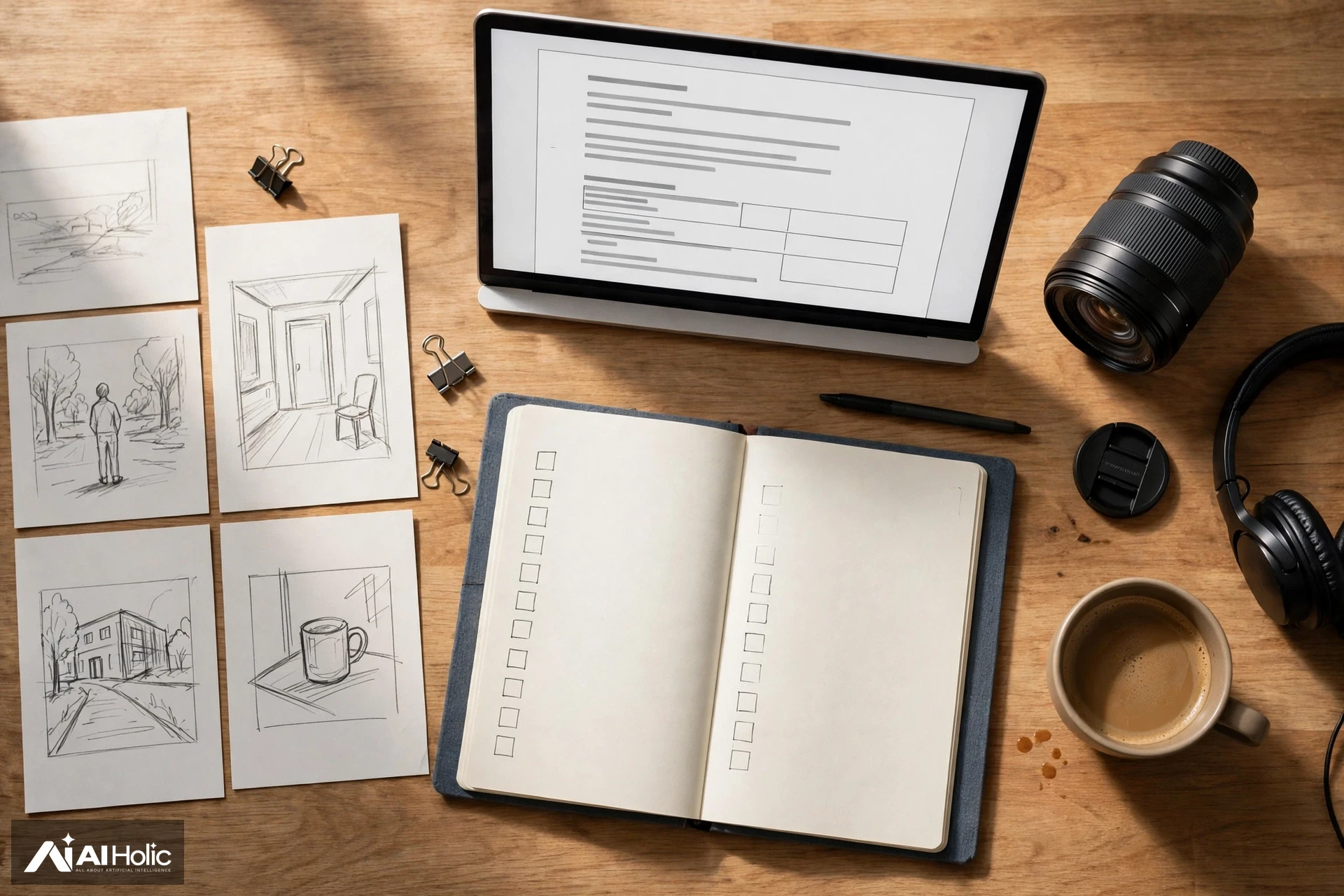
Good video starts before anyone presses record. AI tools can turn a short brief into a script draft, a shot list, and a set of style frames you can show a client. You still fix the tone and the facts, but you start from a draft instead of a blank page.
Storyboards are the clearest win for videographer ai at this stage. You can test a look with still images before you book a location or hire talent. Our guide to the best free AI image generators lists tools that can render those test frames in minutes.
Planning tools can also help with the boring math. They can draft a call sheet, a gear list, and a rough budget from your script. Check every number yourself, since a wrong call time costs more than the minutes you saved.
How AI Helps on the Shoot
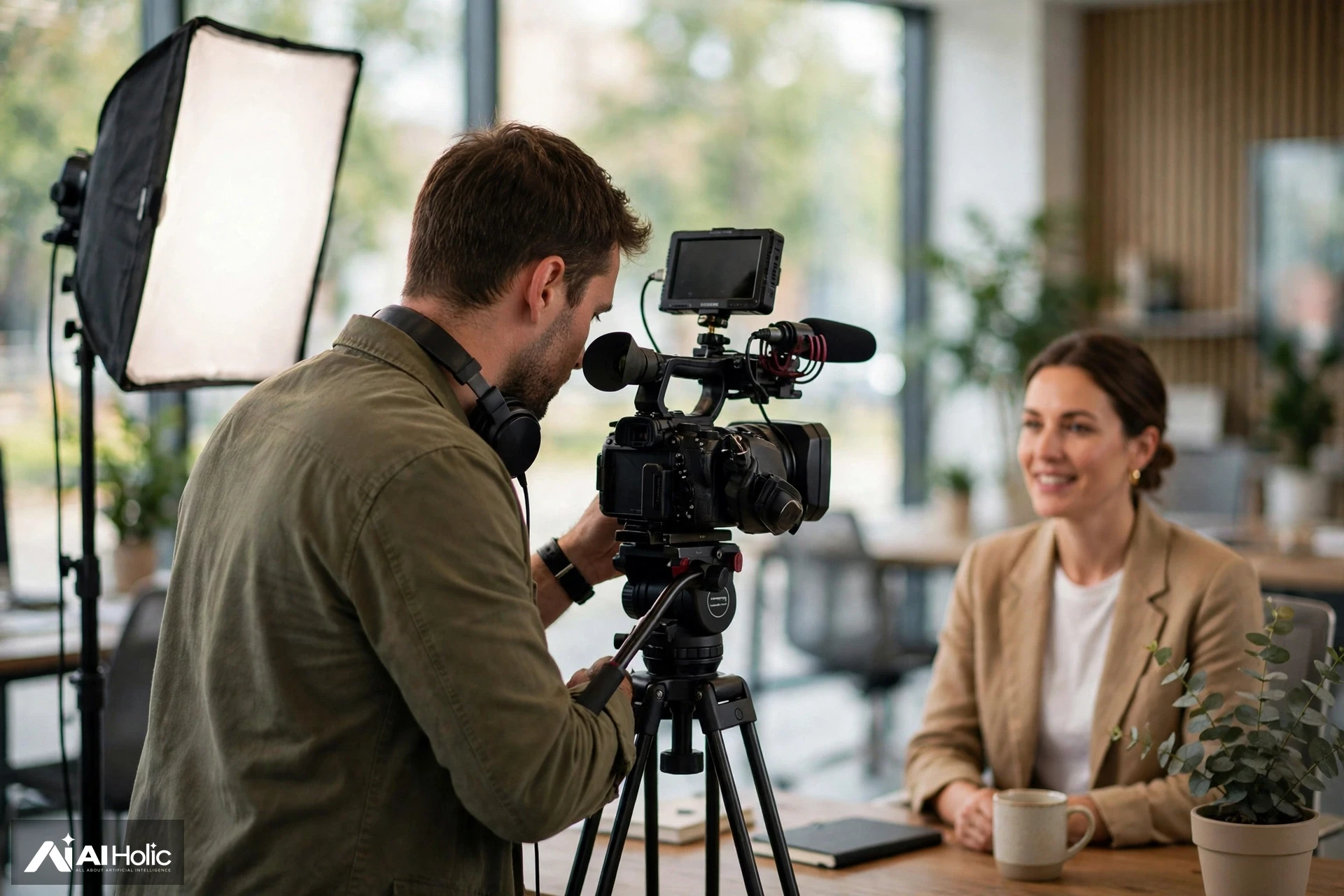
On set, videographer ai shows up inside the camera and the audio kit. Modern cameras use AI autofocus that tracks a face or an eye through a busy scene, and some can reframe a wide shot for vertical video on their own. These features save takes, and they save the shot when a subject moves without warning.
Audio is the quiet win. AI noise removal can clean a hum or a hiss in seconds, and some recorders can separate voices from background sound. You still place the mic close and check levels, because no software rescues a mic that was never near the speaker.
AI can also help with framing and coverage. Some tools suggest shot lists from a script, and drones with tracking modes can follow a subject along a set path. The camera still needs your eye, since software cannot tell a dull angle from a bold one.
How AI Helps in the Edit
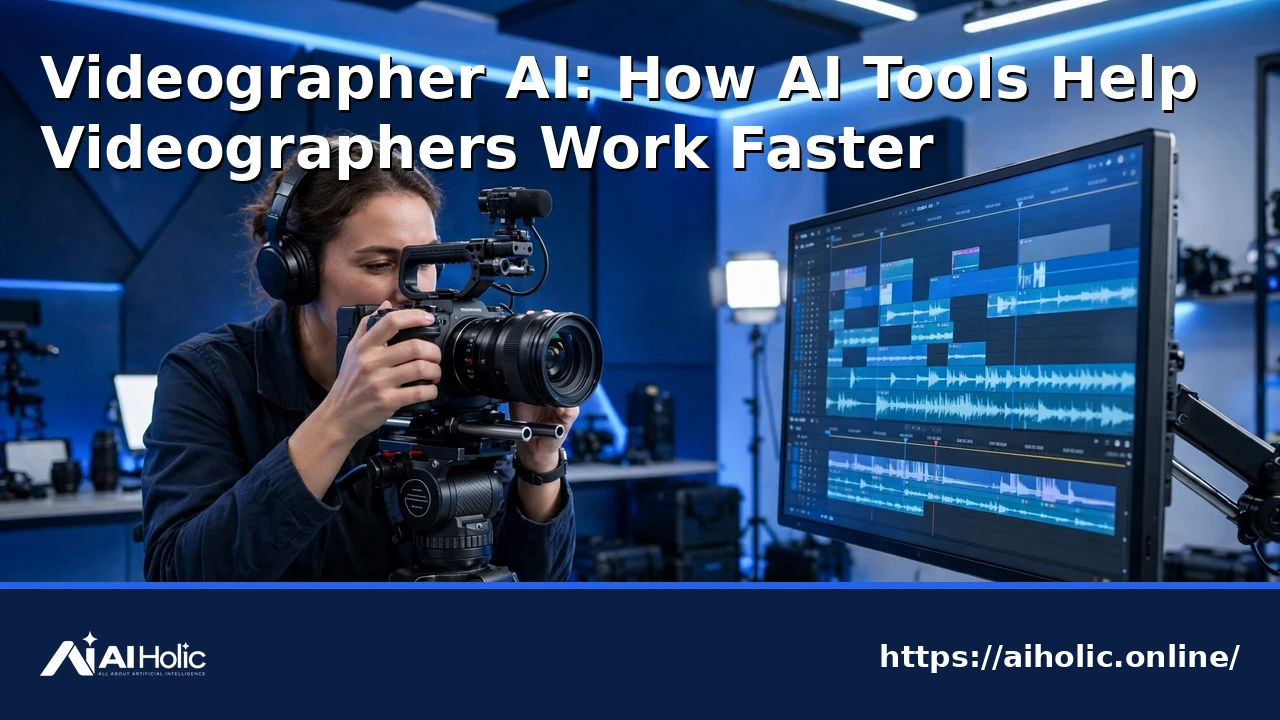
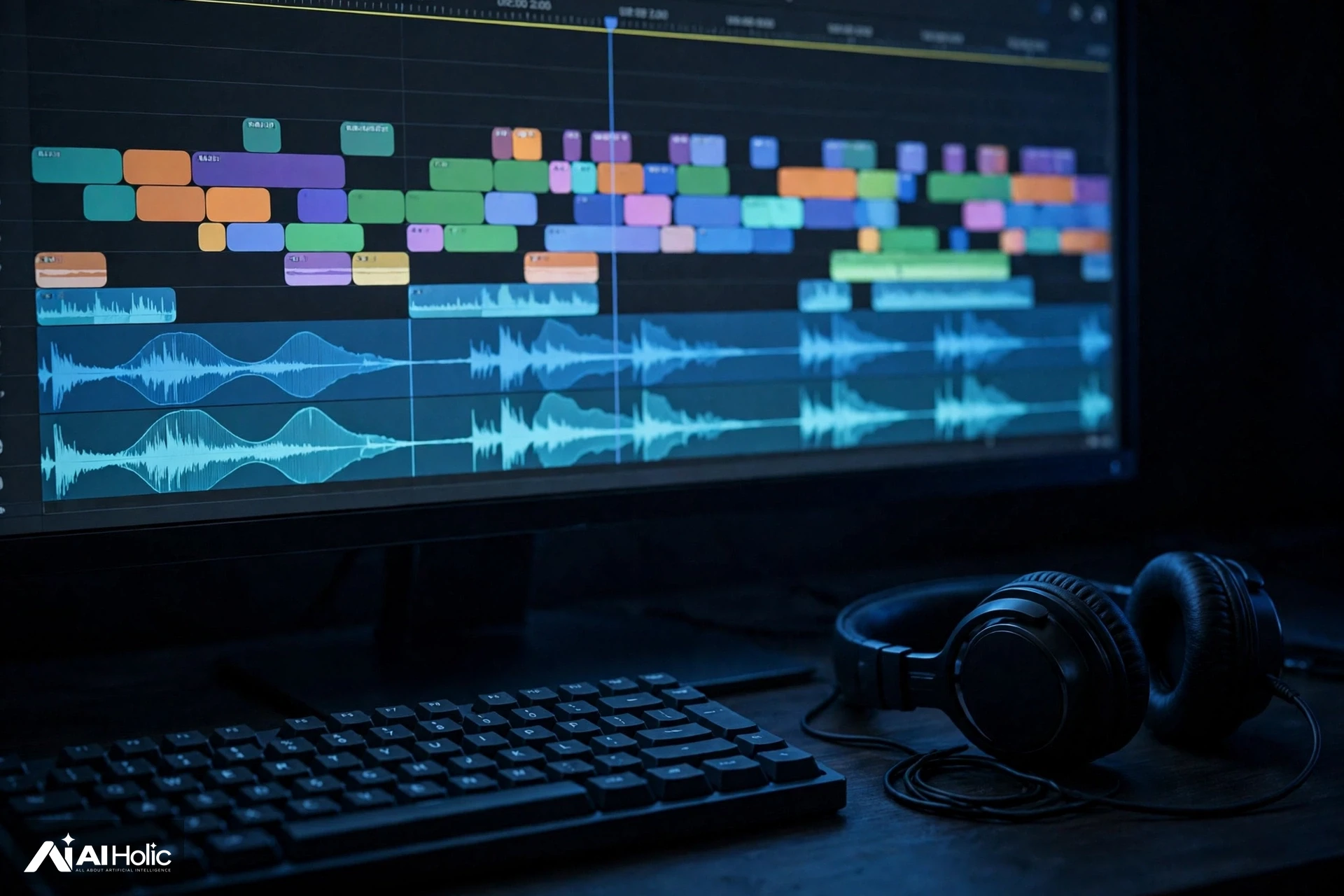
Editing is where AI saves the most hours. Transcription turns speech into text, so you can cut a video by deleting words from a transcript. Silence removal, filler word cleanup, and auto captions all run in minutes, and they turn a rough assembly into a watchable draft fast. Final Cut Pro editors can get styled, timed captions from that transcript with caption pop ai.
Color and sound get the same treatment. Auto color can balance exposure across clips from two cameras, and voice isolation can lift a quiet speaker above room noise. en you need the same person to look right across many clips, our AI video character consistency workflow shows how to hold a look steady from shot to shot.
Old or heavily compressed clips need one more pass before the edit is done. If your footage shows square blocks in dark areas or flat skies, our guide to topaz video ai to remove blockiness video artifacts
As with every other step, videographer ai does the first pass, and you make the final call. When the footage library itself is the problem, describe the shot and let ai visual search from videos do the finding.
The term for this step is video editing, and the tools have changed how fast it moves. A first cut that once took a full day can now reach a client the same afternoon. Spend the saved time on pacing and story, since those are the parts viewers actually feel.
AI Video Generation: What It Can and Cannot Do
Text to video tools can now make short clips from a written prompt, and new tools arrive every month. They work best for backgrounds, product shots, and simple scenes with no people. For a full scene with real faces and real motion, the results still break down, with odd hands, shifting faces, and motion that looks wrong.
That gap matters for client work. A generated clip can fill a hole in a timeline or show a client an idea before a shoot, but it cannot replace a filmed interview or a real place. For videographer ai users, the rule is simple: label generated shots, and keep them away from the heart of the film.
Vendor claims move fast, so check the tool before you plan around it. Our check on whether Grok AI can generate videos shows how one popular tool handles video today. Treat every new generator the same way: test it on a small job first.
What Videographer AI Costs
Costs vary by job, but the pattern is clear. A traditional crew bills for people, days, and gear, while videographer ai tools bill by the month or by the credits you use. A small job can cost less than a single crew day, while a big campaign still needs people on set.
Gisteo, a video agency that sells AI video production, puts a traditional marketing video at $10,000 to $100,000 or more, and its AI videos in the low thousands. Those are vendor numbers from its own sales page, so treat them as one seller’s range, not a market rate. Get three quotes for your own job, and ask what each quote covers, from revisions to rights.
| Job type | Typical AI route | Main cost driver |
|---|---|---|
| Social clip | One monthly tool plan, solo edit | Tool plan and your time |
| Corporate interview | Small crew plus AI edit and captions | Crew day and revisions |
| Wedding film | Full shoot, AI assisted edit | Shoot hours and edit hours |
| Product ad | AI clips plus filmed hero shots | Studio time and reshoots |
Where AI Falls Short
AI cannot read a client. It cannot tell when a joke lands flat, when a pause carries weight, or when a shot needs to stay quiet. Those calls belong to the person in the room, and they are the reason clients hire a videographer instead of buying software.
Consistency is the second weak spot. A face, a voice, or a brand color can shift from clip to clip, and the fix is always manual review. Watch every generated clip at full size before it goes near a client, and keep a human check at the end of every job.
Rights and consent form the third limit. Cloning a voice or a face needs written consent, and generated music or images may carry limits on commercial use. Tell clients when parts of a video are AI made, and keep the consent forms with the project files.
A Simple Videographer AI Workflow
This videographer ai workflow fits a one or two person crew. It uses one tool per stage, and it keeps a human check at each handoff. Try it on a small paid job before you use it on a big one.
- Write the brief in one page: audience, message, length, and deadline.
- Draft the script and shot list with an AI writing tool, then fix the facts.
- Make style frames for the look, and get client sign off before the shoot.
- Shoot with a shot list, and record clean audio with the mic close.
- Import, transcribe, and cut the rough assembly from the transcript.
- Clean the audio, balance the color, and add captions.
- Check every AI clip at full size, and label generated shots.
- Export, watch the full video once, and send it with a short note on revisions.
Mistakes That Waste Time and Money
- Skipping the brief, so the edit has no clear message.
- Trusting auto captions without a read through, so names and terms go out wrong.
- Using generated clips for the main scene, where flaws show first.
- Buying five tools at once instead of learning one per stage.
- Sending a first AI cut to a client without watching it all the way through.
- Forgetting written consent before cloning a voice or a face.
Watch and Learn More
The video below walks through a current AI video tool stack, with live demos of text to video, image animation, talking characters, and visual effects. It shows what each tool does well, so you can match the tool to your own jobs. Watch it once, then pick one tool to test on your next shoot.
Frequently Asked Questions
Can Videographer AI Replace a Human Videographer?
No, not for real client work. videographer ai can cut editing time, clean audio, and draft scripts, but it cannot plan a story, read a client, or make the final creative call. The best results come from a human videographer who uses AI tools, not from software alone.
How Much Does an AI Videographer Cost?
It depends on the job. A solo creator can start with free tiers and one monthly plan, while an agency video can run into the low thousands per video, based on vendor ranges. Ask for a fixed quote that lists revisions, rights, and delivery formats before you agree.
Which AI Tools Should a Videographer Try First?
Start with one tool per stage. Pick a transcription editor for the rough cut, an audio cleanup tool for sound, and a caption tool for delivery. Learn each one on a small job, and add more tools only when the first three feel natural.
If your channel work also needs YouTube research, our guide to nexlev vs vidiq compares the two YouTube growth tools side by side, so you can pick the one that fits your channel before you pay for either.
Can AI Make a Full Video From a Text Prompt?
It can make short clips, but not a full client video. Current tools work best for backgrounds, product shots, and simple scenes, while people and long scenes still show flaws. Film the key scenes, and use generated clips only for gaps and ideas.
Do I Need to Tell Clients When Video Is AI Made?
Yes, when any part could be mistaken for real footage or a real person. A short note in the delivery email is enough for most jobs, and written consent is a must before you clone a voice or a face. Clear labels protect trust, and trust is what brings clients back.
Conclusion
videographer ai helps you plan faster, shoot cleaner, and edit in hours instead of days. The tools do the repetitive work, and you keep the story, the client, and the final cut. Pick one tool per stage, test it on a small job, and build from there.
If you want the full picture, our guide to a2e ai explains how one photo becomes a short video, a talking avatar, or a cloned voice, and what the credits really cost.