Magic Hour AI: What It Does, What It Costs, and When to Pay
If you don’t want to read the whole guide or have difficulty reading, you can listen to this guide instead.
One credit balance can run your text-to-video, your image edits, and your lip-sync clips. A magic hour ai account puts dozens of AI video, image, and audio tools behind a single login, and it rents time on models such as Kling, Veo, and Seedance instead of building one model of its own.
This guide explains what the platform does, how its free credits work, and what each paid plan buys. You will see the real cost of one finished clip, the limits that catch new users, and the cases where a rival fits better.
At AI Holic, we explain AI tools in plain words so you can start fast. This guide keeps the same style, with short steps and clear facts.
What It Is
It is a browser platform and API for making and changing video, images, and audio. The vendor describes more than 100 tools under one login and one credit balance. You pick a task, such as text-to-video or lip sync, and the platform runs it on a hosted model.
The company behind it was founded in 2023 by David Hu and Runbo Li, and it went through Y Combinator’s Winter 2024 batch. That background explains the shape of the product: a generalist workspace, not a single model with one job.
The video side is the main draw. It covers text-to-video, image-to-video, video-to-video, video translation, and a full video editor. The image side covers generation, editing, headshots, and upscaling, while the audio side covers voice generation and voice cloning.
A magic hour ai account also works as an API. Developers can call the same tools through documented endpoints, with SDKs for Python, Node, Go, and Rust. API use draws from the same credit balance as the web app, so there is no second budget to manage.
The vendor reports that prompts, uploads, and outputs are not used to train its models. Treat that as a vendor claim, not as a checked fact.
| Detail | What it is |
|---|---|
| What it does | Video, image, and audio generation and editing in a browser, plus an API |
| Main idea | Many tools and several video models behind one login and one credit balance |
| Video models routed to | Kling, Veo, Seedance, MiniMax, Wan, LTX, and Sora, by tool and plan |
| Face and voice tools | Face swap, lip sync, talking photo, character replacement, voice cloning |
| Free start | 400 signup credits, plus 100 credits a day for up to 7 claims |
| Company | Founded 2023, Y Combinator Winter 2024 batch, as reported in November 2026 reviews |
| API | Documented endpoints with SDKs, sharing the web credit balance |
How Text-to-Video and Image-to-Video Work
Text-to-video starts with a written prompt and a model pick. You describe the shot, set the length and shape, and the tool renders a short clip. An AI-generated video takes a written description and produces moving footage that matches it.
Most modern generators use a latent diffusion model, which starts from noise and refines it step by step into finished frames.
Image-to-video starts from a photo you already have. You upload the image, add a short motion prompt, and the model animates it. This route is safer when a character, product, or key visual is already approved, since the model starts from your frame.
The model you can pick depends on your plan. On the free plan, reviewers found MiniMax H3, Wan 2.2, and LTX-2.5 open at 24 credits per second. Kling, Veo, and Seedance carried a Creator+ label in the same test, so they need a paid plan.
Length is gated the same way. The free length menu stopped at 10 seconds in a November 2026 hands-on test, with 15 seconds and longer marked Creator+. The vendor lists clips of up to 60 seconds where available, so check your own account before you promise a client a long clip.
Our guide to the Chinese AI video generator trend explains where models like Seedance come from and why they matter for short video. It pairs well with this guide if video is your main reason for trying the tool.
How to Make Your First Clip Step by Step
Your first clip takes only a few minutes. You need one clear idea, one prompt, and a free account or a guest tool page.
- Open the text-to-video tool and pick LTX-2.5, the model open on the free plan.
- Type one plain prompt that names the subject, the action, and the setting.
- Set 3 seconds, 480p, and the shape your channel needs.
- Check the credit cost on the button before you click Generate.
- Watch the clip, then run one more version with a tighter prompt if the first one drifts.
- Download the version you like and save it to your own files.
Good prompts stay short and name one subject, one action, and one detail about the setting. Name the camera motion too when it matters, such as a slow push in or a steady wide shot.
Test the tool the same way you would test any paid service. Run one real prompt on the free tier, count the keepers, and price the plan from that ratio. A tool that makes a pretty first clip but burns credits on retries is costly in real work.
Start with the guest tools when you only want a quick look. Selected tools run three free generations a day with no account, though the output is watermarked and for personal use only.

Face Tools, Lip Sync, and Talking Photos
The face tools are the feature the platform is best known for. Face swap replaces a face in a photo, video, or GIF with a supplied face image, and the tool also lists head swap and body swap modes.
The free terms are generous but narrow. Without an account, reviewers report 5 photo face swaps and 3 head swaps a day with no watermark, while video and GIF swaps share 3 a day and carry one. In the dashboard, a photo swap costs 10 credits.
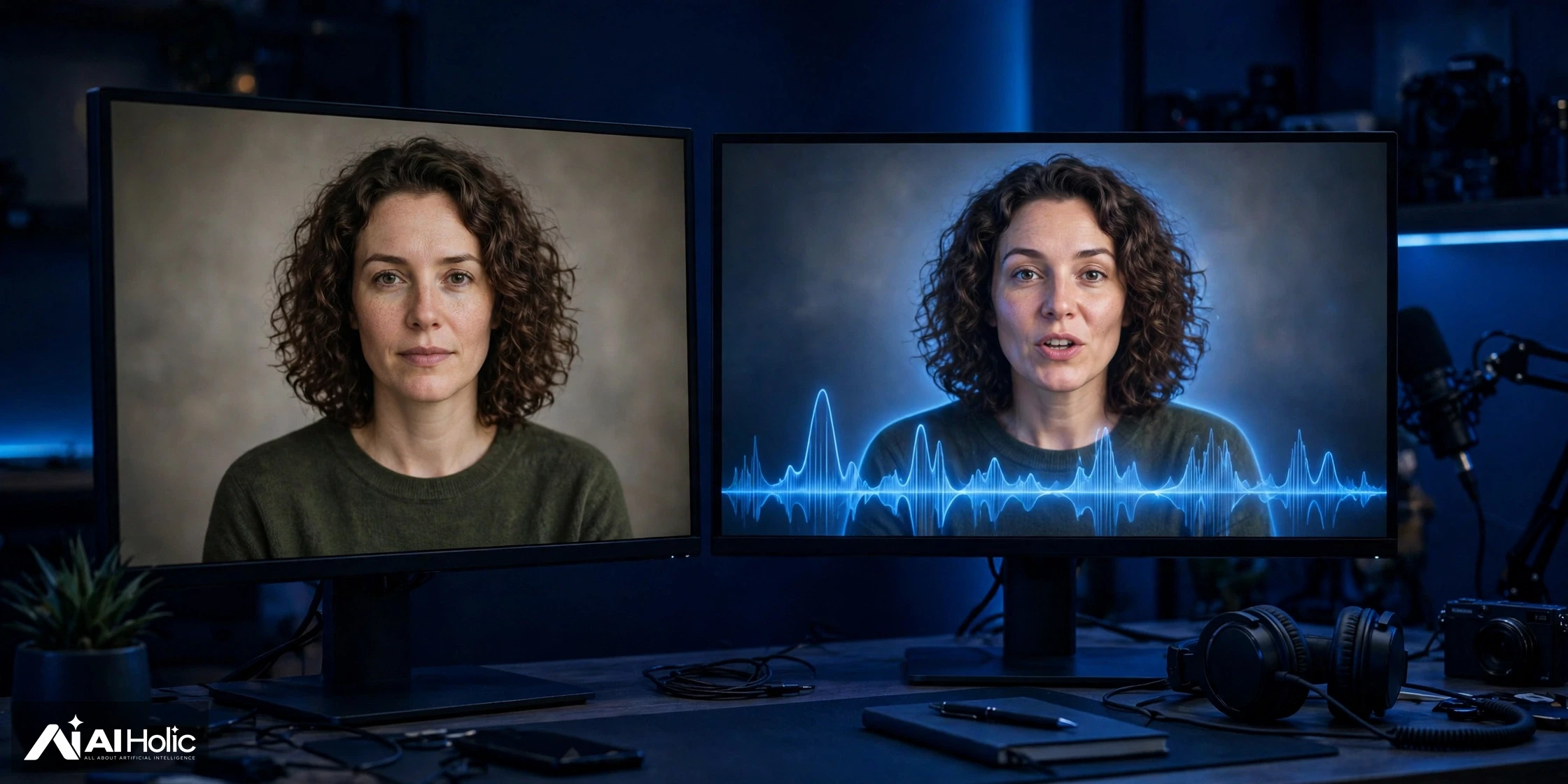
Lip sync takes a video and new audio and makes the mouth match the words. The guest tool gives 3 free videos a day up to 10 seconds, while the full tool runs to 83 minutes and exports up to 4K. Talking photos do the same job from a still image, free to 3 seconds with one face per photo.
Use these tools only with photos and footage you own and people who have agreed to appear. The terms make you responsible for the consents the law requires for a person’s likeness, and the platform is for users aged 18 and over. Stick to your own material, and keep consent in mind for any portrait work.
A magic hour ai face swap is best used on your own photos or clearly synthetic characters, where consent is never in doubt. We do not cover ways to get around the platform’s limits.
Pricing and Credits: Read This Before You Pay
Magic hour ai runs on credits, and the credit rules decide the real cost more than the plan names do. The free start is 400 signup credits, plus 100 credits a day for up to 7 lifetime claims. That is 1,100 credits in total, which sounds generous until you price one clip.
A hands-on test in a free account on 11 November 2026 priced each 3-second 480p clip at 72 credits. At that rate, the 400 signup credits buy five clips, and the full 1,100 buy fifteen. Free downloads carry a watermark and are for personal use only.
Reviews that read the pricing page in November 2026 list three paid plans. Creator costs 19 dollars a month, or 144 dollars a year, for 144,000 credits. Pro costs 39 dollars a month, or 300 dollars a year, for 300,000 credits.
Business costs 99 dollars a month, or 792 dollars a year, for 840,000 credits. The plans differ in volume, resolution, and how many generations run at once, not in features. Creator opens 1024px and 3 at once, Pro opens 1472px and 5 at once, and Business opens 4K with no stated cap.
One-time credit packs start at 10 dollars for 4,000 credits. Pack credits never expire, which makes a pack the cheapest clean path for a few commercial clips. A pack does not add premium models, higher resolutions, faster queues, or larger uploads, so it cannot stand in for a subscription.
Video eats credits far faster than images do. On the vendor’s own plan page, Creator’s 144,000 credits equal about 100 minutes of 480p video but 28,800 images. The plan that looks cheapest per month is not always cheapest per finished asset.
Three billing rules matter most. Yearly plans charge the whole year upfront, a mid-cycle Start now upgrade bills the full new price with no proration, and the refund window closes once 400 credits are used. Prices are as reported in November 2026 reviews, so trust the live checkout screen at the moment you pay.
| Plan | Monthly price | Yearly price | Credits per year | Top resolution |
|---|---|---|---|---|
| Free | 0 dollars | 0 dollars | 400 at signup, plus daily claims | 480p |
| Creator | 19 dollars | 144 dollars | 144,000 | 1024px |
| Pro | 39 dollars | 300 dollars | 300,000 | 1472px |
| Business | 99 dollars | 792 dollars | 840,000 | 4K |
| Credit pack | One-time, from 10 dollars | One-time | 4,000 to 256,000 | Free plan limits |
The table above uses prices as reported in November 2026 reviews. The public pricing page does not always show a stable dollar table, so confirm the live checkout price before you pay.
Magic Hour AI vs Kaze AI and Krea AI
Kaze AI is the closest rival for creators who want chat-based photo edits plus short video in one place. Our Kaze AI guide covers it in full. Magic Hour answers with a wider catalog of single-task tools and a model picker that spans several video models.
Krea AI is the rival for image-first creators who want strong generation and editing in one place. Our Krea AI guide covers it in full. Pick Krea when still images are the main job, and pick Magic Hour when your work moves between images, short video, and face tools.
Price is not the only factor. Think about how many videos you will make, since video costs far more credits than images. A cheap monthly plan can turn costly fast once retries and video seconds pile up.
Who It Suits Best
Magic Hour AI suits solo creators who post short social clips and want several models behind one credit balance. Social media creators, small sellers, and marketers who need product shots and short clips fit that group. It also suits anyone who wants to test video ideas before paying for a studio tool.
It suits developers too. Every paid plan lists full API access on the same credit balance, so one budget covers the web app and automated jobs. The API docs list SDKs for Python, Node, Go, and Rust, plus webhooks and an MCP server.
It is a weaker fit for teams that need per-seat billing, since no seat terms are published and credential sharing is not authorized. It is also a weaker fit for long-form video, since clips run to 60 seconds where available. Agencies should get a custom quote first and set it against the cost of separate seats.
Public feedback is mixed but mostly warm. Reviewers report a Trustpilot rating of 4.4 out of 5 from 83 reviews, while Product Hunt shows 4.9 out of 5 from 28 reviews. Treat both figures as reported scores, not as checked facts.
Two rules from the terms deserve a plain statement. Uploads must be yours to use, and free output is for personal use only. Paid plans add commercial rights, watermark-free exports, and higher resolutions.
Watch: Edit Video With AI Text Prompts
The official Magic Hour tutorial below shows how to edit video with AI text prompts, from writing the prompt to exporting the finished clip.
Frequently Asked Questions
Is magic hour ai free?
Yes, to test it. New accounts get 400 signup credits, plus 100 credits a day for up to 7 claims. Regular use needs a paid plan or a credit pack, since free video downloads carry a watermark and are for personal use only.
What video models can I use?
The free plan opens MiniMax H3, Wan 2.2, and LTX-2.5 in the text-to-video picker. Kling, Veo, and Seedance need a Creator plan or higher. Model lists change, so check the picker in your own account before you pay.
Can I use Magic Hour videos commercially?
Only with a paid arrangement. A magic hour ai subscription or a credit pack adds commercial rights, while free output is limited to personal, non-commercial use. The rights in your own uploads still rest with you, so use only material you own.
How many credits does one clip cost?
A 3-second 480p clip cost 72 credits in a November 2026 hands-on test, at a base rate of 24 credits per second. Higher resolutions cost more per second, and premium models cost more than the base rate. The Generate button shows the credit cost before each run, so check it every time.
Does Magic Hour have an API?
Yes. Every paid plan lists full API access, and API use shares the same credit balance as the web app. The docs list SDKs for Python, Node, Go, and Rust, plus webhooks and an MCP server.
Conclusion
If you want several video models, face tools, and lip sync behind one credit balance, magic hour ai is worth a test. Spend the 400 free credits on one real prompt and one short clip, watch what the credits cost, and check the terms before you pay.