AI Photo Booth: How It Works, What It Costs and When to Rent One
If you don’t want to read the whole guide or have difficulty reading, you can listen to this guide instead.
An ai photo booth takes a normal guest photo and turns it into a new styled portrait in seconds. A guest steps up, poses for one photo, and gets back an image that looks like a comic hero, a trading card, or a movie poster.
This guide explains the idea in plain words. At AI Holic, we read the top guides and rental pages, compared what they agree on, and noted where prices and claims differ. You will learn how the booth works, what it costs to rent, and when it fits your event.
You do not need any tech skill to use one. Guests follow on-screen prompts, and the booth does the rest. Read on to see the steps, the styles, the costs, and the questions to ask before you book.
The Short Answer
In short, the booth uses generative AI to create a new image from your photo. It does not only add a filter or a frame. It reads your face and pose, then builds a fresh portrait in the style you picked.
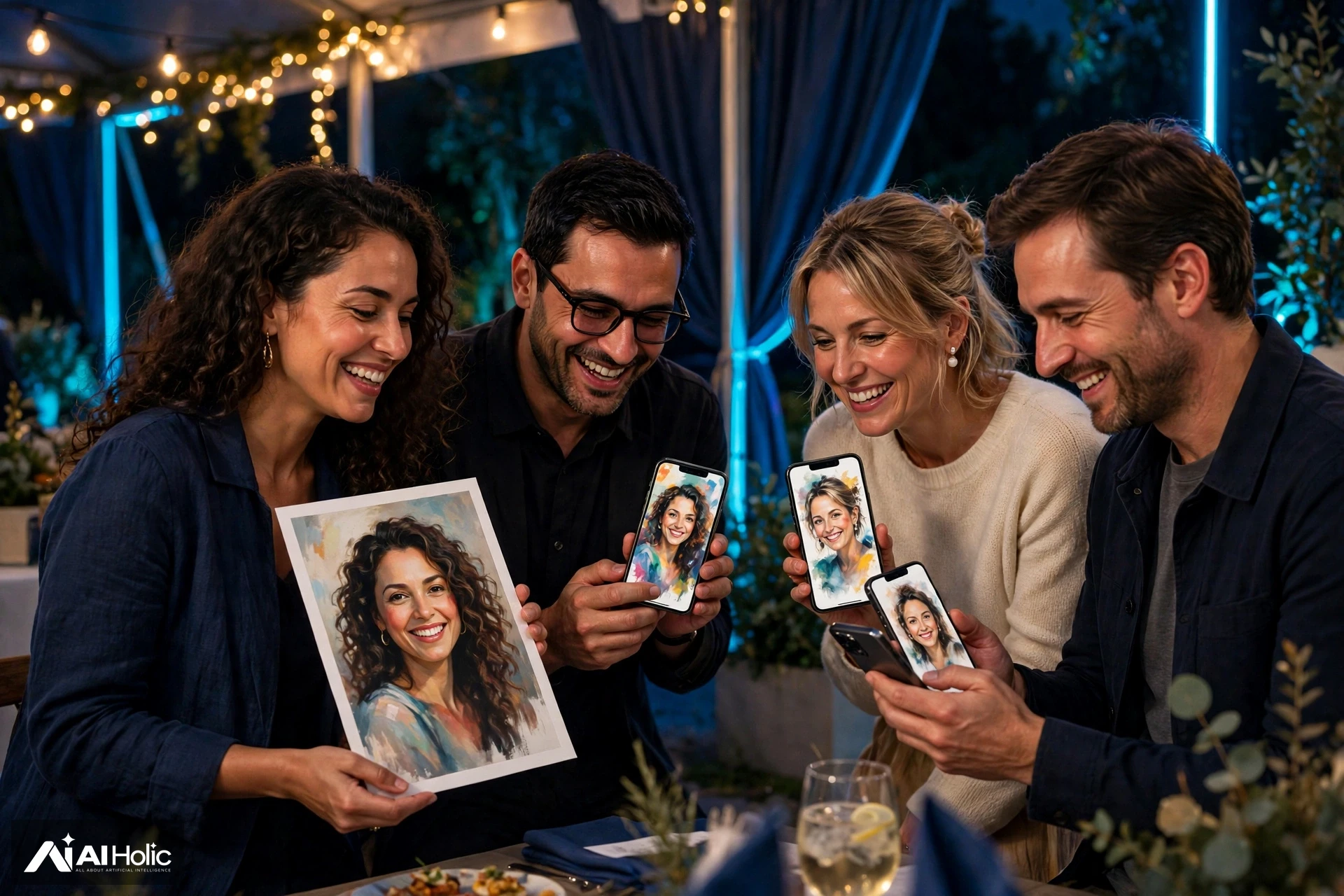
Most guests get their portrait in under a minute. They receive it by QR code, text, or email, and they can share it or print it on site. The booth suits weddings, trade shows, launches, and parties where guests want a fun keepsake.
Rental prices vary a lot by city, hours, and style. Published US examples start near $425 for a three-hour digital package in Miami and near $1,995 for a Los Angeles event package. Always get a written quote for your date and guest count.
| Detail | What to know |
|---|---|
| What it does | Turns one guest photo into a new AI-styled portrait |
| Time per guest | About 30 to 60 seconds for the AI render, as reported by vendors |
| How guests get photos | QR code, text, email, or on-site print |
| Best for | Weddings, trade shows, launches, galas, and parties |
| US rental range reported | About $425 to $3,200 for common event packages |
What Is an AI Photo Booth?
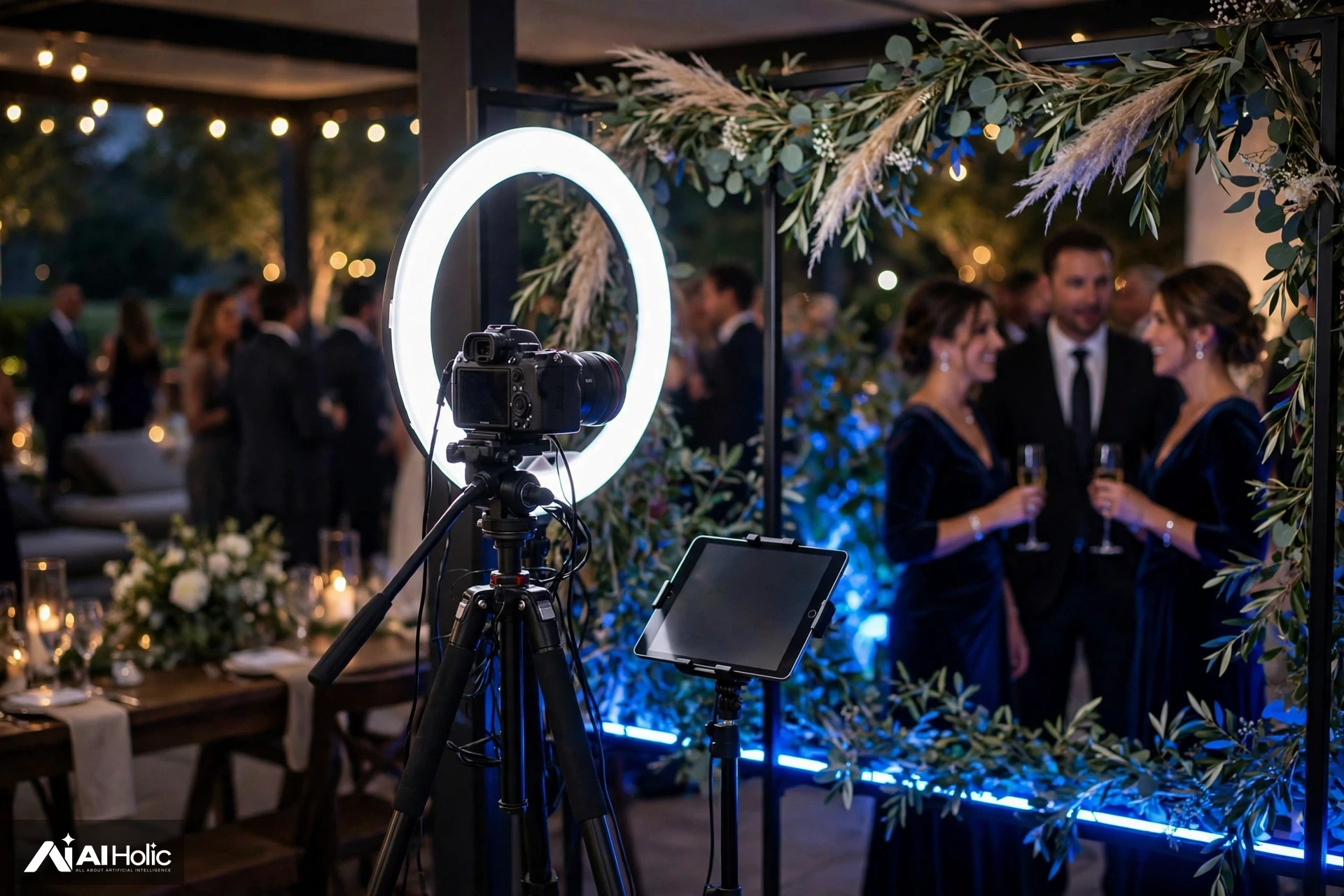
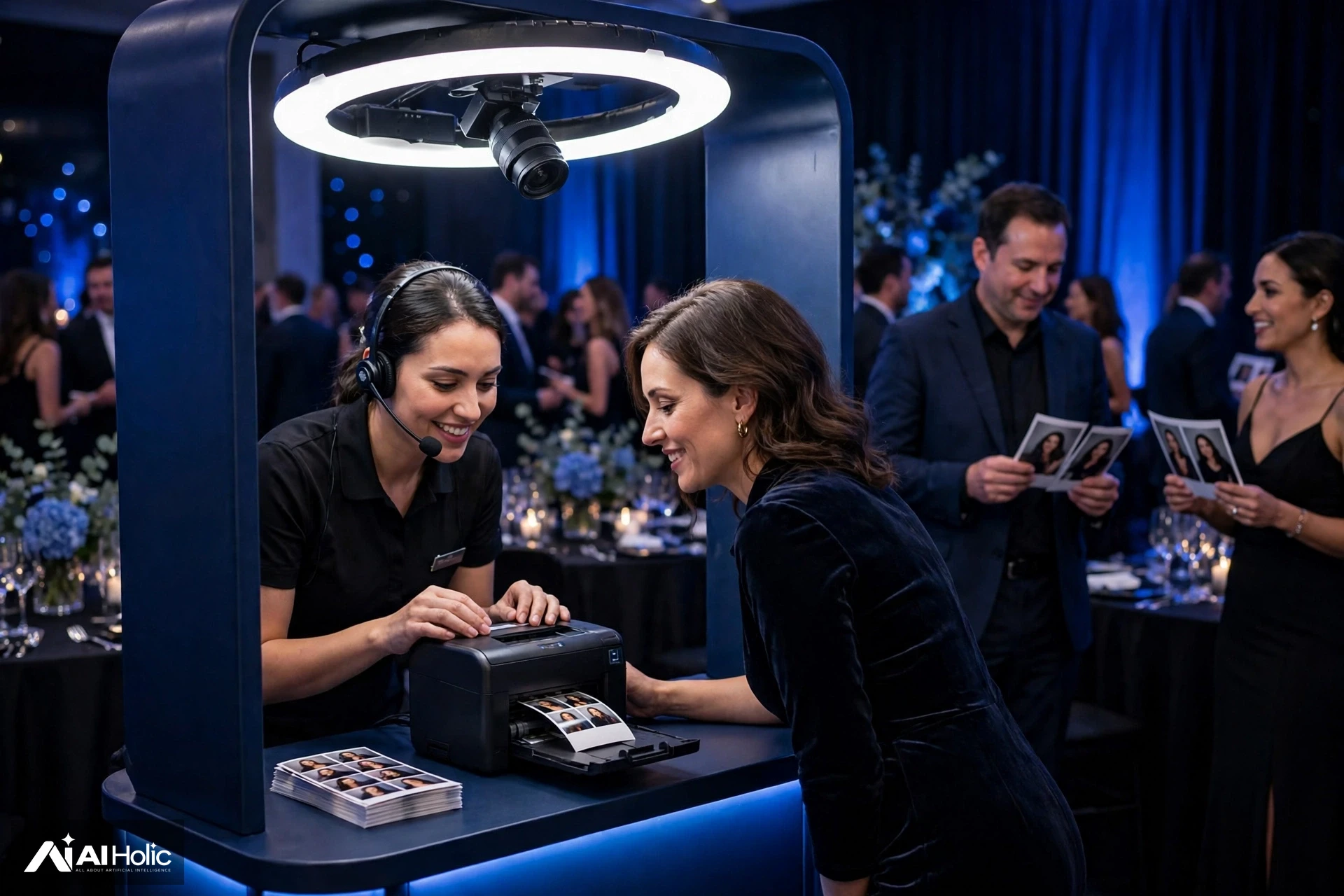
An AI photo booth is a capture station that uses AI to restyle a guest portrait. A guest poses for a camera or a tablet, picks a style on a touch screen, and waits while the system builds the new image.
The key point is that the system makes a new image. A classic booth frames the photo you took and adds props or a border. The AI version keeps your likeness as its guide and creates a portrait that did not exist before.
That idea is new, but the booth itself is old. A photo booth is a kiosk with an automated camera, and Wikipedia notes that the first one appeared on Broadway in New York City in 1925. It charged 25 cents for 8 photos.
Two forms exist, and it helps to know which one you are looking at. An on-site booth stands at an event with a camera, lights, and a screen. An online booth runs in a browser, so you upload a photo from home and get a styled strip back.
How an AI Photo Booth Works
The guest sees only three taps and a short wait. Behind that simple screen, the system runs four steps in order. Each step shapes the final portrait, so a weak step shows up in the result.
First, the booth captures your photo. A camera or tablet takes a clear shot with good light. The operator may guide your pose and framing so the AI starts with a strong source photo.
Second, the system studies that photo. It notes facial features, skin tone, lighting, and pose, and it builds a short guide for the next step. This guide helps the new portrait still look like you.
Third, the AI builds the new image. It uses a generative AI model, which creates new images from a prompt and a source photo. The prompt sets the style, the scene, the colors, and the mood.
Some styles use diffusion models, the same family behind tools such as Stable Diffusion. The model does not paste a filter over your face. It draws a new portrait that follows the prompt and keeps your key features.
Fourth, the system checks the result before it sends it. An AI photo booth checks the new image against the source photo for likeness, style, and clear errors. If the check fails, the system tries again.
Last, the booth delivers the portrait. Guests scan a QR code or enter an email or phone number, and the image arrives in seconds. They can share it at once or collect a print from the station.
- Capture: the guest poses for one clear photo
- Study: the system reads face, light, and pose
- Build: the AI creates a new portrait in the picked style
- Check: the system tests the result and retries if it fails
- Deliver: the guest gets the portrait by QR code, text, or email
Timing depends on the queue and the style. Vendors report 30 to 60 seconds per photo when the line is short. A busy line can push that wait to one or two minutes, so plan for queues at large events.
Styles Guests Can Pick
Styles are the fun part, and they set one booth apart from another. Most providers offer a short menu of looks, and a few build a custom style for your brand. Pick styles that fit your guests and your event theme.
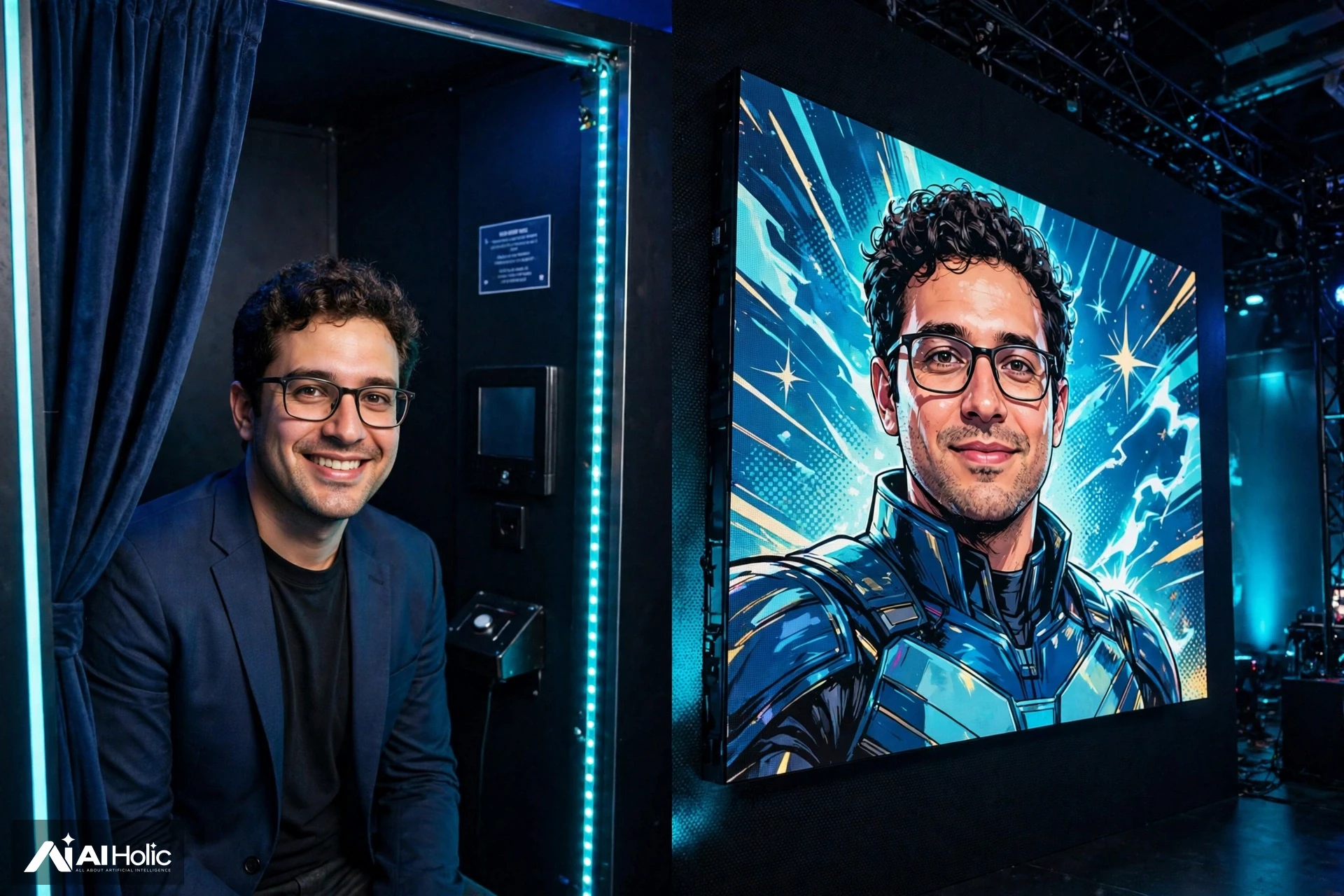
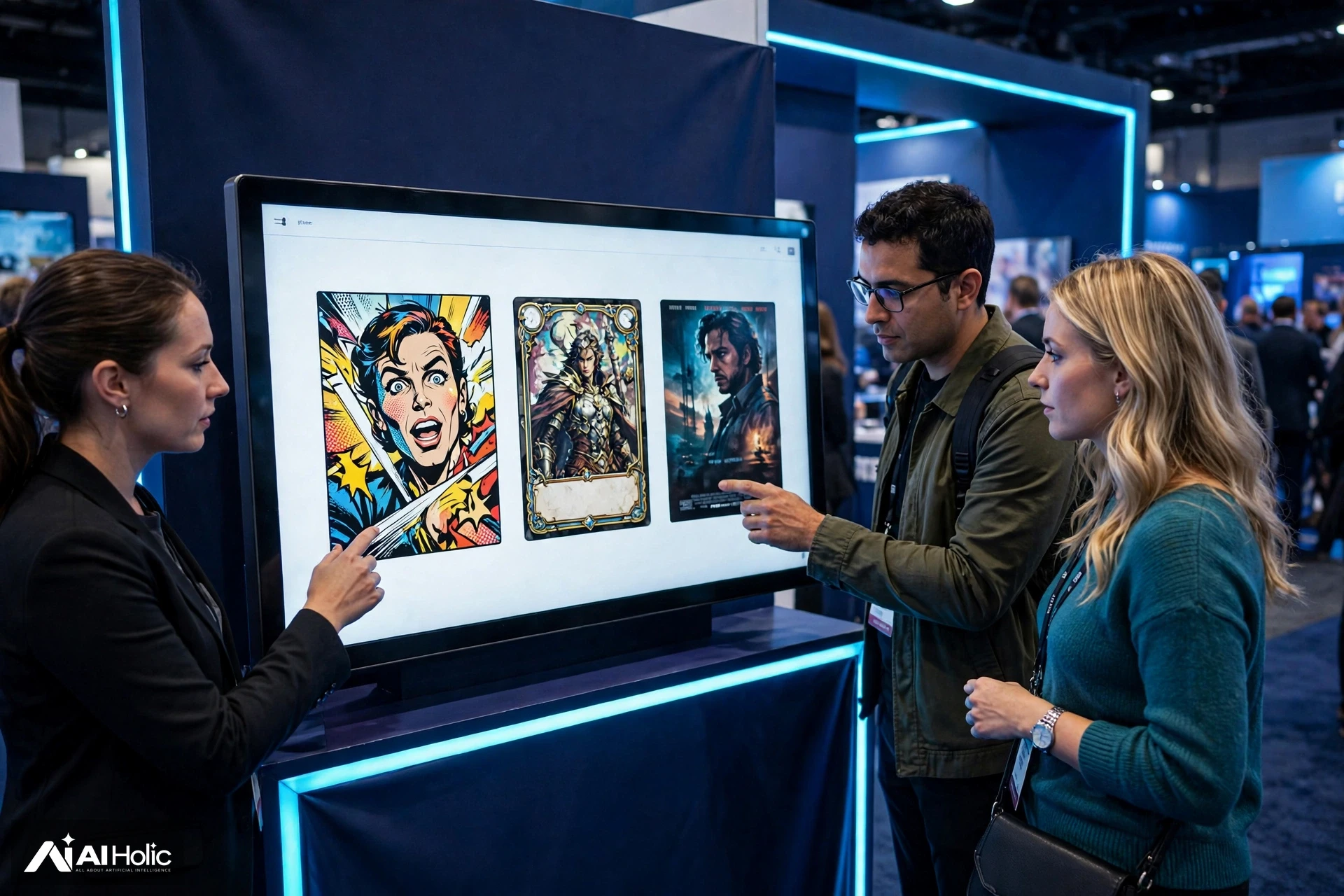
Comic and hero styles turn guests into illustrated characters. Trading cards add stats, a name, and a bold frame. Magazine covers place the guest in a headline with a cover layout.
Movie posters and fantasy scenes place guests in a new world. Face swap styles put the guest face on a set character, while background swap styles keep the guest as they are and change only the scene behind them.
Ask how many styles your package holds. Some providers build one custom style per event, while others let guests swipe through three or more. More choice sounds better, but it can slow the queue if guests take long to pick.
Style work also links to other AI image tools. Our guide to keeping a character the same across AI video shots shows the same likeness problem in video form, and the same care with prompts and test shots applies here. Read our AI video character consistency workflow if you want to see how creators keep one face steady across many outputs.
AI Booth vs a Traditional Booth
A classic booth is fast, simple, and easy to trust. It takes your photo, prints it, and hands it to you in seconds. Guests know what they will get, and the line moves fast.
An AI booth trades some of that speed for surprise. Each portrait is new, so guests wait longer and the result can vary. That wait is worth it when the portrait itself is the draw.
Cost is the other clear gap. A traditional booth costs less to rent and less per print, while the AI version costs more because of the software, the style work, and the slower pace. Use the table below to compare the two at a glance.
| Feature | Traditional booth | AI booth |
|---|---|---|
| What you get | Your real photo, framed and printed | A new AI portrait in a picked style |
| Time per guest | About 8 to 10 seconds to print | About 30 to 60 seconds to render |
| Print format | Often a 2 by 6 photo strip | Often a single 4 by 6 image |
| US rental range reported | About $700 to $1,500 for 4 hours | About $1,995 to $3,200 for 4 hours |
| Best fit | Print-first parties and weddings | Brand events and themed parties |
| Main risk | Plain photos that guests may skip | Slow queues and varied results |
The price ranges in this table come from a 2026 comparison by Nimble Dragon Studios, which used a 4-hour, 200-guest wedding as its reference event. Prices change by city and by package, so treat these as a guide and not as a quote.
Where an AI Booth Fits Best
Trade shows suit this booth well. A styled portrait pulls people to a stand, and the email or phone step turns that visit into a lead. Brands get shareable content and a contact list in one move.
Product launches suit it too. The portrait can carry the launch theme, the product, and the brand colors in one image. Guests share a launch asset because they made it themselves, not because a brand asked them to.
Weddings and parties suit it when the style fits the mood. Guests love a keepsake that shows them as a hero or a star, and the portraits fill social feeds on the night. Keep the queue short so the booth adds joy and not a long wait.
Corporate galas and internal events suit it as well. Teams get a shared laugh and a polished portrait, while HR gets a full gallery from the night. The style should stay kind and work-safe for every guest.
Photographers can use the same idea to grow a business. AI portraits give clients a new product to sell, and a booth at an event can bring in leads for shoots. Our guide on how to use AI to grow a photography business covers how AI tools fit into client work, pricing, and lead flow.
AI Photo Booth Rental: What You Get and What to Ask
An AI photo booth rental usually covers the booth, the screen, the lights, the software, and an operator. Most packages also cover setup, a branded start screen, and delivery by QR code, text, or email. Prints cost extra in many packages.
Hours and guest count drive the price. A two-hour party costs far less than a full-day expo, and a custom style costs more than a preset theme. Ask what the base hours cover and what each extra hour costs.
Ask to see test portraits before you pay. The provider should show real outputs made with your style, your colors, and your overlays. If they show only stock samples, the style may not be ready for your event.
Ask how guest data is handled. Guests give an email or phone number to get their portrait, so ask where that data goes, who sees it, and how long it is kept. Get the consent wording in writing before the event.
- What hours, guest count, and style does the base price cover?
- Is an operator on site, and is backup kit included?
- What happens if the internet drops during the event?
- Can I see test portraits made with my exact style?
- How is guest data stored, shared, and deleted?
- What prints, gallery, and lead list do I get after the event?
What Rental Costs in the US
No single US price covers every event, so compare like with like. Hours, prints, custom styles, and staff change the total fast. The table below pulls reported US prices from vendor pages, with the source for each range.
| Package | Price reported | Source |
|---|---|---|
| Miami digital drop-off, 3 hours | From $425 | Eleganza Events Miami |
| Miami DSLR with prints, 3 hours | From $725 | Eleganza Events Miami |
| Miami Magic Mirror with prints, 3 hours | From $925 | Eleganza Events Miami |
| Los Angeles AI booth | From $1,995 | Captured Celebrations |
| US commercial AI booth, 4 hours | $1,995 to $3,200 | Nimble Dragon Studios comparison |
| Green screen booth, up to 3 hours | From $2,500 | CEG Interactive |
Outside the US, prices differ a lot. Gold Otter in South Africa lists packages from R15,350 for a three-hour digital-only event and R17,190 with instant on-site printing.
Budget for the extras, not just the base price. Travel, late-night fees, extra hours, extra prints, and a second custom style can add hundreds to the bill. Ask for one written total that lists every fee before you sign.
Privacy, Consent and Photo Quality
Guest photos are face data, so treat them with care. Tell guests what the booth does before they pose, and let them opt out with no fuss. A short sign at the booth and a line on the share screen cover most events.
Consent must cover the portrait and the sharing. Guests should agree to the AI restyle, to the email or text delivery, and to any public gallery use. Keep the consent short and plain, and keep a record of it.
Ask where photos go after the event. Some providers delete guest photos after 30 days, while others keep them longer for the gallery. Pick a provider whose deletion date you can state to guests in plain words.
Photo quality starts with light and pose. Good light, a plain backdrop, and a straight pose give the AI clean input. Harsh light, dark rooms, and busy backdrops make the output less true to the guest.
Pros and Cons
The pros are clear when the booth fits the event. Guests get a portrait they want to keep, brands get leads and shares, and the booth draws a crowd. The experience feels fresh in a way a plain photo strip does not.
- Guests get a personal portrait they want to share
- Brands capture leads with emails or phone numbers
- Branded portraits travel far on social media
- Styles can match any theme or launch
- Works for weddings, trade shows, and parties alike
The cons matter just as much. Queues move slower than a classic booth, results vary from guest to guest, and the price runs higher. The booth also needs good internet and good light to work well.
- Slower than a classic booth, with 30 to 60 seconds per portrait
- Results vary, and some portraits miss the likeness
- Costs more than a traditional booth rental
- Needs stable internet and good lighting
- Guest face data needs clear consent and safe storage
Who Should Book One and Who Should Skip It
Book one if your event needs a draw. Trade shows, launches, galas, and big parties all gain from a booth that pulls guests in and gives them a reason to share. Book it too if you want leads with a fun opt-in step.
Skip it if your event is short or your guest count is huge. A two-hour party with 300 guests will leave most people waiting, and a long queue will sour the mood. A classic booth or a roaming photographer may serve that crowd better.
Skip it if you need exact likeness for every guest. The AI can miss a face, change a feature, or drop a detail, and that miss can upset a guest. A classic booth keeps every face as it is, with no AI guesswork.
Skip it too if your venue has weak internet or poor light. The booth will stall, the queue will grow, and the portraits will suffer. Fix the venue first, or pick a booth that does not need a live link.
Try the online form first if you only want a fun strip for yourself. Browser booths turn one uploaded photo into a four-frame strip with retro themes, and some give free credits to start. That test shows you the style before you pay for an event booth.
Image tools keep growing fast, and the booth is one more way to play with them. Our guide to downloading from Meshy AI free shows another free route into AI-made images, and it helps to test a free tool before you book a paid booth.
Frequently Asked Questions
What Happens at an AI Booth?
A guest poses for one photo, picks a style on a touch screen, and waits while the AI builds a new portrait. The finished image arrives by QR code, text, or email, and prints are often on offer too. The whole visit takes about a minute when the queue is short.
How Long Does a Portrait Take?
Vendors report 30 to 60 seconds per portrait when the line is short. A busy line can push the wait to one or two minutes per guest. Ask the provider how many guests per hour their setup serves at your event size.
How Much Does an AI Photo Booth Rental Cost?
Reported US prices start near $425 for a three-hour digital package in Miami and near $1,995 for a Los Angeles event package. A four-hour commercial package is listed at $1,995 to $3,200 in a 2026 comparison. Hours, prints, custom styles, and travel change the total, so get a written quote.
Do I Need a Green Screen?
No, most AI booths do not need one. The AI removes and replaces the background on its own, so a plain backdrop and good light are enough. A green screen can still help in tricky light, but it is not a must for most events.
Can I Share the Photos on Social Media?
Yes, guests can share their own portraits once they receive them. The booth sends the image by QR code, text, or email with share buttons built in. Brands should still get consent before they repost a guest portrait on their own channels.
Conclusion
An AI photo booth can turn a simple guest photo into a portrait worth sharing, but it works best with a clear style, good light, and a short queue. Compare written quotes, see test portraits, and book it when the fit is right.
If you liked previewing a new cut on your own photo, our guide to gemini ai hairstyle shows how to test cuts, colors, and styles with Google Gemini before your next salon visit.
If you want the full picture, our guide to opendream ai art explains how text prompts become finished images, so you can pick the right tool for each kind of picture you need.
If you want to polish the portraits you take home, our guide to the best ai photo editing tools 2026 compares ten editors for every job, from free phone fixes to full retouching.