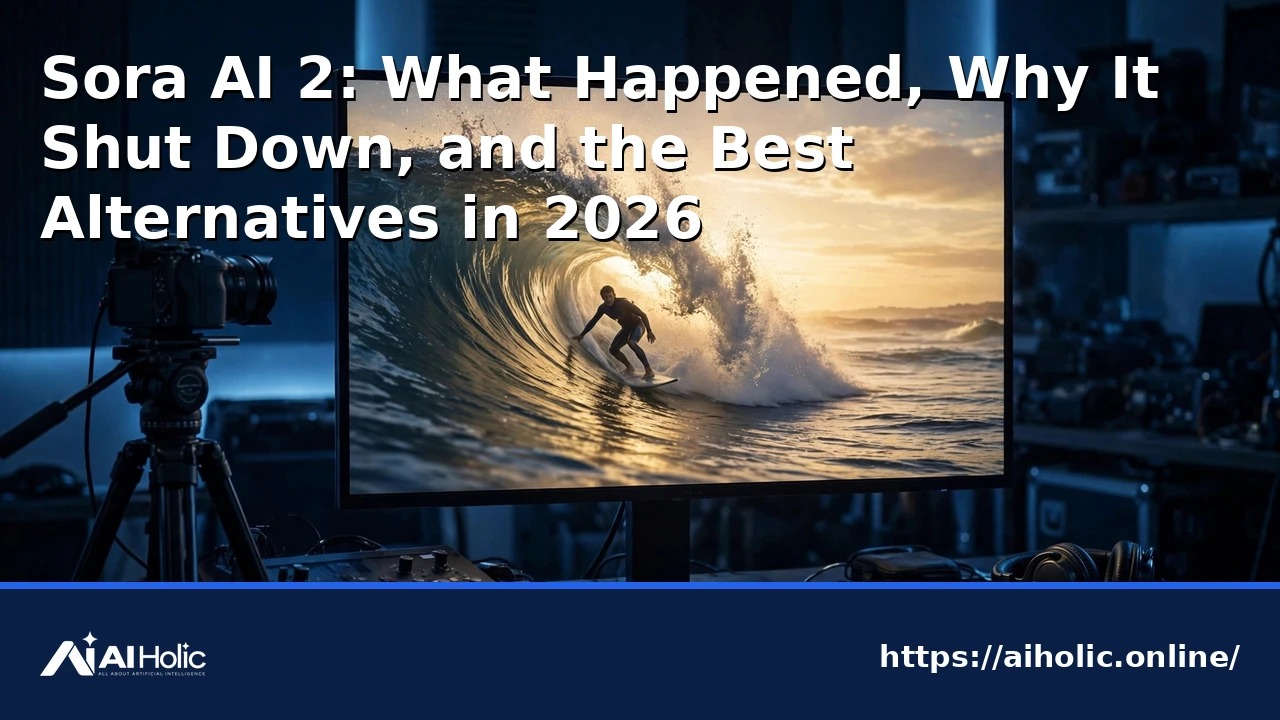
Sora AI 2: What Happened, Why It Shut Down, and the Best Alternatives in 2026
If you don’t want to read the whole guide or have difficulty reading, you can listen to this guide instead.
sora ai 2 is gone. OpenAI shut down the Sora app and website on April 26, 2026, and it removed the models and the Videos API on September 24, 2026. You cannot sign up, generate a clip, or call the API today.
That leaves two groups of people with a problem. Creators need a new tool for the same kind of short video, and developers need to move code that called the old API. This guide covers both, with the dates, the facts, and the live options.
At AI Holic, we checked the current guides and the OpenAI notices before we wrote this page. Read on for the timeline, what the model could do, and the best tools to use now.
What Was Sora AI 2?
Sora was a text-to-video model from OpenAI. You typed a short description, and it turned that text into a short video clip with motion, light, and sound. Sora 2 was the second version, and it added dialogue and sound effects that played in sync with the picture.
In short, sora ai 2 was OpenAI’s video model with sound, and it is now a closed product, not a tool you can open. A text-to-video model builds moving pictures from words, and Sora did that with a social app around it.
The name comes from the Japanese word for sky. OpenAI picked it to suggest open space and wide scenes, and the first Sora preview in February 2024 used that same idea.
| Detail | What we know |
|---|---|
| Status | Shut down, no longer available |
| Launched | September 30, 2025, with the Sora app |
| App and website closed | April 26, 2026 |
| Models and API closed | September 24, 2026 |
| Models | sora-2 and sora-2-pro |
| Clip length | Up to 20 seconds per clip, extensions to 120 seconds |
| Audio | Dialogue and sound effects in sync with the video |
| Replacement from OpenAI | None named |
The Timeline: From Launch to Shutdown
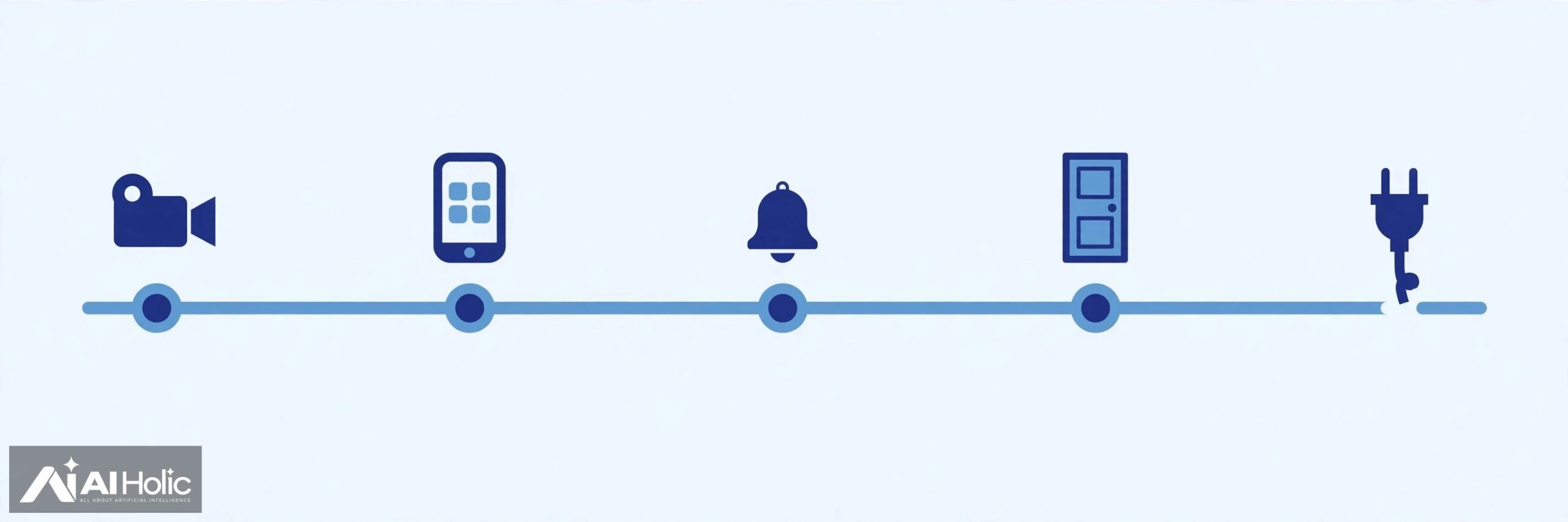
The first Sora reached ChatGPT Plus and Pro users in December 2024, after a preview in February 2024. Sora 2 arrived on September 30, 2025, with an invite-only iOS app in the United States and Canada, and an Android app followed about two months later.
On March 24, 2026, OpenAI announced it was ending Sora. The app and website closed on April 26, 2026, and the API closed on September 24, 2026. That second date is the one that ended the models for good.
If you search for sora ai 2 today, you will still find guides that describe it as a live tool. Those guides are out of date, and this timeline is the fix.
Why Did OpenAI Shut It Down?
OpenAI gave no full reason in its announcement. An OpenAI spokesperson told Engadget that the company had decided to discontinue Sora in the consumer app and the API, and that the research team would keep working on world simulation for robotics.
That is a statement about priorities, not a full cause. News reports at the time pointed to the high cost of serving free video at social feed scale, and to falling app installs early in 2026. Those reports are third-party claims, so treat them as context, not as OpenAI’s own words.
Other platforms felt the shutdown too. One guide reports that Runway hosted Sora 2 and Sora 2 Pro for paid plans from February 20, 2026, and removed both on April 3, 2026, weeks before OpenAI closed its own app. If you made clips through a reseller, the reseller’s closing date is the one that counted for you.
What is certain is the result. OpenAI named no new video model, and its developer pages say no one-to-one replacement API is available. If a site now promises Sora access, it cannot be selling the real thing.
What Sora 2 Could Do Before It Closed
Sora 2 turned text into video, and it could also start from an image or extend a clip you already had. Clips ran up to 20 seconds, and extensions could stretch one video to 120 seconds in steps. The picture came with dialogue, sound effects, and background sound in the same pass.
Two features set it apart from the first Sora. Cameos let you place a verified likeness of yourself inside a clip, and the model kept physics and motion more true to life, so a missed basketball shot bounced off the rim instead of vanishing. Hands and small on-screen text still came out wrong at times, so editors fixed those details after the fact.
The model also blocked some content by rule. It refused real people, copyrighted characters, and copyrighted music, and it only allowed content fit for viewers under 18. Videos carried a visible moving watermark and provenance data that marked them as made by AI.
The old API prices are now history, but they help you judge the alternatives. Sora-2 cost 10 cents per second at 720p, while Sora 2 Pro cost 30 cents per second at 720p and up to 70 cents per second at 1080p. A 20-second 1080p clip on Pro cost $14, and the same length on the base model at 720p cost $2.
What Happened to Your Old Sora Videos
Your clips are not lost yet, but you should move fast. OpenAI kept an export page open after the shutdown, and its help pages say to export as soon as you can. OpenAI says it will delete Sora data after the final export window closes.
Go to the export page and ask for your archive, then wait for the email that says it is ready. Save the files on your own drive, because the export page is the only door left. Do not trust a third-party site that offers to recover Sora clips for you.
If you paid for access, check your billing page for the final charge. Do not renew anything tied to Sora, and do not buy an invite code, because codes for a closed app have no value.
The Best Sora AI 2 Alternatives in 2026
No single tool does everything sora ai 2 did, so pick by the job. The table below uses credit figures from LeafReel, a model guide that checked these tools in November 2026, and prices change often, so check the vendor page before you pay.
| Tool | Clip length | Resolution | Sound | Starting point |
|---|---|---|---|---|
| Veo 3.1 Fast | 8 seconds | Up to 4K | Yes | 141 credits on LeafReel |
| Kling 3.0 | 3 to 15 seconds | Up to 4K | Optional | 99 credits on LeafReel |
| Seedance 2 Mini | 4 to 15 seconds | 720p | Optional | 36 credits on LeafReel |
| Seedance 2 Fast | 4 to 15 seconds | 720p | Optional | 111 credits on LeafReel |
Veo 3.1 is the closest all-round pick for realistic clips with sound, and Google also offers Gemini Omni, its newer video model, for chat-based edits. For a full rundown of the eight best replacements, see our guide to a Sora AI alternative.
Kling fits long takes on a budget, and Seedance fits multi-shot stories with many reference images. Both come from Chinese makers, so if you want more background on that field, read our comparison of Chinese AI video generators before you pay for a plan.
How to Pick a Replacement
Start with one real brief, not a ranking list. Write down the clip you need next, such as a product shot or a social teaser, and run the same prompt through two tools. Judge the clips side by side for motion, sound, and how much fixing they need.
Check four things before you pay.
- Clip length and resolution must fit your channel.
- Sound must be built in if you need dialogue.
- The plan must allow commercial use if the clip earns money.
- Test the free tier first, because credit prices change fast.
Watch out for stale listings while you shop. Some plan pages and guides still list Sora 2 as a live model, months after the shutdown, and a few still show old prices next to it. Since OpenAI removed the API, no platform can offer real Sora 2 output, so judge each tool on its own clips and prices, not on the Sora name in its menu.
If you want one more video tool to compare, our review of Mind Video AI covers its features, pricing, and honest limits. Compare it on the same brief, and keep the tool that gives you a clean clip with the least extra work.
How to Reuse Your Old Sora Prompts
Your old prompts still work, because they are plain shot language. A good Sora prompt already named the shot type, the subject, the action, the setting, and the light, and every video tool reads those same details. Paste the prompt into the new tool, then change only the parts that tool handles differently.
Keep clips short and test one change at a time. Two short clips cut together often beat one long clip, and a short test at low resolution costs less than a full render. Save the prompts that work, because a small library of tested prompts is worth more than a long list of new ones.
- Name the shot, the subject, the action, and the light in every prompt.
- Put dialogue in its own block with speaker names.
- Name the background sound and one key sound effect.
- Change one thing at a time when a clip fails.
Frequently Asked Questions
Is sora ai 2 still available?
No. OpenAI closed the Sora app and website on April 26, 2026, and it removed the sora-2 and sora-2-pro models and the Videos API on September 24, 2026. No free tier, paid tier, waitlist, or invite code can restore access, and any site that sells Sora access now is not selling the real thing.
Why did OpenAI shut down Sora 2?
OpenAI did not give a full reason in its March 24, 2026 announcement. Its spokesperson said the company had decided to discontinue Sora in the app and the API, and that the team would keep working on world simulation research for robotics. News reports pointed to high serving costs and falling installs, but those are third-party claims, not OpenAI’s own words.
Can I still get my old Sora videos back?
Yes, if you act soon. OpenAI kept an export page open after the shutdown, and its help pages say to export as soon as you can. Ask for your archive there, wait for the email, and save the files on your own drive, because OpenAI says it will delete Sora data after the final export window closes.
What is the best Sora 2 alternative?
It depends on the job. Veo 3.1 is the closest all-round pick for realistic clips with sound, Kling fits long takes on a budget, and Seedance fits multi-shot stories with many references. Test two tools on one real brief before you pay, and judge them on motion, sound, and how much fixing each clip needs.
Can I still use my old Sora 2 prompts?
Yes, Sora prompts are plain shot language, so they work in other video tools with small changes. Keep the shot type, subject, action, setting, and light, and put dialogue in its own block. Test each prompt at low cost first, and change one thing at a time when a clip fails.
Conclusion
Sora AI 2 is closed for good, so do not pay any site that still sells access to it. Export your old clips soon, then test Veo 3.1 and Kling on one real brief. Pick the tool that gives you a clean clip with sound, and keep your prompts, because good shot language works in any video tool.