AI Image: What It Is, How It Works, and How to Make One
If you don’t want to read the whole guide or have difficulty reading, you can listen to this guide instead.
An AI image is a picture made by an AI model from a short text description or from an existing photo. You type what you want to see, and the model builds a new picture in seconds.
No camera and no drawing skill are needed. This guide explains what these pictures are, how they are made, the main types, and how you can make one yourself.
At AI Holic, we test AI tools and explain them in plain language. This guide stays practical.
You will learn how the models work, which types fit which job, how to write a prompt that works, and where the limits sit. It also covers ownership, so you know what you can do with the pictures you make.
The Short Answer
An AI image is a digital picture that an AI model creates from a text prompt or from another picture. The model learned from millions of captioned photos and artworks, and it uses those patterns to build something new.
It does not copy one photo it saw before. The result can look like a photo, a painting, or a cartoon, and it only takes seconds to make one.
What an AI Image Is
A photo records light from the real world. A drawing comes from a human hand. An AI image comes from a model that studied huge sets of pictures and their captions, then learned how words connect to shapes, colors, and styles.
So what counts as an AI image? Any picture where the model did the main creative work. That includes a picture made from a text prompt, a photo changed by AI, and a picture extended past its edges by AI.
The model stores patterns, not photos. It keeps a compact grasp of how images are put together, then uses it to make new pictures. That is why two runs of the same prompt can give two different pictures.
Types of AI Images
Every one of these pictures starts from one of a few basic methods. Each one suits a different job, so it helps to know them apart before you pick a tool.
| Type | What it does | Good for |
|---|---|---|
| Text-to-image | Builds a new picture from a written prompt | Fresh visuals, concept art, blog art |
| Image-to-image | Changes an existing photo from a prompt | Restyles, edits, variations |
| Inpainting | Fills in or replaces one part of a picture | Fixes, object swaps, cleanups |
| Outpainting | Extends a picture past its edges | Wider crops, banners, backgrounds |
| Upscaling and restoration | Sharpens and cleans an old or small picture | Old photos, low-res files |
| Style transfer | Redraws a picture in another style | Art looks, mockups, branding tests |
Most tools mix several of these methods. One editor can change a photo, extend it, and sharpen it in one session. Our guide to the NoteGPT image editor covers one such tool in detail.
How AI Image Generation Works
It starts with training. A model is shown millions of captioned images and learns the links between words and pictures.
Nothing is stored as a photo library. What the model keeps is a set of patterns.
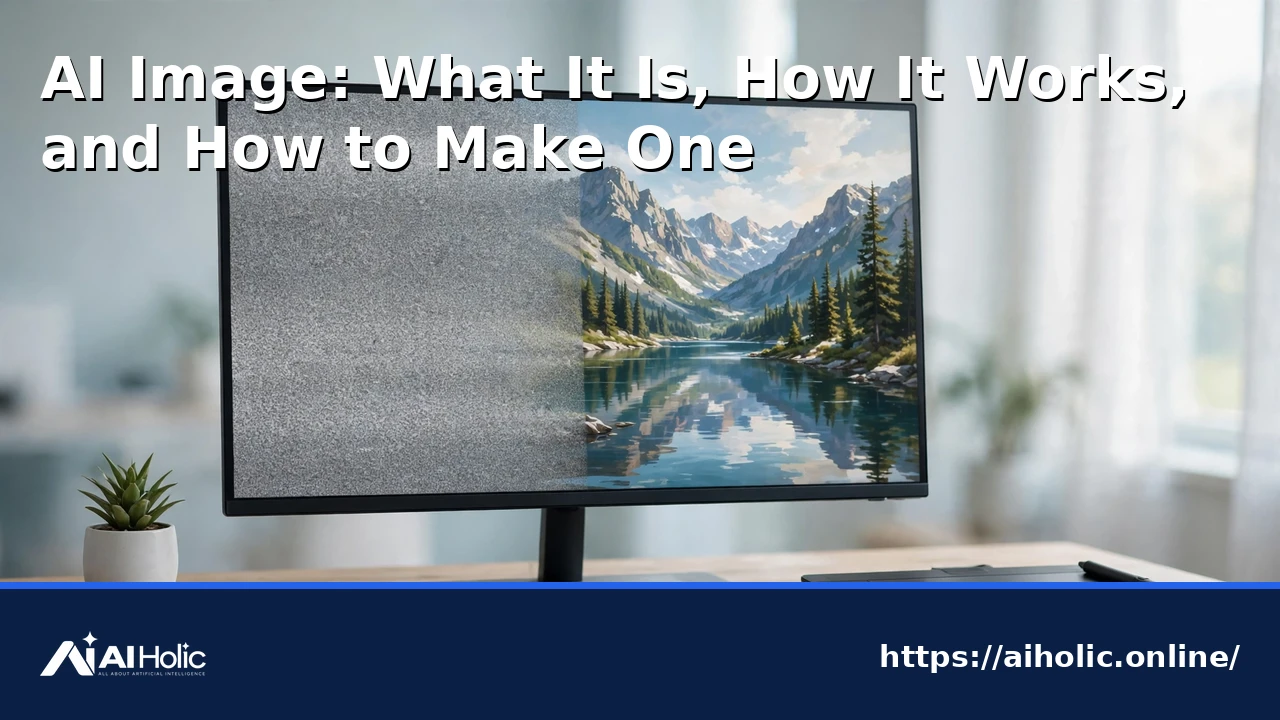
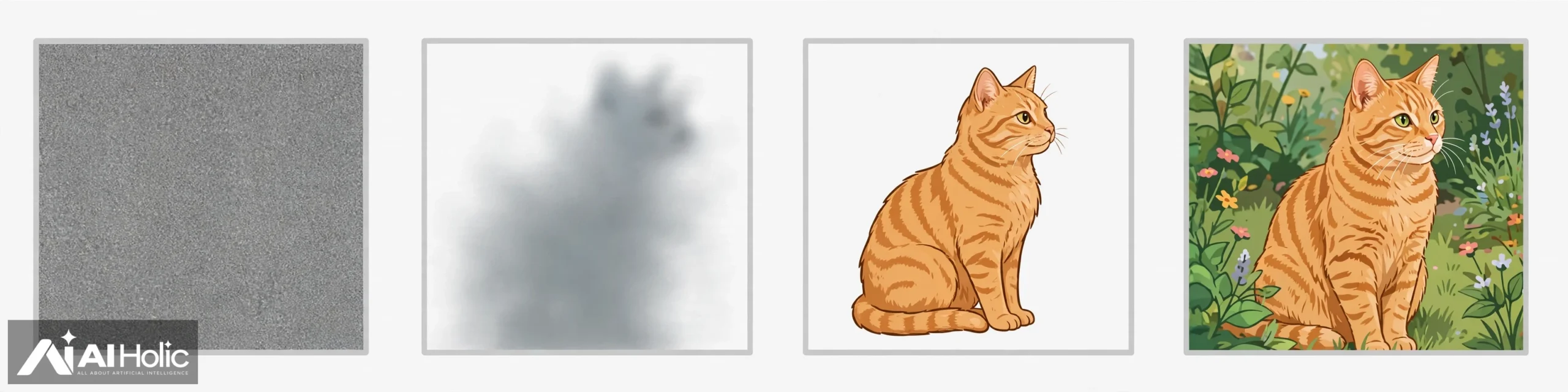
Most modern tools use diffusion. Picture a TV screen full of static that slowly clears until a photo appears. That is roughly what the model does, guided at each step by your prompt.
During training, the model saw the process in reverse. A clear image was buried in noise step by step, and the model learned to guess what the noise was hiding.
To make a new picture, it runs the process backward. It starts with pure noise, then cleans it a little at a time until a picture appears. A typical run takes 20 to 50 steps.
Older Approaches: GANs and VAEs
Diffusion is the current standard, but two older ideas still matter. A GAN pairs two networks against each other.
One makes pictures and the other tries to spot the fakes, and both improve through the contest. A VAE squeezes a picture into a compact code and then rebuilds it, which trades some sharpness for control.
Sources do not always agree on which model uses which method. Some tools mix methods, and vendors change their stack without saying so. Treat any single claim about a tool’s method as a snapshot, not a fixed fact.
Text-to-image models are a family of machine learning models that turn a written prompt into a matching picture. The Wikipedia page gives a clear overview of how they are built.
From Prompt to Pixels
- You write a prompt in plain words.
- The tool turns your words into numbers that capture their meaning.
- The model starts from random noise and cleans it step by step.
- Each step is nudged toward the picture you described.
- The finished picture is decoded into pixels and shown to you.
The whole run often takes 10 to 60 seconds. Speed depends on the model, the picture size, and how busy the service is.
The Leading Models at a Glance
A few models sit behind most of the tools you will meet. Each one is known for something different, so the best pick depends on your job. Prices change often, so check the tool’s own pricing page before you pay.
| Model | Known for | Access style |
|---|---|---|
| DALL-E 3 | Follows long prompts closely, easy chat-style fixes | Inside ChatGPT |
| Midjourney | Artistic, polished looks with a strong community | Web and chat app |
| Stable Diffusion | Open weights, fine control, many custom versions | Web tools or your own machine |
| Imagen | Photorealistic results and clean text in pictures | Inside Google tools |
| Adobe Firefly | Trained on licensed stock, safe for client work | Inside Adobe apps |
| Flux | Sharp photorealism and strong hands and text | Web tools and APIs |
| Ideogram | Readable text inside pictures, signs, and logos | Web tool |
Stable Diffusion is the open option in the group. Its Wikipedia page explains how the model works and where it came from.
If you want to try tools without paying first, our list of the best free image generators walks through the no-cost options and what each one limits.
How to Make an AI Image in 5 Steps
You can make your first AI image in a few minutes. No drawing skill is needed, and most tools offer a free tier to start with.
- Pick a tool. Start with one that fits your job, not the one with the most features.
- Write a clear prompt. Name the subject, the setting, the light, and the style.
- Generate a few versions. Four tries show you the range faster than one careful try.
- Change one thing at a time. Fix the light, the angle, or one detail, then run it again.
- Save the best version and note the prompt. You will want both when you make the next one.
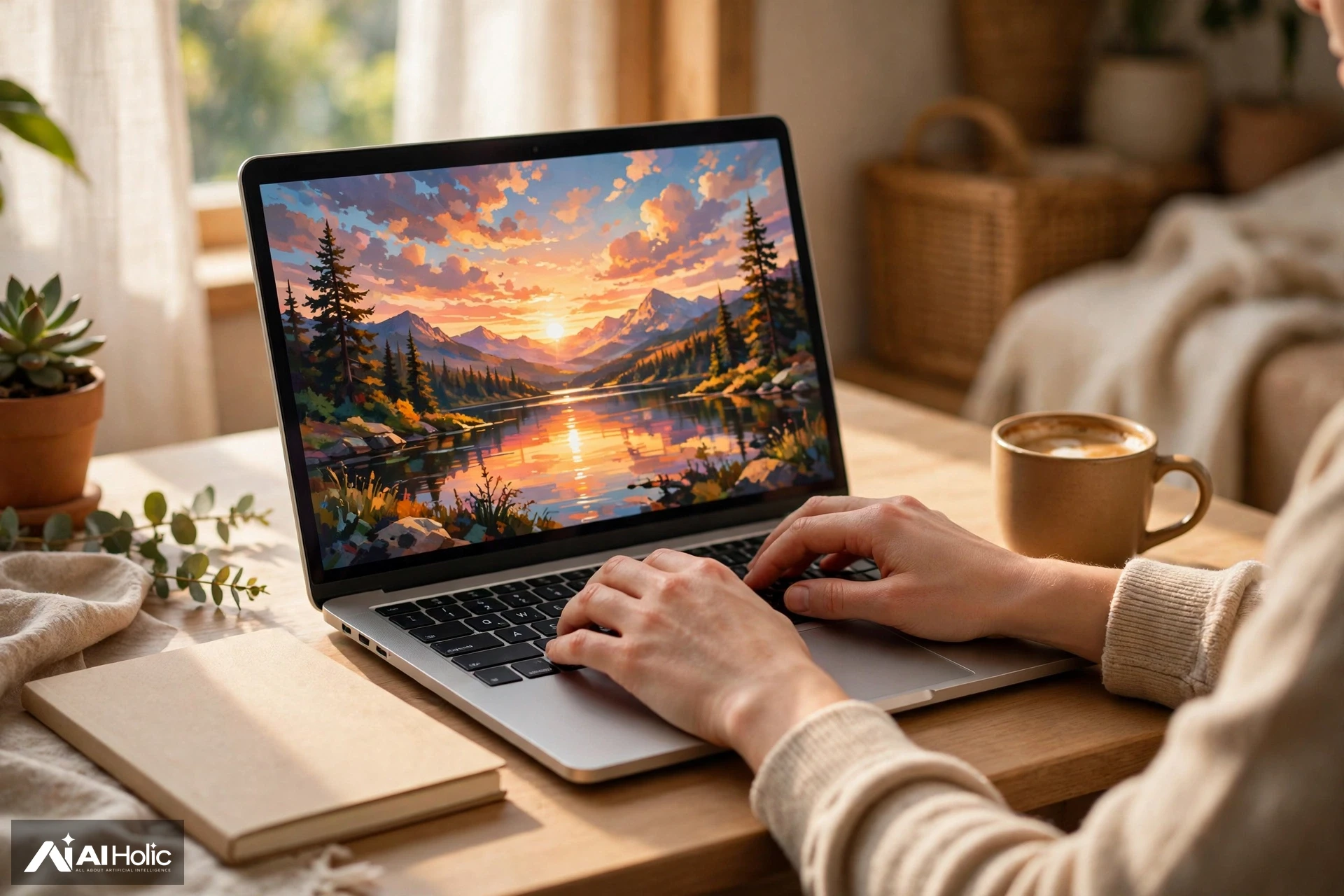
Keep your prompts in a simple file. Good prompts are worth reusing, and small changes to a proven prompt beat starting over each time.
How to Write a Prompt That Works
A vague prompt leaves the model to fill in nearly everything. A prompt like “a dog” could give any breed, any place, and any mood. Add the details that matter to you, and the results get closer fast.
Build your prompt in layers. Start with the subject, then add the setting, then the light and the style.
Style words matter a lot. “Photograph”, “oil painting”, and “cinematic” each push the picture in a different direction.
- Subject: what is in the picture, in plain words.
- Setting: where it happens and what surrounds it.
- Light: golden hour, soft daylight, or studio light.
- Style: photo, painting, cartoon, or 3D render.
- Mood: calm, dramatic, playful, or warm.
Use positive words for what you want, not for what you want to avoid. Models handle “bright, warm colors” better than “no dark colors”. If the first result is close but not right, change one detail and try again.
Weak: “a dog”. Better: “a golden retriever sitting in a park”. Strong: “a golden retriever sitting on grass in a sunlit park, happy expression, shallow depth of field, golden hour light, professional pet photography style”.
How to Spot One
The best models are hard to tell from real photos at a glance. Small mistakes still give them away, so check the details before you trust a picture.
- Hands: too many fingers, odd joints, or merged fingers.
- Text: signs and labels with letters that look right but spell nothing.
- Faces: eyes that do not match, ears that blur, or skin that looks too smooth.
- Backgrounds: warped objects, bent lines, or details that melt into each other.
- Light: shadows that fall the wrong way or reflections that do not match.
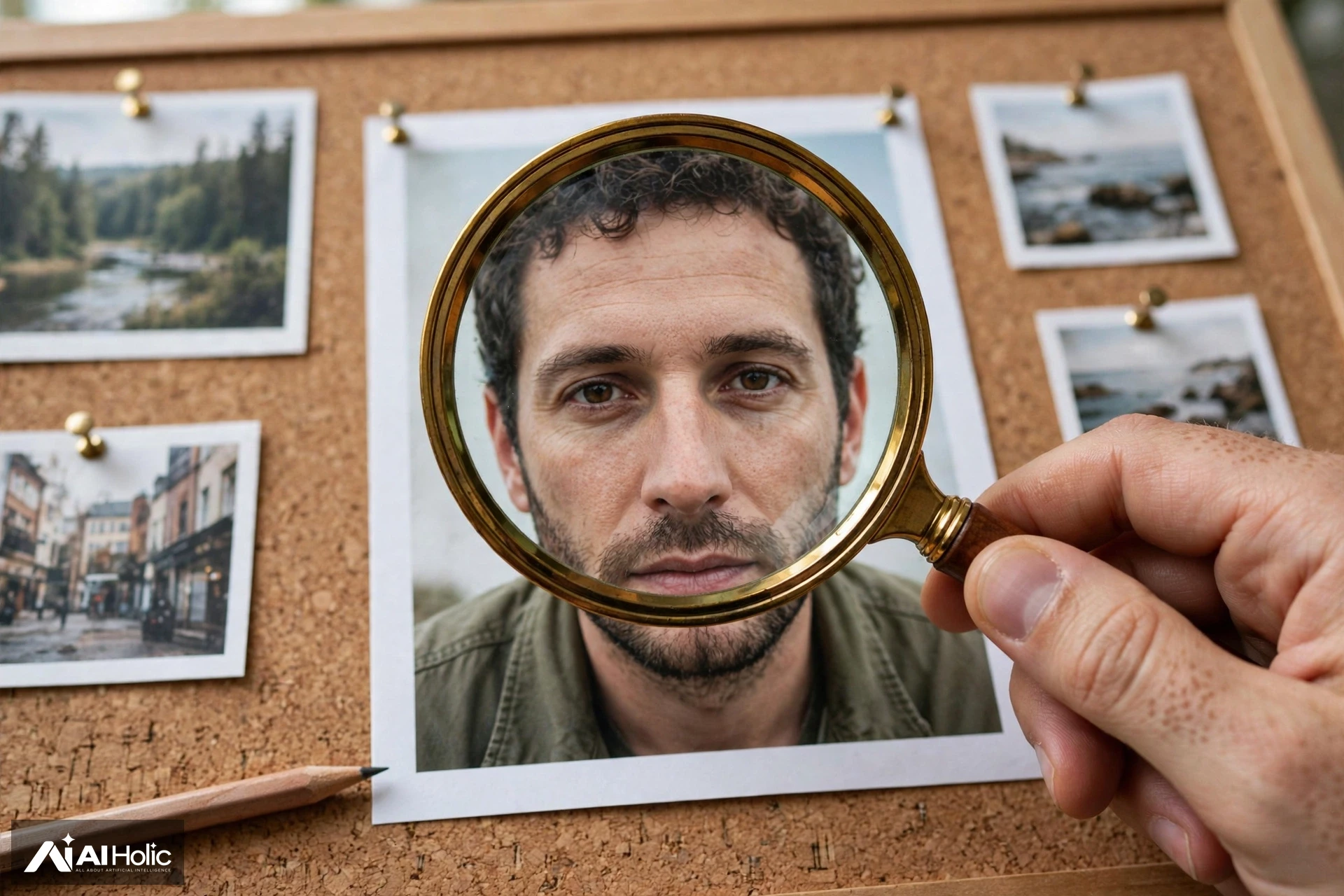
Photorealistic does not mean accurate. A picture can look like a photo and still show a place, a person, or an event that never existed. If a picture is meant to show something real, ask for the source before you share it.
Where AI Images Work Well
These pictures shine where speed and variety matter more than proof. Blog art, social posts, slides, storyboards, and concept art are all good fits. They are fast to make and easy to redo.
Product mockups are another strong use. You can test a look, a color, or a layout before you pay for a photo shoot. Teachers use them for lesson art, and small teams use them for ads and covers when a stock photo feels stale.
For cleanup work after generation, our guide to the best AI photo editing tools covers the tools that fix, sharpen, and polish a finished picture.
They are the wrong tool when truth matters. News, reviews, and anything where a reader expects a real photo should use a real photo. An invented picture should never stand in for a real event, a real person, or a real product.
Limits, Ownership, and Rules to Know
AI pictures have real limits. Hands and text still go wrong often. Rare subjects come out as plausible guesses, which is fine for a blog picture and a problem when accuracy matters.
Ownership is the hardest question, and the rules are still unsettled. In some countries, a picture needs a human author to hold copyright, so a fully machine-made picture may sit outside copyright.
In other places, the law is still being written. Your prompt work, your picks, and your edits may count as human input, but no single rule covers every case.
The practical steps are simple. Read the tool’s terms before you use a picture for business.
Some services allow commercial use, some do not, and some ask you to credit the tool. Say a picture is AI-made when it matters, and do not use these tools to copy a living artist’s style.
Training data is part of the same debate. Models learned from real photographers’ and artists’ work, and whether that use was fair is still being argued in courts. Use these pictures for illustration and ideas, and respect the people whose work trained the models.
Frequently Asked Questions
What Is an AI Image?
It is a digital picture made by an AI model from a text prompt or from another picture. The model learned patterns from millions of captioned images, then uses them to build a new picture that matches your words.
Do I Need Drawing Skill to Use These Tools?
No. You describe what you want in words, and the tool does the drawing. A little photography vocabulary helps, such as light, angle, and style, but no drawing skill is needed.
Can I Use AI Pictures for My Business?
It depends on the tool you used. Some services allow commercial use and some do not, so read the terms of the tool that made the picture. Say the picture is AI-made when the setting calls for it.
Why Does the Same Prompt Give a Different Picture Each Time?
Each run starts from different random noise, so the result changes. Some tools let you fix a seed number to repeat the same starting point, which keeps later tries close to the first one.
Are AI Pictures Free to Use?
Many tools offer a free tier with a limited number of pictures. Free to make is not the same as free to use anywhere, so check the tool’s terms and the rules of the site where you plan to publish.
Who Owns a Picture Made by AI?
The rules are unsettled and they differ by country. In some places, a picture with no human author may fall outside copyright. Check the tool’s terms and your local rules before you use a picture for business.
Conclusion
An AI image is a useful tool when you know what it is and where it fits. It turns words into pictures in seconds, and it works best for illustration, ideas, and drafts. Try one prompt today, check the details, and use a real photo when truth matters.