Halloween AI Trend: How the 2026 Photo and Video Craze Works
If you don’t want to read the whole guide or have difficulty reading, you can listen to this guide instead.
Halloween 2026 gave social feeds a new kind of costume photo. Instead of buying a costume and finding a good backdrop, people uploaded one selfie and let an AI image tool place them in a spooky scene.
The halloween ai trend turned that simple trick into the season’s biggest photo craze, with Y2K bedrooms, masked figures in doorways, and witches in foggy forests filling TikTok and Instagram. At AI Holic, this guide explains what the trend is, which looks went viral, and how you can try it yourself.
You will see the five looks that spread furthest, the steps to make your own photo or short video, and the safety rules that keep the fun from turning into a problem. No costume is needed, and no editing skill is needed either.
| Look | What you see | Where it spread |
|---|---|---|
| Ghostface Y2K photo | A calm person on pink satin bedding with a masked figure in the doorway | TikTok and Instagram |
| Ceiling fan costume change | A new Halloween costume each time a fan blade passes the lens | TikTok and Reels |
| Nightwing mask dance | A blue mask lift, then a costume dance with two glowing sticks | TikTok |
| Ramalama costume walk | A low camera walk with a fast tilt up to show the full costume | TikTok and Reels |
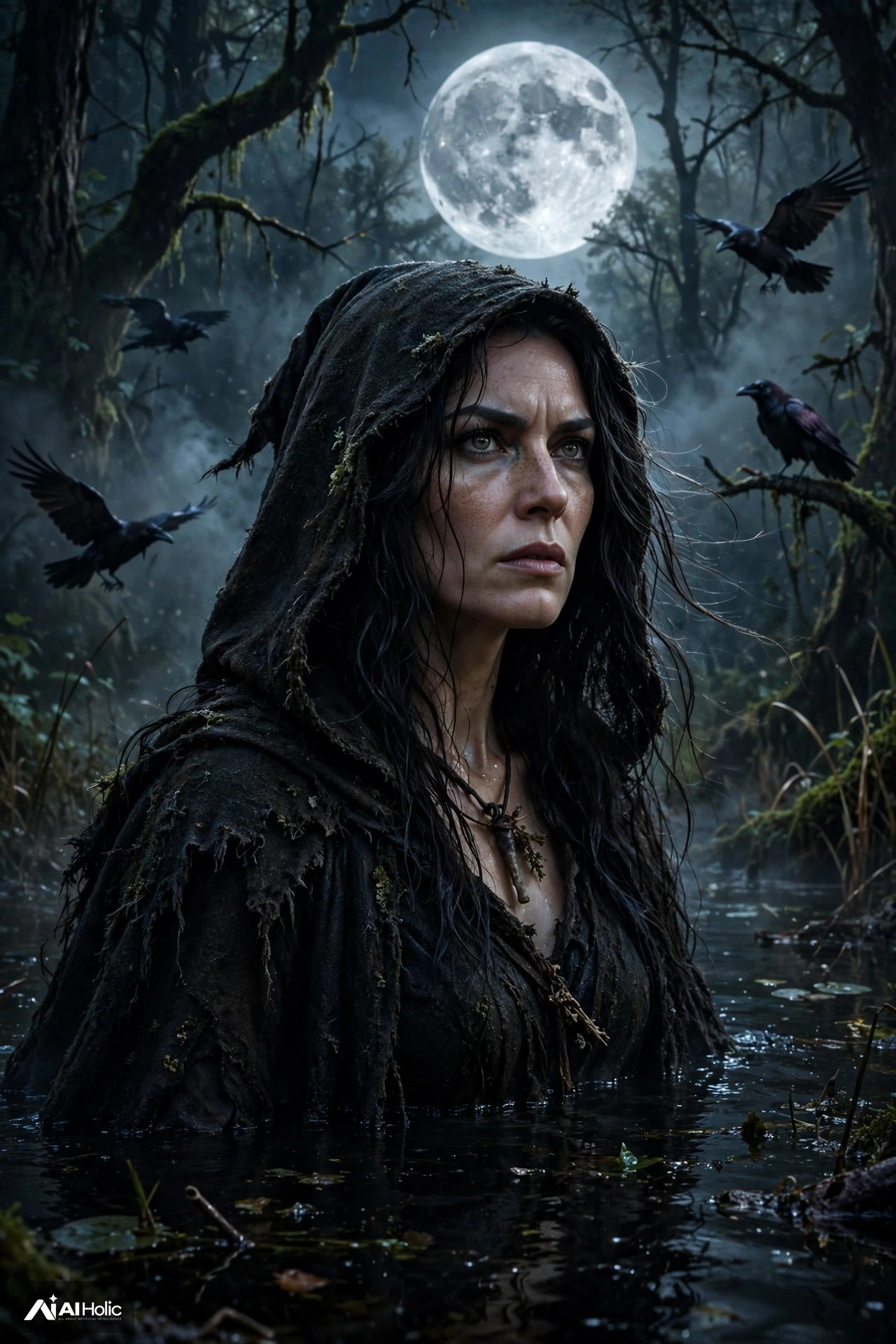
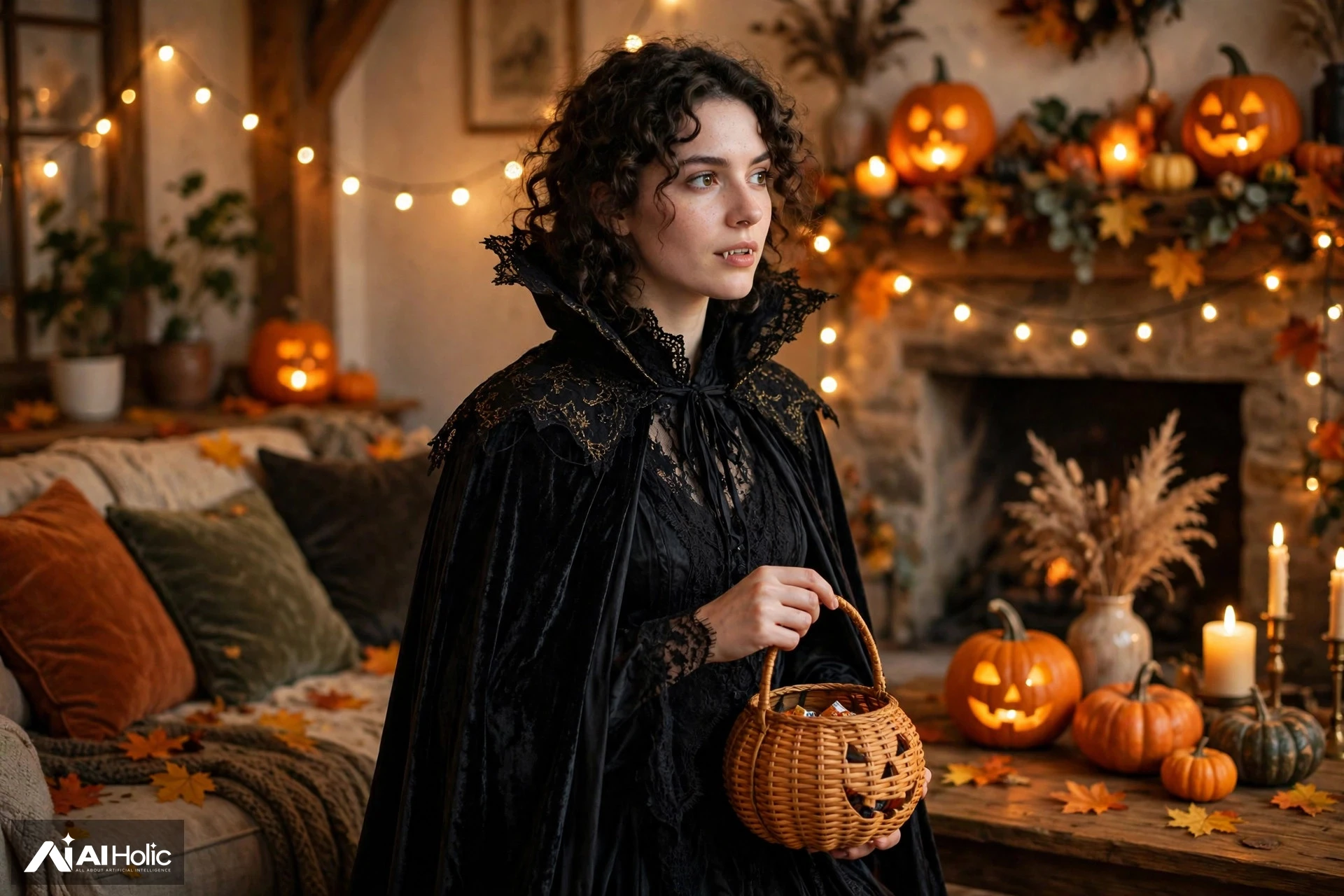
| Witch and vampire portraits | Cinematic stills in forests, old rooms, and party scenes | Instagram and Shorts |
What Is the Halloween AI Trend?
At its core, the halloween ai trend is a wave of AI-made Halloween photos and short videos built from a single selfie. You upload a clear photo of yourself, type a short prompt that describes a costume, a setting, and a mood, and the tool returns a finished image that looks like a film still. The best results keep your real face and change only the clothes, the light, and the room around you.
The trend has two sides. The photo side makes still portraits, while the video side turns one photo into a short clip where costumes change on camera.
Both sides spread on TikTok, Instagram Reels, and YouTube Shorts, where a 10 to 15 second clip fits the feed. Halloween falls on 31 October each year, and in 2026 it fell on a Saturday, which gave the trend a full weekend to peak.
The Ghostface Photo That Started It All
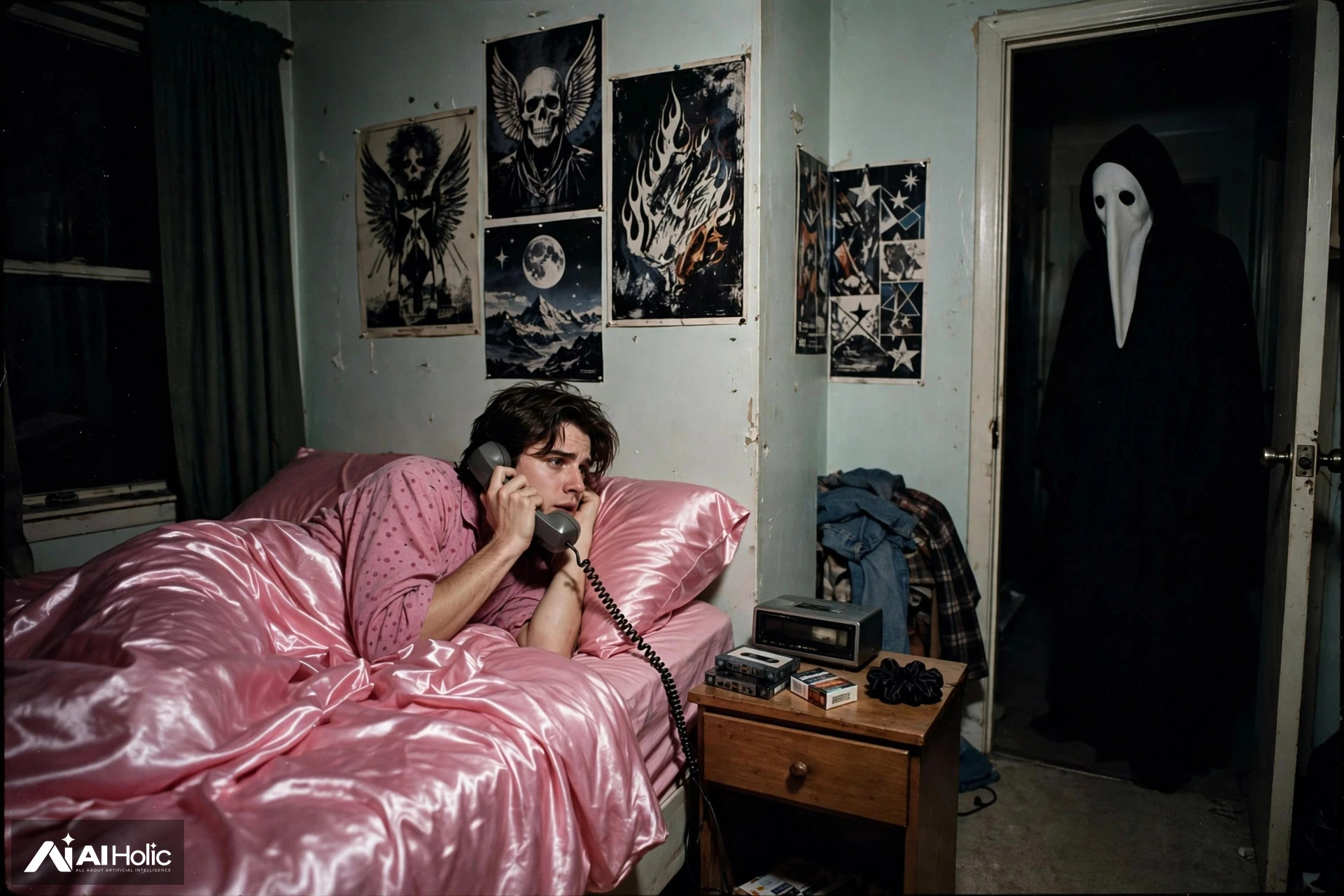
The best-known look in the halloween ai trend is the Ghostface photo. You lie on shiny pink satin bedding in a 90s bedroom, hold a large corded phone to your ear, and look calm while a tall masked figure stands in the dark doorway behind you. The mix of a cozy bedroom and a horror figure is what makes the image stop thumbs.
The mask comes from Scream, the 1996 slasher film directed by Wes Craven. The film opened on 20 December 1996 and went on to earn about $173 million worldwide, and its masked killer became one of the most known horror images of the 1990s. That shared memory is a large part of why the photo feels familiar at first sight.
The photo version of this look first appeared in late September 2025, when an early AI portrait of a woman on a large 90s phone in a Y2K bedroom drew wide notice. It came back in October 2026 for a second Halloween, this time joined by short video versions where the figure moves. Guides from PerfectCorp and other sites now list the Ghostface bedroom among their most copied prompts.
The Video Side: Costumes That Change on Camera
The video side of the halloween ai trend runs on templates that need only one photo. You upload a clear picture, pick a template, and the tool returns a vertical clip that is ready to post. Three templates drew the most views in October 2026, and each one works in a different way.
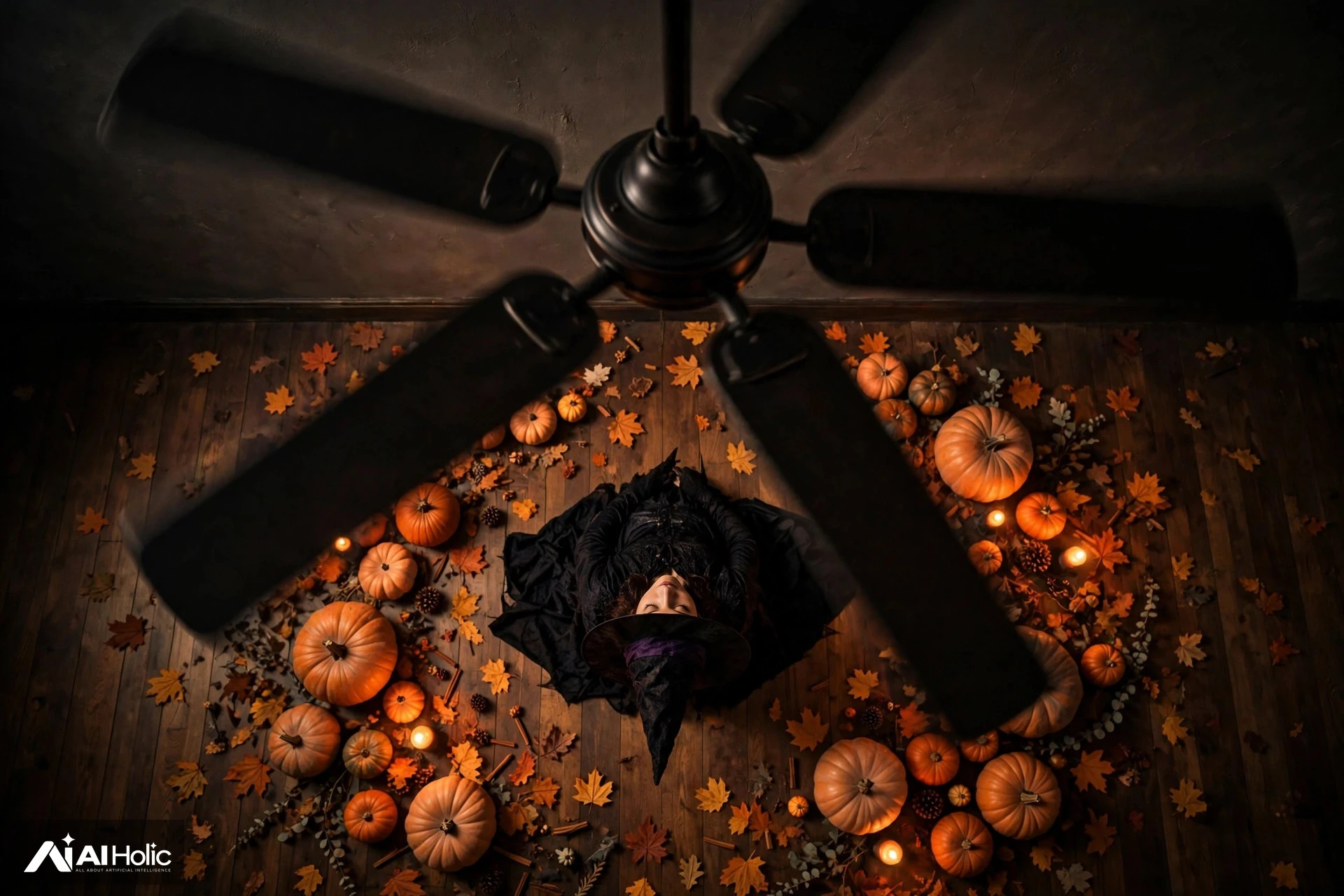
The ceiling fan clip films you from above as you lie on the floor, and each time a fan blade sweeps past the lens you wear a new costume. The trend began on TikTok in September 2026, when a clip by @shabastudio20 passed 1.3 million plays by 8 October. Its Halloween edition arrived on 13 October, and MakeViral reports that the tag #halloweentransition held 82,351 TikTok videos and 1.66 billion views on 29 October 2026.
The Nightwing clip starts with a blue mask held to the eyes, then cuts to a costume dance with two glowing sticks in a purple-lit room. Streamer Beth Cast posted the first version on 6 October 2026, and AI remakes followed from 18 October. MakeViral reports that #nightwingtrend held 16,431 TikTok videos and 186 million views by 21 October 2026.
The Ramalama walk sets a costume reveal to the song Ramalama (Bang Bang) by Roisin Murphy, released on the 2005 album Ruby Blue. The phone starts low, shows only legs and shoes, then tilts up fast to show the full costume on the beat. The sound had 446,100 videos by 11 October 2026, and one princess reveal posted on 6 October passed 12.4 million plays in five days.
How to Make Your Own Halloween AI Photo
To join the halloween ai trend as a photo maker, start with a good source photo. Use a clear, front-facing selfie in soft daylight, with your face large in the frame and nothing covering it. A weak source photo is the most common reason a result looks like someone else.
- Open an AI image tool that edits uploaded photos, such as Gemini, and sign in.
- Upload your clear selfie and keep it as the reference image.
- Paste a prompt that names who you are, the costume, the setting, the light, and the camera style.
- Add a line that tells the tool to keep your exact face, skin tone, and hairstyle unchanged.
- Generate, pick the best of the options, and save it at the highest quality the tool offers.
A good prompt follows one order: who, action, setting, light, and camera. Try this frame and fill in your own details: a candid Y2K-style Halloween portrait of me lying on shiny pink satin bedding in an early-2000s bedroom, holding a large corded phone, with a tall figure in a dark hooded robe standing softly out of focus in the dim hallway behind me. Change one detail at a time so you can see what improves the result.
If the tool refuses your prompt, it is often because you named a film character or a brand by name. Try again with a plain description of the look, such as a white ghost mask and a black hooded robe, instead of the character name.
Face-swap tools in photo apps can also place your face on a finished image when direct prompts keep failing. Our roundup of the best AI photo editing tools for 2026 compares the apps that handle this kind of edit.
How to Turn One Photo Into a Short Video
Video templates do the hard work for you, so you do not need to write a video prompt. Pick a template, upload one photo, and wait a few minutes for the clip. The result is a 9:16 vertical video, usually 8 to 15 seconds long, with sound included.
Use a full-body photo for the Ramalama walk, since the camera starts at your shoes and tilts up to your face. Use a chest-up photo for the Nightwing mask clip, since the mask lift is the key move.
For the ceiling fan clip, lie on the floor in plain clothes and let the template add each costume. A clear face matters most in every case, since the template keeps your face and hair from your photo.
Free plans often limit video length or add a queue at busy times, and some video versions cost money even when the still photo is free. Check the price before you generate, and save the clip at the highest quality your plan allows. New tools for stills and clips arrive each month, and our AI image generation news roundup tracks the ones that matter for creators.
Photo or Video: Which Route Fits You?
| Route | What you need | Time to make | Best for |
|---|---|---|---|
| AI photo | One clear selfie and a short prompt | About 5 minutes | Profile pictures and feed posts |
| AI video template | One clear photo and a template pick | A few minutes of waiting | TikTok, Reels, and Shorts |
Photos give you more control over the exact look, while videos give you more motion and a better shot at a viral clip. If you only have a few minutes, start with a photo. If you want the costume-change effect, pick a video template and let it do the work.
Stay Safe With AI Halloween Photos
The halloween ai trend is easy to join, and that ease is also its risk. Only use photos of yourself or of people who have said yes to being in the image. Never upload a photo of a child, a friend, or a stranger without clear permission, since you cannot take a posted image back once it spreads.
Treat any site that asks you to pay for free prompts with care, and read the price before you enter card details. Some pages sell prompt packs for photos you can make with a free tool and a short prompt of your own. Keep your face out of tools you do not trust, and skip any app that asks for more access than it needs.
Remember that AI images can look real even when nothing in them happened. A photo of you in a haunted house is a fun edit, not a real event, so say so when you post it. A short caption such as AI photo keeps the joke clear and keeps no one fooled.
Why It Spread So Fast
It spread fast because it asks almost nothing of the person who joins it. One photo and one prompt are enough, and the result is ready in minutes. That low effort fits short video feeds, where a striking image earns a second look before the next clip loads.
Nostalgia does much of the work too. The 90s bedroom, the corded phone, and the VHS-era looks remind viewers of films and shows they grew up with.
A familiar setting makes a strange image feel warm, and a warm image gets shared. That mix of old looks and new tools is the heart of the trend.
The timing helped as well. Halloween gives creators a clear deadline and a shared theme, so many people post at once and the feeds fill up fast. Our guide to current AI trends puts this kind of seasonal spike in context, and it shows how often a single format takes over for a few weeks and then fades.
Frequently Asked Questions
What is the halloween ai trend?
The halloween ai trend is a wave of AI-made Halloween photos and short videos built from a single selfie. People upload a clear photo, add a prompt that describes a costume and a setting, and share the result on TikTok, Instagram, or YouTube Shorts. The best-known looks are the Ghostface bedroom photo and the ceiling fan costume-change video.
Which AI tool makes the Ghostface Halloween photo?
Most guides use Gemini, since it can edit an uploaded photo from a text prompt. ChatGPT image tools and photo apps with an AI editing agent can make the same look, and face-swap features help when a direct prompt keeps failing. Pick the tool you already use, and test it with one free image before you pay for anything.
Is it free to join the trend?
The still photo is often free within a tool’s daily limits, while video versions often cost money or credits. Some sites sell prompt packs, but the prompts themselves are short and easy to write. Check the price on the tool’s own page before you generate, and avoid any page that hides its cost until checkout.
Why does Gemini refuse some Halloween prompts?
Gemini can refuse prompts that name a film character or a brand, since those names can raise copyright flags. A plain description of the look usually works, such as a white ghost mask and a black hooded robe in a dim hallway. You can also try a photo app with an editing agent, which tends to refuse less often.
Can I use someone else’s photo for the trend?
No, you should only use your own photo or a photo of someone who has agreed to it. Uploading another person without permission can harm them and can break the rules of the app you use. The same care applies to photos of children, so keep the trend to your own face and your own posts.
Conclusion
The halloween ai trend shows how fast one photo and one prompt can become a shared joke. Try the Ghostface look or a costume video, keep it to your own face, and share the result before the season ends. When December arrives, the same face-lock trick works for a festive portrait, as our guide to ai christmas photo shows.