
AI Tools for Business Workflow Analysis Process Mapping 2026: How to Pick the Right One
If you don’t want to read the whole guide or have difficulty reading, you can listen to this guide instead.
Most teams cannot see how their work actually moves. A request sits in an inbox, a handoff waits for a reply, and no one knows where the delay starts. The right ai tools for business workflow analysis process mapping 2026 turn that hidden path into a clear map you can fix.
At AI Holic, this guide compares the three types of tools, the best options in each type, and the free choices worth trying first, so you can pick with confidence.
You will also get a short five step routine to map one process in a week, plus the mistakes that waste the most money.
| Tool type | Starts from | Best when | Watch out for |
|---|---|---|---|
| Diagramming | What your team knows | The process is known and agreed | The map is only as true as the person who drew it |
| Process mining | Event logs in your systems | High volume runs inside one or two systems | It misses email, chat, and manual steps |
| AI interview mapping | Interviews with staff | Work spreads across teams and tools | It needs access to the people who do the work |
| Executable workflows | A checklist of steps | The same process must run the same way every time | It maps less and runs more |
What Workflow Analysis and Process Mapping Mean
A business process is a set of steps that turns an input into a result a customer wants. Hiring, order fulfilment, and invoice approval are all processes. Each one has people, decisions, handoffs, and waits.
Workflow analysis means studying that path to find slow steps, repeated work, and unclear ownership. Business process mapping means drawing the path so everyone can see it. The map is the output, and the analysis is the thinking that makes the map useful.
Good mapping starts with clear business context, not with a drawing tool. You need to know what the process must achieve before you draw a single box. That shared goal keeps the map honest.
How AI Tools for Business Workflow Analysis Process Mapping 2026 Work
The best ai tools for business workflow analysis process mapping 2026 fall into three groups, and each group starts from different evidence. Diagramming tools draw what your team already knows.
Process mining reads the event logs inside your systems. AI interview mapping builds the map from interviews with the people who do the work.
AI shows up in all three groups, but it does a different job in each one. In diagramming tools, it turns a typed prompt into a first draft flowchart.
In process mining, it finds variants and delays across thousands of cases. In interview-mapping tools, it runs the interviews and sorts the answers into a map.
That difference matters, because the wrong type wastes your budget. A diagramming tool cannot tell you how work really runs.
A mining tool cannot see work that happens in email and chat. Pick the type first, then pick the tool.
The shared standard behind most maps is business process modeling, which uses agreed shapes for steps, decisions, and handoffs.
The Three Types of Tools in More Detail
The three types solve different problems, so the best ai tools for business workflow analysis process mapping 2026 for your team depend on the evidence you have today. A small team with one messy process needs a different tool than a large firm with clean system logs.
Diagramming Tools
Diagramming tools give you a blank canvas, shapes, and templates. Lucidchart, Microsoft Visio, draw.io, and Creately sit in this group. You place each box by hand, so the map matches what your team agrees on.
Lucidchart adds AI diagram generation and live data links, which help when a map must stay tied to real numbers. Visio fits teams that already live in Microsoft 365, and its Plan 2 adds full BPMN 2.0 support. draw.io costs nothing and works offline, which suits teams with strict data rules.
Collaborative Whiteboards
Miro and FigJam turn mapping into a group session. People add sticky notes, vote, and sort steps together in real time. They shine in workshops where the process is still unclear.
Miro’s AI can turn notes into draft flows, and its templates cover most common processes. FigJam fits design teams that already use Figma. Neither tool is built for formal BPMN or long term governance.

Process Mining and AI Interview Mapping
Celonis rebuilds a process from event logs and shows every variant, delay, and detour. It fits high volume work such as order to cash. It needs clean logs with a case ID, an activity name, and a timestamp.
AI interview mapping tools such as Horizon and Trupeer start from people instead of logs. Horizon runs role specific interviews and builds AS-IS and TO-BE maps. Trupeer records real work on screen and turns the recording into a map, a written SOP, and a training video.
These tools cost more and suit larger teams. A small team with one messy process will get more from a whiteboard and a few honest interviews. Save mining and interview mapping for processes that cross teams or carry real volume.
The Best Tools by Situation
No single tool wins for every team. The list below sorts the leading ai tools for business workflow analysis process mapping 2026 by the situation each one fits best.
| Tool | Best for | Free option | Paid plans from |
|---|---|---|---|
| Lucidchart | Technical depth and team diagrams | Free plan | $9/month per person |
| Miro | Live mapping workshops | Free plan | $8/member/month, billed annually |
| Microsoft Visio | Microsoft 365 teams | Limited version in some plans | Plan 1 at $5/user/month |
| draw.io | Zero budget | Fully free | No paid plan needed |
| Whimsical | Speed and focus | Free plan | $10/editor/month, billed annually |
| Process Street | Executable checklists | 14-day trial | Custom pricing |
| Celonis | Process mining at scale | None listed | Custom pricing |
Prices come from the comparison guides we reviewed in November 2026. Confirm current terms on each vendor site before you buy.
If your budget is zero, start with draw.io. It draws clean flowcharts and BPMN diagrams, needs no account, and keeps your files on your own device. Bizagi Modeler is the other free pick when you need strict BPMN 2.0 on a desktop.
If you need one tool for a whole team, Lucidchart is the safe middle ground. It covers flowcharts, swimlanes, and BPMN, and it works in a browser with real time editing. Miro wins when the map must come out of a live workshop rather than a single analyst.
Canva suits simple maps that must look good in slides or onboarding packs. Creately suits small teams that want BPMN at a low price. Trupeer suits firms that need maps built from real recorded work, such as an ERP rollout.
How to Pick the Right Tool in Five Steps
A short checklist beats a long feature comparison. Use these five steps to shortlist the ai tools for business workflow analysis process mapping 2026 that fit your team, then test one on a real process.
- Name the process and its owner. Pick one process with a clear start, a clear end, and a person who owns the result.
- Check what evidence you have. If you have clean system logs, mining is on the table. If the work lives in email and chat, start with interviews or a workshop.
- List the must-haves. BPMN support, real time editing, and integrations are the three that most teams name first.
- Try the free tier on a real process. A one hour test on your own workflow tells you more than any feature page.
- Count the real cost. Per user pricing adds up fast, so check what ten seats cost before you commit.
Before you pay for a plan, run a quick cost-benefit check on the time the tool should save. A tool that saves each team member one hour a week pays for itself fast. One that only makes prettier diagrams does not.
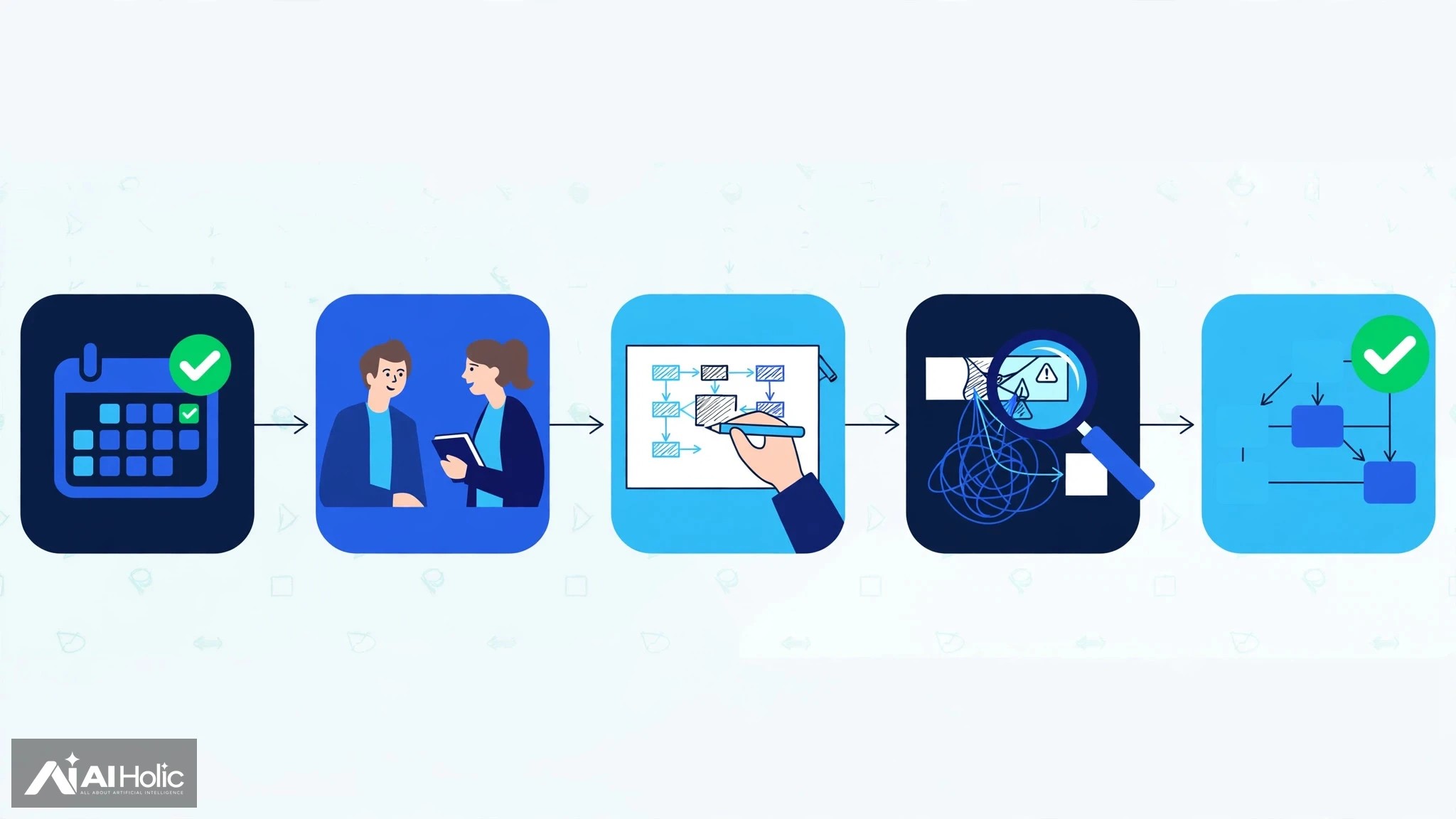
A Simple One-Week Workflow Analysis Routine
You do not need an enterprise suite to map one process well. A small team can run this routine in a week with a whiteboard tool and a shared doc. It works with any of the ai tools for business workflow analysis process mapping 2026 listed above, including the free ones.
- Day 1: Define the boundary. Write down where the process starts, where it ends, and what good looks like.
- Day 2: Interview the people who do the work. Ask each person what they do, what they wait for, and what they work around.
- Day 3: Draw the AS-IS map. Put every step, decision, and handoff on the board, with the variants you heard.
- Day 4: Mark the friction. Flag waits, rework, and steps no one can explain.
- Day 5: Design the TO-BE map. Remove or fix the flagged steps, then name an owner and a review date.
Keep the map where the team works, not in a file no one opens. A map without an owner and a review date stops matching reality within months. Review it after each system change, and update the doc at the same time.
Once the map is clean, workflow automation can take over the repeated steps, so the team spends its time on the work that needs a human.
Mistakes That Waste Time and Money
- Choosing on diagram quality. Every tool on this list draws well. The difference is where the content of the map comes from.
- Buying process mining for a process that lives outside systems. Without a case ID, an activity, and a timestamp for each step, there is nothing to rebuild.
- Treating a workshop map as the current state. It records what the people in the room agreed on. Check it with the people who do the work before you redesign anything.
- Automating before you map. A workflow tool makes a process faster, including its needless steps.
- Skipping the owner. A map with no named owner and no review date goes stale fast.
Frequently Asked Questions
What are the best ai tools for business workflow analysis process mapping 2026 for a small team?
For a small team, draw.io is the best free start, and Lucidchart is the best paid all-rounder. Miro fits teams that map in live workshops. Start free, test on one real process, and pay only when the free tier limits you.
Do I need process mining or is a diagram enough?
A diagram is enough when the process is known and the team agrees on it. Process mining earns its cost when a high volume process runs inside one or two systems and you need exact timings, variants, and delays. If the work lives in email and chat, mining has nothing to read.
What is the difference between BPMN and a simple flowchart?
A flowchart uses basic boxes and arrows to show steps in order. BPMN is a shared standard with agreed symbols for events, decisions, lanes, and messages, so teams and tools read the same map the same way. Use flowcharts for simple processes and BPMN when the map must pass audits or move between tools.
Can AI build a process map on its own?
AI can draft a map from a prompt, a recording, or a set of interviews, but the draft is only a start. Someone who does the work must check every step, decision, and exception. A map no one has checked is a guess with nice formatting.
How often should a process map be updated?
Review the map after every system change, role change, or new tool, and at least once each quarter. Name one owner and one review date when you publish the map. A map that no one owns stops matching reality within months.
Conclusion
The right ai tools for business workflow analysis process mapping 2026 depend on your evidence, your team, and your budget. Pick the type first, test one tool on a real process, and keep the map owned and current. Start with the free tier this week, and map the one process that slows your team down the most.