AI Beauty Solution: How Smart Skin Scans and Virtual Try-Ons Work
If you don’t want to read the whole guide or have difficulty reading, you can listen to this guide instead.
You take one selfie, and a phone app reads your skin in seconds. It spots dry patches, dark spots, and fine lines, then builds a routine around what it sees. That is what an ai beauty solution does, and it now shows up in apps, shops, and salons.
At AI Holic, this guide explains how these tools work, what they can and cannot do, and how to pick one that fits your needs. It also covers cost, privacy, and the limits of a phone scan.
You will learn the main types, the checks to run before you trust a result, and the steps to try one safely. No step needs a paid plan or a salon visit.
What Is an AI Beauty Solution?
An ai beauty solution is software that uses a photo or a live camera feed to study your face, skin, or hair. It then gives you advice, product picks, or a preview of a look. The tool does the job of a first consult, not a full clinic visit.
Most of these tools sit inside a shopping app, a salon app, or a smart mirror in a store. Some run as a widget on a product page or as a phone app you open at home.
A camera sees far more detail than your eye can catch in a mirror. The software sorts that detail into scores and labels, then turns them into steps you can act on.
- Skin scans that score concerns such as dryness, pores, spots, and wrinkles
- Virtual try-ons that place makeup, hair color, or glasses on your face
- Shade finders that match foundation to your skin tone
- Hair tools that preview a cut or a color before you book a salon visit
- Chat helpers that answer routine questions and build a daily plan
How It Works: From Selfie to Routine
The process starts with a photo or a short live video. Good light and a clean face help a lot, since shadows and makeup can skew the read. The app then maps points on your face and reads color, texture, and tone.
Next, the software compares your scan with patterns it learned from large sets of face photos. Image recognition lets a computer pick out features in a photo, and beauty tools use it to find spots, lines, and uneven tone. The result is a set of scores for each concern.
Last, the tool turns those scores into advice. It may suggest a gentle cleanser for dry skin, a lighter foundation shade, or a lipstick to try on screen. You still choose what to buy, and you can ignore any pick that does not suit you.
- Take a photo in bright, even light with no filter
- Let the app map your face and score each skin concern
- Read the scores and the routine it suggests
- Try products on screen before you buy them
- Repeat the scan over time to track change
The Main Types You Will Meet
Beauty AI comes in a few clear forms, and each answers a different question. A skin scan answers what your skin needs, while a try-on shows how a product will look on you. A shade finder answers which color to buy.
Some tools pack all three into one app, while others do one job well and leave the rest out. Pick the type that matches your question, not the one with the longest feature list.
| Type | What it does | Best for | Where you find it |
|---|---|---|---|
| Skin scan | Scores skin concerns from a selfie | Building a routine | Apps, store kiosks, salon tablets |
| Virtual makeup try-on | Places makeup on your face live | Testing lipstick and blush shades | Shopping apps and websites |
| Shade finder | Matches foundation to your tone | Buying foundation online | Beauty store sites and apps |
| Hair try-on | Previews cuts and colors | Planning a salon visit | Hair apps and salon sites |
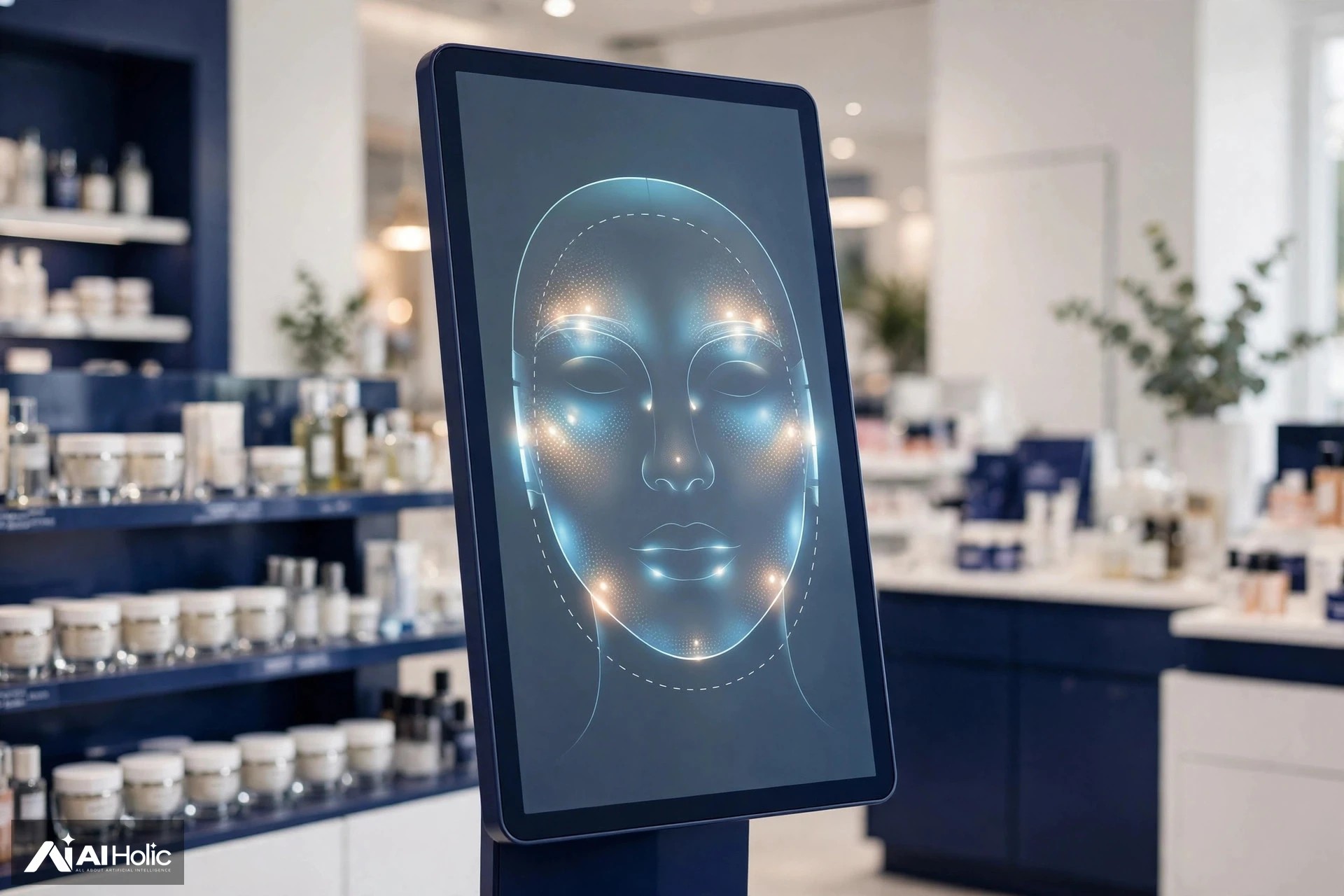
| Smart mirror | Combines scan, try-on, and picks in store | In-store advice | Beauty shops and pop-up events |
| Chat helper | Answers questions and plans routines | Daily guidance | Brand apps and websites |
Skin scans are the most common type. One leading vendor states that its scan checks 14 skin concerns in a single pass, from wrinkles and moisture to dark circles and skin type. Treat that count as a product claim, not an independent test result.
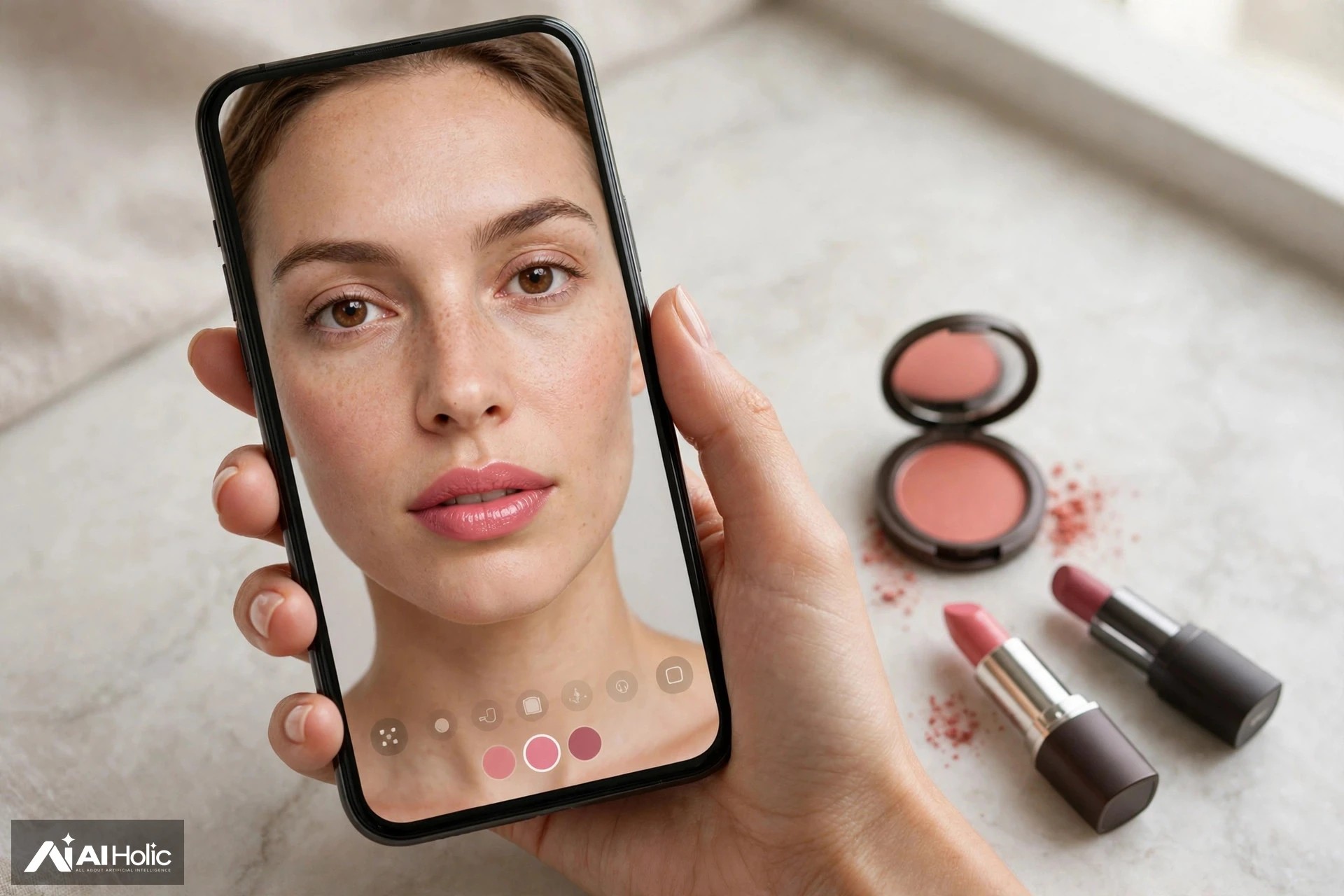
Virtual try-on is the most fun type, and it is also the most useful for online shopping. Augmented reality places digital makeup on your live camera feed, so you can see a shade move with your face. It helps you avoid the wrong color, though screen light can still shift how a shade looks.
Hair tools work the same way. A guide to Gemini AI hairstyle tools shows how a photo can preview a new cut or color before you sit in a salon chair. That preview saves you from a cut you would regret, and it shows your stylist what you want.
What the Results Can and Cannot Tell You
A phone scan is good at surface detail. It can track visible dryness, redness, spots, and fine lines over time, and it can show whether a routine seems to help. Compare scans from one month to the next to see the change.
But a scan cannot see under your skin, and it cannot diagnose a health issue. A mole that changes shape, a rash that spreads, or a sore that will not heal needs a skin doctor, not an app. Treat every scan result as a beauty guide, never as medical advice.
Accuracy also shifts with light, camera quality, and skin tone. A scan in a dim room scores worse than the same face in daylight. Tools trained on a narrow set of faces may read some skin tones less well, so check this before you trust the scores.
An ai beauty solution also cannot judge how a product will feel on your skin, and it cannot test for an allergy. Patch test any new product on a small area first, and stop using it if your skin reacts.
- It can track visible change over weeks and months
- It can rank which concerns look strongest right now
- It cannot diagnose skin disease or spot cancer
- It cannot predict how your skin will react to a product
- It cannot replace a skin doctor for a real concern
How Much Does It Cost?
Most shopper tools cost you nothing. A store offers a free scan or try-on because it wants you to buy with more trust. A salon may include a scan in a consult, while a brand app may give a basic scan free and charge for extra features.
An ai beauty solution built for a business costs far more, since the brand pays for the software, the setup, and the support. That price sits behind the scenes, and it varies a lot by vendor and by shop size. As a shopper, you rarely see it, so judge the tool by its result, not by its price tag.
Paid consumer apps often add full routines, progress tracking, or unlimited scans behind a plan. Before you pay, use the free scan first and check whether the paid extras solve a real need. A free scan that answers your question is enough.
| Option | Typical cost to you | What you get |
|---|---|---|
| Store scan or try-on | Free | A scan and product picks in the shop |
| Brand app basic scan | Free | Scores and a starter routine |
| Paid app plan | Monthly or yearly fee | Full routines, tracking, and extra scans |
| Salon consult scan | Often part of the visit | Expert review of your scan |
| Smart mirror visit | Free in store | Scan, try-on, and picks in one place |
Privacy: Read This Before You Upload a Photo
Your face is personal data, so read the privacy terms before you upload a selfie. Check whether the app keeps your photo, shares it, or uses it to train its models. A clear policy says this in plain words on one page.
Prefer tools that process the photo on your phone or delete it right after the scan. Avoid tools that ask for your contacts, your location, or your full photo library when one selfie is all they need. More access than the job needs is a warning sign.
Check where your data lives and how to delete it. A good tool lets you remove your photos and your account with a few taps. If you cannot find a delete option, use a guest scan instead.
- Read what the app keeps, shares, and trains on
- Use guest mode when you can, and skip the account
- Give only the photo the scan needs, nothing more
- Check how to delete your photos and your account
- Skip tools with no clear privacy page
Who Should Use One, and Who Should Skip It
An ai beauty solution suits you if you shop for makeup online, want a steadier routine, or plan a hair change. It also suits a store that wants fewer returns, since a good shade match means fewer wrong orders sent back.
It is less useful if you already know your shades and your routine works. If you have a skin problem that needs care, book a skin doctor first and use a beauty app only after you know what you are dealing with.
Teens should use these tools with a parent nearby, since a scan can push product buys and set harsh beauty goals. The scores guide your care, not your worth. If a score makes you feel bad, close the app and talk to someone you trust.
How to Try One Safely
Start with a free store tool rather than a paid app. A store mirror or a brand site widget gives you a real scan with no account and no fee, and you can test the result against products you can see in person.
Take your scan in bright daylight with a clean face and no filter. Save the result, then scan again a few days later in the same light. If the two scans disagree a lot, the tool is not stable enough to guide your buys.
Try one change at a time. Add a single product, use it for two weeks, and scan again, so you know what helped and what did not. A full new routine at once hides which step did the work.
Photo tools pair well with beauty tech too. A roundup of the best AI photo editing tools of 2026 can help you clean up a scan photo, while AI Photoshop tools show how far phone editing has come. Keep your skin scan free of filters.
Frequently Asked Questions
Is an AI beauty solution accurate?
It is fairly accurate for visible surface detail, such as dryness, spots, and fine lines, when the light is good and the photo is clean. It is less exact in dim light or with a filter, and it cannot see under the skin. Use the scores as a guide, and check big changes with a doctor.
Can an AI beauty solution replace a skin doctor?
No, it cannot replace a skin doctor. A scan reads the surface of your skin, while a doctor can test, diagnose, and treat a health issue. Use a beauty app for routine picks and shade tests, and book a doctor for a rash, a changing mole, or any sore that will not heal.
Are AI beauty scans free?
Most shopper scans are free, since stores and brands offer them to help you buy with more trust. A brand app may charge for full routines, progress tracking, unlimited scans, or expert reviews. Try the free scan first, and pay only if the extra features solve a need you really have.
Does virtual try-on work for all skin tones?
It works best when the tool was trained on a wide range of skin tones, and it can fall short on tones it saw less often. Test it with a shade you already own, and check if the on-screen color matches the real product. If it misses by a lot, try a different tool or test the shade in a store.
Is my selfie safe with an AI beauty app?
It depends on the app and its privacy terms. Some tools delete your photo right after the scan, while others keep it or share it with partners. Read the policy first, use guest mode when you can, and pick tools that let you delete your photos and your account with a few taps.
Conclusion
An ai beauty solution can make skin care simpler, from a quick scan to a shade you can trust. Use a free store tool first, guard your photo, and see a doctor for any real concern.