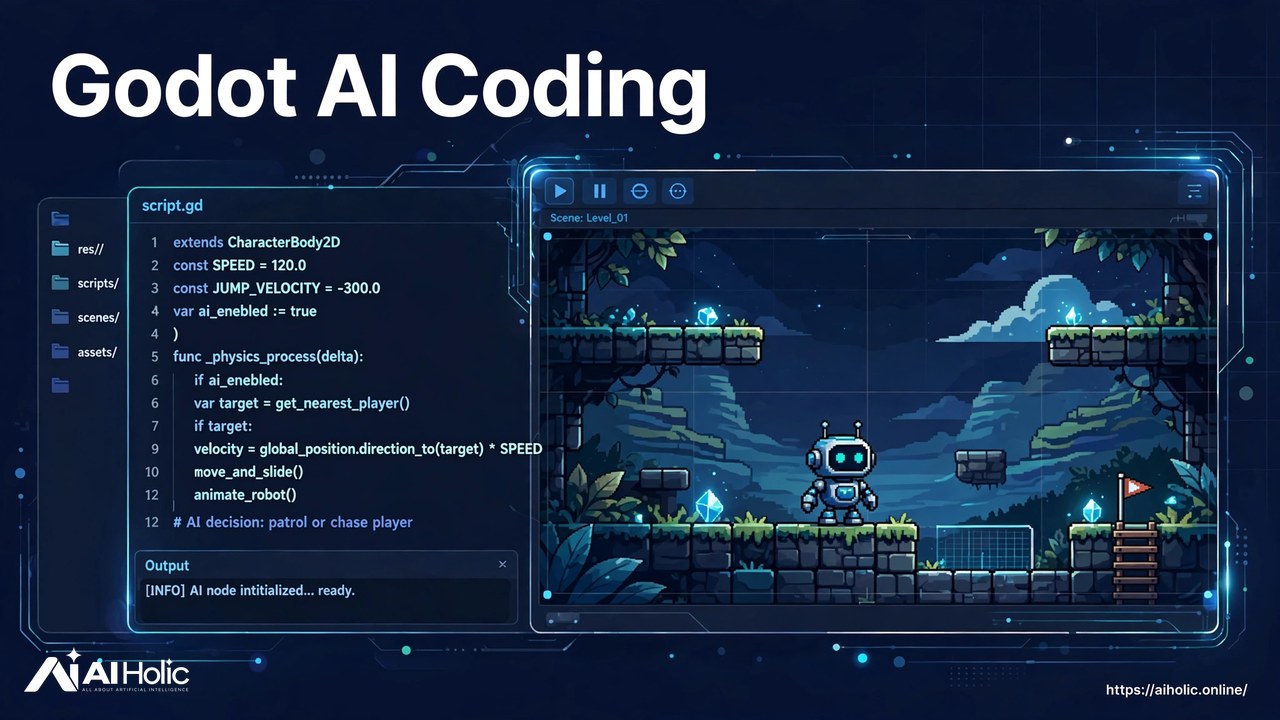
Godot AI Coding: The Best Tools, Setup Steps, and Costs in 2026
If you don’t want to read the whole guide or have difficulty reading, you can listen to this guide instead.
Godot has no built-in AI, yet godot ai coding is now one of the fastest ways for indie makers to build a game. It means you connect an AI coding agent to the Godot editor so the agent can write GDScript, build scenes, run the game, and fix its own errors. The current stable release is Godot 4.7.2, and the tools in this guide work with Godot 4.2 and later.
At AI Holic, we read the top guides and the tool docs so you can skip the sales talk. You will get a plain comparison of the best free and paid options, a five-step setup, and the limits you should know before you trust an agent with your project.
What Godot AI Coding Means
In simple terms, godot ai coding is the use of an AI agent to help you write and test a Godot game. You describe what you want in plain words, and the agent writes the code, wires up the nodes, and runs the game to check its work. You stay in charge, and you review each change before it ships.
Godot is a free and open-source game engine under the MIT license, and it runs on Windows, macOS, and Linux. It ships with its own scripting language, GDScript, and it also supports C#. The engine has no AI features of its own, so every AI helper here is an outside tool that plugs into it.
AI now touches every part of game making, from art and sound to full AI games you can try in a browser. In Godot, the most useful AI help is on code, scenes, and error fixing, not on game design. A good agent saves you typing and testing time, but it cannot decide what makes your game fun.
How AI Coding Works in Godot
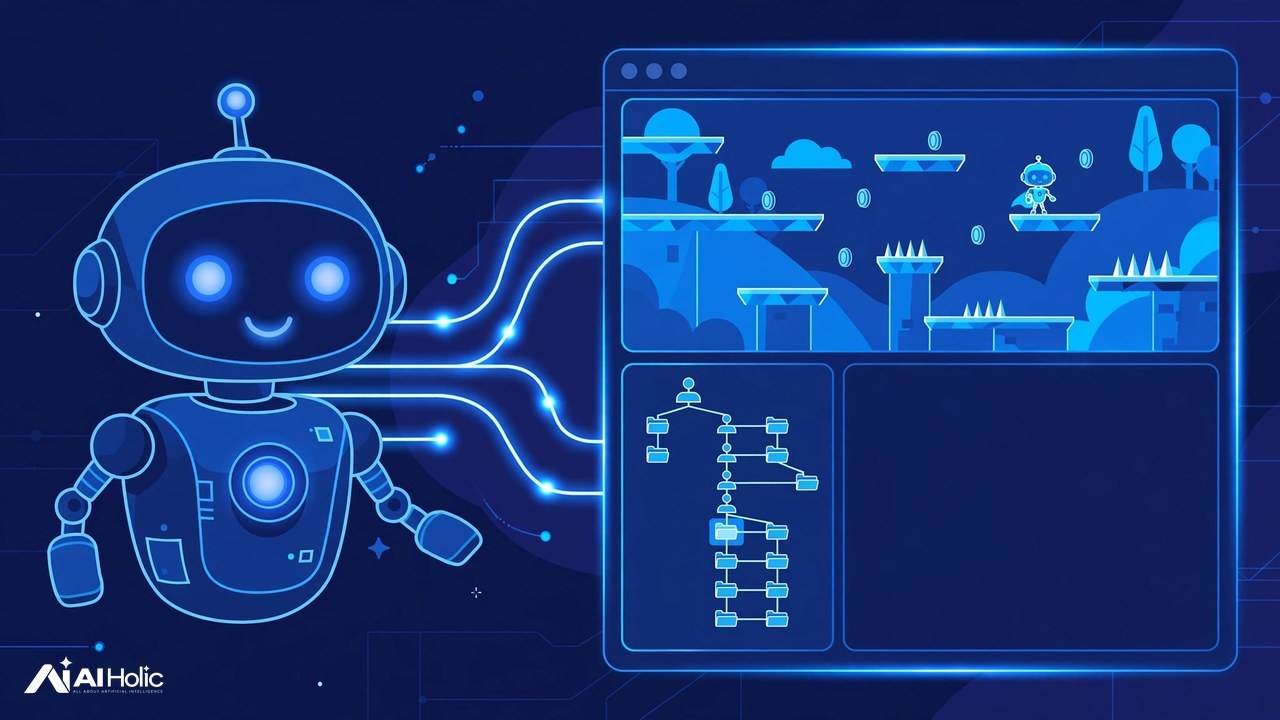
Most setups use three parts that work as a team. The coding agent is the brain, and it reads your prompt and writes the code.
The MCP server is the bridge, and it hands the agent tools to run Godot, read errors, and change scenes. The editor plugin is the hands, and it lets the agent work inside the open Godot editor.
MCP stands for Model Context Protocol, an open standard from Anthropic that lets an AI agent call tools in other programs. A Godot MCP server turns Godot actions into tools the agent can call, such as run the game, read the debug output, or add a node. When the agent runs the game and sees an error, it can fix the code and run it again without you pasting errors by hand.
Many makers start godot ai coding with a free MCP server and the agent they already pay for, then move to an all-in-one tool when they want playtesting built in. The right pick depends on your Godot version, your budget, and how much control you want to keep.
| Route | What You Get | Cost | Best For |
|---|---|---|---|
| Coding agent alone | File edits from a terminal, no live editor control | Agent plan, from $20 a month | Makers who already pay for an agent |
| MCP server plus agent | Run the game, read errors, edit scenes | Free, plus your agent plan | Most indie makers |
| All-in-one agent | AI built into the editor, plus playtesting | Free start, then $20 to $49 a month | Beginners who want one app |
The Best Godot AI Coding Tools Compared
Seven options cover nearly every need, and most of them are free to start. The table below gives the quick view, and the notes that follow add the catches that matter. Prices and versions come from the tool docs and guides checked in November 2026, so confirm them on the maker page before you pay.
| Tool | What It Is | Price | Godot Version |
|---|---|---|---|
| Godot AI | MCP plugin that drives the live editor | Free, MIT | 4.7 and later |
| Godot MCP Toolkit | MCP plugin with a read-only mode | Free, MIT | 4.2 and later |
| Coding-Solo godot-mcp | Lightweight MCP server, no plugin | Free, MIT | 4.x |
| Ziva | AI agent inside the editor | Free start, then $20 to $200 a month | 4.2 and later |
| Flockbay | Desktop app that wraps Godot | Free first build, then from $49 a month | 4.6 and later |
| AI Assistant Hub | In-editor chat for local models | Free, MIT | 4.7 advised |
| Godot MCP Pro | MCP server with screenshots | $15 one time | 4.4 and later |
Godot AI
Godot AI is the most complete free plugin if you run Godot 4.7 or later. It connects Claude Code, Codex, Cursor, and other MCP clients to the live editor, with 46 tools and more than 120 operations for scenes, nodes, scripts, signals, UI, materials, animation, and particles. It can also send input to the running game, read logs, run tests, and take screenshots.
It needs the uv Python tool to run its server, and its telemetry is on by default, though you can opt out in the editor. C# support is text only, so it writes C# files without building them or reporting compiler errors. GDScript gets parse checks and hot reload, which makes it the stronger path for most users.
Godot MCP Toolkit
Godot MCP Toolkit is the pick if you run an older Godot version, since it works from 4.2 onward. It turns the editor into an MCP server with up to 113 tools, and it covers scenes, tilemaps, animation, GDScript checks, breakpoints, and playtests that read the results. Its read-only mode hides every tool that changes files, so you can let an agent inspect a project without touching it.
It runs fully on your machine, with no telemetry and no account, and the only network call is a daily update check. You can also add your own tools in GDScript. The catch is that the bridge needs Node.js 22 or later, and it runs on desktop only.
Coding-Solo godot-mcp
Coding-Solo godot-mcp is the lightest way to start, and it is also the most starred Godot MCP server, with more than 6,500 GitHub stars in early November 2026. It works through the Godot command line plus a bundled GDScript helper, so it needs no editor plugin at all. It can launch the editor, run your project in debug mode, capture errors, create scenes, and add nodes.
Setup is one line in a terminal: claude mcp add godot — npx @coding-solo/godot-mcp. It has 14 tools, which is far fewer than the plugins above, and it takes no screenshots of the game. If you mainly want the agent to run the game and see its own errors, that short list is enough.
Ziva
Ziva puts an AI agent right inside the Godot editor as a dock, and it reads your scripts and scene tree, writes GDScript or C#, reads editor errors, and can run as an MCP server for other clients. Its Hobby plan is free and gives you $3 of AI usage plus 50 free messages a day on its own small model, or you can bring your own Claude or Codex plan or a local model.
Paid plans run $20, $50, and $200 a month, and the Playtest Agent that plays your game with screenshots and input sits on the Pro and Ultra plans. You keep all rights to the code you make, and Ziva says it never trains on your code, though chats back up to your Ziva account by default, and you can turn that off.
Flockbay
Flockbay is a desktop app that includes Godot 4.7.2 and works with projects on Godot 4.6 and later, and it adds playtesting, Steam page drafts, and trailer tools on top of the agent. Projects stay plain Godot 4 projects, so you can open them in stock Godot, and there are no royalties.
Your first build is free, on Flockbay AI or your own Claude, ChatGPT, or API key, and paid plans start at $49 a month. That makes it a poor fit if you only want a free coding helper, but it can suit a maker who wants the editor, the agent, and the release tools in one place.
AI Assistant Hub
AI Assistant Hub is the pick if you want no subscription at all. It puts chat assistants inside Godot and is built for local models through Ollama or llama.cpp, though it also supports Gemini, OpenRouter, xAI, and others. With tools on, assistants can create and edit scripts, scenes, nodes, and resources, and tools with write access ask for your approval by default.
It runs no models itself, so you need Ollama or a similar runner, and results depend on the model your computer can run. Quick Prompts do small code edits and work with any model, which helps on smaller local models that struggle with tool use.
Godot MCP Pro and AI Game Developer
Two more options fill clear gaps. Godot MCP Pro costs $15 once and adds screenshots of the editor and the game, screenshot comparison, simulated input, and runtime inspection. AI Game Developer offers MCP plugins for Godot, Unity, and Unreal, and it is the strongest choice for C# projects, since its Godot plugin can build your C# while the free Godot AI plugin cannot.
AI Game Developer is free with your own agent, and hosted AI starts at $24 a month on yearly billing. By default it routes through the maker cloud relay, though you can point it at your own server. Its plugin is Apache-2.0, but it depends on a query library under the PolyForm Shield license, which bars building a competing product.
How to Set Up Your AI Coding Workflow in 5 Steps
The shortest path uses Claude Code and the free Coding-Solo server, and it takes about five minutes once Godot and Node.js are installed. The same steps work with Codex or Cursor, and only the command for adding the MCP server changes.
- Install Godot 4.7 and put the godot command on your PATH so a terminal can call it by name.
- Install Node.js 18 or later, which the MCP server needs to run.
- Open a terminal in your project folder and run claude mcp add godot — npx @coding-solo/godot-mcp.
- Add a CLAUDE.md file at the project root with your Godot version, folder layout, naming rules, and the commands that check the work.
- Start claude, ask it to list its Godot tools to confirm they loaded, then ask for one small change.
After each change, make the agent check its own work with headless Godot commands. The import command loads the project, and the check command parses one script for errors. A parse check catches bad GDScript before you open the editor, and a short run catches errors that only show up when the game starts.
godot --headless --path . --importgodot --headless --path . --check-only --script res://scripts/player.gd
If you would rather start from a template than an empty project, Godogen sets up a game repo for Claude Code or Codex with instructions and skills, then has the agent build the game, make assets, run the engine, and record a video as proof. A skill pack can help too: the Awesome Gamedev Agent Skills pack holds 16 Godot skills written for Godot 4.7, from movement and physics to tilemaps and signals.
What AI Can and Cannot Do in Godot
AI is strong at the boring parts of game code: player movement, jump physics, enemy patrols, menus, save files, and signal wiring. It can also read a stack of errors, find the bad line, and fix it, which is the part that saves the most time. Small, clear tasks work best, and each one should end with a run of the game.
AI is weak at taste and at whole-game design. It can write a jump that works, but it cannot tell you if the jump feels good, and it can copy patterns that look right while breaking your game rules. If you ever need to check whether a piece of code came from an AI, an AI code detector can help you spot machine-written text, though no detector is exact.
- AI can write GDScript that looks right but uses old Godot 3 syntax, so always run a parse check.
- AI cannot see your game feel, so playtest every change yourself.
- AI cannot join game jams that ban it, and Godot Wild Jam 99 bans AI-made content, so turn the plugins off for such jams.
- AI cannot fix C# build errors in the free Godot AI plugin, so C# makers need a tool that builds .NET.
Treat the agent as a fast junior coder, not a game designer. You set the plan, you pick the tasks, and you test the result. That split keeps the speed without giving up control.
Costs at a Glance
You can start godot ai coding for free if you already pay for an agent or run a local model. A free MCP server plus a local model costs nothing, and the Godot engine itself is free. Paid costs come from the agent plan, and Claude Code Pro is $20 a month, while the all-in-one tools add $20 to $49 a month on top of that.
Keep the spend in check by starting free and paying only for the feature you miss. If playtesting is the gap, Ziva Pro at $50 a month is the honest price for it. If C# builds are the gap, a $15 one-time plugin may be all you need.
Tips for Better Results
Give the agent a short project rules file before you ask for code. Name your Godot version, your folder layout, your naming rules, and the commands that check the work. Agents follow written rules well, and a rules file stops the same mistakes from coming back in every session.
- Ask for one small change at a time, such as a double jump, and test it before the next task.
- Ask the agent to run the game and read the errors after each change, not just to write the code.
- Keep your project in version control so you can undo a bad batch of edits in one step.
- Keep the editor closed while an outside agent edits scenes, since two writers can clash on the same file.
For art, keep code and assets apart in your prompts. Ask the agent for code and scenes, and use AI image tools for sprites and tiles, since each tool does its own job better. That split also keeps your prompts short, and short prompts give cleaner results.
Frequently Asked Questions
Is godot ai coding free to start?
Yes, you can start for free. Godot itself is free, the best MCP servers are free under the MIT license, and a local model can keep the whole setup free. You pay only if your agent needs a plan, such as Claude Code Pro at $20 a month, or if you pick an all-in-one tool with a paid plan.
Which Godot version do I need for AI coding?
Most tools need Godot 4.2 or later, and the newest ones need 4.7 or later. Godot AI needs 4.7 and later, while Godot MCP Toolkit and Ziva work from 4.2 onward. The current stable release is 4.7.2, so install that if you start fresh, and check your tool version match before you install a plugin.
Can AI write a full Godot game for me?
It can write a small game from a clear plan, but a full game still needs you. AI writes code, builds scenes, and fixes errors well, yet it cannot design levels, tune game feel, or judge what is fun. Makers who get the best results give the agent small tasks, test each one, and keep the design choices for themselves.
Is code written by AI mine to sell?
In most cases yes, since the tools in this guide say you keep all rights to the code you make. Ziva, Flockbay, and AI Game Developer each state that you keep your rights, though the agent you connect has its own terms. Read those terms before you ship, and check the rules of any game jam, since some jams ban AI-made content.
What is the best AI tool for Godot beginners?
Start with the free Coding-Solo godot-mcp server plus Claude Code if you already pay for an agent, or AI Assistant Hub with a local model if you want zero cost. Both are free and teach you the loop of prompt, run, and fix. Move to Ziva or Flockbay only when you want an agent built into the editor or playtesting included.
Conclusion
Start free with a Godot MCP server and the agent you already use, and let godot ai coding handle the typing and testing while you keep the design. Pick one small task, run the game, and fix what breaks. That loop is the whole skill, and it works from your first scene to your first release.