Parrot AI: What It Is, What It Does, and the Other Tools With the Same Name
If you don’t want to read the whole guide or have difficulty reading, you can listen to this guide instead.
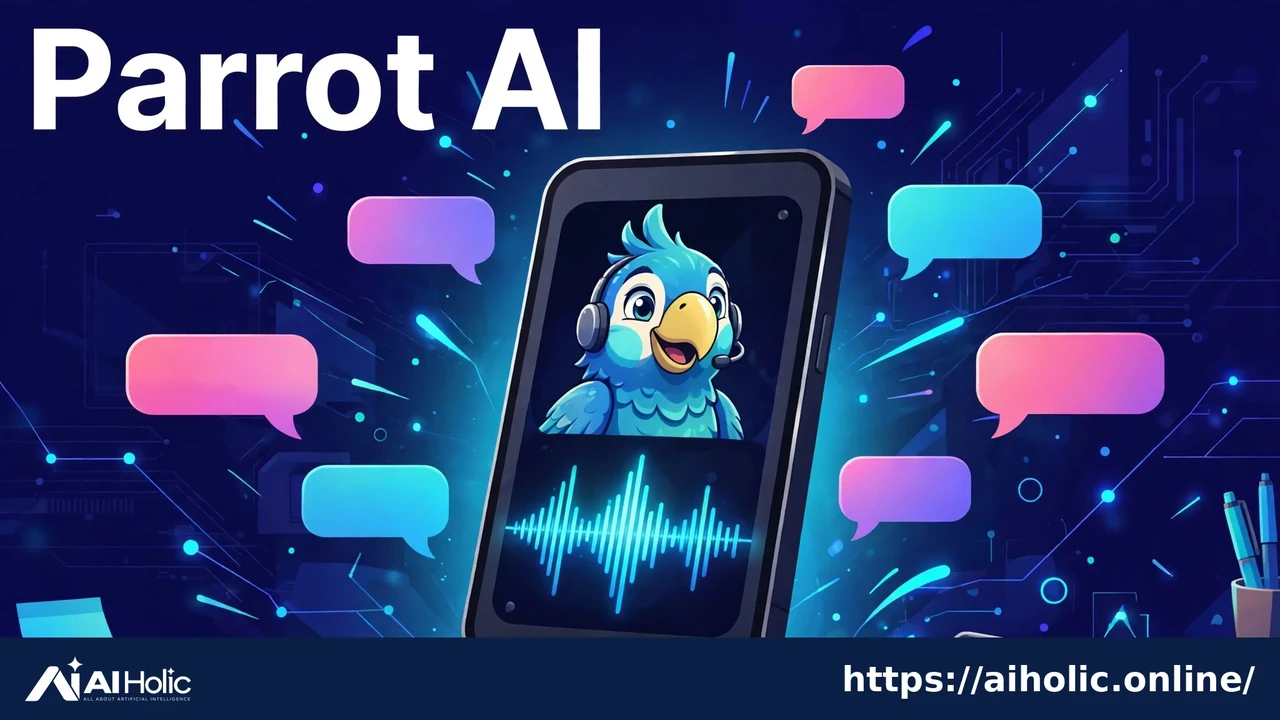
Type a short line, pick a famous voice, and get back a video of that voice saying your words. That is the core idea of parrot ai, a web and iOS app from Lesto Labs. Its home page sums it up in five words: make a celebrity say anything.
At AI Holic, we sort out tools that share a name so you land on the right one. This guide explains what the app does, how it works, what it costs, where it falls short, and how to tell it apart from four other tools that use the same name. You will also learn the rules that keep your clips safe and legal.
What Is Parrot AI?
Parrot AI is an entertainment app that makes short voice and video clips. You type a script, choose a voice, and the app speaks your words and pairs the audio with a talking video. The library covers famous actors, singers, politicians, and cartoon characters, plus voices made by the user community.
The app comes from Lesto Labs LLC and first appeared on the App Store in October 2022. It runs on the web and on iOS. The company reports more than 10 million downloads, but no outside source has checked that claim.
The app is built for fun, not for work. People use it for birthday greetings, jokes, roasts, prank clips, and memes, plus short posts for TikTok, Reels, and Shorts. A first clip takes minutes, not hours.
How Parrot AI Works
The workflow has three steps, and each one takes seconds. First, you pick a voice from the library.
Second, you type the script you want spoken. Third, you press generate and the app returns an audio clip or a talking video.
The voice library holds over 100 official and community voices. Each video uses one voice, so you cannot mix two famous voices in a single clip.
The script box has a character limit, and that limit has changed over time. The official help center now says you can enter up to 500 characters at a time on the web and on iOS. Older reviews report 300 characters, and the oldest report 100, so check the box you see today before you plan a long script.
After you type the script, you can tune the result with settings such as Rephrase, Make funnier, Realistic, On character, and Shorten. Paid plans can remove the watermark before you export the clip.
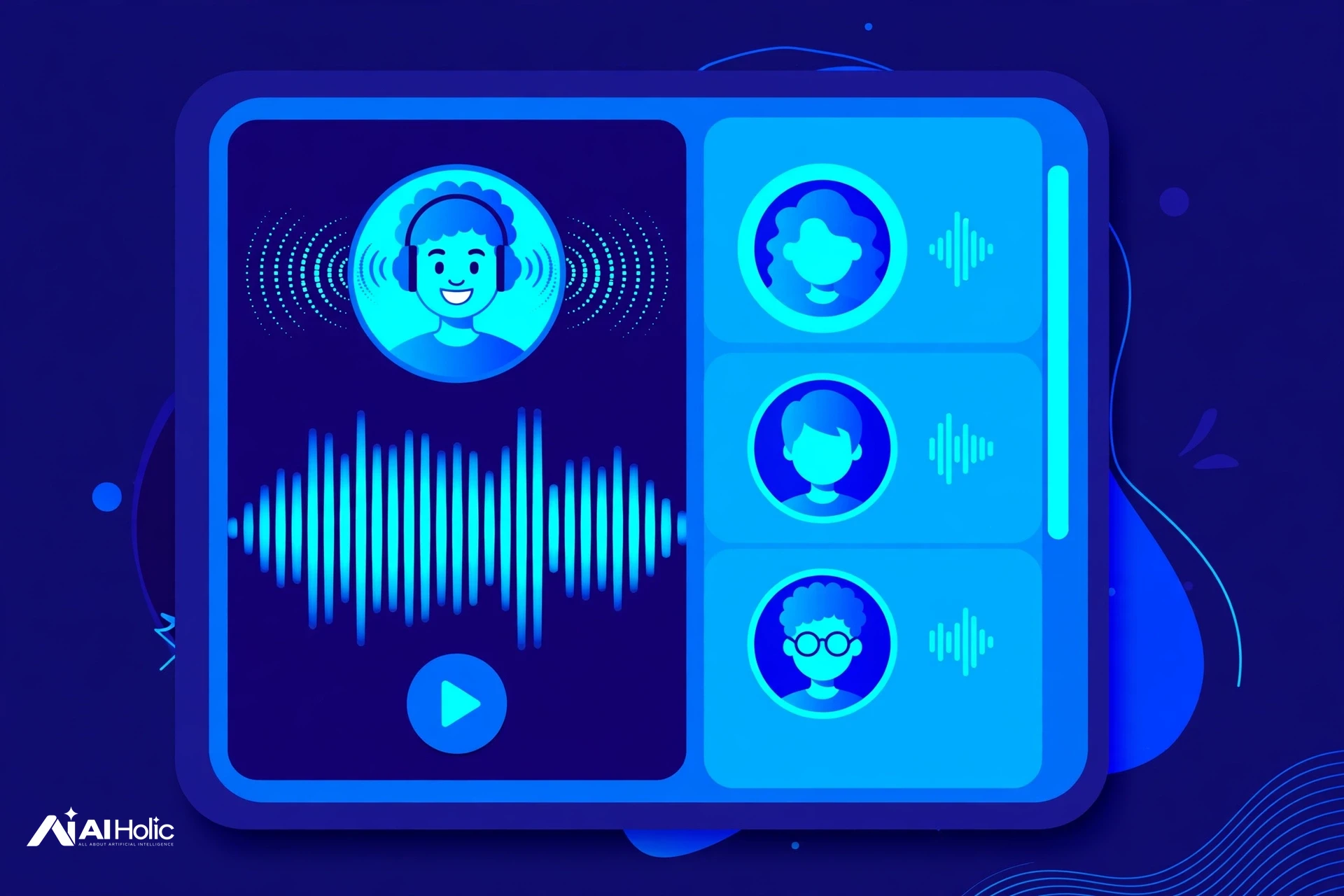
Cartoon voices work in a different way from human voices. They are image only and do not lip sync, so expect a still image with audio rather than a moving mouth.
The app also supports voice cloning and a speech to speech mode. You can upload a clean voice sample and make a clone of your own voice, then reuse it across clips. Speech to speech turns your own recorded words into the voice you picked.
Key Features
It covers actors, singers, politicians, and cartoon characters, from Morgan Freeman to SpongeBob and Homer Simpson. The most used voices also tend to sound the most natural.
Talking videos are the headline feature. The app pairs the voice with a photo or avatar and moves the lips to match the words.
The app also lets you clone your own voice from an uploaded audio sample. That clone can read any script you type, which helps when you want a steady voice across many clips. Use your own voice or audio you have clear permission to use, and never clone someone else without their consent.
Smaller tools sit around the core workflow. AI Music can turn a song link into a cover in a picked voice, and the meme tools can animate a picture or build a quick joke image.
Speed is a real strength. Reviewers report that most generations finish in under 30 seconds. That speed fits the use case, since the clips are short and meant to be shared right away.
If you like voice-led tools, our guide to AI talk covers chat and voice apps in the same space. Our list of the best AI tools puts it next to voice, video, and image apps you may already know.
Pricing
Parrot AI sells its plans in two places, and the prices are not the same in both. The website bills once a year, while the App Store lists weekly, yearly, and lifetime purchases. Check the price where you plan to pay.
| Plan | Price | What you get |
|---|---|---|
| Free (web) | $0 | 5 welcome credits after email check, popular voices, standard quality, watermark on exports |
| Pro (web) | $39.99 per year | All voices, instant voice cloning, talking videos, speech to speech, 100 voice generations a month, no watermark |
| Max (web) | $299.99 per year | All Pro features, 100 Playground credits a month, 200 plus third-party models, photo and video tools |
| App Store | $3.99 to $6.99 per week, $39.99 per year, lifetime $14.99 to $59.99 | Pro access options and a small credit pack at $6.99 |
Older reviews list very different prices, and that gap needs a plain note. Reviews from 2024 and 2025 cite a $21 weekly plan and $79 and $99 lifetime plans in the app.
Those prices conflict with the yearly web prices shown above, which were checked in October 2026. The web prices are the newer figures, but always confirm the current price before you pay.
Two honest warnings come from independent testers. First, the free tier is thin: you get 5 welcome credits after you check your email, and the headline talking video feature carries a Pro tag on the web.
Second, video generation runs on separate credits, and some yearly subscribers said in App Store reviews that they still had to buy more credits to make videos. Read the plan page and the renewal terms before you subscribe.
The Same Name, Different Tools
At least five different products use this name. The table below sorts them out at a glance. If the page you landed on does not match the first row, you have found a different product.
| Product | What it is | Who it is for |
|---|---|---|
| Celebrity voice and video app (tryparrotai.com) | Talking videos and voice clips with famous and character voices | Anyone making jokes, memes, and birthday clips |
| AI-Parrot Python framework (PyPI) | Code library for building AI agents and chatbots with tool use and agent chat | Python developers building agents |
| Parrot Mac meeting recorder (openparrot.app) | Free open source Mac app that records calls and writes meeting notes on your own machine | Mac users on sales, client, and interview calls |
| Advisor360° meeting assistant | Meeting assistant built into a wealth management CRM | Financial advisors and their firms |
| Parrot classroom agent (ICML 2025) | Research agent that helps teaching and learning in live classes | Teachers and education researchers |
AI-Parrot on PyPI is a code framework, not an app you open and use. It helps Python developers build agents and chatbots, connect them to language models, and serve them through APIs.
The Mac meeting recorder is a separate free tool with no link to the voice app. It needs an Apple Silicon Mac with macOS 14 or later, and it records your microphone and system audio, then writes a summary with action items.
No meeting bot joins your call, and transcription runs on your Mac with Whisper. You can point it at Claude, OpenAI, or Gemini, but only the text goes to those services, never the audio.
The Advisor360° product is a third distinct tool, built for wealth management firms. It captures client meetings, writes summaries, pulls key facts from tax returns and estate papers, and pushes follow-up tasks into the firm’s CRM. It is sold to firms, not to the public, and its price is not listed.
The last one is a research project, not a product. Parrot, the classroom agent from ICML 2025, studies how an AI agent can act as a curious student and an assistant lecturer during live teaching. You cannot download it as an app.
How to Make Your First Talking Video
Start on the web, where the free tier is clearest. Sign up with your email, check it to claim your 5 welcome credits, and open the Voices page. Pick one voice and keep your first script short.
- Choose a voice: search the library by name and pick one official voice for your first try.
- Write your script: keep it under 500 characters and write it the way people speak.
- Pick AI Voice for a talking video, or AI Music if you want a song cover instead.
- Press Generate and wait for the clip to finish.
- Watch the result, then use Rephrase or Make funnier if the tone is off.
- Export the clip with the watermark if you are on the free tier, or remove it on a paid plan.
Limits and Risks to Know
The free tier is the first limit. Five credits do not go far, and the talking video feature needs a paid plan on the web. If you came to make a celebrity say something for free, you will likely hit the paywall first.
Quality is the second limit. Some voices sound close to the real person, while others sound flat or off in tone.
Community voices vary more than official ones, so test a voice with a short line first. Longer scripts can also lose pace and sound uneven.
The app is honest about one limit in its own help pages: celebrity voice clips are for parody only and cannot be used to advertise, promote, or sell a product, service, or business. Free exports carry a watermark, and the app blocks some abusive, explicit, hateful, violent, or impersonation-related content. Treat those rules as hard limits, not suggestions.
The safety note matters more than any feature. Cloning a real person’s voice or face without consent can mislead people and may break platform rules or the law.
A clip that makes a real person appear to say words they never said can spread as if it were true. Use the tool for jokes with friends, label parody clips as parody, and never use a cloned voice to trick, scam, or defame anyone.
Voice cloning sits inside a wider field that Wikipedia calls voice cloning, where software builds speech that mimics a specific person. The same page notes that this kind of audio has been used in scams and misinformation campaigns.
A second Wikipedia page on digital cloning covers how audio, photos, and video can be combined into a copy of a person. Both pages are worth a read before you clone any voice that is not your own.
App Store feedback adds a caution of its own. The app averages 4.6 out of 5 from more than 139,000 ratings, but 25 of the 50 most recent written reviews read in October 2026 gave one star. Most complaints were about billing, so read the recent reviews and the renewal terms before you pay.
Alternatives
The app sits at the fun end of the voice market. ElevenLabs is the stronger pick when voice quality and control matter most, with pro voice cloning, dubbing, and speech tools for serious work. HeyGen fits business videos, with avatars, presenters, and translation for training and sales clips.
GoEnhance and Pollo AI suit creators who want the visual side to carry the idea, with image and video tools that go past a talking head. Filmora is a good pick if you want a voice changer inside a full video editor, with voice effects and text to speech in one place.
Our guide to AI character cards covers a related corner of this market, where fictional characters talk with you instead of speaking a script you wrote.
Who Should Use It
The app fits people who make short fun clips for friends and social feeds. A birthday greeting in a famous voice, a roast for a group chat, or a meme for TikTok takes minutes. Casual creators and meme pages will get the most from it.
It is a poor fit for business use. The parody-only rule blocks ads and promos, and the voice quality is uneven.
It is also a poor fit for long narration, audiobooks, or any job where the voice must sound steady for minutes at a time. Pick ElevenLabs or a pro voice tool for those jobs instead.
Students and hobby makers sit in the middle. The free credits are enough to test the idea, and the iOS app makes it easy to share a clip with friends.
Frequently Asked Questions
Is Parrot AI free?
Yes, there is a free tier on the web. You get 5 welcome credits after you check your email, with popular voices, standard quality, and a watermark on exports.
The talking video feature needs a paid plan, so expect to pay before you make the headline feature work. Start with the free credits to test the idea.
How much does it cost?
On the web, Pro costs $39.99 per year and Max costs $299.99 per year, per October 2026 checks. The App Store lists weekly plans from $3.99 to $6.99, a yearly plan at $39.99, and lifetime options from $14.99 to $59.99. Older reviews cite different prices, so confirm the current price before you pay.
Can Parrot AI clone my own voice?
Yes. You can upload a clean voice sample and make a clone of your own voice, then reuse it across videos and messages.
The feature sits in the Pro plan on the web. Only clone your own voice or audio you have clear permission to use. The clone only works with clear audio, so record in a quiet room.
Can I use the celebrity voices for ads or business videos?
No. The official help pages state that celebrity voice clips are for parody only and cannot be used to advertise, promote, or sell a product, service, or business.
Use the tool for jokes and entertainment, and pick a different tool with licensed voices for commercial work. Licensed voice tools are the safer choice for any commercial project.
Which Parrot is the meeting notes app?
That is a different product with the same name. The meeting recorder is a free open source Mac app at openparrot.app, with no link to the voice app. There is also an Advisor360° tool for financial advisors, and a Python framework called AI-Parrot for developers.
It runs on macOS 14 or later and needs an Apple Silicon Mac.
Conclusion
Parrot AI is a fun, fast way to make short voice and video jokes, as long as you know its limits. Start with the free credits, keep scripts short, label parody as parody, and check the price before you pay.