M.2 AI Accelerator: How the Tiny Card Adds On-Device AI to Any PC
If you don’t want to read the whole guide or have difficulty reading, you can listen to this guide instead.
A small card can give an old PC new AI skills. That card is called an m.2 ai accelerator, and it slides into the same M.2 slot that holds many SSDs. It runs AI models on your own machine, so your cameras, voice tools, and local apps work without sending data to the cloud, and this guide explains what it does, which cards exist, and how to pick one that fits your slot.
At AI Holic, we test AI hardware in plain words. You will learn how the slot and key system works, how the main cards compare, and what to check before you buy. No jargon is needed, and every claim comes from sources you can check.
What an M.2 AI Accelerator Is
An m.2 ai accelerator is a small card that plugs into an M.2 slot and runs AI models on your own device. It is built for inference, which means running a trained model on new data. It does not train models, and it does not replace your CPU or GPU.
The card works beside your main parts. Your CPU still runs the app, and the accelerator takes the model math. That split is why a small card can speed up cameras and local AI tools so much.
These cards grew out of edge computing, where the work has to happen on the device itself. A door camera, a factory sensor, or a small shop PC cannot wait for a cloud server to answer. The card puts the model where the data already is.
Size, Keys and Slots
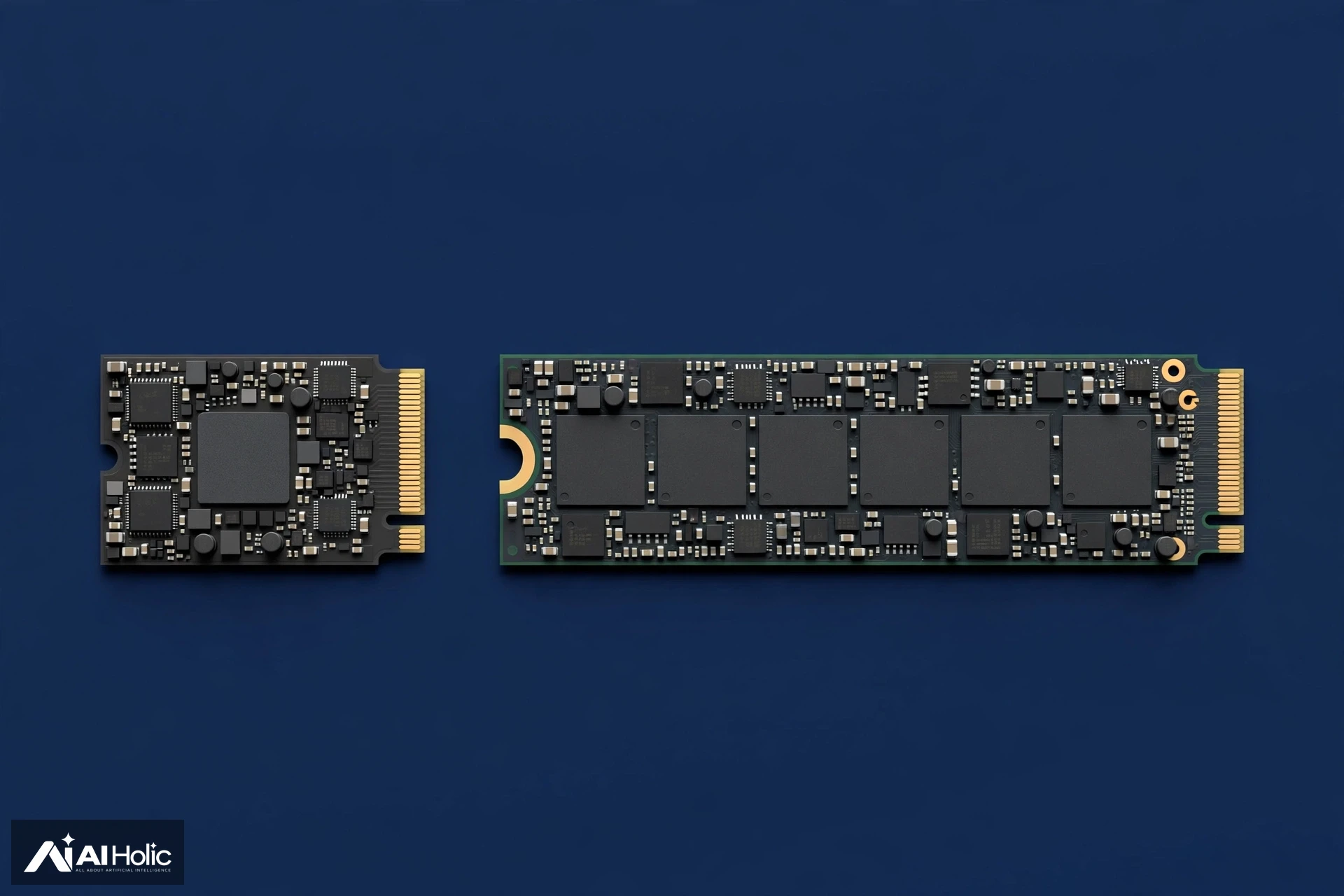
M.2 is a shape, not a speed. The number in a size code tells you the size, so 2280 means 22 mm wide and 80 mm long, and 2230 means 22 mm wide and 30 mm long.
The key is the notch in the edge connector, and it decides what fits. M key slots carry up to four PCIe lanes, B key slots carry two lanes plus SATA and USB, and A and E keys serve Wi-Fi and Bluetooth cards. You can read more in the M.2 keying guide on Wikipedia.
Most accelerator cards use M key, B+M key, or A+E key, so check your slot before you buy. A card that fits the wrong key will not slide in at all, and a card in a one-lane slot will run slower than its headline number.
| Key | PCIe Lanes | Common Use |
|---|---|---|
| M key | Up to 4 | NVMe SSDs and AI accelerators |
| B key | Up to 2 | SATA SSDs and modems |
| B+M key | Up to 2 | Cards that fit B or M sockets |
| A+E key | Up to 2 | Wi-Fi, Bluetooth and some AI cards |
How an M.2 AI Accelerator Works
Your app sends a picture, a sound clip, or a line of text to the card. The card runs the model and sends back a result, such as a label, a face match, or a transcript.
The model must fit the card first. Most cards run models in 8-bit math, so a model is shrunk and compiled into the card’s own format before it can run.
That step is where buyers get stuck. A card can only run models its tools support, so check the model list before you buy, not after.
Each card has its own build path. Hailo models ship as HEF files from its Model Zoo, and Coral models need the Edge TPU Compiler. Both paths add a build step that a plain GPU app skips, so set aside time to learn the tools.
What TOPS Really Means
TOPS means trillion operations per second, and makers quote it at one precision, often INT8. It is a peak number from the chip maker, not a speed you will see in every app.
Two cards with the same TOPS can feel very different. Model fit, host speed, and the app around the model all change the real result, so treat TOPS as a rough guide.
The honest test is frames per second on your model, on your host, with your cameras. If a review shows that number, trust it more than any TOPS figure on a box.
M.2 Card or GPU: Which Wins
A GPU is the stronger all-round part. It trains models, runs games, and handles almost any AI job you give it, but it costs more, uses more power, and needs a full-size slot and cooling.
The small card wins on power and size. It sips a few watts, fits in a mini PC or a laptop slot, and runs one job well, which is all a camera box or a small server needs.
Pick the card when the job is fixed and always on, such as watching cameras or sorting items on a line. Pick a GPU when the job keeps changing, or when you also need to train models. Our guide to the best GPU for AI covers the bigger side of this choice.
Which Card Should You Pick
The m.2 ai accelerator that fits best depends on your slot, your models, and your budget. The three names you will meet most are Coral, Hailo, and DeepX, and they sit at very different points on price and support.
Google’s Coral Edge TPU was the first cheap card many people tried. It gives 4 TOPS at about 2 watts, runs TensorFlow Lite models, and comes in a tiny M.2 2230 A+E card.
Coral is now a hard buy for new builds. Google archived the Edge TPU code in April 2026, stock is thin, and Frigate no longer points new users at Coral. An old Coral still works in a setup that already runs, but buying one new is hard to defend.
Hailo is the card most guides now point to. The Hailo-8 gives up to 26 TOPS in an M.2 module, and the smaller Hailo-8L gives 13 TOPS for about 70 dollars. Both run current vision models, and the Hailo Model Zoo ships ready-made models for common jobs.
DeepX is a newer name in the same space. Its DX-M1 card is listed at about 25 TOPS, but it has a smaller model library than Hailo, so check model support first.
Prices move fast, so treat any number here as a guide. The Hailo-8 M.2 module sells for around 200 dollars, the Hailo-8L kit for about 70 dollars, and used Coral cards now cost more than they did new. Check the live price on the day you buy.
| Card | TOPS | Power | Best For |
|---|---|---|---|
| Coral Edge TPU | 4 | About 2 W | Setups that already run Coral |
| Hailo-8L | 13 | Low | Pi 5 and budget camera builds |
| Hailo-8 | 26 | About 2.5 to 5 W | Many cameras and larger models |
| DeepX DX-M1 | About 25, listed | 3 to 5 W | Edge vision where supported |
What You Can Run on One
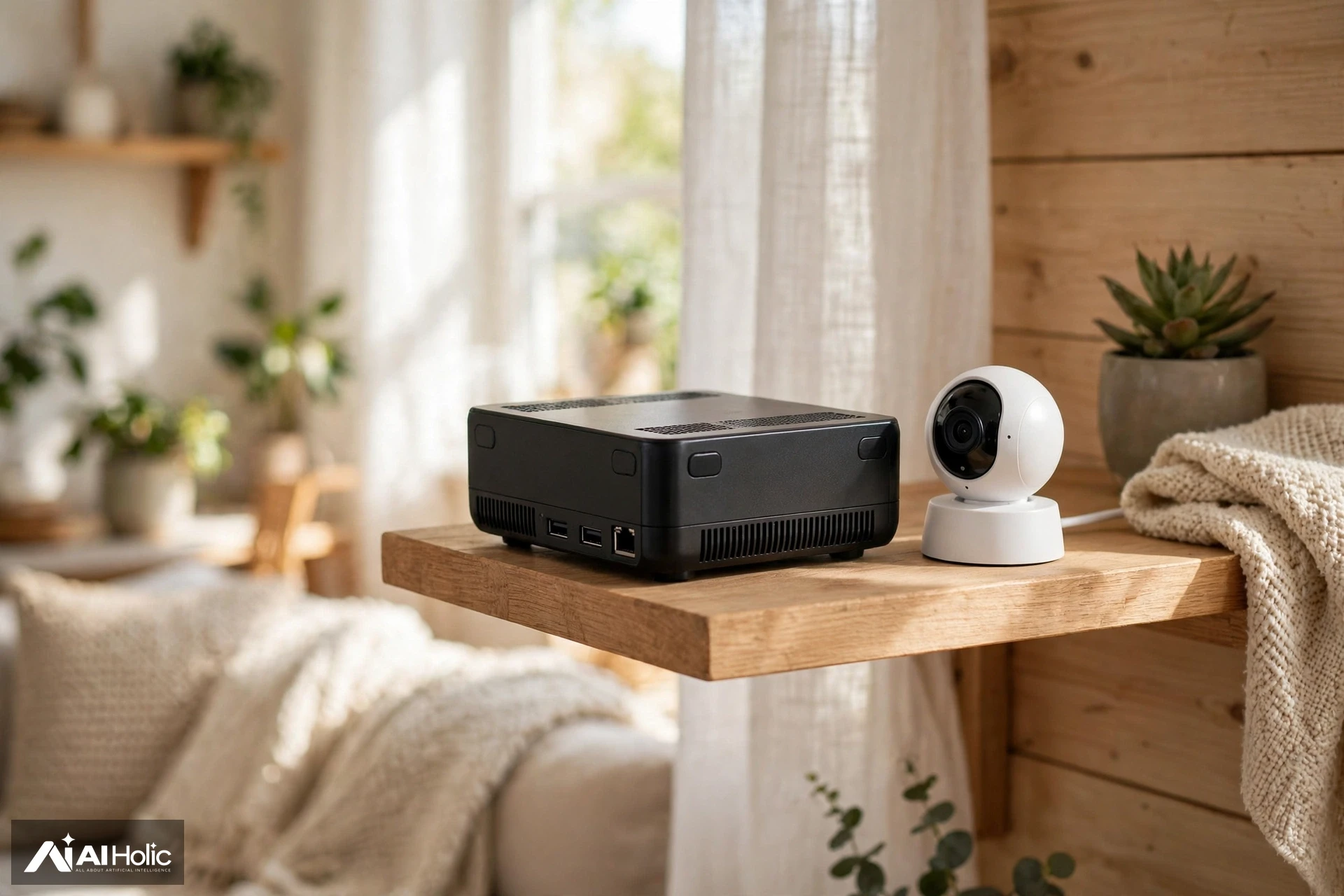
Home cameras are the most common use. An m.2 ai accelerator can watch several camera feeds and flag people, cars, or pets without sending video to a cloud server. Our roundup of edge AI camera news shows how fast this space moves.
Small firms use the same cards for shelf checks, package sorting, and machine inspection. The card spots faults on a line while the video stays on site.
Makers also use them for voice tools, chat on local models, and smart home hubs. If the job needs a fast answer on live data, a local card often beats a cloud round trip.
Privacy is the quiet win. Your video never leaves the house, so there is no monthly fee and no cloud copy of your home. That alone is why many people pick a local card over a cloud camera plan.
- Object detection on home cameras, with alerts that stay local.
- Face checks at a door or gate, without a cloud account.
- Fault spotting on small factory lines and packing benches.
Before You Buy: Five Checks
Five quick checks save you from a card that does not fit or does not run your model. Run through them before you pay, not after the box arrives.
- Slot key and length: open the manual and confirm the key and length your slot takes.
- PCIe lanes: a one-lane slot will cap a fast card, so check the lane count in the specs.
- Model support: confirm your model runs on the card, in its own format, before you pay.
- Drivers and OS: Coral’s Linux driver path is now a known pain, while Hailo ships current drivers.
- Cooling and power: give the card air flow, and add a thermal pad if the case runs hot.
A card that passes all five checks is a safe buy. A card that fails even one can sit in a drawer, so spend ten minutes on the manual first.
Watch: Google Coral TPU M.2 Review
This short review shows the Coral M.2 card up close, with its size, specs, and power use. It is a good next step if you want to see the card before you buy one.
Frequently Asked Questions
Can I use one in a laptop?
Yes, if your laptop has a free M.2 slot with the right key and length. Many laptops have only one slot, and it holds the SSD, so check the manual first. Our guide on how to check a laptop for AI model hosting shows what to look for.
Does it speed up gaming?
No. These cards run AI models, not game graphics. A GPU still does that job, and a small card will not add frames to your games.
Do I need one for a home camera setup?
Not always. A modern CPU or integrated GPU can run a few cameras on its own. A card pays off when you add more cameras or want faster answers on live feeds.
Can it train AI models?
No. These cards are built for inference, which is running a trained model. Training still needs a GPU or a cloud machine.
Will it work with Windows?
Some cards list Windows support, including Coral, but most tools and guides target Linux. Check the driver page for your card before you buy.
Conclusion
In short, an m.2 ai accelerator is worth it when you run AI models at home or at work and want fast, private answers. Pick the card that fits your slot, runs your models, and has current drivers. Check the manual, check the model list, and buy once.